The Short Answer
HIPAA compliant task management means your clinic uses a task tool whose vendor has signed a business associate agreement (BAA) with you before any patient name goes into a task, and your team uses it the way that agreement requires. HHS treats a cloud service that creates, receives, maintains or transmits patient information for a clinic as a business associate, so a task app holding patient follow-ups is no exception. General-purpose tools can work on the right plan, since ClickUp offers a BAA to Enterprise customers and Asana requires its HIPAA feature to be switched on under a signed Business Associate Addendum and never allows patient information in its free version. Tabflows gives a clinic team tasks, owners and follow-ups tied to the patient for free, and every clinic on Tabflows is covered by our standard BAA from sign-in, with the full BAA public. A compliant task tool is only half of the job, because patient information also slips through the tabs and copy-paste between the tools a clinic already uses.
The rest of this guide covers both halves, starting with what to check in a task tool and then the gaps around your other tools where patient information actually slips.
What makes task management software HIPAA compliant?
No task app is HIPAA compliant on its own. Compliance comes from the agreement you sign with the vendor, the plan you are on and how your team works inside the tool. When you compare HIPAA compliant task management software, check these things before the first patient task goes in.
- A signed BAA that covers your plan. HHS says a cloud provider that stores or processes patient information on your behalf is a business associate, which is why the BAA comes first. Many vendors sign one only on their top plans.
- A sign-in for every person. Shared logins make it impossible to know who saw or changed a task. Asana's HIPAA terms, for example, require two-factor sign-in, SSO or Google sign-in for every user.
- Access limited to the people who need it. Private projects, roles and need-to-know visibility keep a front desk task from showing a patient's lab history to the whole team.
- Clear rules for add-ons. AI features and integrations often sit outside a vendor's BAA, so check which ones stay switched on and whether each connected app needs its own agreement.
- A clear role in your stack. Your EHR stays the record. A task tool should hold the follow-up, the owner and the due date, not become a second chart.
HIPAA compliant task management tools compared
Here is what each vendor says on its own pages today about using its task tool with patient information.
- Asana. BAA: Business Associate Addendum, HIPAA feature on. Fine print: Not the free version, not a system of record, not for patient messages, some AI and integrations off. Best for: Clinic operations projects.
- ClickUp. BAA: BAA for Enterprise customers. Fine print: AI terms have a separate Healthcare use section. Best for: Larger teams already on Enterprise.
- Tabflows. BAA: Standard BAA for every clinic from sign-in. Fine print: Tasks are free and tied to the patient. Best for: DPC, concierge and private clinics.
Asana and ClickUp are strong general project tools, and plenty of clinics run internal projects in them. The friction shows up when the work is patient follow-up, because those tasks need the patient's context from the EHR, the messaging tool and the billing tool, and a general project app was never built to talk to those systems.
Who should pick which
- Pick Asana if you already run on it and will turn on its HIPAA feature and sign its terms before any patient information goes in. Where it wins: a HIPAA feature you turn on across the organization.
- Pick ClickUp if you are on its Enterprise plan with a signed BAA. Where it wins: tasks, docs, goals and chat in one app.
How to set up HIPAA compliant task management in a small clinic
- List what your team tracks today. Refills, lab follow-ups, forms, callbacks and membership questions usually live in sticky notes, inbox flags and memory. Write down where each one lives now.
- Pick the tool and sign the BAA first. Confirm the plan, sign the agreement, and turn on any HIPAA setting the vendor requires before anyone adds a patient name.
- Give everyone their own sign-in. Turn on two-factor sign-in, and remove access the same day someone leaves.
- Decide what goes in a task. A patient name, the next step, an owner and a due date are usually enough. Clinical detail stays in the chart.
- Review open tasks every day. A short look at what is overdue keeps follow-ups from quietly aging out, and it is the habit that turns a compliant tool into a safe workflow.
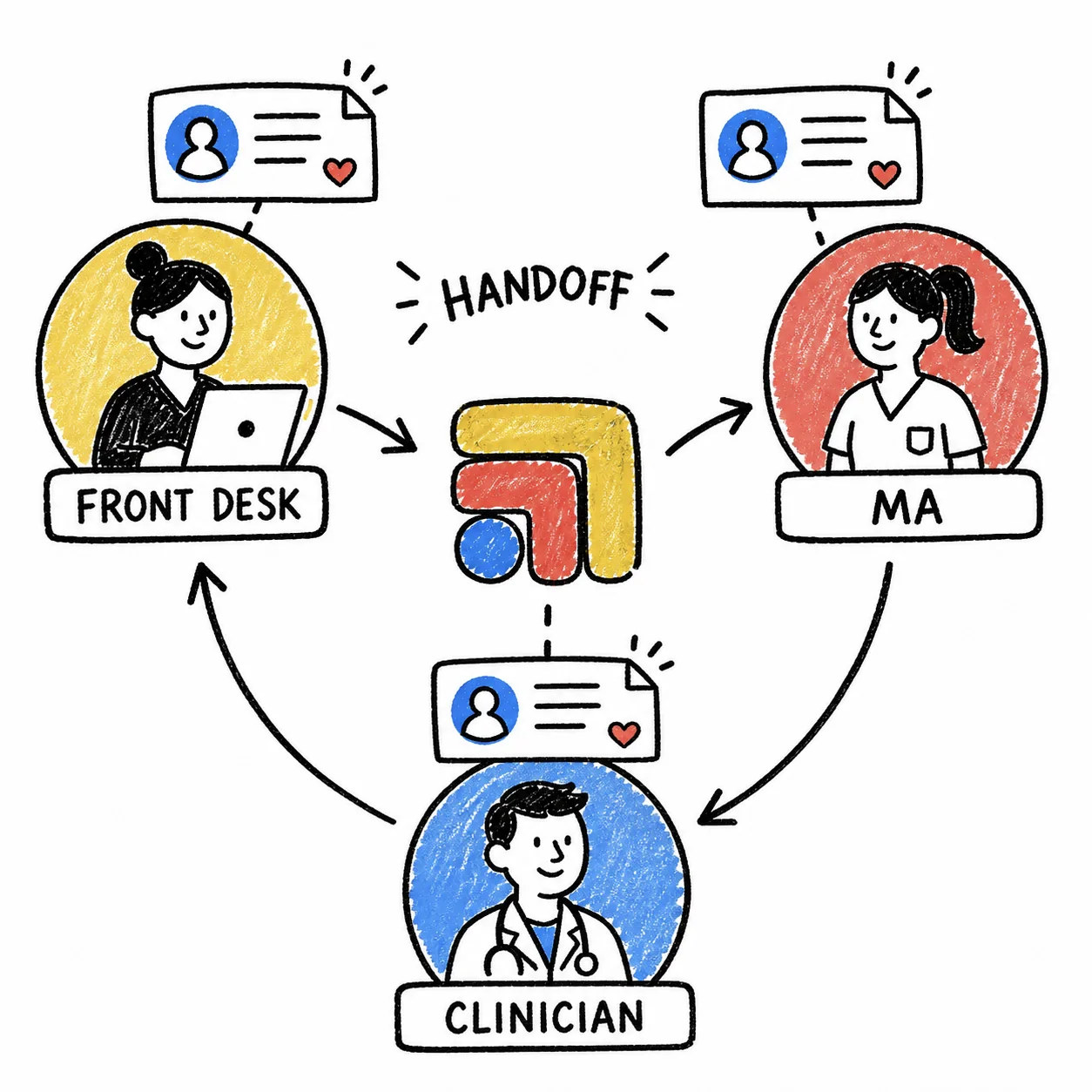
Your EHR Is Compliant. Your Workflow Might Not Be.
You did the responsible thing. You chose a HIPAA-compliant EHR, signed the BAA, and checked the box. But here's the uncomfortable question. What about the eight other tabs you have open during a patient visit? Your lab portal, your messaging app, your supplement dispensary, that Google search you ran for a drug interaction. Each one is a surface area for exposure, and most DPC practices don't think about them the same way they think about their EHR.
HIPAA compliance isn't a feature you buy from one vendor. It's a property of your entire workflow, every tool, every tab, every copy-paste and every screen share. And in a DPC practice where you're juggling eight to twelve web-based tools throughout the day, the compliance picture is a lot more complicated than a single BAA suggests.
Where PHI Actually Leaks
The Copy-Paste Problem
A patient asks about a lab result through Spruce. You open the lab portal, find the result, and copy it into your reply. That value just traveled through your clipboard, which means any other application on your computer could theoretically access it. Now imagine you accidentally paste it into a Slack message or a Google Doc instead of the Spruce reply. It happens more often than anyone admits.
The more tabs you have open, the more opportunities there are for information to end up in the wrong place. It's not carelessness. It's the natural result of a fragmented workflow where you're constantly switching contexts and moving data between tools by hand.
The "Wrong Tab" Problem
You're sharing your screen with a colleague to discuss a clinical question. You click what you think is the reference tab, but it's actually a patient's lab results in the next tab over. Or you're on a telehealth call and you navigate to the wrong browser tab, briefly exposing another patient's information. These aren't hypothetical scenarios. They're the kind of small mistakes that happen when your tab bar looks like a wall of identical favicons.
The Forgotten Tab Problem
You pull up a patient's chart in the morning, then get pulled into a different task. Three hours later, that chart is still open in a background tab, visible to anyone who walks past your screen, accessible if your computer isn't locked, and completely forgotten. Multiply that by the five or six patient charts you open throughout a busy clinic day, and you've got PHI sitting in plain sight across your browser.
Practical Steps to Tighten Your Workflow
Audit Every Tool That Touches PHI
Make a list of every web-based tool you use during a clinical day. For each one, ask whether this tool has a BAA. Is data encrypted in transit? Can sessions auto-lock? Most DPC docs can rattle off their EHR and messaging platform, but forget about the lab portal, the e-prescribing tool, and the clinical reference they use five times a day.
Minimize the Number of Open Tabs
This sounds simplistic, but it's one of the most effective things you can do. Fewer open tabs means fewer places for PHI to sit unattended, fewer chances for wrong-tab mistakes, and less cognitive load that leads to sloppy copy-paste errors. The goal isn't to use fewer tools. It's to organize them so they don't sprawl across your browser unmanaged.
Use Purposeful Workspaces Instead of Random Tabs
Instead of opening tools ad hoc throughout the day, set up intentional workspaces where each tool has a designated place. When you're done with a patient encounter, close that workspace context cleanly instead of leaving tabs lingering. This is fundamentally different from the "open tabs as needed" approach that most clinics default to.
How Tabflows Reduces Compliance Risk
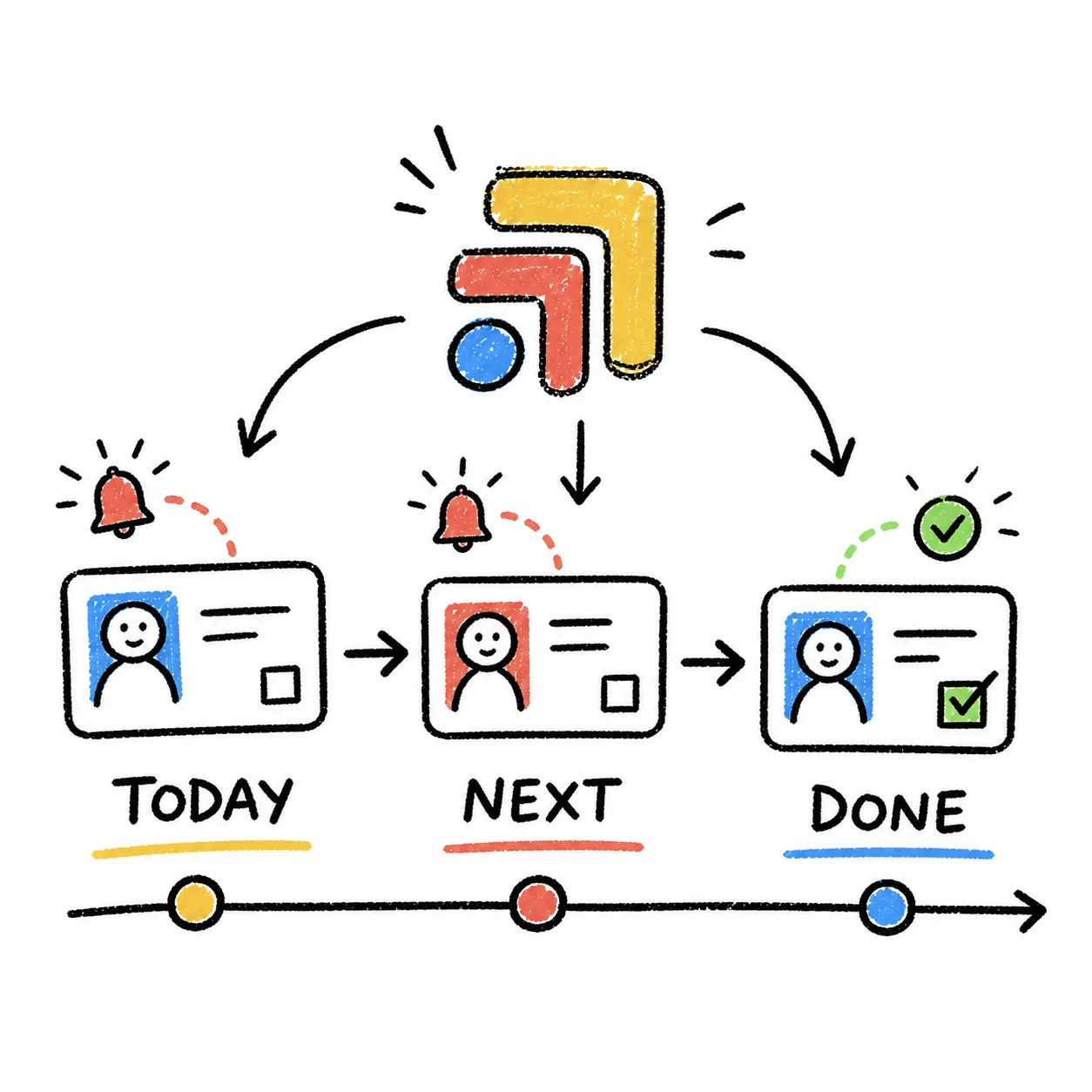
Tabflows doesn't replace your HIPAA-compliant tools. It works across the ones you already use, like Elation, Spruce and Hint, and gives the work between them one shared place, with tasks, owners, due dates and follow-ups tied to the patient. Every clinic on Tabflows is covered by our standard BAA from sign-in, the tasks are part of the free tools, and Tabflows does not require or store your clinic's logins for those other systems.
When a refill request, a lab result or a patient question becomes a task with the patient attached, your team stops copying details from one tab into a notes app or a group chat just to remember them. Fewer copies of patient information means fewer places for it to end up in the wrong hands, and everyone can see who owns the next step without asking around.
HIPAA compliance is easier when your workflow is organized, and harder when the work is spread across tools that were never built to talk to each other. Tabflows doesn't make your other tools compliant, because your vendors do that. But it makes your workflow between those tools cleaner, more intentional, and less prone to the human errors that cause real breaches.
Stop Tab-Switching. Start Protecting.
The biggest HIPAA risks in a DPC practice aren't technical failures. They're workflow failures, the kind that come from tools that were never built to talk to each other. Too many tabs, too much context switching, too many opportunities for a tired doctor to paste something in the wrong place. Tabflows can't sign your other vendors' BAAs for you, but it will give you the organized, intentional workflow that makes compliance a natural byproduct of how you work. If you want to see what that looks like with your own tools, find your fit or start with the free tasks.
Sources
Checked on November 5, 2026: asana.com/terms/hipaa-requirements-and-limitations and clickup.com/faqs. Spot a wrong fact? Email a correction.
FAQs
What makes task management software HIPAA compliant?
A task tool is HIPAA compliant for your clinic when the vendor signs a business associate agreement (BAA) with you and the tool protects patient information with encrypted data, a separate sign-in for each person, and access limited to the people who need it. Your team still has to use it that way. Many general-purpose task apps offer a BAA only on certain plans, so confirm the plan covers it before a patient name goes into a task. Tabflows' tasks are free, and every clinic on Tabflows is covered by its standard BAA from sign-in.
Is Asana HIPAA compliant?
Asana can be used with patient information only under its Business Associate Addendum and with its HIPAA compliance feature switched on for the whole organization. Asana's HIPAA terms say patient information may not go into any free version, Asana may not be used as a system of record for it or to communicate with patients, every user needs two-factor sign-in, SSO or Google sign-in, and some AI tools and integrations may be unavailable once the feature is on. Integrations from other vendors need their own BAAs.
Is ClickUp HIPAA compliant?
ClickUp's help center says it can support HIPAA compliance for Enterprise customers by agreeing to a BAA, and it points to the Healthcare use section of its AI terms for its rules on protected health information. If your clinic is not on an Enterprise agreement with a signed BAA, keep patient details out of ClickUp.
Can we use a free task app for patient follow-ups?
Only if the vendor signs a BAA that covers the plan you are on. Asana's HIPAA terms rule out its free version for patient information, and many general task apps work the same way. Tabflows is different here because its tasks are part of the free tools and every clinic is covered by its standard BAA from sign-in.