
What's the best way to get clinical messages from Spruce into the patient's chart in Atlas.md?
The best way today is to write a short Atlas.md note for each clinically important Spruce conversation, the same day, from one simple template, because Spruce has no Atlas.md integration that moves threads into the chart for you. Spruce's help center describes chart integrations with Elation and athenahealth and contact syncs with Hint and ModMed, and a search for Atlas.md turns up none. So the clinical part of a Spruce conversation reaches the Atlas.md chart when someone on your team writes it into a note on the patient's record. For a solo DPC, that means a clear rule for which messages get charted, a three-line note format and a two-minute end-of-day check. The Spruce API and the CSV export exist, but they suit practices with a developer or a reporting need, not a doctor who wants tonight's refill request on the chart.
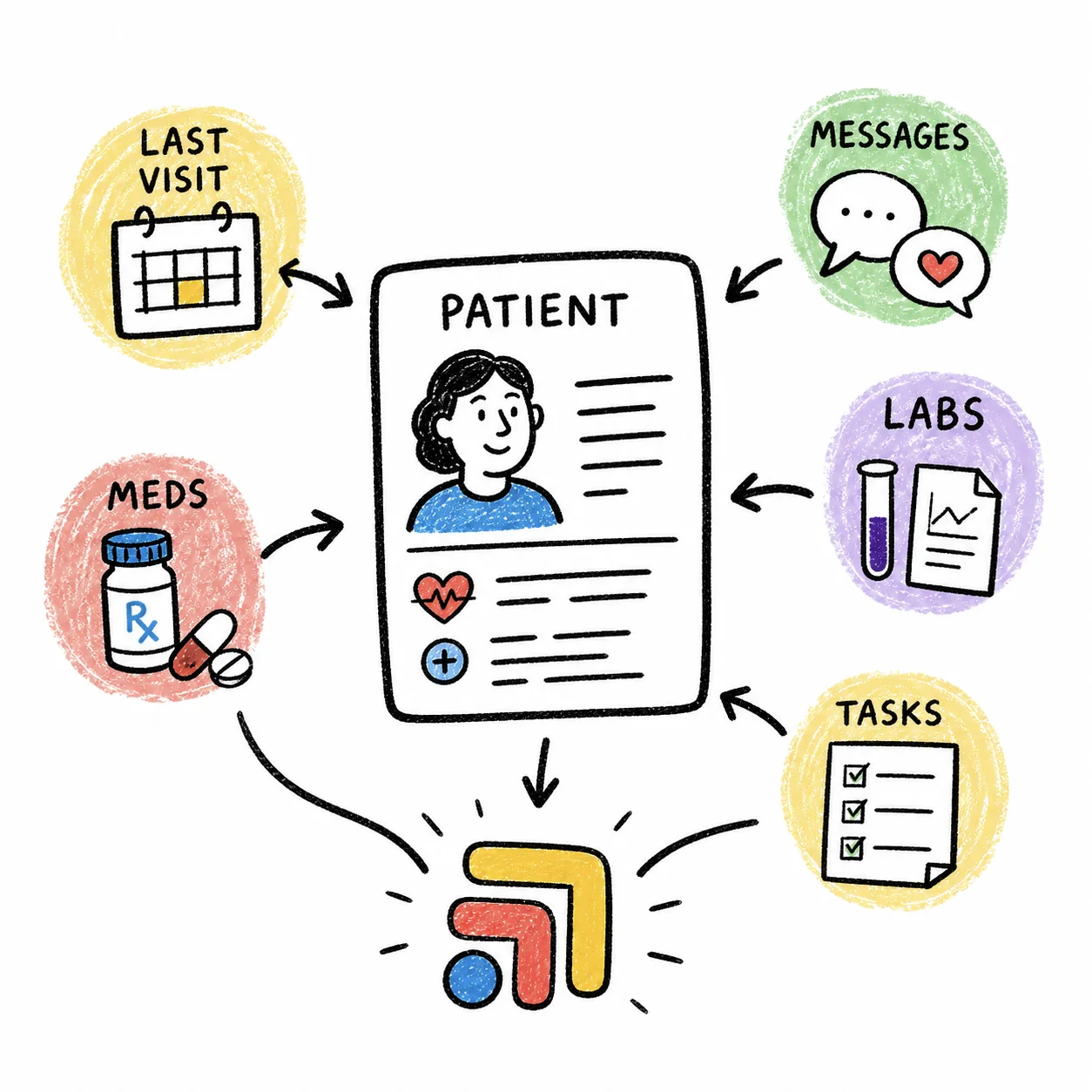
Spruce and Atlas.md are both good at their jobs. Spruce runs your phone line, texts, secure messages and fax, and Atlas.md holds the chart, the calendar and membership billing. The trouble is the space between them, where a member's note about a new symptom can sit in a Spruce thread while the chart says nothing about it. This guide covers what each tool offers for that gap and the simplest routine that keeps the chart complete.
What Spruce Offers for Getting Messages Out
Spruce gives you three ways to move conversation data somewhere else. None of them is a one-click "send to Atlas.md" button.
Native EHR integrations, but not with Atlas.md
Spruce's help center describes integrations that sync conversations to the chart for some EHRs. With Elation, for example, texts, voicemails, call logs and transcriptions can sync to the patient's chart. Spruce's integration articles also cover Hint, athenahealth and ModMed. A search of the help center for Atlas.md returns no integration article, so plan as if there is no native sync.
The Spruce API
Spruce's article on its API describes REST endpoints and webhooks that connect Spruce to EHRs and other systems. One of the listed use cases is to "push Spruce conversation data into other systems," such as updating a patient's chart with relevant messages or notes. Spruce says the API needs the Communicator plan and "support from Engineering or Development resources on your team," and it suggests integration partners such as Keragon or Morf Health for practices without a developer. A custom link to Atlas.md would also need a way to write notes into Atlas.md from outside, which Atlas.md's help pages we read don't describe, so ask Atlas.md before anyone scopes a build.
The CSV Data Export
Spruce's CSV Data Export sends contacts and conversation data on a daily or weekly schedule as a paid add-on on any plan, downloadable by admins in Spruce settings under Data Exports. Spruce says the structure is fixed and can't be customized. It is a good fit for retention and reporting. It isn't a way to put one conversation into one patient's chart.
How Atlas.md Accepts Notes and Documents
Atlas.md's help center describes three ways into the chart that matter here, and its own support video on the Atlas MD YouTube channel, "Adding Notes to a Patient's Chart," walks through the first one.
- Notes on the chart. From the patient's chart page, click the plus sign at the top right and choose Note. Atlas.md saves drafts automatically, and Save Draft lets you finish later. When you reply to a note, Attach Files lets you add PDFs, images and reports.
- The Files Inbox. Atlas.md's Files Inbox collects documents from outside, such as a connected Google Drive or Dropbox folder or an attachment you email to your account, and lets you assign each one to a patient's chart. Atlas.md suggests the likely patient, a category and a short summary for incoming PDFs.
- Atlas.md Mobile. From your phone, tap Share on a file, pick Atlas.md Mobile, choose the patient and tap Send to Patient Chart.
Atlas.md also has its own patient messaging, but most practices that run Spruce keep it because of the phone line, texting and fax, so the clinical conversation stays in Spruce and the chart needs a note.
How to Chart Spruce Messages in Atlas.md, Step by Step
- Decide what belongs in the chart. Chart anything with symptoms, clinical advice, medication or refill decisions, results you discussed and anything you'd want at the next visit. Scheduling and billing chatter can stay in Spruce, where it is searchable by patient.
- Mark the conversation in Spruce. Use a Spruce tag or an internal note such as "chart" on any conversation that needs documenting, so nothing depends on memory.
- Open the patient in Atlas.md. Go to Patients, select the patient and open their chart page.
- Add a note from a template. Click the plus sign, choose Note and fill in four lines with the date and channel (Spruce text or secure message), what the patient asked, what you advised, and who owns the next step. Paste the patient's exact words when they matter clinically.
- Attach anything the patient sent. If the Spruce message included a photo, PDF or outside lab, save it, then attach it in Atlas.md with Attach Files on a note reply, or send it from your phone with Atlas.md Mobile. Delete the local copy when you're done.
- Clear the tag in Spruce. Remove the "chart" tag once the note is saved, so the list of open items stays honest.
- Check the list before you close for the day. Filter Spruce for the tag and finish anything left, or save it as an Atlas.md draft to sign in the morning.
What It Won't Do
Tabflows doesn't create a Spruce and Atlas.md integration or sync message history in bulk, and texts go out from Spruce. Sidekick sends a message only when someone on your team asks it to, or on a schedule someone set up. What it does is make the routine above faster to run. Atlas.md opens in a side tab next to Spruce for the same patient, Tabflows reads the Atlas.md chart (notes, messages, attachments, labs and appointments) for context, and it helps your team draft Spruce replies that a person reviews before sending.
HIPAA and BAAs When You Move Messages
Patient messages are protected health information, and every vendor that handles them needs a business associate agreement with your practice. HHS's guidance on HIPAA and cloud computing explains that a cloud service provider that creates, receives, maintains or transmits electronic protected health information for a covered entity is a business associate under the HIPAA Rules.
- Spruce. Spruce says all of its trials and paid plans include a BAA.
- Atlas.md. Your Atlas.md agreement covers the chart side.
- Anything in between. Any developer service, integration partner or tech team that reads the messages needs its own BAA. Tabflows publishes its Business Associate Agreement.
The real risk is the shortcut. Forwarding a thread to personal email, screenshotting on a personal phone or pasting messages into a consumer chat tool all move patient information outside your agreements. Keep the copy inside Spruce and Atlas.md.
Where Tabflows Fits
Tabflows is a dedicated tech team for independent and DPC practices, working inside the Spruce and Atlas.md accounts you already sign into. It isn't an EHR and it doesn't replace Spruce or Atlas.md. For this routine, the help is practical. The patient's Atlas.md chart sits next to their Spruce conversation, so you aren't switching windows to find the right record, and replies to Spruce messages can start as drafts your team approves.
Related Reading
- How can I incorporate Spruce messages into Hint Clinical?
- Can an AI assistant put a Spruce conversation into the patient's Elation chart?
If you'd like to see which of these would save your team the most time, book a demo and we'll build one of them with you live.
FAQs
What's the best way to get clinical messages from Spruce into the patient's chart in Atlas.md?
For a solo DPC, the best way today is a short Atlas.md note for each clinically important Spruce conversation, written the same day from a simple template. Spruce's help center describes integrations with Elation, Hint, athenahealth and others, but none with Atlas.md, so nothing moves a Spruce thread into the Atlas.md chart on its own. Open the conversation in Spruce, open the patient's chart in Atlas.md, click the plus sign, choose Note and record the request, your advice and the next step.
Does Spruce integrate with Atlas.md?
Not according to Spruce's help center as of November 23, 2026. Its integration articles cover systems such as Elation, Hint, athenahealth and ModMed, and a search for Atlas.md returns no integration article. A custom link is possible through the Spruce API, which Spruce says requires the Communicator plan and engineering help on your side.
Can I export Spruce conversations and upload them to Atlas.md?
Spruce offers a scheduled CSV Data Export as a paid add-on on any plan. It delivers usage data daily or weekly in a fixed format that can't be customized, which suits archives and reporting rather than filing one conversation into one chart. Atlas.md's Files Inbox can take a document you email to your account and let you assign it to a patient's chart, but a raw CSV is rarely the note a doctor wants to read.
Can I attach a photo or PDF a patient sent in Spruce to their Atlas.md chart?
Yes. Atlas.md's help center says you can attach files such as PDFs and images when you reply to a note in the chart, and Atlas.md Mobile can send a file from your phone straight to a patient's chart through the Share menu. Save the attachment from Spruce, attach it to the note about that conversation, and delete any local copy afterward.
Is it HIPAA compliant to copy Spruce messages into Atlas.md?
Moving a patient's own messages into their own chart, inside two systems your practice uses under business associate agreements, is ordinary documentation. Spruce says all of its trials and paid plans include a BAA. The risk sits in the shortcuts, such as personal email, screenshots on a personal phone or a consumer chat tool, so keep every step inside tools that have signed a BAA with your practice.