The Short Answer
For a clinic or practice of 1 to 20 people, the best HIPAA compliant workflow automation is the one somebody will actually keep running. So sort your options by who builds and fixes the workflows. If nobody at your practice has the time, look at Tabflows, a dedicated tech team that sets up and runs the work inside the tools you already use. If someone on your team enjoys building, Keragon is a healthcare builder with a business associate agreement from its first paid plan. If you have a developer, n8n. If you're big enough to have IT, Workato. And keep Zapier and Make for the work that never touches patient information.
Vendor facts on this page were last checked on November 18, 2026, on each company's own site. Plans change often, so confirm on a demo.
Why This List Is Short
Most "best HIPAA workflow automation" lists are written for hospitals. They're full of integration engines and enterprise platforms that are excellent at moving data between big systems and come with implementation projects to match. That's useful if you run a health system. It's less useful if you're a direct primary care doctor with two staff members and an inbox that won't stop.
Also, a quick wink to our neighbors. Keragon's HIPAA roundup ranks Keragon first. We wrote this list, and Tabflows is on it. Everybody's list has a favorite, so read every list, ours included, with one eyebrow up.
The Question That Matters Most
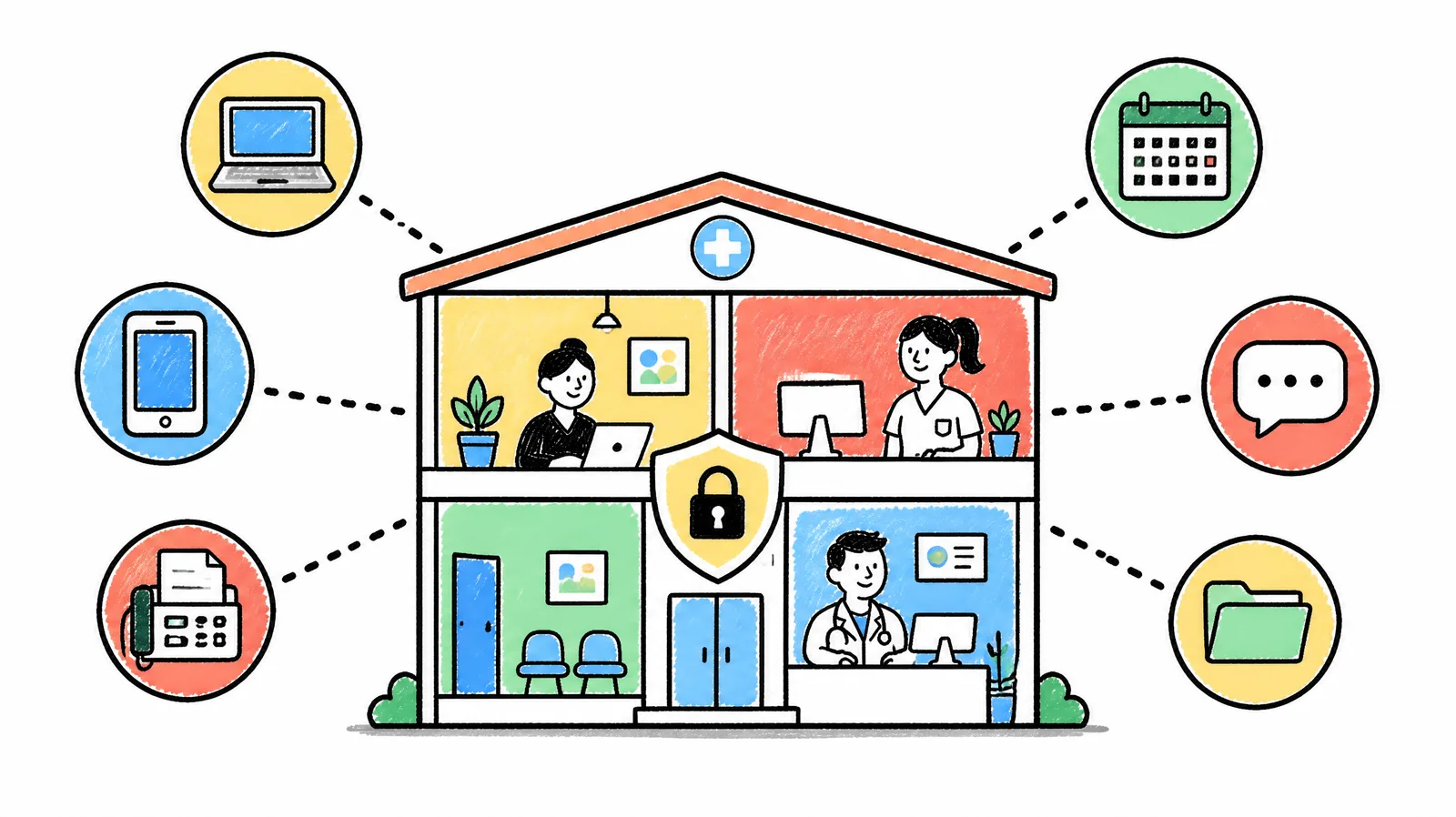
Every automation needs someone to design it, test it, notice when it breaks and change it when your process changes. In a big organization that's an IT team. In a small practice it's usually the practice manager, the office lead or the doctor, at 9 p.m.
So before features, decide who that person is.
- Nobody, honestly. You want a done-for-you team.
- Someone who enjoys it. A healthcare builder will make them happy.
- A developer you already have. A self-hosted tool gives them full control.
- An IT department. An enterprise platform fits.
HIPAA Basics for a Small Practice
None of this is legal advice, but a few checks cover most of it.
- A signed BAA from every vendor that touches patient information. No BAA, no patient data. That includes the automation tool itself, not only your EHR.
- Separate sign-ins and limited access. Everyone gets their own login, and people only see what their role needs.
- Know where the data goes. An automation that copies patient details into a spreadsheet or a chat app makes that app part of your HIPAA picture too.
- Someone owns it. A workflow nobody watches is how information ends up in the wrong place.
The Options at a Glance
Every value comes from the vendor's own page. A blank cell means the table holds no value there, not that the tool lacks it.
| Keragon | Workato | n8n | Zapier | Make.com | |
|---|---|---|---|---|---|
| What it does | AI automation across the EHR and healthcare tools | Healthcare orchestration across systems (workato.com/industry/healthcare_providers, November 18, 2026) | Self-hosted Community Edition on GitHub | General automation across thousands of apps (zapier.com/pricing, November 18, 2026) | Visual drag-and-drop automation builder |
| HIPAA BAA | BAA on every paid plan | Signs BAAs (docs.workato.com/security/security-compliance.html, November 18, 2026) | No (zapier.com/blog/is-zapier-hipaa-compliant, November 18, 2026) | ||
| Checked | keragon.com, November 18, 2026 | n8n.io/pricing, November 18, 2026 | make.com/en/pricing, November 18, 2026 |
We couldn't find a business associate agreement on Make's security page, so ask Make directly before any patient information goes through it.
Tabflows (If Nobody Has Time to Build)
Best for direct primary care, concierge, functional and private practices that want the work done, not another tool to build in.
Tabflows is a dedicated tech team. We learn how your clinic runs, write your rules down once in Practice Brain, and set up the repeat admin work inside the tools you already use, like Elation, Hint and Spruce. That covers work like sorting faxes into the right chart, drafting replies to patient messages for your staff to send, and keeping follow-ups from slipping. Anything in your EHR or a patient's chart, your team starts or approves; we prepare the work. A BAA comes standard from day one.
The trade-off is that the tech team part starts with a conversation, because the whole point is learning how your clinic works. Two paid plans, month to month and never per person. The figures are on our pricing page, and we're happy to walk you through it.
Keragon (If Someone Enjoys Building)
Best for practices with a person who likes connecting tools and tuning automations.
Keragon is a HIPAA-compliant automation platform with a big library of healthcare integrations and a plain-English builder. BAA on every paid plan, and it publishes its prices and offers a trial. If your office manager lights up at the idea of building workflows, Keragon gives them a great place to do it. We compared it with ourselves in Tabflows vs Keragon, and there's a full guide to Keragon alternatives.
n8n (If You Have a Developer)
Best for practices with a developer who wants full control.
n8n has a self-hosted edition you can run on your own servers. That gives a developer a lot of power, and it also makes your practice responsible for the servers, the updates and the security that keep patient information safe. We couldn't find a business associate agreement on n8n's pricing page, so ask n8n directly before any patient information goes through its cloud. Go in with eyes open.
Workato (If You Have an IT Team)
Best for larger groups and health systems.
Workato says it can sign business associate agreements and goes through an annual HIPAA attestation from an independent auditor. It's built for organizations automating across many departments, so a practice under 20 people will usually find it more than it needs.
Zapier and Make (For Work Without Patient Information)
Best for marketing, internal reminders and bookkeeping hand-offs.
Zapier and Make are both lovely tools, and plenty of practices use them for the parts of the business that never touch patient data. Just keep them there. Zapier's own blog answers "Is Zapier HIPAA compliant?" with "No, Zapier isn't HIPAA compliant." Few companies are that clear about their limits, and we tip our hat.
Before You Buy Anything
Check what your EHR already does. Many practice platforms include reminders, intake forms and simple automations, and the cheapest automation is the one you already pay for. Then write down your three most annoying repeat tasks, who does them today and how long they take. That list will tell you more than any roundup, this one included.
Who Should Pick Which
- Pick Keragon if you have someone on the team who enjoys building automations, and you want a self-serve builder you can start on a free trial today. Keragon says it is for solo and small private practices, among others. Where it wins: automations across hundreds of healthcare tools, described in plain English; a business associate agreement on every paid plan, from the first tier; prices you can read on the pricing page, with a trial before you pay.
- Pick Tabflows over Keragon if you want a dedicated team that learns your clinic and keeps improving the work; nobody at the clinic has the time or the wish to build and fix workflows, and you'd rather a tech team did it inside the tools you already use.
- Pick n8n if you have a developer who wants to host and run automations on your own servers. Where it wins: a self-hosted edition you can run on your own servers.
- Pick Tabflows over n8n if nobody at the clinic wants to run servers, patch them and own their security.
- Pick Workato if you're a health system or large group with an IT team that runs automation across many departments. Where it wins: signs a BAA and goes through an annual HIPAA attestation.
- Pick Tabflows over Workato if you're a small practice without an IT department to run an enterprise platform.
- Pick Zapier if the work you want to automate never touches patient information, like marketing, scheduling internal meetings or bookkeeping hand-offs. Where it wins: connects thousands of everyday business apps, with a plan to start on before you pay.
- Pick Tabflows over Zapier if the work involves patient information, which Zapier's own blog says it should not touch.
- Pick Make.com if someone on your team likes building automations visually, and the work stays away from patient information. Where it wins: a visual drag-and-drop builder.
- Pick Tabflows over Make.com if you'd rather a tech team built and kept up the work than draw it yourself.
- What Tabflows does not do: give you a drag-and-drop builder to design every automation yourself; let a developer self-host the automation engine on the clinic's own servers; run automation across a large organization's many departments and systems; connect thousands of general business apps for any team to build on; give you a visual canvas to design your own automations.
The Bottom Line
The best HIPAA workflow automation for an independent practice is the one with a clear owner and a signed BAA. If you have a builder, Keragon. A developer, n8n. An IT team, Workato. Patient-free work, Zapier or Make. And if you'd rather a dedicated tech team set it up and keep it running inside the tools you already use, talk to us.
Sources
Checked on November 23, 2026: keragon.com/agents. Checked on November 18, 2026: keragon.com/pricing, keragon.com/blog/best-hipaa-compliant-workflow-automation-software, keragon.com, workato.com/industry/healthcare_providers, n8n.io/pricing, zapier.com/pricing, make.com/en/pricing, docs.workato.com/security/security-compliance.html and zapier.com/blog/is-zapier-hipaa-compliant. Spot a wrong fact? Email a correction.
FAQs
What is the best HIPAA workflow automation for a small independent practice?
Pick by who will build and fix the workflows. If nobody at the practice has the time, Tabflows gives you a dedicated tech team that sets up and runs the work inside the tools you already use. If someone on the team enjoys building, Keragon is a HIPAA-compliant builder with a business associate agreement from its first paid plan. n8n suits practices with a developer who wants to self-host (we couldn't find a BAA on n8n's site, so keep patient information off its cloud), and Workato suits larger organizations with an IT team. Zapier says it isn't HIPAA compliant, so keep it away from patient information.
What is the best workflow automation for a small clinic?
For a small clinic, the best workflow automation is the one someone will keep running, with a signed business associate agreement from every vendor that touches patient information. If nobody has time to build, Tabflows sets up and runs the work for you inside the tools you already use. If someone on your team enjoys building, Keragon is a HIPAA-compliant builder. Keep general tools like Zapier for work without patient information.
What makes workflow automation HIPAA compliant for a practice?
Every vendor that handles patient information for you signs a business associate agreement (BAA), the tool protects that information with encryption, separate sign-ins and access limited to the people who need it, and your team uses it that way. A tool is only part of the answer. Who can see the data, and where it goes, matters as much.
Can a small practice use Zapier or Make for automation?
For work that never touches patient information, like marketing or internal reminders, yes. Zapier's own blog says it isn't HIPAA compliant and doesn't sign a BAA. We couldn't find a BAA on Make's security page, so ask Make directly before any patient information goes through it.
Do I need a developer to automate workflows in a small practice?
Not necessarily. A healthcare builder like Keragon is made for non-developers, and a done-for-you tech team like Tabflows means nobody at the practice has to build anything. Self-hosted tools like n8n are the ones that really want a developer.