To reduce admin work in a DPC clinic, find out where the hours go before you buy software or hire, then remove the steps that repeat. Direct primary care already drops most claims and coding. What is left is the work between tools: finding the same patient in the EHR, the inbox and the billing app, retyping details from one to the other, and chasing follow-ups that nobody owns.
Do it in five steps:
- Log one normal week of admin work.
- Give every request one owner and one list.
- Stop re-finding the same patient in every app.
- Write the rules once.
- Automate the handoffs that repeat, and keep a person on review.
Then decide whether you still need to hire.
Where admin work comes from in a DPC clinic
A DPC clinic trades insurance paperwork for membership, messaging and follow-through. Admin work usually lands in these nine places. Each one needs a single owner, and most of the gathering can happen before that person starts.
| Admin work | Who owns it | What to prepare before they start |
|---|---|---|
| Failed membership payments | Front desk or office admin, every business day | The decline report, the member's contact details and a card-update message |
| New-member onboarding | Whoever runs onboarding, often an MA or the front desk | Chart fields, a welcome message and intake forms prepared from the sign-up |
| Patient messages | Staff first; the clinician gets the clinical questions | The chart beside the message and a draft reply |
| Refill requests | An MA prepares; the clinician approves | Chart context and a prescription draft |
| Lab results | The clinician reviews; staff send the follow-up the clinician sets | Prior results, flagged abnormal values and a drafted patient message |
| Follow-ups in visit notes | MA, front desk or biller, task by task | Orders, referrals and follow-ups pulled out of the assessment and plan |
| Faxes, outside records and referrals | Front desk or MA | Each document matched to a patient, with a due date |
| Forms and prior authorizations | Staff fill them; the clinician signs | Patient details filled in from the chart |
| New-patient inquiries | Front desk, the same day | Answers to the usual questions and a link to book an intro call |
Clinical decisions stay with the clinician. Everything else should reach its owner with the patient context already attached, so nobody starts the task with a search. The detailed workflows: membership billing declines, new-member onboarding, refill requests, lab follow-up and new patient inquiries.
A five-step plan to cut admin work
1. Log one normal week
Before you change anything, write down every admin task for a week: what it was, who did it, how many minutes it took, which apps they opened, and whether it came back. Then add up the minutes by task and pick the top three. Most clinics guess what is broken. A week of notes tells you.
If a week of logging is more than the team can carry, start with yesterday. The one-day audit in how to grow a DPC clinic without hiring more staff marks each request by where it landed, what context it needed, who owned it and how the clinic knew it was done.
Or have us do it. A Practice X-ray is a paid, one-time review of the systems and workflow history your clinic agrees to share. It gives you a ranked list of what to automate first and the time each item hands back. It takes a few days, and the report is yours to keep whether or not you work with us.
2. Give every request one owner and one list
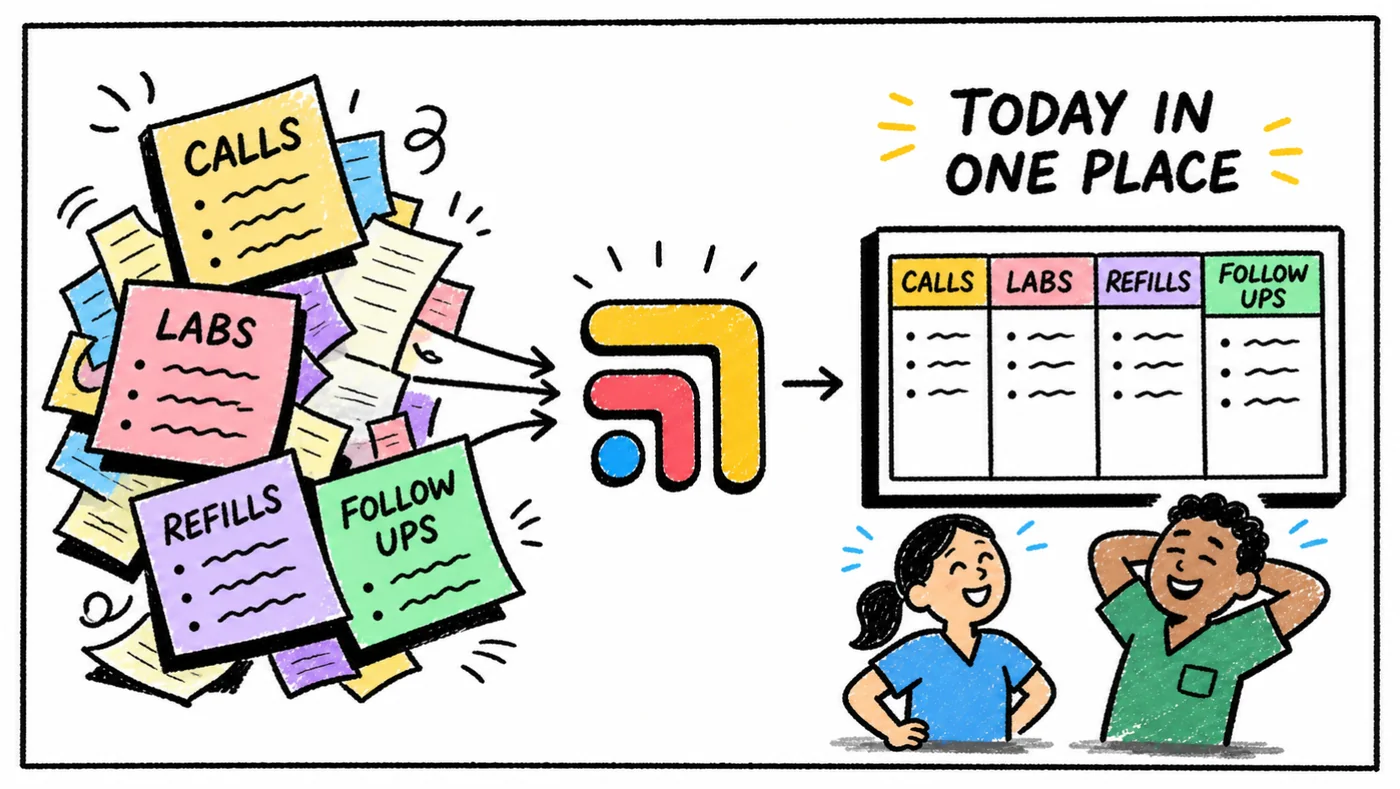
Work without an owner gets done twice or not at all. Two people check the same lab, or nobody does. Put every open request in one shared list, and give each item six fields: patient, next step, owner, due date, the system it came from, and status. A whiteboard or a spreadsheet works for a start. The DPC follow-up board shows the layout.
Tabflows Tasks keeps that list for you. You make a task from the refill, lab, message or chart note where it came up, and the patient is already attached. Every unfinished task is checked overnight, so the team starts the day knowing what changed and what needs attention.
3. Stop re-finding the same patient
In a typical DPC stack, one patient lives in the EHR, the messaging app, the membership platform and the lab portal. Every search for that person is admin work.
With Tabflows Match, you open a patient in one supported app and Tabflows finds the likely match in your other connected systems. You check the details and confirm the link with one click. The link is saved for the whole clinic, so nobody confirms it again.
"Tabflows has saved me so much time! Game changer. I can move between Quest, Spruce, Elation — all of them."
Emilie Scott, MD, Halcyon Health
4. Write the rules once
A lot of admin work is the same decision made again. Write each one down once:
- Reply templates for the logistics questions members ask every week, such as booking, refill status, forms and when lab results come back. Questions about symptoms go to the clinician.
- Response times written into the membership agreement, and a separate path for urgent problems.
- A refill policy, including longer supplies of stable, non-controlled medications when the clinician agrees.
- A short list of what staff can resolve and what goes to the clinician.
- A one-page procedure for each task that repeats: who owns it, what done means, and when it goes to a clinician.
These rules are what make a new hire, a VA or an automation useful. Without them, each one has to ask. The medical VA SOP template is a ready-made start for patient follow-up.
5. Automate the handoffs that repeat
Once a task has an owner and written rules, much of it can be prepared for a person to review. Start with the work that arrives every day. In Tabflows:
- Faxes. Fax triage follows the filing rules your practice defines. Each fax gets a patient, a document type and a reviewer you choose, and everything waiting can be filed in one run.
- Patient replies. Draft Assist sits in the Spruce compose window and writes a whole reply in your practice's words, with a short explanation of the choices behind it. It quotes your real prices when a cost comes up. Someone on the team edits and sends.
- Lab documents in Cerbo. A draft button on a Cerbo document writes the key results into the review window, in the context of the patient's full record.
- Your own repeat work. Describe a task you repeat, and Sidekick shapes it into a workflow you review and save. When you run it, Sidekick works through the steps on a task and stops wherever the workflow says to check with you.
The workflows page walks through refills, lab follow-through, new-member onboarding and visit notes step by step, with estimated minutes saved per run. Automate one workflow at a time, run it for two weeks, and compare the minutes against your week-one log before you add the next.
What to keep a person on
Automate the gathering, drafting and routing. Keep people on the decisions.
- Clinical judgment, prescribing and final sign-off stay with the clinician.
- Any tool that touches patient information needs a business associate agreement (BAA). Signing in to Tabflows puts your clinic under our standard BAA, the same one that covers every clinic on Tabflows. The full text is public at tabflows.com/baa.
- Tabflows workflows never reach into your EHR on their own. They work in the browser session you are already signed into, and Tabflows doesn't require or store your EHR logins.
- Patient data in Tabflows is never used to train general or cross-customer AI models.
Should you hire someone to handle the admin?
Hire last. If the work still outgrows the team after the five steps, a medical VA or another MA starts with an owner list, written rules and prepared work instead of a pile of tabs. See hire a medical VA or fix the workflow first? and, for panel growth, how to grow a DPC clinic without hiring more staff.
How to know it worked
Repeat the week-one log a month later and compare:
- Admin hours per week for each person, clinician included
- Requests with no owner
- Requests past their due date
- How long new-patient inquiries wait for a reply
- Failed payments still open at the end of the week
Count only work that is gone. Work that moved to another person, or to the patient, was not saved.
FAQs
What takes the most admin time in a DPC clinic?
It depends on the clinic, which is why the first step is to log a normal week. DPC removes most claims and coding work. What remains is usually the work between tools: answering messages that need the chart, moving refills and lab results to their next step, setting up each new member in several systems, and filing faxes, forms and outside records.
Can AI reduce admin work in a DPC clinic safely?
Yes, if AI does the gathering, drafting and sorting and a person starts the work and decides what is filed or sent. Clinical decisions stay with the clinician, and any tool that touches patient information needs a BAA.
Do I need to replace my EHR to reduce admin work?
No. Most DPC admin work lives between the EHR, messaging, membership billing and lab tools rather than inside one of them. Tabflows is not an EHR and does not replace one. It is the workflow layer around Elation, Spruce, Hint, Atlas.md, Cerbo and the other tools a clinic already uses.