
The Short Answer
Yes, an AI assistant can help put a Spruce conversation into the patient's Elation chart, but the first step is the sync Spruce and Elation already share. On the Spruce Communicator plan, the Spruce and Elation integration can sync texts, voicemails, call logs and transcriptions straight to the patient's Elation chart, either selectively (your team picks what goes in) or automatically. When a practice still has to sync a conversation into Elation by hand, the cause is usually the sync mode, an unlinked patient, or the simple fact that the raw thread isn't the note anyone wants to read. An AI assistant earns its place on top of that sync, the kind that reads the conversation, drafts a short chart note and turns the request inside it into a task for the right person. Tabflows is a dedicated tech team that sets up and runs that layer between Spruce and Elation, and your team approves anything before it lands in the chart.
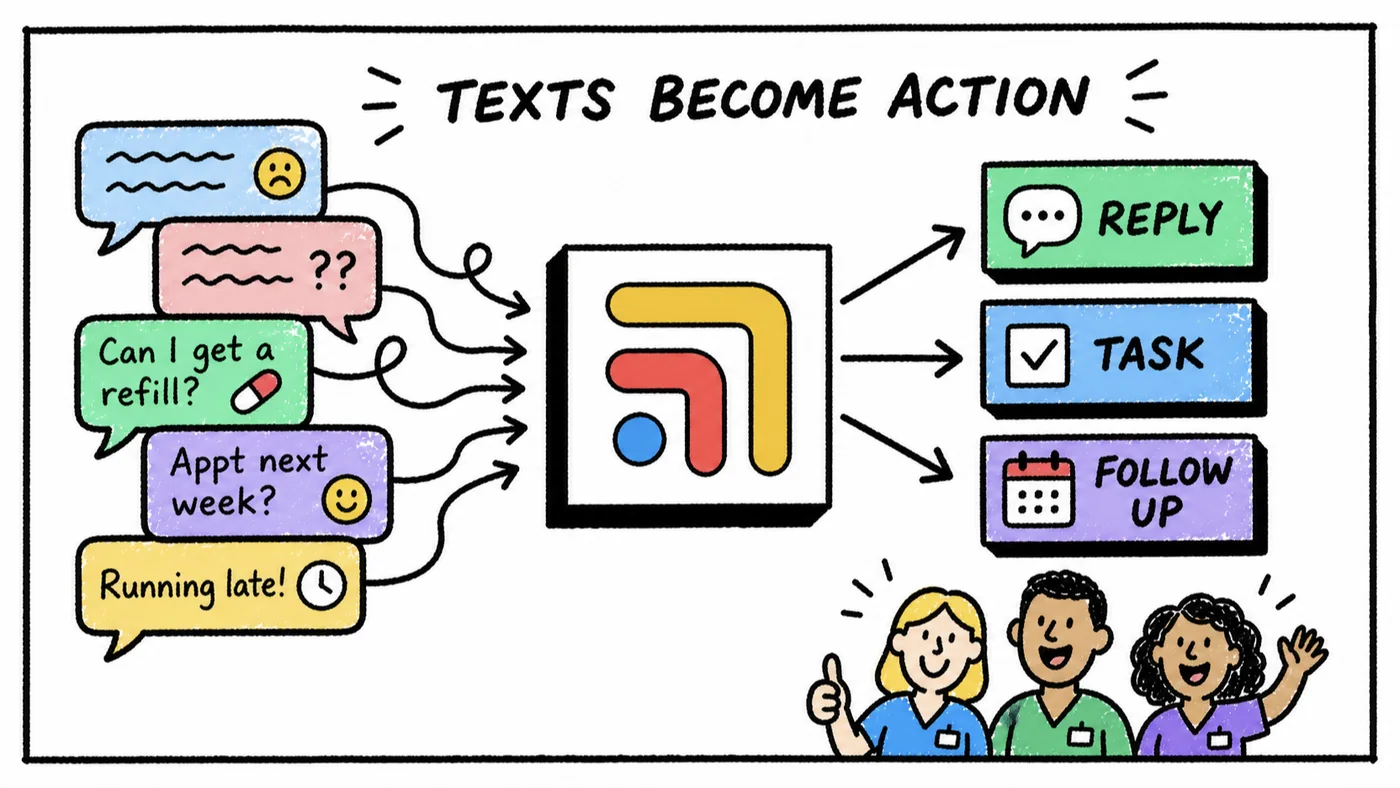
Spruce and Elation are both good at their jobs. Spruce handles the phone, texts, faxes and secure messages, and Elation holds the chart. The friction comes from tools that were never built to finish each other's work, so a refill request typed into Spruce at 9pm still needs someone to read it, record it in Elation and make sure it gets done. The rest of this guide covers what the built-in integration does, where it stops, and how a solo DPC doctor can close the gap without hiring another person.
How the Built-In Spruce and Elation Sync Works
Before you add any AI tool, check what the native integration can already do for you. Spruce describes it on its Elation partner page as a direct integration that syncs contacts and communication, so you see who is calling and can sync voicemails and texts to the patient chart.
What syncs between the two systems
According to Spruce's help center and Elation's integration guide, the integration does three things.
- Creates Spruce contacts from Elation charts. When you create a new chart in Elation, a matching contact is created in Spruce right away, along with the link between the two. Elation notes this only runs one way, so a new Spruce contact does not create an Elation chart.
- Keeps demographics in step, if you want it to. At connection there is a one-time import of patients as Spruce contacts with name, phone, email, date of birth and gender. After that you choose whether ongoing demographic edits sync both ways or stay separate. Spruce recommends leaving ongoing sync off if you use different display names in Spruce.
- Syncs conversations into the Elation chart. Texts, voicemails, call logs and transcriptions can move from Spruce to the patient's chart.
Selective sync vs automatic sync
This setting is the most common reason a conversation ends up being synced by hand. Spruce and Elation configure it when the integration is activated.
| Setting | What happens | What lands in Elation |
|---|---|---|
| Selective sync | Staff pick which items go to the chart and when | A note, titled "Spruce Conversation" per Spruce's help center |
| Automatic sync | Conversations sync with no manual step | A Miscellaneous Report, per Elation's guide |
Spruce recommends selective sync, and it is easy to see why. A chart full of "thanks!" and "running 5 minutes late" texts is harder for a doctor to read. The tradeoff is that selective sync puts a person in the loop for every conversation, which is exactly the hand work you're asking about. With selective sync, Spruce also lets you add an optional note subject that fills the Exam Reason (CC) field in Elation.
How to turn it on or change it
- Confirm your Spruce organization is on the Communicator plan. Spruce's pricing page lists Communicator at $49 per user per month and Basic at $24 per user per month, and lists integrations and API access on Communicator.
- An admin opens Spruce settings, chooses Integrations, and clicks Request Integration on the Elation row.
- Spruce and Elation activate the connection, and Spruce follows up in its Team Spruce channel with setup questions, including which sync mode you want.
- Check that each patient you message is linked to their Elation chart. A conversation with an unlinked contact has nowhere to go.
If you already have the integration and still copy conversations by hand, it is worth asking Spruce support which sync mode your account uses before you buy anything new.
What an AI Assistant Can Add on Top of the Sync
The native sync moves the conversation. It doesn't decide what the conversation means. That middle step is where a solo DPC doctor usually loses the evening, and it is where an AI assistant helps when it is set up carefully.
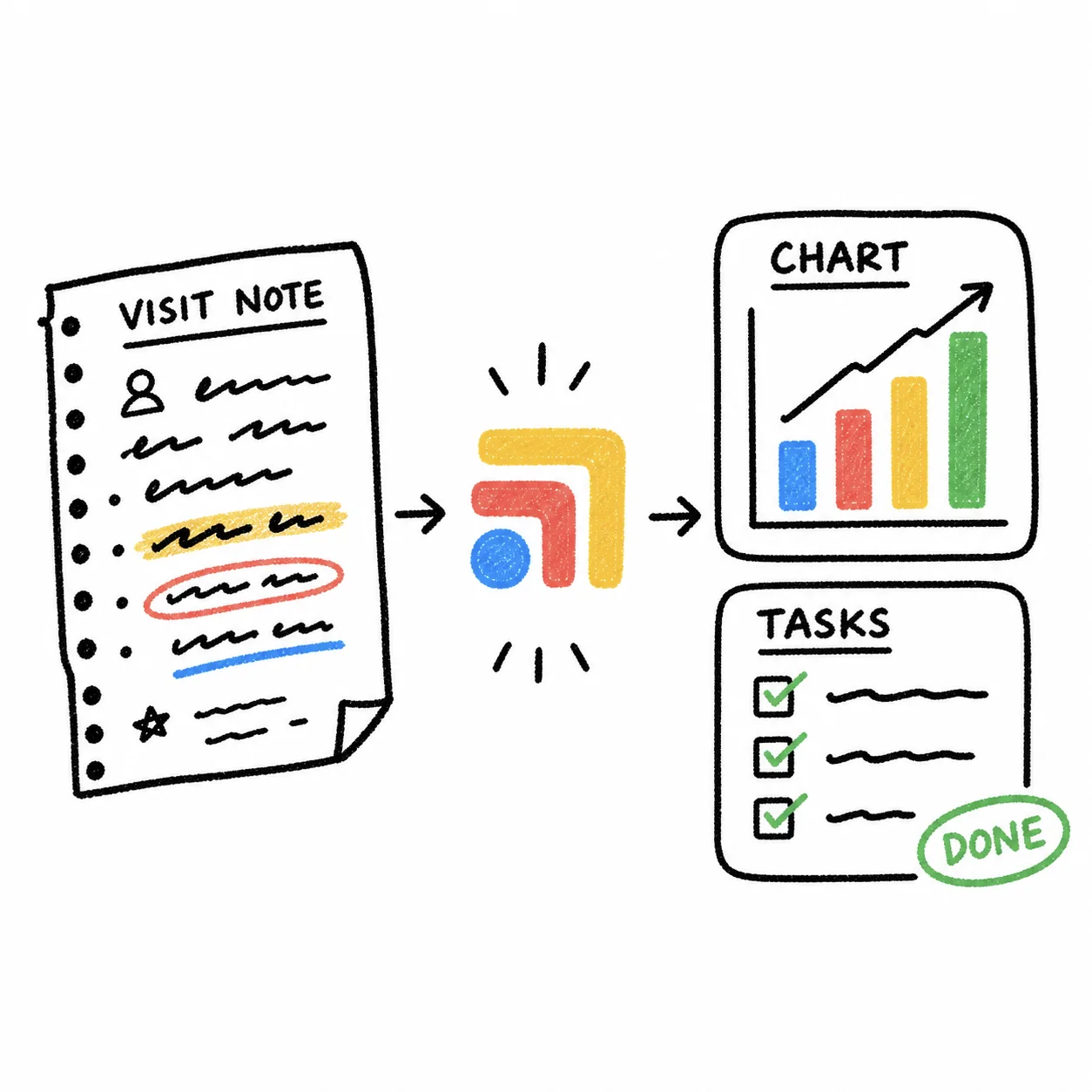
- A short summary instead of the raw thread. The assistant reads a 30-message exchange about a new rash and drafts a few lines for the chart with the symptom, the photo the patient sent, what was advised and what happens next.
- Photos and documents filed to the right place. A patient texts a picture of an outside lab or an insurance card. The assistant matches the sender to their Elation chart, labels the item and stages it in the chart's documents for staff to confirm.
- The request becomes a task. "Can I get a refill?" turns into a refill task for the right person, linked to the patient, so it doesn't depend on someone remembering a text.
- A daily check for loose ends. A morning pass over Spruce and Elation shows conversations that never reached the chart and messages still waiting on a reply.
What an assistant should not do is write into the chart on its own. Every one of these steps works best as a draft that a nurse, MA or the doctor approves in one click. That keeps clinical judgment with your team and keeps the chart clean.
Your Options, Side by Side
There are four realistic paths for a small practice. The right one depends on how many conversations a day you handle and whether you want to build and maintain automations yourself.
- Native Spruce and Elation sync. Best for: Getting conversations into the chart. What you manage: The sync mode and patient links.
- Spruce Public API. Best for: Practices with a developer. What you manage: Code, credentials, webhooks.
- Keragon. Best for: Teams who want to build their own automations. What you manage: Building and maintaining each automation.
- Tabflows. Best for: Teams who want it set up and run for them. What you manage: Approving drafts and tasks.
The Spruce Public API
Spruce's developer integration guide describes three pieces for keeping Spruce in step with an outside system such as an EHR. You push contact demographics into Spruce, link each Spruce contact back to the outside record with integration links, and subscribe to webhooks that fire when demographics change or conversation activity happens, then write that activity back to your system. Access IDs and secret keys are issued per organization and requested through Spruce. This is a real option if you have a developer, but someone has to build it, host it and keep it running.
Keragon
Keragon's Elation and Spruce Health page describes building HIPAA-compliant automations that sync data between Elation and Spruce Health with no coding, and offers a free trial with no credit card required. It suits a practice with someone who enjoys building workflows and wants to own them.
Tabflows
Tabflows takes a different approach. Instead of handing you a builder, a dedicated tech team sets up the workflows around how your clinic already runs and keeps them running as your practice changes. More on that below.
HIPAA and BAAs When Messages Move Between Tools
Patient messages are protected health information, so every vendor that touches them needs a business associate agreement with your practice. HHS's guidance on HIPAA and cloud computing explains that a cloud service provider that creates, receives, maintains or transmits electronic protected health information on behalf of a covered entity is a business associate under the HIPAA Rules.
In practice that means three checks before you connect anything to Spruce or Elation.
- Spruce. Spruce says all of its trials and paid plans include a BAA, which you agree to electronically when you create your organization.
- Elation. Your Elation agreement covers the chart side.
- Anything in between. Any automation tool, AI assistant or developer service that reads the messages needs its own BAA. Tabflows publishes its Business Associate Agreement, and our HIPAA-compliant texting guide covers texting policy and consent in more depth.
A general-purpose chatbot you paste patient messages into is not the same thing. If a tool won't sign a BAA, keep patient conversations out of it.
Where Tabflows Fits
Tabflows is a dedicated tech team and smart admin infrastructure for DPC and concierge clinics. It is not an EHR and it does not replace Spruce. It works across the Spruce and Elation accounts you already have and turns the work between them into tracked tasks and automations your team reviews.
For the Spruce-to-Elation gap specifically, these are workflows Tabflows sets up today.
- Daily message review reviews Spruce and Elation each day and feeds anything that needs a reply into Patient Inbox Drafts, which drafts replies in your clinic's voice for staff to approve or edit.
- Demographics and conversation checks looks across Elation and Spruce for gaps in patient demographics and conversation history.
- Filing photos and documents patients send in Spruce to the chart matches the sender to their Elation chart, identifies the item (a rash photo, an outside lab, an insurance card or a form), stages it in the chart's documents with a label for staff confirmation, and creates a nurse task when a photo needs clinical review. Our own workflow library estimates this saves about five minutes per item.
- Chart-note writeback writes notes into the patient chart, and auto-upload to chart uploads documents Sidekick prepares directly to the patient's Elation chart.
Every one of these follows your clinic's own rules and lands ready for the right person to check, approve or send. Nothing reaches a patient until your team approves it. For a solo doctor, that is the difference between ending the day with a clean chart and ending it with a list of threads to copy over, and the time you get back is time for members and for growing the panel.
You can browse every Spruce automation and Elation automation, and see plans on the pricing page.
A Simple Plan for a Solo DPC
- Check the native integration first. Confirm you are on Spruce Communicator, the Elation integration is active, and you know whether it uses selective or automatic sync.
- Link every active patient. Make sure each Spruce contact you message is tied to the matching Elation chart.
- Decide what belongs in the chart. Clinical content, photos, results and anything you advised belong there. Scheduling chatter usually doesn't.
- Add a review step, not a free-running bot. Whatever summarizes or files conversations should draft, and a person should approve.
- Get a BAA from every vendor in the path. Spruce, Elation and anything in between.
If you'd like a team to set this up around your Spruce and Elation accounts, tell us how your clinic runs and we'll show you what the workflow would look like for you.
Sources
Checked on November 4, 2026: sprucehealth.com/plans. Spot a wrong fact? Email a correction.
FAQs
Does Spruce sync conversations to Elation automatically?
It can. Spruce's help center says the Spruce and Elation integration can sync texts, voicemails, call logs and transcriptions to the patient's Elation chart, and offers two modes. Selective sync, which Spruce recommends, lets your team choose what goes into the chart. Automatic sync sends conversations over without a manual step. Elation's help center says selective sync creates a note in the chart and automatic sync creates a Miscellaneous Report.
Which Spruce plan do I need for the Elation integration?
Spruce's help center says you need an existing Elation account and the Spruce Communicator plan. Spruce's pricing page prices both Communicator and the lower Basic plan per user per month, with integrations and API access on Communicator. An admin turns it on from Spruce settings by choosing Integrations and then Request Integration on the Elation row. Spruce lists Communicator at $49 per user per month and the Basic plan at $24 per user per month.
Why do I still have to sync Spruce conversations into Elation by hand?
Usually it comes down to how the integration was set up. If your account uses selective sync, someone has to pick each conversation to send to the chart. If a patient's Spruce contact isn't linked to their Elation chart, nothing can sync for that patient. Spruce and Elation set the sync mode when the integration is activated, so you can ask Spruce support to review it.
Can an AI assistant summarize a Spruce conversation before it goes into Elation?
Yes, if it is set up as a reviewed step rather than a direct write. The built-in sync moves the conversation itself. A summary layer reads the thread, drafts a short note with the request and the next step, and stages it for a nurse or the doctor to approve before it lands in the chart. Tabflows sets this up for clinics as part of its Elation and Spruce workflows.
Is it HIPAA compliant to let a third-party tool move Spruce messages into Elation?
It can be, as long as every vendor that handles the messages signs a business associate agreement (BAA) with your practice. HHS guidance on cloud computing treats a service provider that creates, receives, maintains or transmits protected health information for a covered entity as a business associate. Spruce says all of its trials and paid plans include a BAA, and Tabflows publishes its own BAA at tabflows.com/baa.