
DPC doctors who care for patients over Spruce messages can turn those conversations into billable encounters in Elation by deciding which threads count, opening an Elation visit note for each one, and recording the doctor's time and the employer the patient belongs to. Spruce's Elation integration already syncs texts, voicemails, call logs and transcriptions into the patient's Elation chart, but a synced conversation is not an encounter, because Elation ties billing information to a visit note. For employer health plans that pay a flat monthly fee, the goal is to count the message care so your utilization reports show the employer what they paid for. For arrangements that pay through claims, a patient-initiated message that needs the doctor's medical decision-making can qualify as an online digital E/M service under CPT codes 99421 to 99423. Tabflows is not a billing system or an EHR, and it fits as the dedicated tech team that sets up a daily review of Spruce threads, drafts the visit note for the doctor to approve and makes sure every qualifying conversation lands in Elation.
Messaging is where a lot of direct primary care actually happens. A member texts about a rash at lunch, sends a photo, and the doctor answers with a plan in ten minutes. That is real clinical work, and it is often the kind of access an employer bought the membership for. The trouble is that Spruce and Elation were built to do different jobs, so the care happens in one tool while the record that an employer report or a claim depends on lives in the other. Nobody forgets on purpose. The two tools simply were never built to finish each other's work.
Is a Spruce Message a Billable Encounter for an Employer Health Plan?
The honest answer is that it depends on how your employer contract pays you, and there are two common cases.
Flat-fee employer DPC contracts
Many employer DPC agreements pay per member per month (PMPM) for each enrolled employee and dependent, or per employee per month (PEPM) for every eligible employee. Under either model a single message does not create a separate charge. It still matters a great deal, because the employer is paying for access, and the evidence of that access is your encounter count. If half the care a member receives happens in Spruce and never becomes an encounter in Elation, your quarterly report undercounts the value you delivered, which is the number an employer looks at when the renewal comes up. In this case "billable" really means "recorded as an encounter and attributed to the right employer."
Contracts or plans that pay through claims
Some arrangements, such as hybrid practices or plans that pay certain services as claims, can pay for message-based care directly. The AAFP explains that online digital E/M services are reported with codes 99421 to 99423, and Elation's own telehealth billing guide includes a decision tree where a secure message leads either to an eVisit or to "not a billable encounter." Always check the employer contract and the plan's rules with your biller before you send a claim, since each payer sets its own policy.
Which Spruce Conversations Count?
The AAFP lists five conditions that must all be true for an online digital E/M service. These are useful even under a flat-fee contract, because they give your team a clear, defensible line for what counts as a clinical encounter rather than an admin exchange.
- The patient started the conversation.
- The patient is established with the practice.
- The doctor or another qualified clinician made a medical decision.
- The problem is unrelated to an E/M service in the prior seven days.
- No in-person or telemedicine visit follows within the next seven days.
The AAFP also lists what is not separately reportable, including test result notes, scheduling and billing questions without evaluation, messages followed by a visit within seven days, and messages about the same problem within seven days of a prior visit.
| Spruce conversation | Likely treatment |
|---|---|
| New symptom, doctor gives a plan | Encounter, possible eVisit |
| Question about last week's visit | Part of that visit |
| Lab result sent with no evaluation | Not separate |
| Scheduling or billing question | Not an encounter |
| Message that leads to a visit within 7 days | Roll into the visit |
The Numbers That Matter, Time Bands and the Seven-Day Window
The online digital E/M codes are time-based, and the AAFP says they use the documented cumulative time over a seven-day period.
- 99421 covers 5 to 10 minutes.
- 99422 covers 11 to 20 minutes.
- 99423 covers 21 minutes or more.
Two seven-day windows shape every decision, one looking back at the last E/M service and one looking forward to the next visit. For Medicare patients, the AAFP also points to the brief virtual check-in codes G2012 and G2010 as another option. Even if your employer contract never sends a claim, recording the minutes is worth it, because it lets you tell an employer how much clinician time their members used over a quarter without guessing.
How to Turn Spruce Conversations Into Encounters in Elation, Step by Step
Here is a practical routine a small DPC team can run with the tools it already has.
- Turn on the Spruce and Elation integration. It needs the Spruce Communicator plan and an Elation account. Spruce says the integration syncs contacts and communication so you see who is calling and can sync voicemails and texts to the patient chart. Elation's help center says selective sync creates a note in the chart and automatic sync creates a Miscellaneous Report, so the conversation itself is preserved either way.
- Agree on the rule for what counts. Write down the five AAFP conditions, plus your own employer contract terms, in one place your doctors and staff can see. This turns a judgment call at 9pm into a quick check.
- Review yesterday's Spruce threads once a day. Someone, or a set-up routine, reads the clinical threads and flags the ones that meet the rule. The doctor stays the one who confirms.
- Open a visit note in Elation for each flagged conversation. Elation's billing guide says billing information is always tied to a visit note, added from the bottom of the note draft with "Add Billing Information" or "Edit Billing." Summarize the question, the decision and the plan, and record the doctor's cumulative time.
- Attribute the encounter to the employer. If your employer-group patients carry tags in Elation, the encounter will roll into each employer's count. Our guide to reporting encounters per employer in Elation covers how to pull those counts and what HIPAA lets you share.
- Send claims only where the contract allows. For claim-paying arrangements, your biller adds the code from the documented time. For flat-fee contracts, the encounter feeds your utilization report instead.
HIPAA and BAAs for Message-Based Care
Every vendor that handles these conversations needs a signed business associate agreement (BAA) with your practice. Spruce says its plans include a HIPAA BAA, and its Elation partner page describes every touchpoint as logged with clear audit trails. Any tool or service that reads Spruce threads or writes to Elation on your behalf needs its own BAA too, and Tabflows publishes its BAA at /baa.
What you send the employer is a separate question. HHS explains that HIPAA applies to covered entities and business associates, not to employers acting as employers. Your practice is a covered entity, so the safe default for employer reporting is aggregate counts, such as visits and messages per employer, rather than names or clinical details. Put what you will report into the employer contract and review it with counsel.
What It Costs
On Spruce's pricing page checked November 4, 2026, the Basic plan is $24 per user per month and the Communicator plan is $49 per user per month, and the Elation integration sits on Communicator. Elation lists per-provider prices in its EHR product guide and also offers personalized quotes, and its DPC page describes clinical documentation, memberships and payments in one system. The larger cost is usually staff and doctor time, which is why a short daily routine beats a monthly cleanup that nobody has the energy for.
Where Tabflows Fits
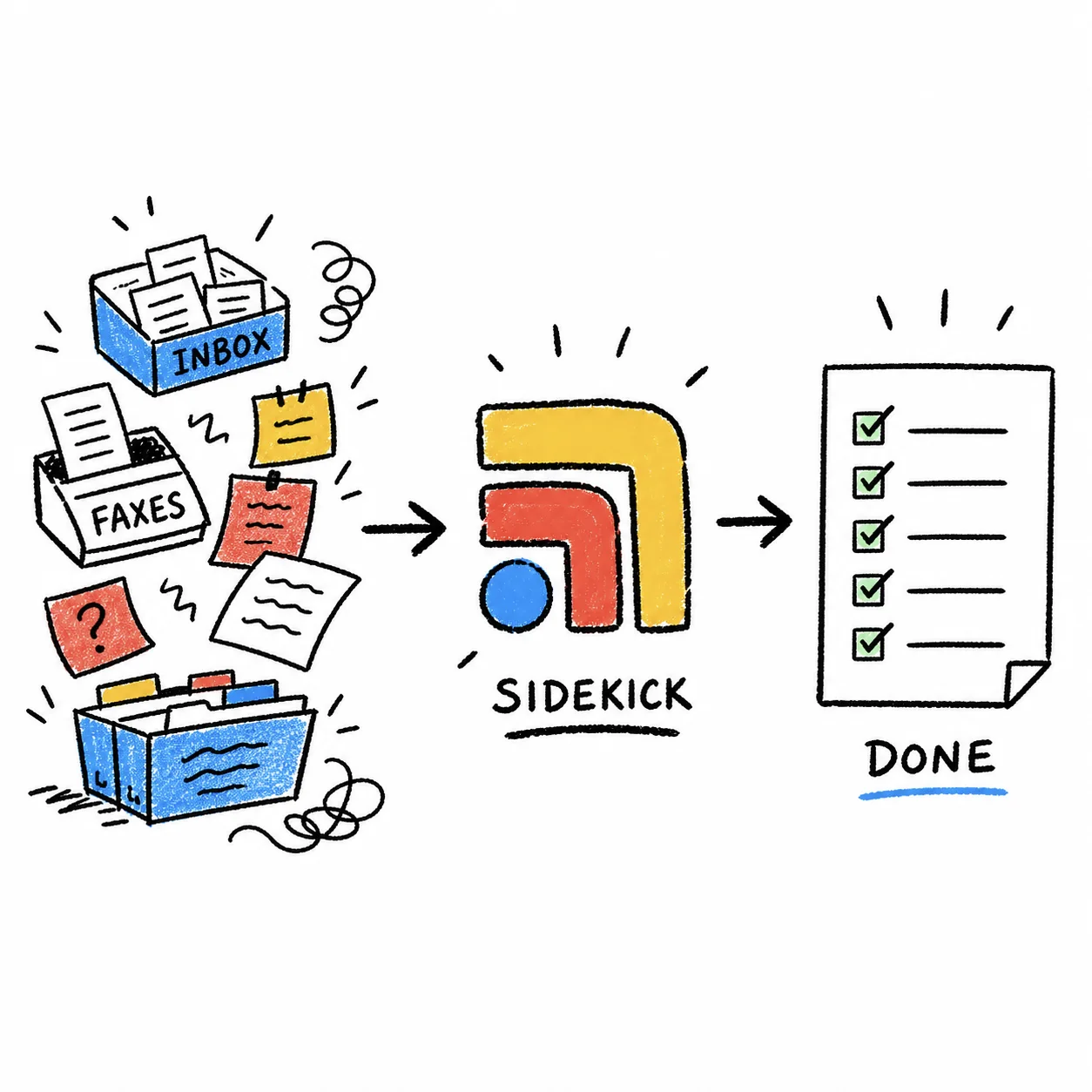
Tabflows is a dedicated tech team and smart admin infrastructure for DPC, concierge and private clinics. It does not replace Spruce or Elation, it does not bill, and it never picks a code or makes a clinical decision. It works between the two tools so the care your doctors already give in Spruce turns into a finished record in Elation.
- Daily message review reviews Spruce and Elation each day and feeds items that need replies into drafts, which is the natural place to flag threads that meet your encounter rule.
- Smart task recommendations turns chart activity and patient messages into staff tasks with an assignee and a due date, so a flagged thread becomes "open a visit note" for the right person.
- Chart note writeback writes notes directly into the patient chart, staged for the doctor to review and sign.
- Documentation coding review reviews documentation for coding accuracy before your biller acts on it.
- Urgent message summaries summarizes urgent Spruce messages so the clinical ones stand out quickly.
Your rules, such as the five conditions and each employer's contract terms, are written down once and followed every day. The doctor approves anything that lands in the chart. You can see how Tabflows connects the two tools on the Spruce integration page and the Elation integration page, and pricing is on /pricing.
A Simple Next Step
Pick one week of Spruce threads and run the five-condition check by hand. You will see quickly how much care is happening in messages and how much of it is missing from Elation, and that is the number that makes the case to the employer at renewal. If you would like a dedicated tech team to set up that daily routine across Spruce and Elation for you, tell us about your practice on the match page.
Sources
Checked on November 4, 2026: sprucehealth.com/plans. Spot a wrong fact? Email a correction.
FAQs
Can a DPC practice bill an employer health plan for a Spruce message?
It depends on the contract. Many employer DPC agreements pay a flat monthly fee per member or per employee, so a message does not produce a separate charge, but it is still care the employer is paying for and it belongs in Elation as an encounter so it shows up in your utilization reporting. If your arrangement pays for services through claims, a patient-initiated message that needs a physician's medical decision-making can be reported as an online digital E/M service with CPT codes 99421 to 99423, when the AAFP's five conditions are all true.
Which Spruce messages count as an online digital E/M service?
According to the AAFP, codes 99421 to 99423 apply when the service is patient-initiated, the patient is established, a physician or other qualified professional makes a medical decision, the problem is unrelated to an E/M service in the prior seven days, and no face-to-face or telemedicine visit follows within seven days. Test results, scheduling and billing questions without evaluation are not separately reportable.
Does Spruce send conversations to Elation automatically?
It can. Spruce's Elation integration, which needs the Spruce Communicator plan, can sync texts, voicemails, call logs and transcriptions to the patient's Elation chart. Elation's help center says selective sync creates a note in the chart, and automatic sync creates a Miscellaneous Report. A synced conversation is a record of what was said, but billing information in Elation is always tied to a visit note, so a qualifying conversation still needs its own visit note to become an encounter.
How is time counted for 99421, 99422 and 99423?
The AAFP describes them as time-based codes that use the documented cumulative time spent on the service over a seven-day period. 99421 covers 5 to 10 minutes, 99422 covers 11 to 20 minutes and 99423 covers 21 minutes or more. That is why the doctor's time on a Spruce thread needs to be written down in the note, not estimated later.
Does Tabflows bill or code these encounters?
No. Tabflows is not a billing system or an EHR, and it never picks a code or makes a clinical decision. It is a dedicated tech team that sets up the work between Spruce and Elation, such as a daily review of Spruce threads that may need a visit note, drafts for the doctor to approve, and tasks with an owner and a due date, so the doctor and biller decide and nothing qualifying slips through.