
The Short Answer
Today you incorporate Spruce messages into Hint Clinical by documenting them, not by syncing them, because the Spruce and Hint integration was built to share patients, not conversations. On Spruce's Communicator plan, the integration imports every Hint patient into Spruce as a contact, keeps name, date of birth, gender, phone and email in step both ways, and adds Hint tags for plan, membership status, employer, location and provider. Neither Hint's nor Spruce's help center describes sending message threads into the Hint chart, so the clinically important part of a Spruce conversation reaches Hint Clinical when someone writes it into a note on the patient's record. Practices make that faster with a clear rule for which messages get charted, a consistent note format, the Spruce data export for archives, or a custom build on Spruce's API. Tabflows is a dedicated tech team that works between Spruce and Hint Clinical in the accounts you already use, sorting the inbox, drafting replies and preparing conversation summaries your team reviews before anything goes into the chart.
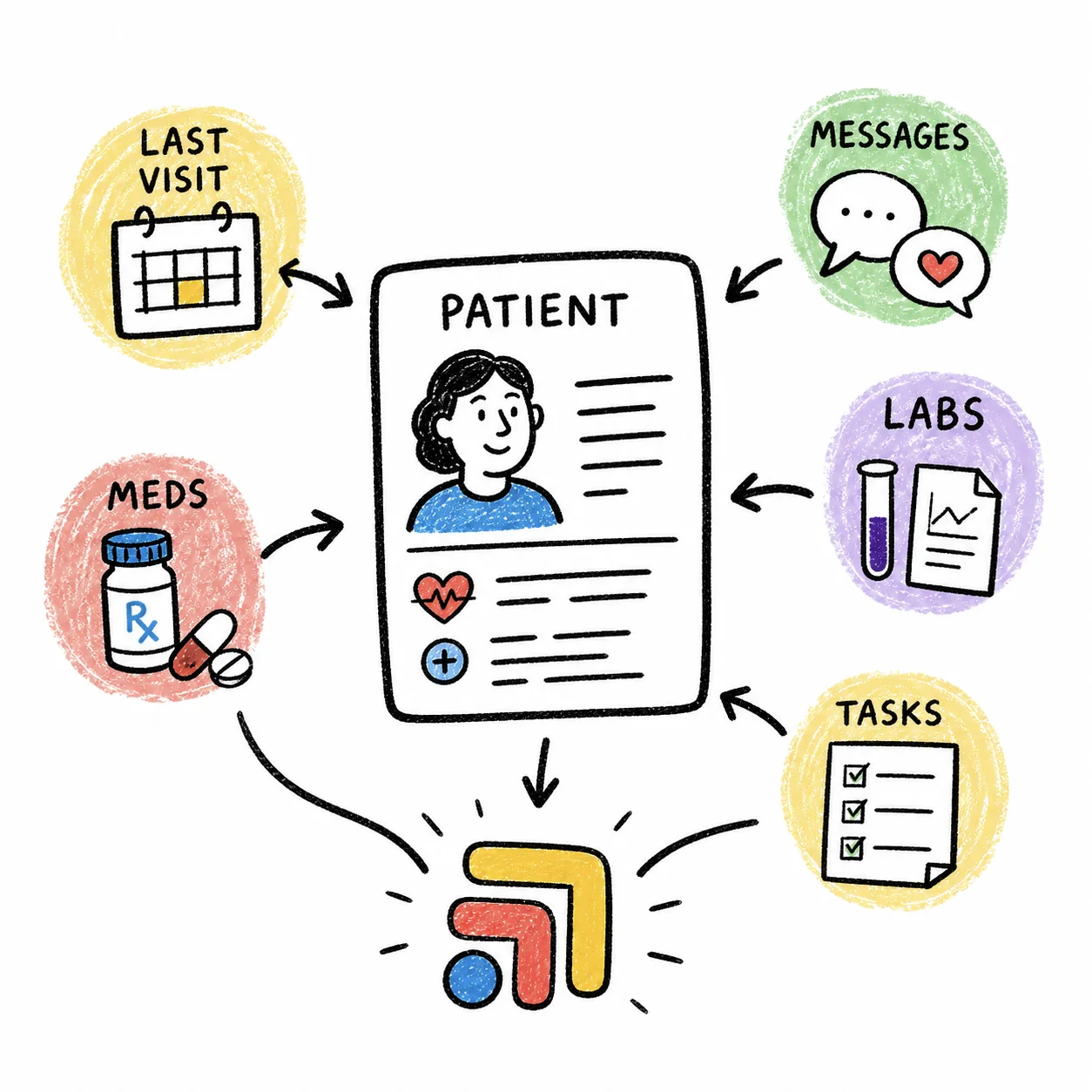
Spruce and Hint are both good at their jobs. Spruce runs the phone, texts, secure messages, fax and video, and Hint runs membership billing and, with Hint Clinical, the chart. The trouble is the space between them, the kind that leaves a refill request or a new symptom sitting in a Spruce thread while the chart says nothing about it. This guide walks through what the integration does, where it stops, and the realistic ways a practice manager or front desk team gets those messages onto the record.
What the Spruce and Hint Integration Actually Syncs
Hint's support article and Spruce's help center describe the same integration from both sides. It's worth knowing exactly what it covers before you decide how to handle messages.
| What syncs | Direction | Notes |
|---|---|---|
| New Hint patients | Hint to Spruce | Created as Spruce contacts |
| Name, DOB, gender, phone, email | Both ways | On by default, can be turned off |
| Plan, status, employer, location tags | Hint to Spruce | On contact and conversation |
| Provider tags | Hint to Spruce | Ask Spruce support to set up |
| New conversation on sign-up | Spruce side | None, phone or note conversation |
| Message threads | Not described | Chart them by hand or by build |
A few details matter in practice. Spruce says the integration is a Communicator plan feature, and after you connect from the Hint Marketplace it can take Spruce one to two days to finish the setup. For a patient to sync, Hint's article says secure conversations need both a phone number and an email on the Hint profile, while standard conversations need one or the other. When a spouse and child share a phone number, or someone texted the office before joining, Spruce may tag the contact "Multiple Matching Contacts," and you clean that up by giving each person their own number or deleting the duplicate.
The tags are the real strength here. Because HintStatus_Active, HintPlan and HintEmployer tags land on each Spruce conversation, your team can see membership and billing status right in the inbox, filter by employer group and send bulk messages to active members. Spruce also offers an auto-invitation workflow that texts new members an invite to the Spruce app based on their Hint tags, which you request through Spruce support.
Why Spruce Messages Don't Show Up in Hint Clinical on Their Own
The integration links each Spruce contact to the matching Hint patient, and Spruce says all of a patient's conversations are then linked to Hint. Linking gives your team a shared identity across both systems, but it doesn't copy the words of the conversation into a chart note. That is a design choice about what each tool holds, not something your team set up wrong. Spruce is the system of record for communication, and Hint Clinical is the system of record for care.
That still leaves a gap a practice manager feels every day. A member texts that their blood pressure has been running high, a nurse replies with advice in Spruce, and unless someone writes it down, the next clinician who opens the Hint Clinical chart won't see it. Hint Clinical has its own secure messaging and member portal, but most practices running Spruce use it because of the phone line, texting and fax, so the conversations stay in Spruce.
Four Ways to Get Spruce Messages Into Hint Clinical
1. Chart the message as a Hint Clinical note
This is what most DPC practices do, and it works well once the rule is clear. Hint's support article on draft notes describes the flow. You create a new interaction for the patient, choose Note, write it, and either sign it or click Save Draft to finish later, with drafts collected under My Drafts on the dashboard. A good message note carries the date and channel, who wrote in, what they asked, what the practice advised and who owns the next step. Paste the patient's exact words when they matter clinically, such as a symptom description or a medication change, and summarize the rest.
2. Decide which messages belong in the chart
Not every "running ten minutes late" text needs a note. A short written policy saves your team from guessing. Most practices chart anything with clinical advice, symptoms, medication or refill decisions, results discussed with the patient, and anything a clinician would want to see at the next visit. Scheduling, billing questions and general logistics can stay in Spruce, where they are already searchable by patient. Spruce's internal notes and task assignment features help here, since a staff member can flag a conversation for charting and assign it to the nurse who owns that note.
3. Use the Spruce data export for archives
Spruce's developer documentation describes a periodic CSV data export delivered daily or weekly to an SFTP server you provide, with files for contacts, tags, conversations and a mapping of each patient to external IDs such as their Hint ID. Spruce says the export is available case by case, so you ask your account manager or Spruce support. This is a good fit for record retention, reporting or a one-time archive. It is not a way to put messages into individual Hint charts, and Hint's support articles we read don't describe a bulk import of message history.
4. Build a custom sync on Spruce's API
Spruce's integration guide describes webhooks that fire when a conversation or message is created, with the parent conversation and the linked contact included, and it suggests recording conversation activity in the external system "as a communication note, task, or timeline entry." A developer could listen for those events and write a note into Hint, but only if Hint offers a way to write notes from outside, which its public support articles don't describe. Ask Hint directly before you scope this, and budget for someone to maintain it, because every sync like this needs monitoring, error handling and a business associate agreement with whoever hosts it.
Comparing the Options
| Approach | Best for | Effort | Gets notes in the chart |
|---|---|---|---|
| Manual Hint note | Most small DPCs | Staff minutes per message | Yes, by hand |
| Charting policy | Any practice | One-time | Yes, consistently |
| Spruce data export | Archives and reports | Request from Spruce | No |
| Custom API build | Practices with a developer | High, ongoing | Only if Hint allows |
| Tabflows | Lean teams | Set up with you | Prepared for review |
How to Set This Up This Week
- Confirm you are on Spruce Communicator and that the Hint integration shows Hint Dashboard under Settings, then Integrations in Spruce.
- Clean up any contacts tagged "Multiple Matching Contacts" and link stragglers with Link Contact to EHR on the Spruce web app.
- Write a one-paragraph policy that names which message types get charted and who charts them.
- Agree on a note template with date, channel, request, advice given and next step owner.
- Use Spruce tags or task assignment to mark conversations that still need charting, and review that list at the end of each day.
- If you need history for reporting or retention, ask Spruce support about the data export.
HIPAA and BAA Notes
Copying a patient's own messages into their own chart is routine documentation, and both systems sit under business associate agreements with your practice. Spruce says every trial and paid plan includes a BAA that you agree to when you create your organization. The places to be careful are the shortcuts, such as forwarding a thread to personal email, screenshotting on a personal phone or pasting messages into a consumer AI chat. Any outside tool that touches the conversation needs its own BAA with your practice, and Tabflows publishes its BAA at tabflows.com/baa.
Where Tabflows Fits
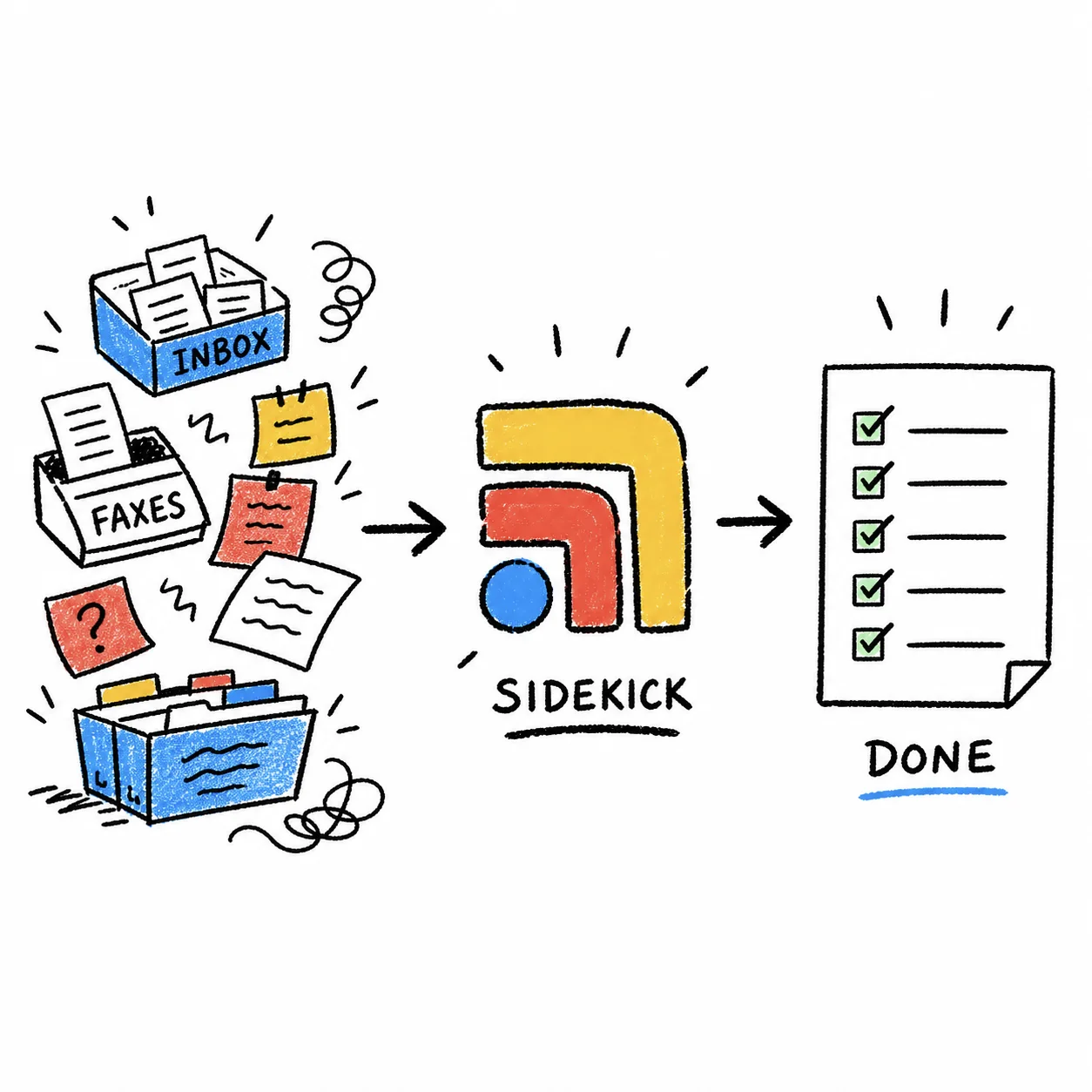
Tabflows is not an EHR, not a messaging app and not a replacement for Spruce or Hint. It is a dedicated tech team and the infrastructure behind it, working inside the Spruce and Hint accounts your team already signs into, without storing your passwords. In practice that means Spruce opens beside the Hint Clinical chart for the same patient, unread Spruce messages are sorted by urgency with Spruce Inbox Triage, and replies are drafted in your clinic's voice with Patient Inbox Drafts for staff to approve or edit.
For the charting gap itself, our team can set up a custom workflow that reads a Spruce conversation and prepares a short summary in your note format, ready for a nurse or doctor to review and add to Hint Clinical. Nothing lands in the chart or reaches a patient until a person on your team approves it, which keeps clinical judgment with your clinicians and gives your front desk back the time they spend retyping threads. You can see what we connect on the Hint Clinical and Spruce integration pages.
If you'd like to see which of these would save your team the most time, answer a few questions on our match page and we'll point you to the right setup.
Sources
Checked on November 4, 2026: sprucehealth.com/plans. Spot a wrong fact? Email a correction.
FAQs
Does the Spruce and Hint integration copy messages into the Hint Clinical chart?
Not according to either company's help center. Hint's and Spruce's articles on the integration describe syncing patient contacts, demographics (name, date of birth, gender, phone and email) and Hint tags such as plan, membership status, employer, location and provider into Spruce. Neither article describes sending Spruce conversations into the Hint chart, so most practices summarize the important ones into a Hint Clinical note.
Which Spruce plan do I need for the Hint integration?
Spruce's help center says the Hint integration is a Communicator plan feature and is not available on the Basic plan. Spruce's pricing page prices both plans per user per month, with Communicator priced higher than Basic, before taxes and fees. Spruce's pricing page lists Communicator at $49 per user per month and Basic at $24 per user per month, before taxes and fees.
How do I link a Spruce contact to the right Hint patient?
On the web version of Spruce, open the patient's contact card, scroll to Integrations, choose Link Contact to EHR, pick Hint and search by the patient's full first or last name or Hint patient ID. Check that the details match and select Establish Link. Linking happens once per contact, not per conversation, and Spruce says all of a patient's conversations are then linked to Hint.
Can I export all my Spruce messages and load them into Hint?
Spruce's developer documentation describes a CSV data export delivered daily or weekly to an SFTP server you provide, and it says the export is available case by case through your account manager or Spruce support. That export is useful as an archive or for analysis. Hint's support articles we read don't describe a bulk import of message history into charts, so ask Hint before planning one.
Is it HIPAA compliant to copy Spruce messages into Hint Clinical?
Moving a patient's own messages into their chart inside two systems your practice already uses under business associate agreements is ordinary documentation. Spruce says all of its trials and paid plans include a BAA. The risk comes from the steps in between, so avoid personal email, screenshots on personal phones and any third-party tool that hasn't signed a BAA with your practice.
Where does Tabflows fit between Spruce and Hint Clinical?
Tabflows is a dedicated tech team that works across the Spruce and Hint accounts your clinic already signs into. It opens Spruce beside the Hint Clinical chart for the same patient, sorts and drafts replies to Spruce messages, and can be set up to prepare a short summary of a conversation for a nurse or doctor to review before it goes into the chart. Your team approves anything that reaches a patient or the chart.