How Do Patients Find a DPC Practice in 2027?
Patients find a direct primary care practice in 2027 in three main ways. They search "direct primary care near me" on Google or Google Maps, they ask ChatGPT, Perplexity or Google's answers to name practices nearby, or they browse a DPC directory. All three read from the same sources, which are your Google Business Profile, your own website, and listings elsewhere on the web, so one clear, accurate, plain-text picture of your practice does most of the work everywhere at once.
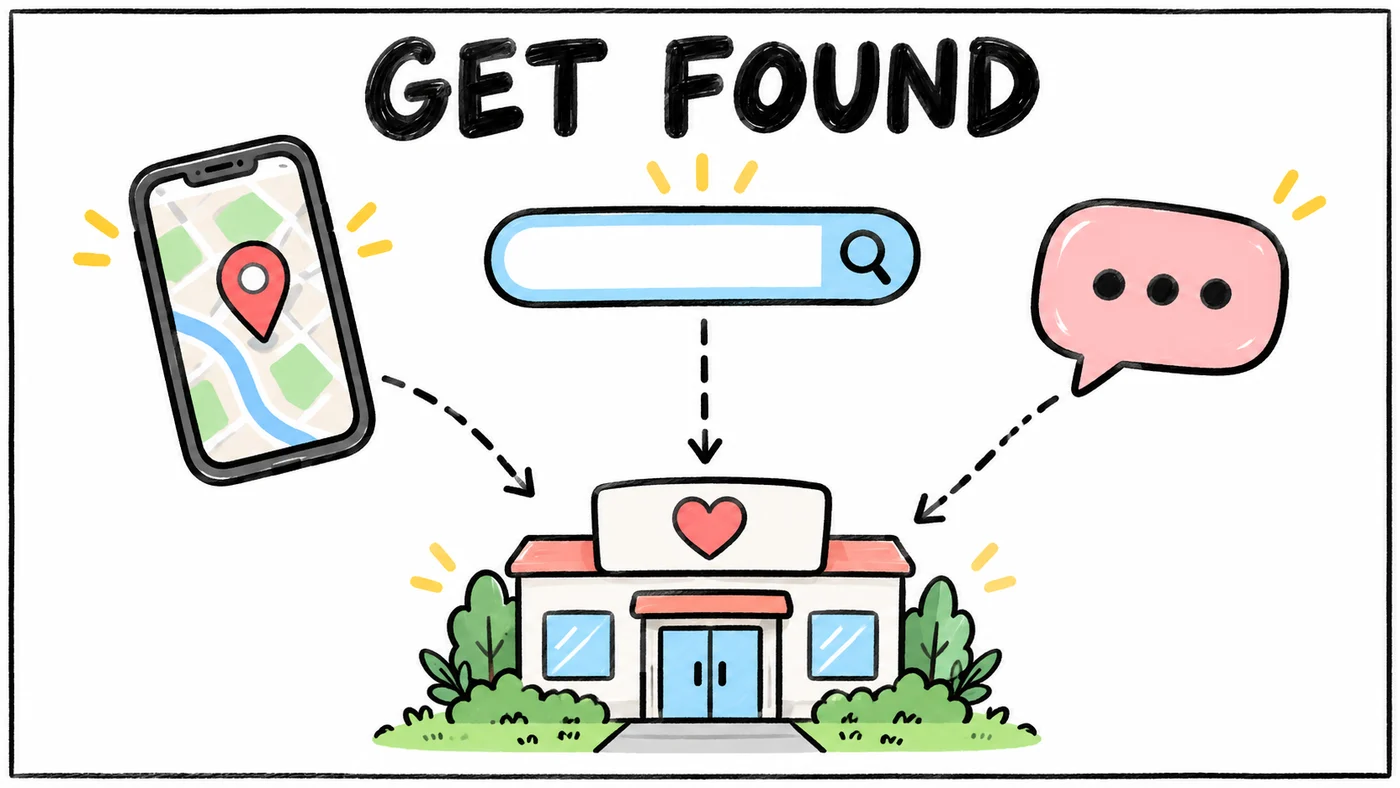
The good news for a small practice is that none of this rewards a big marketing budget. Google says plainly that there is no way to request or pay for a better local ranking, and its guidance for the answers shown at the top of search says there are no additional requirements or special optimizations needed to appear there. What helps is being specific, consistent and easy to read.
This guide is for DPC owners who want a practical list. It covers Google Business Profile, Maps, ChatGPT search and Perplexity, your website, reviews, directories and how to tell whether any of it is working. If you are still opening your doors, the 2027 guide to starting a DPC practice covers the steps before this one.
The DPC Local SEO Checklist at a Glance
Here is the whole job in one table. Most of it is a one-time setup, followed by a short monthly check.
| Task | Why it matters | Time |
|---|---|---|
| Claim and verify your Google Business Profile | It is the main source for Google Search and Maps local results | 1 to 2 hours, plus verification wait |
| Pick the most specific category and correct name | Google matches profiles to searches partly on category and name | 15 minutes |
| Keep name, address and phone identical everywhere | Search engines and answer engines cross-check listings against each other | 1 to 2 hours once |
| Publish a pricing page with prices as plain text | Answer engines quote text they can read, not images or PDFs | 1 hour |
| Write FAQ pages in patients' own words | Matches the questions people type and ask out loud | 2 to 4 hours |
| Add MedicalClinic or Physician structured data | Describes your practice to search engines in a standard format | 1 hour |
| Ask every patient for a review, the same way | Google says more reviews and positive ratings can help local ranking | 10 minutes a week |
| Reply to reviews without confirming anyone is a patient | Keeps you clear of HIPAA disclosures | 5 minutes per review |
| List the practice in DPC directories | Patients searching for DPC specifically often start there | 1 hour |
| Allow search crawlers in robots.txt | Blocked crawlers mean you cannot appear in that product's results | 15 minutes |
| Check Business Profile performance and Search Console monthly | Shows which searches and pages bring patients in | 30 minutes a month |
The rest of this guide walks through each row and explains what Google, OpenAI and Perplexity say in their own documentation.
How to Get Found on Google Maps as a DPC
Your Google Business Profile is the listing that shows on Maps and in the local results on Google Search. Google says those results are based mainly on relevance, distance and prominence. Relevance is how well your profile matches what someone searched for, distance is how far you are from them, and prominence is how well known the practice is, which Google says draws on things like links to your site and how many reviews you have. You cannot change distance, so the work goes into the other two.
Set up the profile the way Google's rules expect
Google's Business Profile guidelines have specific rules for doctors and practices, and getting them right early saves a suspended listing later.
- Use your real-world name. Google says your name should reflect your business's real-world name and that adding unnecessary information to it is not permitted. "Smith Family Direct Primary Care" is fine if that is the name on your door. Adding "Best DPC Doctor in Austin" is not.
- Choose the most specific category. Google asks for categories that are as specific as possible while still representing your main business, and says not to use categories as keywords. For most DPC practices that means a primary care or family practice category as the primary choice, with a few closely related secondary categories if they truly apply.
- Decide between a practice profile and a practitioner profile. Google says a solo practitioner at a branded practice should ideally share one profile with the practice, named in the pattern of brand plus practitioner name. When several practitioners work at one location, the practice gets its own profile and each public-facing practitioner may have a separate one that includes only their name.
- One profile per person. Google says a practitioner should not have multiple profiles to cover their specializations, and that support staff should not create their own profiles.
Then fill in everything else Google asks for. Hours, phone, website link, a short description that uses the words "direct primary care" and "membership", photos of the actual office, and the services you offer all feed relevance.
Keep your name, address and phone consistent
NAP (name, address, phone) consistency sounds like old advice, and it still matters because every system that describes your practice is comparing sources. If your Google profile says Suite 200, your website says Suite 210 and an old insurance directory lists the phone number from your previous clinic, search engines and answer engines have to guess which one is right.
Pick one exact version of your name, address and phone number and use it on your website footer, Google Business Profile, Bing Places, Apple Business Connect, Facebook, your EHR's patient-facing pages and every directory. If you converted from a fee-for-service practice, search for your old practice name and phone number and update or close those listings. The guide to converting a practice to direct primary care covers the rest of that transition.
How to Show Up in ChatGPT, Perplexity and Google's Answers
More patients now ask a question instead of typing keywords, along the lines of "Is there a direct primary care doctor near me who takes kids and costs under a hundred a month?" ChatGPT, Google's answers, Perplexity and other answer engines then read web pages and listings and write a short reply with links. You show up in those replies when the engine is allowed to read your site and finds a clear, specific answer there.
Let the search crawlers in
Each answer engine has its own crawler, and a robots.txt file or a hosting firewall can block it without you ever knowing. OpenAI's crawler documentation lists separate crawlers with separate jobs:
- OAI-SearchBot is what surfaces websites in ChatGPT search. OpenAI says sites that opt out of it will not be shown in ChatGPT search answers, and that changes to robots.txt take about 24 hours to take effect.
- GPTBot collects content that may be used to train OpenAI's models. Blocking it does not remove you from ChatGPT search, because OpenAI says each setting is independent.
- ChatGPT-User visits a page when a person asks ChatGPT to, and OpenAI says it is not used to crawl the web automatically.
Perplexity's crawler documentation works the same way. PerplexityBot surfaces and links websites in Perplexity's results and follows robots.txt, while Perplexity-User fetches a page when a person's question needs it.
For Google, the answers at the top of search come from the same index as regular results. Google's guidance is to allow crawling in robots.txt and through any CDN or hosting setup and to keep important content in text form.
A robots.txt that welcomes the search crawlers looks like this:
User-agent: OAI-SearchBot
Allow: /

User-agent: PerplexityBot
Allow: /

User-agent: Googlebot
Allow: /

Sitemap: https://you.com/sitemap.xml
You can still block training crawlers like GPTBot if you prefer, and keep appearing in ChatGPT search. If your site sits behind a website builder or a security service with "block bots" switched on, check that setting too, because it can override robots.txt entirely.
Write prices and answers as plain text
Answer engines quote text. When a patient asks what a DPC membership costs near them, the engine can only repeat a number it can read on a page, and a price inside an image, a downloadable PDF or a pop-up calculator is often invisible to it.
Put your membership prices on a dedicated pricing page as ordinary text, with the age bands, family pricing, enrollment fee if any, and what is included. State whether a membership works with a health savings account, since that changed in 2026. The 2027 DPC HSA rules explain the monthly fee cap, and how much to charge for a DPC membership covers setting the numbers themselves.
Then write FAQ pages in the words patients actually use. A patient does not search "DPC model value proposition". They ask "Do I still need insurance with direct primary care?", "Can I text my doctor?", "Do you do labs?" and "What happens if I need a specialist?" Each question can be its own heading with a two to four sentence answer directly under it, which is exactly the shape an answer engine likes to lift. Google's guide to creating helpful, reliable content makes the same point from the other direction, asking whether content is written for people first and shows first-hand expertise.
Does Schema Markup Help a DPC Website?
Schema markup (structured data) is a small block of code that describes your practice in a standard format. It helps, but it is not a shortcut. Google's own page on its answer features says you don't need special schema.org structured data to appear there, and that any structured data you do add should match the visible text on the page.
For a DPC practice, the useful types from schema.org are MedicalClinic for the practice and Physician for each doctor. Google's local business structured data guide asks for the most specific type possible, requires a name and address, and recommends telephone, url, geo coordinates and opening hours.
One detail trips people up. Google says review and rating markup in that guide is meant for sites that collect reviews of other businesses, so do not mark up your own star rating on your own homepage. Let your reviews live on Google and other review sites, and keep your markup to facts like name, address, hours, phone and the services you offer.
How Reviews Work for a DPC (and How to Stay HIPAA-Safe)
Google says more reviews and positive ratings can help your local ranking. DPC practices tend to earn warm reviews because patients get time and access they have not had elsewhere, and the practical job is simply remembering to ask.
Ask everyone, the same way
Google's contributed content policy sets two firm rules. You cannot offer incentives such as payment, discounts or free services for a review, and you cannot discourage negative reviews or selectively ask only happy patients. Staff and former staff reviews count as a conflict of interest and get removed.
The simple, compliant habit is to send every patient the same short review request at the same point, such as a few days after a first visit, with a direct link to your Google review form. A message tool can do this automatically, so it does not depend on anyone remembering on a busy day.
Reply without confirming anyone is a patient
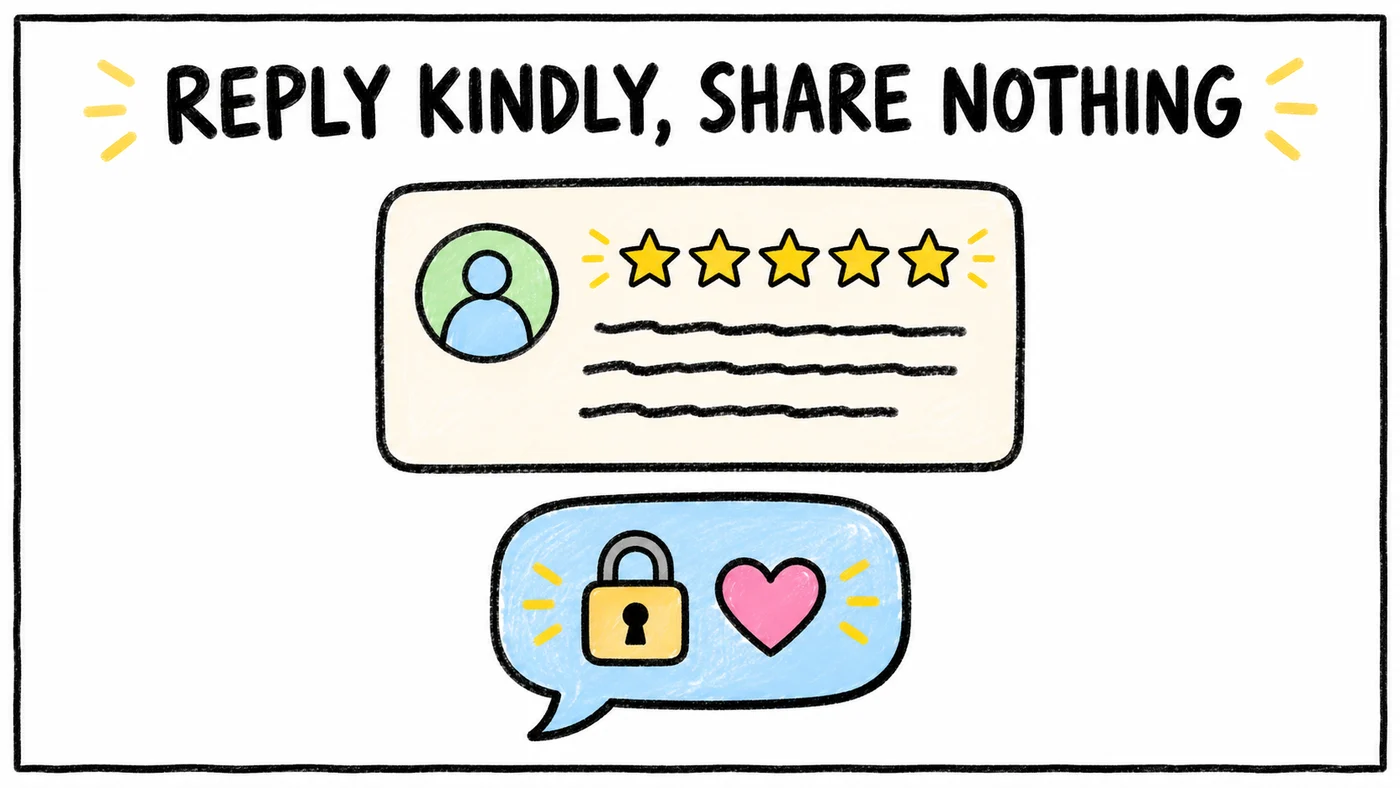
Responding to reviews is good practice, and it is also where practices get into HIPAA trouble. Saying "we're sorry your visit last Tuesday ran long" confirms the reviewer is a patient and discloses when they were seen.
HHS has acted on exactly this. In 2023 the Office for Civil Rights settled with Manasa Health Center, a New Jersey psychiatric practice, over patient information disclosed in a response to a negative online review. In 2022 it settled with New Vision Dental in California over disclosures in responses to online reviews. Manasa Health Center paid 30,000 dollars and New Vision Dental paid 23,000 dollars, and both agreed to corrective action plans.
A safe reply thanks the person, says nothing about their care or whether they are a patient, and invites them to call the office. Something like "Thank you for sharing this. We take every concern seriously and would welcome a call at our main number so we can talk it through" works for almost any review, good or bad.
Should a DPC List in Directories?
Yes. People who already know they want direct primary care often search a DPC directory instead of Google, and directories are one more consistent source that confirms your name, address and prices to search engines and answer engines.
Our DPC Finder lists practices across all 50 states and dates every fact it shows. The comparison of the best DPC finders and directories lists the others, including the DPC Alliance directory for members and DPC Frontier's mapper, and how each one checks its listings. Claim or submit your practice on the ones that fit, and update them when your prices or panel status change, because stale listings are the most common complaint patients have about DPC directories.
Outside DPC-specific sites, claim Bing Places and Apple Business Connect as well. They take minutes, they feed Bing and Apple Maps, and they are two more places your name, address and phone can match.
Your Website Does the Converting
Every channel above eventually sends a patient to your website, and that is where they decide whether to book. If the page loads slowly, hides the price or buries the booking button, the work spent getting found is lost at the last step.
We have written separately about each piece of this. Start with how to build a direct primary care website for the overall structure, then the DPC website conversion principles and the DPC website speed checklist. If patients tell you they could not figure out how to sign up, read why your DPC booking button might be too hard to find.
How to Measure Whether Patients Are Finding You
Two free tools tell you most of what you need. Google Business Profile's performance view shows calls, direction requests, website clicks, bookings, profile views, and the search terms that led people to your profile, updated monthly. Watching which searches bring people in tells you which words patients use, and those are the words to put in your FAQ headings.
Google Search Console shows which searches your website appears for, which pages get clicks, and whether Google can crawl and index your pages. Check it after you publish a pricing or FAQ page to confirm Google has picked it up.
For answer engines there is no equivalent dashboard yet. The practical check is to ask ChatGPT, Perplexity and Google the questions your patients ask once a month, note whether your practice comes up and what it says about you, and fix whatever is wrong at the source page. Adding a "How did you hear about us?" question to your enrollment form fills in the rest.
Keeping It Up Without Adding to Your Week
Most of this checklist is a few hours of setup and then small, repeated tasks, like sending review requests, updating listings when prices change and checking the numbers once a month. Those small tasks are the ones that slip when the panel grows, because they live between tools rather than inside any one of them.
That is the kind of work Tabflows is built for. We are a dedicated tech team that connects the tools a DPC clinic already uses, like the EHR, billing and messaging, so follow-ups such as review requests and listing updates get done, tasks land with the right person, and patient context sits in one place. If your break-even panel size depends on steady new enrollments, keeping the finding-you part running quietly in the background is worth a look.
FAQs
How do patients find a direct primary care practice in 2027?
Most patients start with a search like direct primary care near me on Google or Google Maps, ask ChatGPT, Perplexity or Google's answers to name practices nearby, or look up a DPC directory. All of these lean on the same few things, which are an accurate Google Business Profile, a website that states your prices and services in plain text, consistent name, address and phone details across the web, reviews, and directory listings.
How do I get my DPC practice found on Google?
Claim and verify a Google Business Profile with your real practice name, the most specific category that fits, accurate hours and a link to your website. Google says local results are based mainly on relevance, distance and prominence, and that more reviews and positive ratings can help. Then make sure your website explains what direct primary care is, what it costs and where you are, in text Google can read.
How do I make my practice show up in ChatGPT?
ChatGPT search finds websites through OpenAI's OAI-SearchBot crawler. OpenAI says sites that block OAI-SearchBot will not be shown in ChatGPT search answers, so check that your robots.txt and hosting setup allow it. Beyond that, the same pages that help on Google help here, especially a pricing page with prices written as text and FAQ pages that answer patient questions in their own words.
Do I need special schema or files for ChatGPT or Google's answers?
Google says there are no additional requirements or special optimizations needed to appear in its search answer features, and no special schema.org markup to add. Standard structured data such as MedicalClinic or Physician from schema.org still helps describe your practice, as long as it matches the visible text on the page.
Should a DPC doctor have a separate Google Business Profile from the practice?
It depends on how the practice is set up. Google's guidelines say a solo practitioner at a branded practice should ideally share one profile named with the brand and the practitioner's name. When several practitioners work at one location, the practice gets its own profile and each public-facing practitioner may have a separate one with only their name. Google also says a practitioner should not create multiple profiles to cover different specializations.
Can I respond to a negative review from a patient?
Yes, but never confirm that the reviewer is a patient or mention any detail of their care. HHS has settled with practices that disclosed patient information in review responses, including a New Jersey psychiatric practice in 2023 and a California dental practice in 2022. A short, general reply that invites the person to call the office is the safe pattern.
Is it allowed to offer patients a discount for leaving a Google review?
No. Google's contributed content policy prohibits offering incentives such as payment, discounts or free services for reviews, and it prohibits selectively asking only happy patients for reviews. Ask every patient the same way, at the same point in their visit or follow-up.