
How Well Does Cerbo EHR Work for Nurse Practitioner Workflows?
Cerbo works well for nurse practitioner workflows, especially for an NP who owns or runs a direct primary care, cash-based or functional medicine practice. Cerbo says it is built for exactly those practices, its pricing page lists NPs alongside MDs, DOs and NDs as prescribing providers, and it supports e-prescribing of standard, controlled and compounded medications. For NPs in states that require physician oversight, Cerbo can attach a supervising physician's details to every prescription and can route encounter notes for co-signature. The trade-offs are that Cerbo does not bill insurance directly, there is no shared library of stock charting templates, and the work that spills out of the chart into messages, labs and follow-ups still needs an owner. Tabflows is not an EHR and does not replace Cerbo; it is a dedicated tech team that works alongside Cerbo and the tools around it so that follow-up work lands in one tracked list.
This guide walks through Cerbo the way a solo NP actually uses it, from charting and prescribing to tasks, labs and patient communication, using only what Cerbo publishes on its own website and help center as of November 2, 2026. If you are still deciding whether you can open an NP-owned practice in your state, start with our guide to whether a nurse practitioner can open a DPC, since practice authority shapes which Cerbo settings you will need.
Cerbo for NPs at a Glance
| NP workflow need | What Cerbo offers | Fit |
|---|---|---|
| Prescribing | eRx, EPCS, compounded meds | Strong |
| Physician oversight | Supervisor on Rx, note co-signing | Strong |
| Fast charting | Chart Parts templates | Strong, once built |
| Starter templates | Each clinic builds its own | Plan setup time |
| Labs | 40+ standard and functional labs | Strong |
| Insurance billing | Not direct, third-party sync | Weak for hybrid |
| Team tasks | Assigned task lists | Good |
Prescribing as a Nurse Practitioner in Cerbo
Cerbo's FAQ says you can e-prescribe standard medications, controlled substances and compounded medications, and its pricing page lists eRx, eFax and EPCS for every prescribing provider tier. The full nationwide pharmacy database comes standard, Cerbo pre-populates a short list of your local pharmacies, and patients can update their preferred pharmacy through the patient portal.
For an NP, the important detail is that Cerbo treats you exactly like any other prescriber. The pricing page puts DO, MD, NP and ND in the same prescribing provider tier, so there is no separate NP license type to buy. You still need your own state prescriptive authority and, for controlled substances, your own DEA registration, and Cerbo's help center has an eRx registration and setup guide for getting it running.
Supervising physician details on prescriptions
If your state or your practice arrangement requires a supervising physician on outgoing prescriptions, Cerbo handles it in the user profile. Cerbo's help article describes the steps as follows.
- A user with permission to edit users goes to Admin, Manage, Users and clicks the NP's username.
- In the Supervision section, answer "Does this user have a supervising physician?"
- Choose "Yes, another user in this office" and select them, or "Yes, but they don't work at this office" and enter the physician's details, including valid phone and fax numbers, a two-letter state code and a five-digit ZIP code.
- Save. From then on, the supervisor's details appear on that NP's prescription faxes and are attached to electronic prescriptions sent through Surescripts.
Co-signing encounter notes
Cerbo also lets you set, per user, whether encounter notes never need co-signature, may be sent for one, or always require one. Cerbo's help center says any user with an NPI in their profile who is not themselves set to always require co-signature can be the designated cosigner, which covers the common setup where a collaborating physician reviews a sample of an NP's charts. In full practice authority states you can simply leave co-signature off.
Charting Speed with Chart Parts
Charting is where an NP running a solo DPC either gets their evenings back or loses them, and Cerbo's answer is a templating system it calls Chart Parts. Cerbo describes Chart Parts as user-managed templates that you call up by typing the first three letters of the name. A single Chart Part can insert text, pull information from the patient's chart through variables, and suggest actions such as diagnoses, prescriptions, orders, supplements, charges, alternate plan items and handouts, which you accept or dismiss.
A few details matter for a solo NP.
- Chart Parts can be scoped to just you or shared with everyone in the practice, and you can clone an existing one as a starting point.
- Nicknames let you group templates, so typing a shared nickname brings up a whole family of related templates.
- Chart Parts also work in tasks, secure messages and emails to patients, not only in encounter notes.
- Cerbo's fillable template forms include physical exams and a functional review of systems.
The trade-off is set-up time. Cerbo's FAQ says there is currently no shared library of charting templates, so each clinic builds its own, and Cerbo notes that stock templates are a priority on its improvements wishlist. Cerbo's encounter view keeps the rest of the chart visible while you write, auto-saves once per minute and lets each user set a default encounter view, so once your templates are built the daily flow is quick.
Tasks, Labs and the Work Between Visits
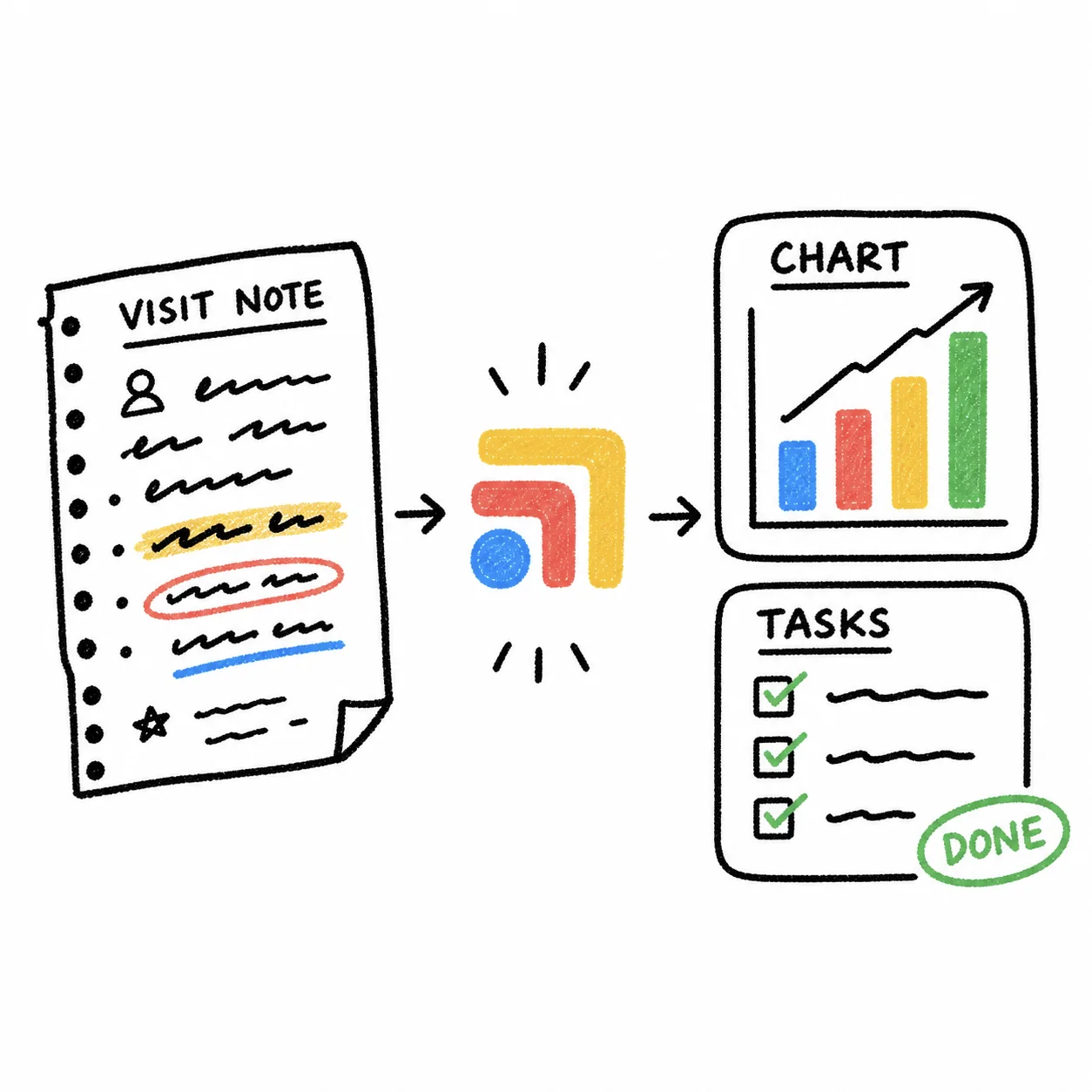
For a solo NP, much of the day happens between visits, in lab results, refill requests, portal messages and callbacks. Cerbo has a task system in which a task is assigned to one user and stays on their list until it is completed or reassigned. Its help center describes scheduled tasks with due dates and optional pop-up reminders, standing tasks (including portal requests turned into tasks), For Review tasks created when a document is flagged for review, and follow-up tasks. You can view another user's list when covering for them. Cerbo's help center also notes there isn't a way to filter a task list by a specific patient, so a patient's task history is viewed from their chart instead.
On labs, Cerbo says it integrates with more than 40 standard and functional laboratories, highlights abnormal, high, low and critical results, and lets you assign a result internally for review and share it with the patient. Bi-directional lab integrations also let you submit orders electronically. Integrated outgoing fax is included, and incoming fax is optional.
Patient Communication, Scheduling and Billing
Cerbo's patient portal lets patients complete intake forms, and Cerbo says it offers many pre-made intake forms for free. Automated appointment reminders go out as an initial email, an email reminder and a text reminder when a cell number is on file, and you can customize the content and timing. Patients can request appointments through the portal, and Cerbo can provide a code snippet for your website that prospective patients often use to request an exploratory call, though Cerbo notes those requests are not added to the calendar automatically and must be confirmed by someone at the clinic.
On billing, Cerbo supports integrated card processing through Propelr, Bluefin and Stripe, including stored cards, automated subscriptions and online balance payments, which suits a DPC membership. Cerbo says it does not bill insurance directly, and instead offers a one-way sync to some third-party insurance billing platforms, an EDI claim download file, HCFA-1500 forms and superbills. An NP running a hybrid practice that bills insurance for a meaningful share of visits should look at that workflow closely on the demo.
What Cerbo Costs a Solo NP
Cerbo publishes per-user pricing on its pricing page. Its setup fees show on some visits to that page and not on others, so the table says which.
| Cerbo | |
|---|---|
| Prescribing provider, full-time | $281 per full-time prescribing provider per month |
| Prescribing provider, part-time | $174 per part-time prescribing provider per month, multi-provider clinics only |
| Additional staff | $63 per full-time staff user per month |
| Restricted user | $15 per restricted user, one time |
| Setup fee | Shown on some visits: $1,195 per practice, one time |
| New practice special setup | Shown on some visits: $595 per new part-time solo or micro practice under 30 patients and 6 months old, one time |
| Telemedicine | $27 per provider per month for 1:1 video |
| AI scribe | $29 per provider per month, up to 60 notes |
| Works with Tabflows | Cerbo integration |
| Checked | cer.bo/pricing, November 4, 2026 |
Part-time means under 30 hours a week and is only available in multi-provider clinics, and at least one provider must be designated full-time, so a solo NP pays the full-time rate. The new practice special applies to part-time solo or micro practices with fewer than 30 patients and less than six months in business. The patient portal is a separate add-on that the pricing page sizes by patient count, and it showed $79 per month at the page's default setting. Cerbo says it does not lock clinics into long-term contracts. For how this compares with Akute, Atlas.md, Hint, Elation and Charm, see our DPC EHR comparison.
Getting Started on Cerbo
Cerbo's implementation hub lays out six weeks of guided training followed by two weeks of post go-live support. The weekly modules run in this order.
- Account and user configuration, including adding every team member.
- Administrative workflows, such as appointment types, default reminders, the charge list, a test patient and a test task.
- Forms, templates and clinical tools, including a questionnaire or consent form, your first Chart Part and any custom recommendations, IVs or compounded medications.
- Clinical workflows such as charting, prescribing and ordering labs.
- Billing and reporting.
- Go-live readiness and review.
For an NP, steps one and three are where the supervising physician and co-signature settings and your first Chart Parts belong, so they are in place before the first patient visit.
Who Cerbo Fits, and Who It Doesn't
Cerbo is a strong fit for an NP-owned DPC or cash-based practice, particularly one with integrative or functional care, supplement sales, IV therapy or compounded medications, because those are the workflows Cerbo's charting and treatment plans are built around. It also suits NPs in reduced or restricted practice states who need supervising physician details on prescriptions and note co-signing, since both are built-in settings.
It is a weaker fit for an NP who bills insurance for most visits, because insurance billing happens outside Cerbo. NPs who want ready-made templates on day one should also budget time to build Chart Parts, or compare an EHR that ships with templates. Our Tabflows vs Cerbo comparison covers the main Cerbo alternatives DPC clinics look at.
Where Tabflows Fits
Cerbo keeps the chart, prescriptions and portal in one system, but a solo NP's day still runs across the phone line, the text inbox, a scribe, lab portals and billing. Those tools were never built to talk to each other, so the follow-up work between them tends to live in someone's head. Tabflows is a dedicated tech team and smart admin infrastructure for DPC practices that works alongside Cerbo rather than replacing it, turning that in-between work into tracked tasks and automations with an owner.
Our team sets up workflows around Cerbo such as a pre-visit summary that builds a chart prep brief before each visit, and builds others on request, like turning Weave voicemails into Cerbo callback tasks with chart context or placing Freed scribe notes into Cerbo and turning orders into tasks. That gives an NP more time with patients and more room to grow the panel without adding staff too early. You can read more on our Cerbo integration page, and pricing is published.
If you are an NP weighing Cerbo for your practice, or already on Cerbo and feeling the work pile up between tools, tell us about your practice and we will suggest where to start.
Sources
Checked on November 4, 2026: cer.bo/pricing. Spot a wrong fact? Email a correction.
FAQs
Is Cerbo a good EHR for a nurse practitioner?
Yes, for an NP running a direct primary care, cash-based or functional medicine practice. Cerbo describes itself as built for those practices, its pricing page lists NPs alongside MDs, DOs and NDs as prescribing providers, and it supports e-prescribing of standard, controlled and compounded medications. It also has settings for NPs who need a supervising physician on prescriptions or a co-signature on notes. It is a weaker fit if you need to bill insurance inside the EHR, because Cerbo says it does not bill insurance directly.
How much does Cerbo cost for a nurse practitioner?
Cerbo prices a nurse practitioner as a prescribing provider, with a monthly price for full-time and a lower one for part-time. Its pricing page groups DO, MD, NP, ND and others as prescribing providers, with part-time meaning under 30 hours a week and only available in multi-provider clinics. Some visits to its pricing page show a one-time setup fee, reduced under the new practice special for solo or micro practices with fewer than 30 patients and less than six months in business. Add-ons such as the patient portal, telemedicine and an AI scribe are priced separately, and Cerbo says it does not lock clinics into long-term contracts. A full-time prescribing provider is $281 per month and a part-time prescribing provider is $174 per month, and a restricted user is $15 one time. Some visits to the pricing page also show a one-time setup fee of $1,195, or $595 under the new practice special (seen November 4, 2026), and others show none.
Can Cerbo handle a supervising or collaborating physician for an NP?
Yes. Cerbo's help center describes a Supervision section on each user's profile where you can name a supervising physician who works in your office or one who does not. Once it is set, the supervisor's details appear on prescription faxes and are attached to electronic prescriptions sent through Surescripts. Separately, Cerbo lets you set per user whether encounter notes may or must be sent for co-signature, and any user with an NPI who is not required to be co-signed themselves can be the designated cosigner.
Can a nurse practitioner prescribe controlled substances in Cerbo?
Cerbo says you can e-prescribe standard medications, controlled substances and compounded medications, and its pricing lists eRx, eFax and EPCS for prescribing providers. The NP still needs their own state prescriptive authority and DEA registration. Cerbo's help center has an eRx registration and setup guide that walks through the setup steps.
Does Cerbo come with charting templates for NPs?
Not as a shared library. Cerbo's FAQ says each clinic currently builds its own templates using Chart Parts, its templating system, and that stock templates are on its improvements wishlist. Chart Parts are called up by typing the first three letters of the name and can insert text, pull information from the patient's chart and suggest diagnoses, prescriptions, orders, supplements, charges and handouts. Cerbo's fillable template forms include physical exams and a functional review of systems.
How long does it take to get started on Cerbo?
Cerbo's implementation homework page lays out six weeks of guided training sessions followed by two weeks of post go-live support and optimization. The weekly modules cover account and user setup, scheduling and the charge list, forms and Chart Parts, clinical workflows, billing and reporting, and go-live readiness. A solo NP should plan to build their first Chart Parts and intake forms during those weeks rather than after launch.