
Cerbo EHR handles patient questionnaires and intake forms through its patient portal, where patients complete intake forms, health questionnaires and consent forms that come straight into the chart. Cerbo includes many pre-made intake forms for free, will build custom fillable forms on request, and lets clinics build and edit their own with its Questionnaire/Form Builder, including signature pads, required questions, checkboxes and dropdowns. A Questionnaire Manager controls which forms each patient sees, with rules by age range, upcoming visit or chart tag, and staff can email a secure, single-use link so a patient can finish forms without logging into the portal. Once a form is submitted, the doctor can push the whole form into the encounter note or use Chart Parts to pull specific answers into a note template. Tabflows is not an EHR or a form builder, and it fits around Cerbo as a dedicated tech team that makes sure finished forms turn into chart prep, scheduled visits and follow-ups.
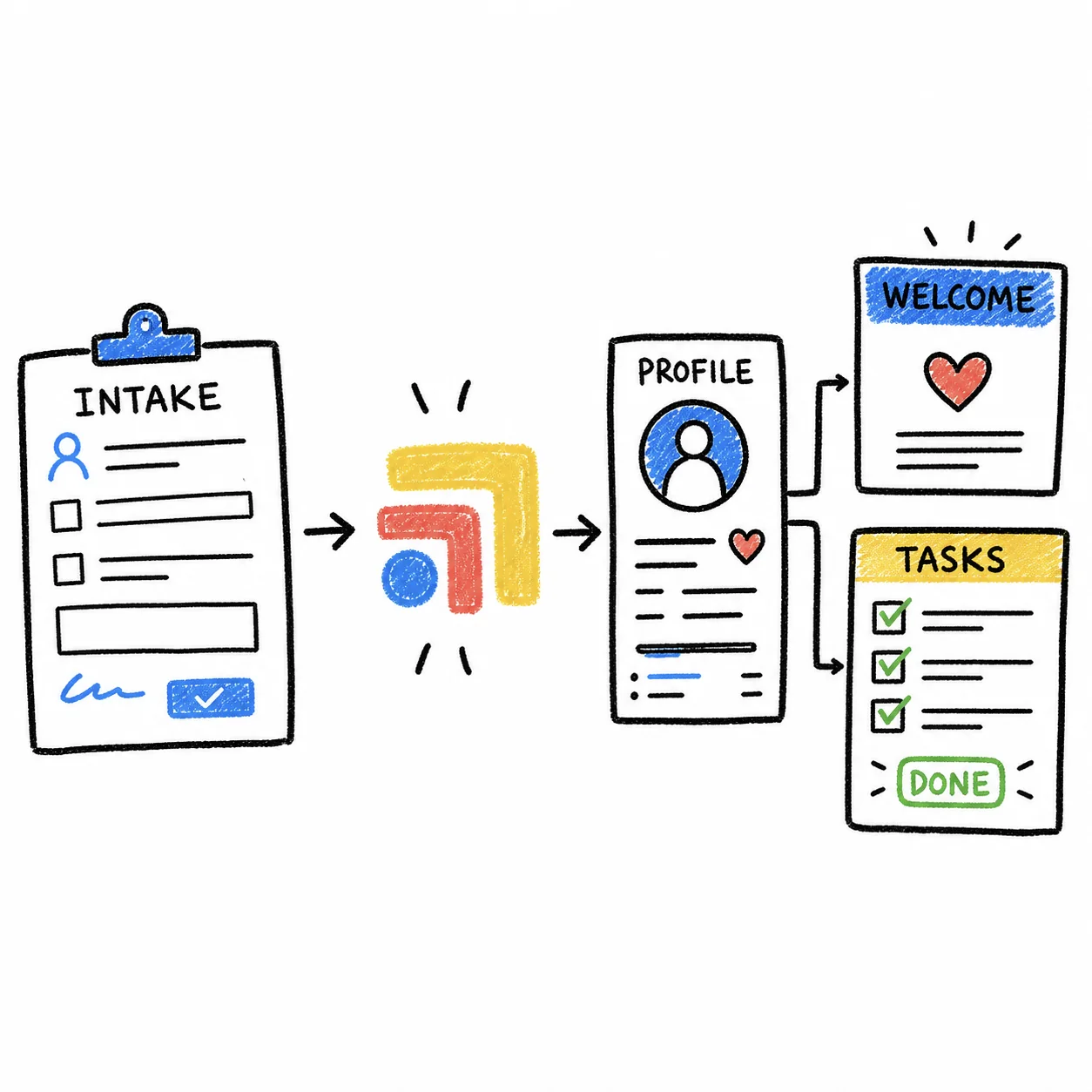
That is the short version. Functional, integrative and pediatric practices tend to ask more of their intake than a typical primary care clinic, with long health histories, supplement lists, symptom timelines and age-specific questionnaires, so it helps to know exactly how each piece of Cerbo works and where the edges are. Everything below comes from Cerbo's own website and help center, checked on November 2, 2026.
Where Patients Complete Questionnaires and Intake Forms in Cerbo
Patients complete forms on the Questionnaires page of Cerbo's patient portal. Cerbo describes the portal as secure, custom-branded to match your practice's website, and built for two-way communication that is automatically recorded in the patient's chart. According to Cerbo's patient portal page, patients can use it to complete intake forms, questionnaires and consent forms that come directly into the EHR, upload old records or outside labs, view and update their medications and supplements, request appointments and pay bills.
Cerbo's FAQ answers the core question plainly. Patients can complete intake forms on the portal, and Cerbo has many pre-made intake forms that clinics can use for free. During implementation, Cerbo asks new clinics to browse its Stock Forms Library before their forms and templates training session.
How Cerbo's Questionnaire/Form Builder Works
Cerbo users can build and edit their own patient-fillable forms and questionnaires. According to Cerbo's help center, the builder supports:
- Text input fields
- Radio buttons, checkboxes and dropdowns
- Required questions
- Section headings and text blocks for instructions
- Initials fields
- Signature blocks with a drawing pad, so consent forms can be signed on screen
Forms you build are posted to the portal's Questionnaires page, where patients complete and submit them electronically. You open the builder from Pt Portal and then Questionnaire Manager.
One detail is worth knowing before you plan edits. Only forms built in the newer Form Builder can be edited there. If Cerbo built a custom form for you outside the builder, it shows without a pencil icon in Questionnaire Manager, and Cerbo suggests either re-creating it in the Form Builder and hiding the old version, or contacting Cerbo support with a copy of the form and the edits clearly marked.
How Cerbo Decides Which Patients See Which Forms
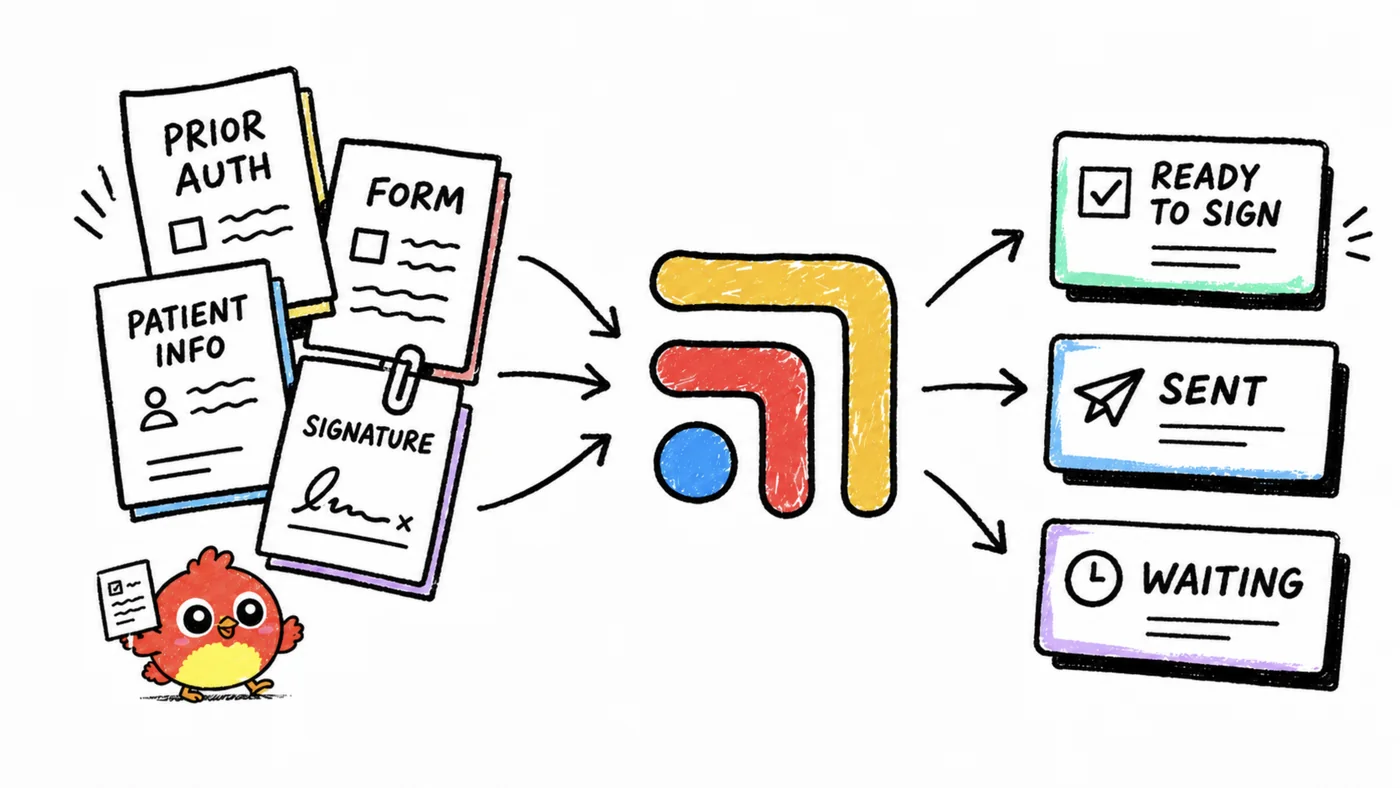
The Questionnaire Manager controls the layout and behavior of the portal's Questionnaires page directly from the EHR. Cerbo's help center says it lets you:
- Reorder your forms and questionnaires
- Add headings and text blocks with custom instructions for patients
- Set display rules, for example showing a questionnaire only to patients in a certain age range, patients with an upcoming visit or patients with a specific tag on their chart
- Mark forms as nudge or alert items
- Set rules about who can view each form
- Recover previous versions of the page and print a blank form
For a pediatric practice, the age-range rule means a well-child questionnaire can appear only for the ages it fits. For a functional medicine practice, a chart tag can show a detailed health history only to new patients booked for a first consult, which keeps the page short for everyone else.
How to Send Intake Forms to Patients Before a Visit
Cerbo's help center describes a secure, one-time link that gives a patient direct access to their questionnaires with no portal login.
- Open the patient's chart and go to the Patient Portal menu.
- Click Send Questionnaires Link, just below Questionnaire Manager.
- Review the pre-filled email, which includes a greeting, a short explanation and the secure link, then send it.
The link is patient-specific and single-use, so each patient needs a link generated from their own chart. If the patient clicks it again after the session expires, Cerbo tells them the link was used and automatically emails a new one. The patient sees only the forms your display rules allow, along with previously completed forms unless you set them to disappear. Forms submitted this way appear in the Patient Portal Queue under the correct patient, exactly like a regular portal submission.
How Intake Answers Get Into the Encounter Note
This is where Cerbo saves the most retyping, and there are two routes.
Push the whole form into the note. Cerbo's help center explains that you open the submitted form inside the encounter note and choose Push Content into SOAP Note from the three-dot menu to place the entire form in the note. Some questionnaires have embedded buttons that push individual sections. If you have not created the note yet, open the form from the patient's dashboard and click Save and re-open in a new SOAP note.
Pull specific answers with a Chart Part. Every question and answer in a form submitted through the portal becomes a text variable. From Admin, Manage and then Chart Parts, you choose Create New from Questionnaire, pick a patient who has submitted that form, and add the variables you want, such as top concerns or past health issues. You can choose whether the question prompt shows always, only when answered or never. Cerbo's patient portal page sums it up by saying intake forms and questionnaires can be used as the basis for your visit notes.
Cerbo Intake Options at a Glance
| Need | Cerbo feature | Notes |
|---|---|---|
| Ready-made intake | Pre-made forms library | Free to use |
| Your own forms | Form Builder | Edit anytime |
| Custom build | Custom fillable forms | Ask Cerbo |
| Right form, right patient | Questionnaire Manager | Age, visit, tag rules |
| No-login access | Secure questionnaire link | Email, single-use |
| Answers in the note | Push to SOAP note, Chart Parts | Whole or partial |
Other Tools Practices Pair With Cerbo for Intake
Most Cerbo practices do well with Cerbo's own forms, because the answers land in the chart and feed the note. A few add a separate tool when they want a different delivery channel.
- Curogram says it sends Cerbo intake forms by secure text link, saves answers as the patient types so a long history can be finished over several sittings, sends automated nudge texts, and routes completed answers back to Cerbo through Cerbo's REST API.
- IntakeQ lists a HIPAA BAA on its Forms Only plans, with e-signatures, reminders and attachments, as we noted in our patient onboarding software guide.
- Jotform says HIPAA-enabled features start on its Gold plan, and that covered entities who enable them receive a signed BAA.
The trade-off with any outside form tool is that answers have to come back into Cerbo, either through an integration or by hand. If you are comparing EHRs on intake depth, our guide to functional medicine EHR intake forms compares Cerbo with Practice Better, Healthie, Hint and Akute.
Is Cerbo's Intake HIPAA Compliant?
Cerbo says its platform is HIPAA-compliant with audit trails and encryption, and its portal is built for secure two-way communication. Intake forms hold protected health information, so any additional form, texting or automation vendor that touches them needs a signed business associate agreement with your practice before the first form goes out. Tabflows publishes its own BAA at /baa.
What Cerbo Costs
Cerbo publishes per-user pricing. On its pricing page a full-time prescribing provider is $281 per month and a part-time prescribing provider is $174 per month (part-time is for multi-provider clinics), with lower prices for non-prescribing and supporting providers and $63 per month for additional full-time staff. Ask on a demo call whether anything you need for forms and the portal is priced separately.
Where Tabflows Fits
Cerbo's forms are good at collecting the answers. The work that tends to slip sits around them, the kind that lives between Cerbo, your phone and texting tool, your membership billing and your calendar, because those tools were never built to talk to each other. A form is still open two days before a long first consult, a returned form needs a quick look before the visit, or a new member's intake is done but the welcome visit was never booked.
Tabflows is a dedicated tech team and smart admin infrastructure for DPC, concierge, functional and integrative clinics. It does not replace Cerbo or its forms, and it never makes a clinical decision. It works across the tools you already use and turns that follow-up into tracked tasks and automations, each with an owner and a due date. For Cerbo practices that includes a pre-visit summary that builds a chart prep brief before each visit, and a charge audit that compares Cerbo and Hint to catch missed or mismatched charges. You can see more on the Cerbo integration page, and pricing is on /pricing.
A Simple Next Step
Open Questionnaire Manager this week and check three things, which forms each type of new patient actually sees, whether your most-used forms are editable in the Form Builder, and whether your intake answers flow into your note template through a Chart Part. Those three checks usually show where the hours go. If the forms are working and the follow-up around them is what keeps slipping, tell us about your stack on the match page.
Sources
Checked on November 4, 2026: cer.bo/pricing. Spot a wrong fact? Email a correction.
FAQs
Can patients complete intake forms in Cerbo without logging into the portal?
Yes. Cerbo's help center describes a Send Questionnaires Link option in the patient's chart that emails a secure, single-use link straight to the patient's Questionnaires page, with no patient portal login required. The patient only sees the forms your display rules make visible to them, and anything they submit lands in the Patient Portal Queue under the right patient.
Does Cerbo come with ready-made intake forms?
Yes. Cerbo's FAQ says it has many pre-made intake forms you can use for free, and its patient portal page describes a robust library of forms and questionnaires. Cerbo can also create custom fillable forms, and clinics can build their own with the Questionnaire/Form Builder.
How do intake form answers get into the Cerbo encounter note?
There are two ways. You can open the submitted form inside the encounter note and use Push Content into SOAP Note to place the whole form in the note, or use embedded buttons to push individual sections. You can also build a Chart Part from a patient-submitted questionnaire, because Cerbo turns every question and answer into a text variable that a Chart Part can pull into your note template.
Can I show different questionnaires to different patients in Cerbo?
Yes. In Pt Portal and then Questionnaire Manager you can set rules for when a form shows on the portal, for example only for patients in a certain age range, patients with an upcoming visit or patients with a specific tag on their chart. You can also reorder forms, add headings and instructions, and mark forms as nudge or alert items.
Can I send Cerbo intake forms by text message instead of email?
Cerbo's own secure questionnaire link is sent by email from the patient's chart. Curogram says it sends Cerbo intake forms by secure text link and routes completed answers back to Cerbo through Cerbo's REST API. Ask any third-party form vendor for a signed business associate agreement before you use it.
Is Tabflows a form builder for Cerbo?
No. Tabflows is not an EHR and not a form builder, and Cerbo's forms stay where they are. Tabflows is a dedicated tech team that works across Cerbo and the other tools a clinic uses, turning the follow-up around intake, such as a form still open before a first visit or a chart prep brief before each appointment, into tracked tasks with an owner.