
How can I pull a report from Cerbo of all diabetic patients who haven't had an A1C in the last 6 months or whose A1C is over 7?
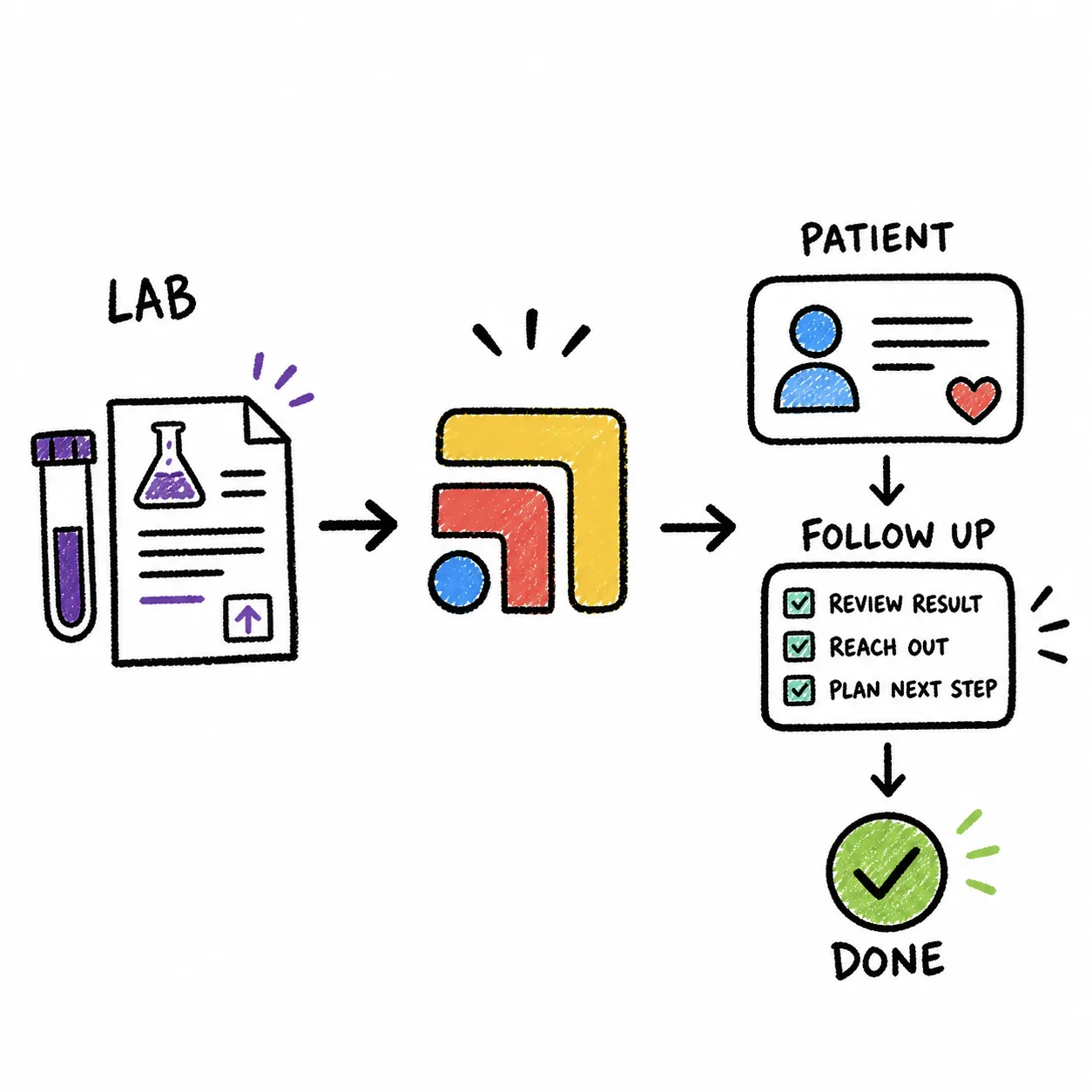
In Cerbo you build this report from two built-in tools rather than one. For patients who haven't had an A1C in the last 6 months, set up a Health Maintenance tracker for A1C that applies only to patients with your diabetes diagnosis codes and repeats every 6 months, then run the Health Maintenance Report under Admin > Advanced Pt Search to list everyone overdue. For patients whose A1C is over 7, find your diabetic patients in Advanced Patient Search, send the results to Lab Values Tracking to export their structured lab values as a CSV, and filter the A1C column for values above 7. Both lists export to a spreadsheet, and Advanced Patient Search can save your filters so next month's run takes a minute. Tabflows does not replace these Cerbo reports, it helps with what comes after, turning each patient on the list into a tracked follow-up so a high or missing A1C always gets a call.
For a solo direct primary care doctor this is one of the most useful lists you can keep. Diabetic members are often the patients who joined for closer follow-up, and a missed A1C is easy to lose in a full week. Knowing which members are overdue or above your threshold gives you a short, specific reason to reach out, which is the kind of attention that keeps members renewing.
Part one, diabetic patients with no A1C in the last 6 months
Cerbo's Health Maintenance trackers show at a glance whether a patient is up to date on something you want to track. Cerbo's help center says a rule can apply based on age, sex and whether the patient has one of the specified diagnosis codes in their chart, in the PMH or Assessment. That diagnosis scoping is what turns a general tracker into a diabetes-only one.
- Create the tracker. Go to Admin > Manage > Health Maintenance, or click the pencil icon in any patient's Health Maintenance block.
- Name it clearly. Give it a short name like "Hemoglobin A1c (diabetes)", because the name shows in charts and on the report.
- Restrict it to diabetes. In the dx codes field, add the diagnosis codes your practice uses for diabetes, so the tracker only appears on those patients' charts.
- Set the frequency to 6 months. The frequency is the interval between instances, so a patient becomes overdue 6 months after the last recorded date.
- Apply it to all matching patients. If you opened the form from a patient's chart, choose All matching patients rather than only that patient.
- Record dates. When an A1C is done, click the tracker name in the patient's Health Maintenance block and enter the date. A patient with no date shows "Never", and anything overdue shows in red.
- Run the report. Open the Health Maintenance Report from the sub-menu under Admin > Advanced Pt Search. Cerbo says you can search all rules or one rule at a time, choose the dates the rules apply to, export the result as a spreadsheet or turn it into a list of emails.
The catch is step six. The tracker knows an A1C happened only when someone enters the date in the Health Maintenance block, so the report is as current as that habit. The easiest fix is to make entering the date part of reviewing every A1C result, and to work through the "Never" patients once when you first set the tracker up.
Part two, diabetic patients whose A1C is over 7
Cerbo's Advanced Patient Search, under the Admin menu, generates patient lists from any combination of criteria, and multiple criteria combine as an "AND" unless the search window says otherwise. Cerbo's examples include patient status, appointments, insurance or credit card on file, completed questionnaires, medications or supplements prescribed and labs or IVs ordered.
- Build the diabetic group. Open Advanced Patient Search and select the criteria that identify your diabetic patients. Cerbo's help article doesn't list a diagnosis filter among its examples, so check the filter form in your account. If you don't see one, a reliable approach is a Diabetes tag. Find likely patients, for example everyone who had an A1C ordered, review the list, and apply the tag with the Patient Bulk-Tag Tool from the results page. Cerbo notes you cannot bulk-remove a tag, so review before you apply it.
- Send the results to Lab Values Tracking. From the results page, choose Send results to report and pick Lab Values Tracking. Cerbo says this generates a CSV export of structured lab values for that subset of patients.
- Filter in a spreadsheet. Open the CSV in Excel or Google Sheets and filter the A1C column for values greater than 7, or whatever threshold your clinical team uses.
- Save the search. Back in Advanced Patient Search, check Save Filters before you click Generate this Report and give it a name, so you can load it from the drop-down next time.
Lab Values Tracking only sees structured results. Cerbo's Lab Tracker article says it includes manually entered discrete results and results sent in HL7 format from integrated labs, not faxes, so an A1C that arrived by fax or PDF has to be entered as a discrete value before it shows up. If your A1Cs come from a lab Cerbo isn't integrated with, or from point-of-care testing, build entering the value into your result review.
Putting both lists together
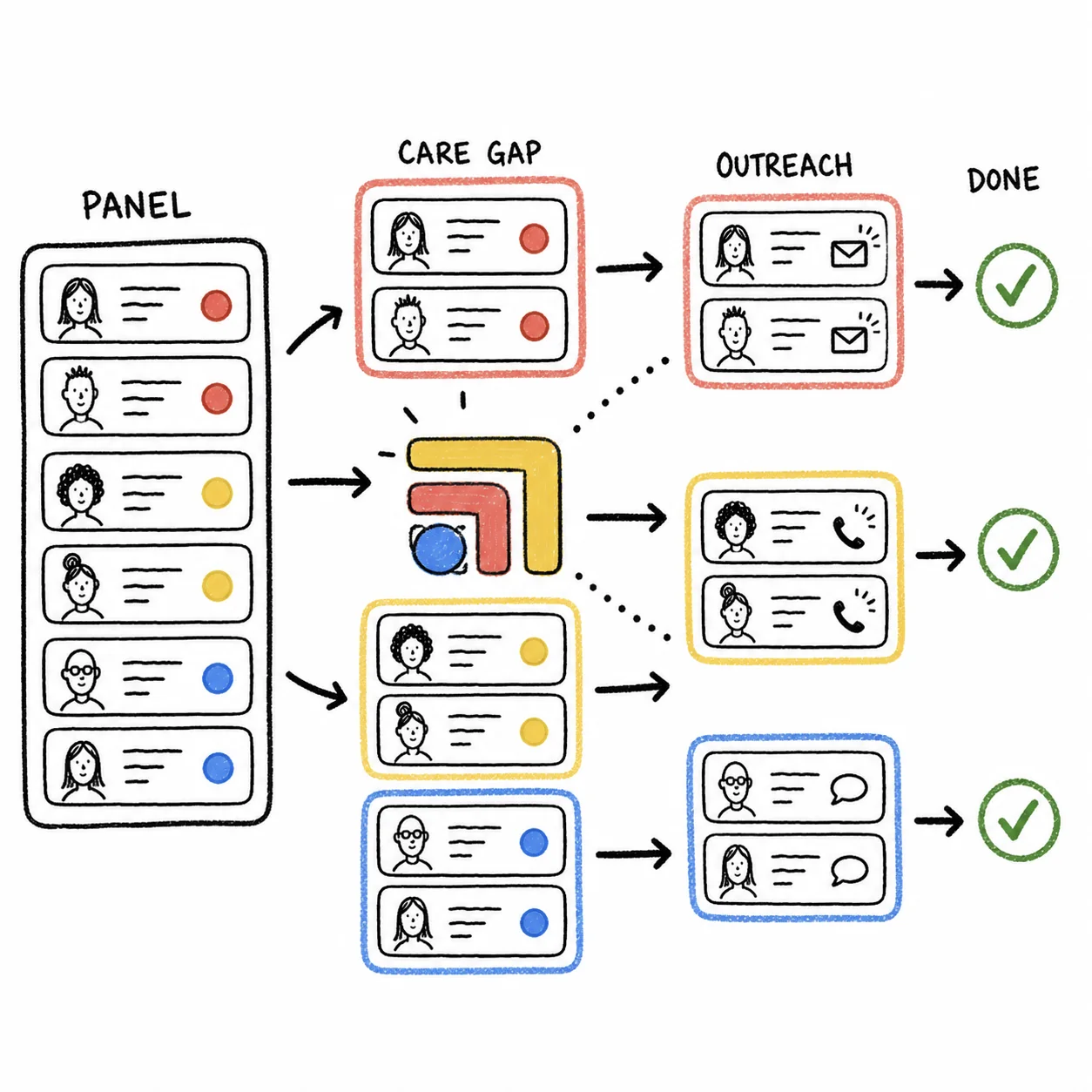
Many practices want one list with both groups, since a patient who is overdue and a patient who is above 7 both need a conversation. Advanced Patient Search can help here too. From any results page, "Filter these patients further with a new search" lets you search within the first group or run a new search that excludes it. Cerbo's own example is finding patients prescribed a medication who don't have a specific lab order on file, by searching for the lab order first and excluding those patients from the second search.
- Health Maintenance Report. What it finds: Overdue A1C trackers. Output: Spreadsheet or emails. Watch out for: Dates must be entered.
- Advanced Patient Search. What it finds: Your diabetic group. Output: List, CSV, saved filters. Watch out for: Check the diagnosis filter.
- Lab Values Tracking. What it finds: Structured lab values. Output: CSV. Watch out for: Faxed results missing.
- Free Text Patient Search. What it finds: Words in notes and docs. Output: Spreadsheet. Watch out for: Needs review by hand.
Free Text Patient Search matters more than it looks. Cubiko, which publishes a diabetes patient management dashboard for the Australian systems Best Practice and MedicalDirector, points out that diabetes can be coded as a diagnosis or written as free text, and that free text entries mean the true number of diabetic patients may be underreported. The same is true in Cerbo, since the Health Maintenance tracker only sees diagnosis codes. Cerbo's Free Text Patient Search can look through encounter notes, documents, comments and sticky notes for a word like "diabetes" or "metformin", and anyone it finds without a coded diagnosis is worth adding to the problem list so every report catches them.
What a dedicated diabetes dashboard adds
Cubiko's dashboard shows what a purpose-built view looks like. Its knowledge base lists total diabetic patients, diabetic patients by practitioner, diabetic patients by type, and lists of patients due for specific care plan reviews, all built for clinical quality improvement and accreditation work. Cubiko also says the dashboard is for information only and not a substitute for clinical judgment, which is a good rule for any list like this. A Cerbo practice doesn't have that dashboard, but the Health Maintenance Report and a saved Advanced Patient Search together cover the two questions a small DPC practice asks most, who is overdue and who is above goal.
Keeping the exports safe
Both the Advanced Patient Search spreadsheet and the Lab Values Tracking CSV contain protected health information. Cerbo says the patient spreadsheet includes full contact and insurance details, so save these files somewhere secure, share them only with the people doing the outreach, and delete them when the work is done. If you use the Output List of Emails option for an email reminder, Cerbo itself warns against sending mass emails from your regular email account and recommends a dedicated mass emailing program, and any tool that handles patient information needs a signed business associate agreement with your practice.
Where Tabflows fits
Tabflows is a dedicated tech team and smart admin infrastructure for DPC, concierge and private clinics. It works across the tools you already use, like Cerbo, Hint and Spruce, inside the same signed-in Cerbo session your team already uses, and turns the work between them into tracked tasks and automations. It is not an EHR and not an analytics platform, and it is not designed to bulk export or mine your Cerbo data, so the diabetic A1C report itself comes from Cerbo's own tools. Cerbo's Master Subscription Agreement also bars AI agents and automated tools except as Cerbo permits in writing or through its own features, so review your own Cerbo agreement with counsel.
Where Tabflows helps is the work around the list, which is where tools that were never built to talk to each other leave gaps. The tech team can set each patient from the report up as a follow-up task with an owner and a due date, so a high A1C gets a call and a missing one gets a lab order, and nothing depends on a spreadsheet on one laptop. Tabflows already builds reports for Cerbo practices on request, such as an outstanding-balance report, and the Cerbo workflow automations page shows what is available today and what is custom. If lab results arrive as documents, Document Key Results pulls key results from incoming documents and adds review notes. For a broader look at the platform, see our comparison of Tabflows and Cerbo.
A good next step
Start with the Health Maintenance tracker, because it is a one-time setup that keeps working every month. Add your diabetes codes, set the interval to 6 months, enter the most recent A1C date for your diabetic patients, and run the Health Maintenance Report. Then save an Advanced Patient Search for the A1C over 7 list so both questions take minutes each month. If you'd like help turning those lists into booked visits and lab orders, tell us how your clinic runs and we'll point you to the setup that fits.
Sources: cerbo.zendesk.com/hc/en-us/articles/38983928251931-Advanced-Patient-Search, cerbo.zendesk.com/hc/en-us/articles/38983040010139-Health-Maintenance-Trackers, cerbo.zendesk.com/hc/en-us/articles/38982756429211-Track-Discrete-Lab-Values-Lab-Tracker, cerbo.zendesk.com/hc/en-us/articles/38983238410779-Non-Financial-Reports and kb.cubiko.com.au/en/diabetes-dashboard.
FAQs
Does Cerbo have a built-in report for patients overdue for an A1C?
Cerbo's Health Maintenance Report lists patients who are overdue or coming due for the Health Maintenance trackers you set up. If you create an A1C tracker that applies to patients with diabetes diagnosis codes and repeats every 6 months, that report becomes your overdue A1C list. Cerbo's help center says it can be exported as a spreadsheet or turned into a list of emails.
How do I find patients whose A1C is over 7 in Cerbo?
Build the group of patients in Advanced Patient Search, then use Send results to report and choose Lab Values Tracking, which Cerbo says generates a CSV export of structured lab values for that subset of patients. Open the file in a spreadsheet and filter the A1C column for values above 7. Only structured results count, meaning results imported from an integrated lab or entered manually as discrete values.
Why are some A1C results missing from Cerbo's lab tracking?
Cerbo's Lab Tracker article says it shows manually entered discrete results and results sent in HL7 format from labs you are integrated with, not faxes. A result that arrived by fax or as a PDF needs to be entered as a discrete value before it can be tracked or exported. Practices that order from a lab Cerbo isn't integrated with often have more of these gaps.
Can I save the diabetic patient search to run again next month?
Yes. Cerbo's Advanced Patient Search has a Save Filters checkbox. Select your filters, check Save Filters, click Generate this Report and give the saved search a name. Next time, load it from the drop-down menu at the top of Advanced Patient Search.
Is Cubiko's diabetes dashboard an option for a Cerbo practice?
Cubiko's diabetes patient management dashboard is documented in its knowledge base for Best Practice and MedicalDirector, practice management systems used in Australia, so it is not a Cerbo add-on. It is a useful picture of what a dedicated diabetes dashboard covers, such as patients by practitioner and by type, and its point about diagnoses recorded as free text being missed applies to any EHR.
Does Tabflows run this report inside Cerbo?
Tabflows is not an EHR or an analytics platform and is not designed to bulk export Cerbo data, so the report itself comes from Cerbo's own tools. A dedicated tech team helps with the work after the list exists, such as turning each patient into a tracked follow-up with an owner and a due date, and builds custom reports and workflows for Cerbo practices on request.