
Spruce Pages or Cerbo Tasks? The Short Answer
A DPC team should assign staff work with pages and conversation assignment in Spruce when the work starts in a patient message or call, and with tasks in Cerbo when the work lives in the chart and needs a due date. Spruce pages are fast and sit right inside the conversation, but they are notifications about a thread rather than tracked to-dos with due dates and priorities. Cerbo tasks carry a due date, a priority, a reminder and a link to the patient, but each task belongs to one user and Cerbo itself says you cannot filter a task list by patient. Most practices that run both tools end up using both, which works well until a follow-up starts in Spruce and needs chart work in Cerbo, because neither tool moves it to the other on its own. That gap between the two apps is where Tabflows fits, as one shared task list with a dedicated tech team that sets it up around the Spruce and Cerbo accounts you already have.
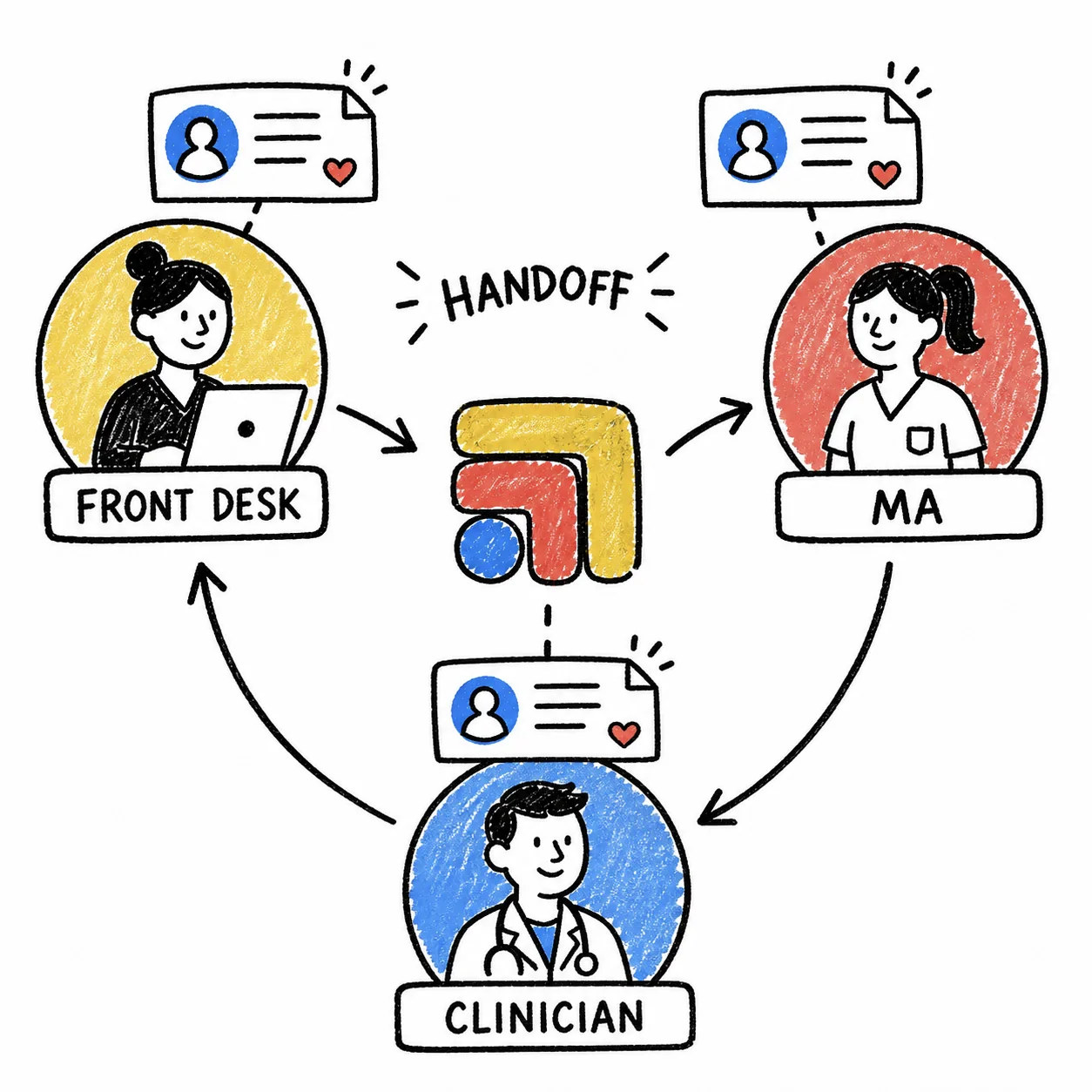
If you are a practice manager or the person at the front desk who decides how work gets handed out, this guide walks through what each tool actually does, according to Spruce's and Cerbo's own help centers checked on November 2, 2026, and how to split the work so nothing slips between the two.
How Assigning Work in Spruce Works
Spruce gives a team three main ways to hand out work, and they are all built around conversations.
Conversation assignment. Any teammate can assign a patient conversation to someone, including themselves, in two clicks. Spruce describes it like moving a letter from the main mailbox into one person's mailbox. The conversation leaves the shared inbox and shows up in that person's Assigned to Me filter, so two people never work the same thread at once. When the patient is helped, archiving the conversation un-assigns it, and a new message from the patient puts it back in the shared inbox. Spruce notes that assignment is on by default for team practices and that support can turn it on if you don't see it.
Auto-assignment, Teams and tags. Spruce also offers auto-assignment for predictable routing, Teams for grouping users, conversation tags, and shared contact filters, so the right messages land with the right people while the whole practice can still see the inbox.
Paging. Spruce's help center describes paging as a way of notifying yourself or another teammate of a conversation thread that requires action or acknowledgement. You can page a teammate inside a patient conversation, page a teammate or a whole Team inside a Team Chat, page yourself, and resolve a page when it's handled, and administrators get an oversight view of pages. Paging and Team Chat only appear once a second user joins the account.
Internal notes. Internal notes sit inside a patient conversation with a yellow background and are never visible to the patient. Spruce says teams use them for clinical notes, assigning tasks, and paging teammates, and you can schedule an internal note to post later as a reminder.
How Tasks Work in Cerbo
Cerbo's tasks are built around the user and the chart.
One owner per task. A task is assigned to one specific user and stays on that person's list until it's reassigned or marked complete. Teammates can still open each other's lists from a drop-down when covering for someone.
Task types. Scheduled tasks have a due date and can pop up a reminder that must be snoozed, dismissed or completed before the user carries on. Standing tasks have no due date, and patient portal requests can also be turned into standing tasks. Cerbo also has For Review tasks, created when a document is flagged as needing review, and Follow Up tasks.
Priority and patient link. Priority defaults to Normal and can be set to Low or High, which shows in red with a flag. A task can be linked to a patient, and a task created from a chart links that patient automatically. Chart Parts can drop a name and time stamp into the task body.
Shared lists. Because task lists are personal in Cerbo, a group list needs a Resource with its own task list, set up by someone with superadmin permissions. Cerbo notes that users only get the orange alert for new tasks on their own list, not the shared one, and that a Resource always comes with a calendar.
Patient history. Cerbo says there isn't a way to filter a task list by patient. To see one patient's task history, you open the Schedule and Task History from their chart.
Pros and Cons of Each
- Best for. Spruce pages and assignment: Work that starts in a message or call. Cerbo tasks: Work that lives in the chart.
- Owner. Spruce pages and assignment: One assignee per conversation. Cerbo tasks: One user per task.
- Due date. Spruce pages and assignment: Not on assignment or pages. Cerbo tasks: Yes, on scheduled tasks.
- Priority. Spruce pages and assignment: Tags and filters. Cerbo tasks: Low, Normal or High.
- Reminders. Spruce pages and assignment: Scheduled internal notes. Cerbo tasks: Pop-up reminder at due time.
- Team queue. Spruce pages and assignment: Shared inbox, Teams, auto-assignment. Cerbo tasks: Shared Resource list, set up by a superadmin.
- Patient view. Spruce pages and assignment: The patient's conversation. Cerbo tasks: Task history from the chart.
- Watch out for. Spruce pages and assignment: Archiving clears the assignment. Cerbo tasks: No filter by patient on the task list.
Pros of Spruce pages
Spruce pages are fast, because the person paging is already in the patient's thread and the person paged sees the exact message that needs them. Assignment keeps the shared inbox clean and makes it obvious who is handling a patient, and auto-assignment and Teams take care of routine routing without anyone sorting by hand. For a front desk that spends the day in Spruce, this is the lowest-effort way to hand off a reply.
Cons of Spruce pages
A page is a nudge about a conversation, not a to-do with a due date, so work that takes days, like chasing outside records, can fade once the page is resolved or the conversation is archived. The work also stays in Spruce, so anything that needs a chart update still has to be carried into the EHR by someone who remembers it.
Pros of Cerbo tasks
Cerbo tasks carry everything a longer piece of work needs, including a due date, a priority, a reminder and a link to the patient's chart. The reminder pop-up is hard to ignore, which suits time-sensitive clinical work like reviewing a result. Because the task lives in the EHR, it sits next to the chart the clinician is already working in.
Cons of Cerbo tasks
Each task belongs to one user, and shared lists need a superadmin to set up a Resource that doesn't send its own alerts. You can't filter a task list by patient, and a request that arrived as a Spruce message has to be retyped into Cerbo by hand before it becomes a task.
A Simple Way to Split the Work
Here is a split that many DPC teams find natural, written so a practice manager can share it with the team.
- Patient asks for something quick in Spruce. Assign the conversation to the person who will answer, or page them inside the thread, and archive when it's done.
- Patient asks for something that needs the chart. Create a Cerbo task from the patient's chart with a due date and the right owner, and leave an internal note in Spruce saying the task exists.
- A result or document needs review. Let Cerbo's For Review tasks carry it, and set a High priority when timing matters.
- Work that anyone on the team can do. Use auto-assignment or a Team in Spruce for messages, and a shared Resource task list in Cerbo for chart work, and agree on who checks the shared list each morning.
- Coverage days. Spruce teammates can see the shared inbox, and Cerbo users can open a colleague's task list from the drop-down, so write down who covers whom.
The weak point in any split is step 2. The request starts in one tool and the work happens in another, and the tools were never built to talk to each other about the same follow-up. That is where a lot of quiet work gets dropped on a busy day, and where a patient who asked twice starts to wonder whether the practice is as personal as the website promised.
Who Should Pick Which
- Pick Spruce if you want texts, calls, faxes and video with patients in one shared inbox. Where it wins: calls, texts and faxes in one place; one per-user plan for the whole team.
- Pick Cerbo if you run a cash-based, functional or integrative practice and want one EHR set up around it. Where it wins: a do-it-all EHR for practices of many kinds; memberships through an integrated merchant partner.
- What Tabflows does not do: replace your patient messaging; chart visits or prescribe; bill memberships or charge cards.
Where Tabflows Fits
Tabflows doesn't replace Spruce or Cerbo. Spruce stays your patient phone and message line and Cerbo stays your chart. Tabflows works between them, opening the Cerbo chart and the Spruce conversation for the same patient side by side and giving your team one shared task list where every follow-up has an owner, a due date, a status and the patient it belongs to, whichever app it started in.
A few of the workflows our team runs today fit this exact gap. Spruce Inbox Triage sorts unread Spruce messages by urgency and type, Team Chat Task Surfacing pulls requests out of team chat so they don't get lost, and Pre-Visit Summary builds a chart prep brief from Cerbo before each visit. A dedicated tech team sets them up around the way your clinic already hands out work, so your staff spend their time on patients rather than on remembering which app a request is sitting in.
Next Step
If you'd like to see how your own Spruce and Cerbo handoffs could live on one list, the Tabflows match page is a good place to start, and the Cerbo integration page shows how Tabflows works alongside Cerbo day to day.
We also read: cerbo.zendesk.com/hc/en-us/articles/38982488444443-Tasks, cerbo.zendesk.com/hc/en-us/articles/38982526203675-Shared-Tasks-Lists, help.sprucehealth.com/hc/en-us/articles/23003236875803-Spruce-Team-Collaboration-Assignment-Auto-Assignment-Teams-Tags-and-Shared-Filters, help.sprucehealth.com/hc/en-us/articles/23003244765851-Spruce-Notes-Feature-Internal-Notes-and-Note-Conversations and help.sprucehealth.com/hc/en-us/articles/23003282611099-Internal-Team-Communication-on-Spruce-Secure-Team-Chat-and-Internal-Paging.
Sources
Checked on November 5, 2026: cer.bo. Checked on November 4, 2026: sprucehealth.com/plans and cer.bo/pricing. Spot a wrong fact? Email a correction.
FAQs
What is a page in Spruce?
Spruce's help center describes paging as a way of notifying yourself or another teammate about a conversation thread that needs action or acknowledgement. You can page a teammate inside a patient conversation, page a teammate or a Team inside a Team Chat, page yourself, and resolve a page when it is handled. Team features like Team Chat and paging only appear once a second user joins the Spruce account.
Can a Cerbo task be assigned to more than one person?
Not directly. Cerbo's help center says a task is assigned to one specific user and stays on that user's list until it is reassigned or marked complete. For work that anyone on a group can pick up, Cerbo suggests creating a Resource with its own shared task list, which a user with superadmin permissions sets up under Admin, Manage, Users. Users are only alerted to new tasks on their personal list, not on the shared Resource list.
Is Spruce conversation assignment the same as a task?
No. Spruce assignment moves a whole patient conversation out of the shared inbox and into one teammate's Assigned to Me filter, and archiving the conversation un-assigns it. It tells the team who owns the conversation. It does not carry its own due date the way a scheduled Cerbo task does, so many clinics pair it with an internal note or a scheduled internal note as a reminder.
Should we use both Spruce pages and Cerbo tasks?
Most DPC teams that run both tools end up using both, because work starts in both places. A sensible split is Spruce pages and assignment for anything that begins as a patient message or call and needs a quick reply, and Cerbo tasks for anything tied to the chart that needs a due date, a priority or a record on the patient's history. The risk is a follow-up that starts in Spruce and needs chart work in Cerbo, since nothing moves it between the two on its own.
Where does Tabflows fit if we already use Spruce and Cerbo?
Tabflows is not a replacement for Spruce or Cerbo. It works alongside both, with one shared task list where every follow-up has an owner, a due date, a status and the patient it belongs to, whichever app it started in. A dedicated tech team sets it up around the way your clinic already assigns work, and Spruce and Cerbo stay exactly where they are.