
The Short Answer
Most growing DPCs don't need a Spruce enterprise plan to use its API with AI automations, because Spruce's public pricing puts integrations and API access on the Communicator plan at $49 per user per month, compared with $24 on Basic. The real decision is whether to build your own AI automations on that API or use a tool that already connects to Spruce with guardrails in place. Building it yourself gives you full control, but someone has to write and host the code, verify webhooks, keep a business associate agreement (BAA) with every vendor that sees patient messages, and fix things when they break. A healthcare automation platform such as Keragon connects to Spruce through the API on Communicator, and you still design each workflow yourself. Tabflows is a dedicated tech team that sets up and runs Spruce automations in the account your clinic already signs into, with no API keys, and your staff approve anything that reaches a patient.
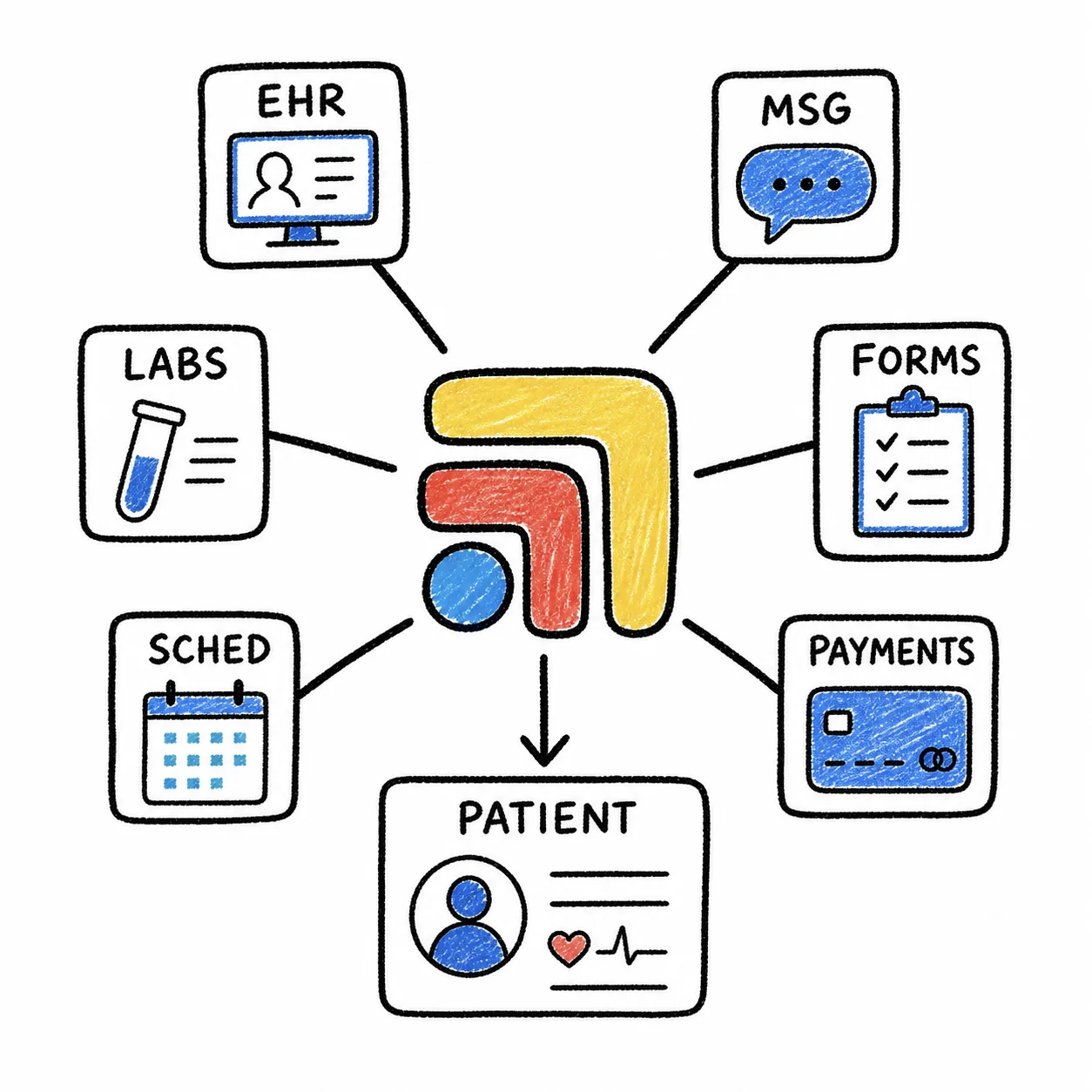
The question usually comes up when a practice has grown past a solo doctor, the Spruce inbox is busy all day, and someone on the team has seen what ChatGPT or Claude can do with a message thread. That instinct is right. Patient messages are full of work that can be sorted, drafted and routed, and Spruce is the place they arrive. What follows lays out what Spruce actually charges, what its API gives you, what a do-it-yourself build involves, and how the three paths compare for a clinic that wants the time back without becoming its own IT department.
What Spruce's Plans Cost and Where the API Sits
Spruce's pricing page lists two plans, both billed per user per month with a 14-day free trial and month-to-month billing by default.
| Basic | Communicator | |
|---|---|---|
| Listed price | $24 per user per month | $49 per user per month |
| HIPAA BAA | Included | Included |
| Integrations and API access | Not listed | Included |
| IVR call flows, after-hours triage | Not listed | Included |
| Phone lines included | One per user, plus one | Two per user, plus one |
A few pricing details matter for a growing practice. Spruce counts every teammate you add as a user, including clinicians, staff and virtual assistants, and every user in an organization must be on the same plan. Spruce's own example is a clinic with three physicians, two nurses, a front-desk assistant and a virtual assistant, which is seven users. On listed prices that clinic pays $168 a month on Basic and $343 a month on Communicator, before taxes and telecom fees. Spruce also lists a one-time $19.50 carrier registration fee to enable outbound texting.
Spruce's page does not list a plan called Enterprise. It does say that larger practices may be asked for an annual commitment with onboarding fees, and that when an organization's heavy use doesn't fit its plan, Spruce will reach out to negotiate a custom price. If you are a multi-location group, ask about both on a demo call.
Upgrading doesn't switch the API on by itself
Keragon's help center, which documents how to connect Spruce to its platform, says API access is not enabled by default and has to be requested from Spruce support. Once it is on, an admin creates a token under Settings, then API Access. Spruce's integration guide adds that access IDs and secret keys are issued per organization and that customers request API access through sprucehealth.com/spruce-api. Plan for a short wait between upgrading and having working credentials.
What You Get With Spruce's API
Spruce's integration guide describes an API built mainly for keeping Spruce in sync with an EHR, CRM or billing system. You can create, update, search and delete contacts, attach tags and custom fields such as an MRN, and link each Spruce contact to the matching record in another system. Webhooks push events to a URL you own when contacts, conversations or messages change, including when a new message arrives.
That webhook is the starting point for any AI automation. A typical do-it-yourself build listens for a new message, sends the text to an AI model to classify or draft a reply, then writes something back, such as a tag, an internal note or a task in your EHR. Spruce's guide also describes several guardrails a developer is expected to use.
- Verify the X-Spruce-Signature header on every webhook so you only act on real events from Spruce.
- Acknowledge each event right away and process it in a queue, so a slow AI call doesn't cause missed deliveries.
- Send an idempotency key on writes so a retry doesn't create a duplicate contact.
- Use the delivery audit log and the pause and resume controls to investigate and stop a misbehaving endpoint.
Those are good practices, and they are also a list of work someone has to do and keep doing.
What "Developer Guardrails" Mean for a Clinic
When a clinic owner asks for developer guardrails, they usually mean a few plain things. The automation should only see what it needs, it should never send a message to a patient without a person approving it, every vendor in the chain should have signed a BAA, there should be a record of what it did, and someone should be watching when it fails at 9pm on a Friday.
HHS guidance on cloud computing treats a service provider that creates, receives, maintains or transmits protected health information for a covered entity as a business associate, which means it needs a BAA with your practice. Spruce says all of its trials and paid plans include a BAA. In a do-it-yourself build, the rest of the chain is on you, including the AI model provider, the server or cloud function that receives webhooks, any logging tool and any automation platform in the middle. Patient messages are some of the most sensitive data a practice holds, and messages can contain instructions a careless automation might follow, so a person reviewing what goes out is the most important guardrail of all.
Three Paths Compared
| Build on Spruce API | Healthcare automation platform | Tabflows | |
|---|---|---|---|
| Spruce plan needed | Communicator | Communicator (Keragon) | Works in your Spruce session |
| API access request | Yes | Yes | No API keys |
| Who builds workflows | Your developer | You, with the platform | Our tech team, with you |
| BAAs to manage | Every vendor you add | Platform plus AI vendor | Tabflows BAA at sign-in |
| Human approval | You must build it | You configure it | Built into each workflow |
| Who fixes breakage | Your developer | You, with support | Our tech team |
| Cost | Spruce upgrade plus dev time | Spruce upgrade plus platform | See pricing |
Keragon describes itself as a HIPAA-compliant automation platform and publishes a Spruce Health and OpenAI integration page for building automations between the two without code. Its help center says the Spruce connector needs the Communicator plan, API access enabled by Spruce support and an API token. That makes it a reasonable middle path for a practice with someone who enjoys mapping out workflows step by step.
When Each Path Makes Sense
Building on the Spruce API makes sense when you have a developer on staff or on retainer, a specific integration in mind, such as syncing Spruce with a custom CRM, and the appetite to own the code, the hosting and the BAAs for years. It gives you the most control and the most responsibility.
A healthcare automation platform fits a practice that wants no-code building blocks, has a team member with time to design and test each workflow, and is comfortable upgrading Spruce and managing API tokens. You still decide what each step does and fix it when a tool changes.
A connected tool with a team behind it fits most growing DPCs, where the doctor and a small staff are already stretched. The upgrade question becomes a separate decision based on whether you want Spruce's IVR, after-hours triage, extra lines or its native EHR integrations, not on whether you can automate.
Where Tabflows Fits
Tabflows is a dedicated tech team and smart admin infrastructure for DPC and concierge clinics. It is not an EHR, a billing system or a replacement for Spruce. Tabflows works in the Spruce, EHR and billing accounts your team already signs into, does not store your passwords, and puts your clinic under its BAA when you sign in, as described on our safe and responsible AI page.
For Spruce, that looks like Spruce Inbox Triage, which sorts unread messages by urgency and type, Scheduling Requests, which catches "can I get in Tuesday?" messages and proposes slots, and Patient Inbox Drafts, which drafts replies in your clinic's voice and shows staff why each draft was written so they can approve or edit it. Our team sets each workflow up with you, follows the rules you write down once, and keeps improving the setup as your clinic changes. Nothing reaches a patient until someone on your team approves it, which keeps clinical judgment with your clinicians and turns busy inbox hours into time for members and growth.
You can see how we work with Spruce on the Spruce integration page. If you'd like a recommendation for your own stack, answer a few questions on our match page and we'll tell you honestly whether an upgrade, a build or Tabflows is the better fit.
Sources
Checked on November 4, 2026: sprucehealth.com/plans. Spot a wrong fact? Email a correction.
FAQs
Does Spruce have an enterprise plan for API access?
Spruce's public pricing page lists two plans, Basic and Communicator, each priced per user per month, and API access sits on Communicator. Spruce also says larger practices may be asked for an annual commitment with onboarding fees, and that it may negotiate a custom price when an organization's use doesn't fit its plan. There is no separate enterprise tier you need to buy just to use the API. Basic is $24 per user per month and Communicator is $49 per user per month.
Is the Spruce API turned on as soon as I upgrade to Communicator?
Not automatically. Keragon's help center, which documents connecting to Spruce, says API access is not enabled by default and must be requested from Spruce support, after which an admin creates a token under Settings, then API Access. Spruce's own integration guide says customers request API access at sprucehealth.com/spruce-api and that keys are issued per organization.
How does Communicator's price compare with Basic's?
Communicator costs a fixed amount more than Basic per user per month on Spruce's listed prices. Every user in an organization must be on the same plan, so the difference applies to every user, as Spruce's own seven-user example shows. Communicator is $49 per user per month against $24 on Basic. For Spruce's seven-user example, that is $168 a month on Basic and $343 a month on Communicator, before taxes and fees.
Is it HIPAA compliant to connect Spruce to ChatGPT or another AI model?
It can be, but only when every vendor that receives patient messages has signed a business associate agreement (BAA) with your practice. HHS guidance on cloud computing treats a service provider that creates, receives, maintains or transmits protected health information for a covered entity as a business associate. Spruce includes a BAA on all trials and paid plans, so the question is the AI vendor, the automation platform and wherever your code runs.
What does Keragon need to connect to Spruce?
Keragon's help center says you need the Spruce Communicator plan, API access enabled by Spruce support and a Spruce API token pasted into Keragon's Spruce connector. Keragon publishes a Spruce Health and OpenAI integration page for building automations between the two.
Does Tabflows need Spruce API keys?
Our Spruce integration page describes setup as signing in and adding Spruce from the Tabflows sidebar, with no API keys or IT project, because Tabflows works in the Spruce session your team is already signed into. Our team sets up and runs the workflows with you, and anything that reaches a patient is approved by your staff first.