The Short Answer
A solo DPC doctor can learn GoHighLevel to keep track of leads and to-dos, but for most solo practices there is something simpler, and GoHighLevel is worth it only when you're actively running marketing. HighLevel is a marketing CRM built mainly for agencies, with funnels, pipelines, booking, a website builder and sub-accounts, and its pricing page lists the Starter plan at $97 per month and Unlimited at $297 per month. It is not HIPAA compliant by default, and HighLevel's own help center prices the HIPAA add-on at US$297 per month on top of the plan. A simpler setup for most solo doctors is the sign-up built into your DPC platform (such as Hint, Atlas.md or Akute), Google Workspace under its HIPAA business associate agreement for email and calendar, and one shared follow-up list. Tabflows fits as that follow-up layer, a dedicated tech team that works across the tools you already have, including GoHighLevel if you keep it.
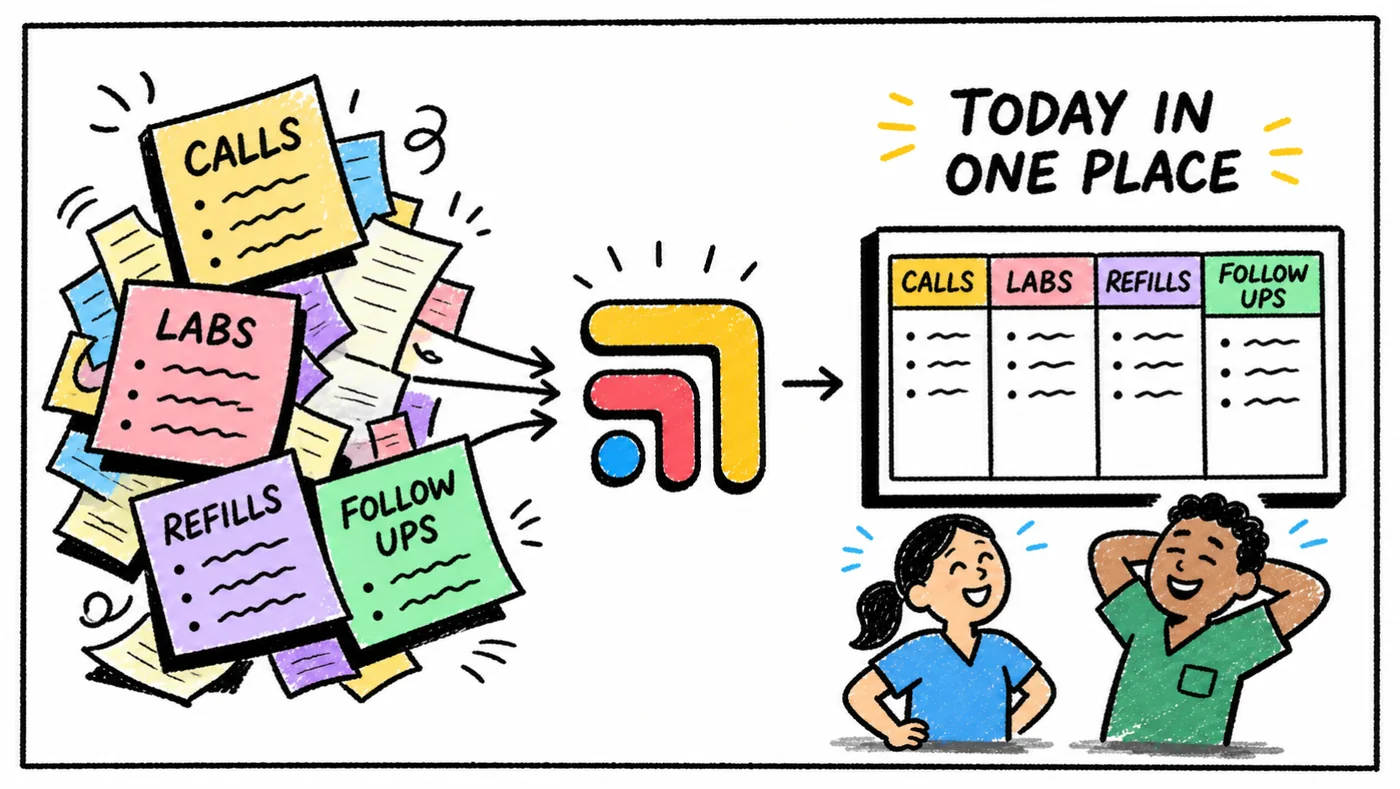
The rest of this guide is for the doctor who is weighing it up right now. It covers what GoHighLevel really costs once HIPAA is included, what "leads and to-dos" means in a DPC practice, the simpler options, and how to decide without spending a month of evenings learning a new system.
What GoHighLevel Is Built For
HighLevel describes itself as a white-label marketing CRM for agencies, consultants and marketers. Its Starter plan lists tools to capture leads, nurture and close them, full online booking, pipelines, a social calendar and a website builder, with unlimited contacts and users and up to three sub-accounts. Unlimited adds API access, unlimited sub-accounts and a branded desktop app.
That is a lot of power, and some DPC practices use it well, often because a marketing agency set it up for them and runs it. The trouble for a solo doctor is that most of that power is aimed at running campaigns, not at remembering to call back the patient who asked about your pediatric plan. Learning it well takes real time, and the time comes out of the hours you'd otherwise spend with members or at home.
What It Costs Once HIPAA Is Included
Prices below come from HighLevel's own pages, dated in the Sources section at the end.
| Item | Price on HighLevel's site | Notes |
|---|---|---|
| Starter plan | $97 per month | Up to three sub-accounts |
| Unlimited plan | $297 per month | Adds API access |
| HIPAA add-on | US$297 per month | Account-wide, can't be turned off |
| Free trial | 14 days | On both plans |
HighLevel's help center is clear that accounts are not HIPAA compliant by default. The add-on enables encryption of ePHI, business associate agreements, audit logging and MFA enforcement, applies to every location in the account once purchased, and can't be deactivated afterward. So a solo practice that wants patient information in HighLevel is looking at the plan price plus the add-on each month. Check the pricing page on the day you sign, because plans change.
Do Leads Count as Patient Information?
This is the question that decides whether you need the HIPAA add-on, and it is easy to get wrong in good faith. HIPAA's Privacy Rule, described on hhs.gov, protects individually identifiable health information that a covered entity or its business associates hold. A lead that is only a name, an email and "interested in a family membership" is close to marketing data. A lead that says "my A1c has been climbing and my current doctor won't return calls" is health information sitting next to a name.
In a DPC practice, the second kind shows up constantly, because people tell you why they're looking for a new doctor. If your interest form, booking page or text replies are going to collect that, plan on a tool covered by a signed BAA. If you want to keep a marketing CRM outside HIPAA, keep its forms to contact details and visit preferences, and move anything clinical into your HIPAA-covered systems as soon as it arrives.
What "Leads and To-Dos" Means in a Solo DPC
It helps to name the actual work before picking software. For most solo practices it is a short list.
- Inquiries. A web form, a call, a text or a referral from a current member, each needing a reply within a day.
- Meet-and-greets. A booked call or visit, a reminder and a follow-up afterward.
- Sign-up. The membership agreement, payment and intake forms, which usually live in your DPC platform.
- Clinical to-dos. Labs to chase, refills, referrals and records requests, which live in or near the chart.
- Admin to-dos. Renewals, employer group paperwork, supply orders and the hundred small things that live in your head.
GoHighLevel is strong on the first two. Your DPC platform covers the third. The last two are where most solo doctors actually lose sleep, and a marketing CRM wasn't built for them.
The Simpler Options, Side by Side
- GoHighLevel. Leads: Strong pipelines and funnels. Clinical and admin to-dos: Possible, not its focus. HIPAA: Paid add-on.
- Your DPC platform or EHR. Leads: Sign-up and onboarding. Clinical and admin to-dos: Chart tasks inside the EHR. HIPAA: Covered under its BAA.
- Google Workspace. Leads: Forms, email, calendar. Clinical and admin to-dos: Simple task lists. HIPAA: BAA for covered services.
- Tabflows. Leads: Links leads across tools. Clinical and admin to-dos: One shared follow-up list. HIPAA: Built for clinics.
Start with what your DPC platform already does
Most DPC platforms handle enrollment, the membership agreement, payment and intake on one record, which means a new member's sign-up doesn't need a separate CRM at all. Our guide to patient onboarding software for DPC compares how Hint, Atlas.md, Elation, Akute, Cerbo and Charm handle it, and DPC software by stage shows what a solo practice really needs on day one.
Use Google Workspace for email, calendar and simple lists
Google publishes which Google Workspace services are covered under its HIPAA business associate agreement and describes HIPAA as a shared responsibility, where Google secures the platform and you configure the account, manage access and keep patient information in covered services. Under a signed BAA, a Workspace account gives a solo doctor a professional email, a calendar for meet-and-greets and simple forms and lists without learning a new platform. Check Google's current list of covered services before patient information goes into any one of them.
Add one shared follow-up list
The piece most solo practices are missing isn't a CRM, it's one place where every follow-up lands with an owner and a due date, whether it started as a web form, a text in Spruce, a lab in the chart or a member asking about renewal. That list is what lets a part-time assistant or a future hire pick up where you left off.
Keep GoHighLevel when you're really running marketing
GoHighLevel earns its place when you're running ads, landing pages, nurture email sequences or a referral campaign, and someone, often an agency, owns it every week. If that is you, keep it, add the HIPAA add-on if patient information will go in, and connect it to the rest of your tools rather than asking it to be your whole practice.
How to Decide in an Afternoon
- Count your inquiries. If you get a handful a week, your DPC platform plus a shared follow-up list is plenty. If you get dozens from paid ads, a CRM starts to pay for itself.
- Ask who will run it. A tool nobody owns becomes another inbox to feel guilty about. If an agency runs your marketing, let them run GoHighLevel.
- Check what goes in. If health details will end up in it, budget for HIPAA and a BAA from day one.
- List your to-dos for one week. If most of them are clinical or admin, a marketing CRM won't fix them.
- Pick one place for follow-ups. Whatever you choose, every follow-up should end up in a single list.
Where Tabflows Fits
Tabflows is a dedicated tech team and smart admin infrastructure for DPC, concierge and private clinics. It is not a CRM, an EHR, a billing system or a messaging replacement, so GoHighLevel, Hint, Akute, Spruce and Google Workspace keep doing their own jobs. Tabflows works between them, because they were never built to talk to each other about the same person.
In practice, Tabflows opens tools like AkuteHealth, Spruce, Hint Core and GoHighLevel side by side, each linked to the same patient or contact, so a new member's lead, chart, messages and membership are a click apart. Follow-ups your team pulls from any of them go into one shared task list with an owner and a due date. If you want data to move into GoHighLevel, like putting a new lead in the right pipeline, the tech team builds that workflow with you on request.
For a solo doctor, the useful part is that the tasks, the shared workspace and every integration are free for the whole team, and the free plan for solo DPC practices is meant for exactly this stage. When you're ready for the tech team to set up and run automations for you, the details are on pricing.
A Good Next Step
Before you spend an evening on GoHighLevel tutorials, write down every lead and to-do from the last week and where each one came from. If most of them are marketing, GoHighLevel may be the right tool. If most of them are follow-ups across your chart, your messages and your membership platform, a simpler setup will give you back more time. If you'd like a second opinion, tell us how your clinic runs and we'll suggest the setup that fits a practice your size.
Sources
Checked on November 4, 2026: gohighlevel.com/pricing and help.gohighlevel.com/support/solutions/articles/48000983084-hipaa-compliance-with-highlevel. Spot a wrong fact? Email a correction.
FAQs
How much does GoHighLevel cost for a solo DPC practice?
On HighLevel's pricing page, the Starter and Unlimited plans are each a monthly subscription, both with a 14-day free trial and unlimited contacts and users. HighLevel's help center says HIPAA compliance is a separate account-wide monthly add-on, so a practice that puts patient information in HighLevel should budget for the plan plus the add-on. The Starter plan is $97 per month and the Unlimited plan is $297 per month. The HIPAA add-on is US$297 per month.
Is GoHighLevel HIPAA compliant?
Not by default. HighLevel's help center says accounts are not HIPAA compliant by default and that HIPAA is a paid upgrade that enables encryption of ePHI, business associate agreements, audit logging and MFA enforcement. Once purchased it applies to every location in the account and cannot be turned off.
Can I track DPC leads in GoHighLevel without the HIPAA add-on?
Only if no protected health information goes into it, and that is hard to promise in practice. A prospective member who fills out an interest form often mentions a health condition, a medication or why they're looking for a new doctor, and that note is health information once it sits next to their name. If you want to keep marketing tools outside HIPAA, keep the forms to name, contact details and preferred visit time, and move anything clinical into your HIPAA-covered systems.
What is the simplest way for a solo DPC doctor to track leads and to-dos?
For most solo practices, the simplest setup is the sign-up and onboarding already built into your DPC platform or EHR, a HIPAA-covered email and calendar such as Google Workspace under a signed BAA, and one shared task list for follow-ups. Add a marketing CRM like GoHighLevel when you're actively running ads, nurture emails or a sales pipeline and someone owns it each week.
Does Tabflows replace GoHighLevel?
No. Tabflows is not a CRM, EHR, billing system or messaging tool. It is a dedicated tech team and smart admin infrastructure that works across the tools you already use, including GoHighLevel, and turns the follow-ups between them into tracked tasks with an owner and a due date. The tasks, shared workspace and integrations are free for the whole team, and workflows like moving a new lead into the right GoHighLevel pipeline are built on request.
Is Google Workspace HIPAA compliant for a small medical practice?
Google Workspace can be used with patient information when you review and accept Google's HIPAA business associate agreement and only use the Workspace services Google lists as covered under it. Google describes HIPAA as a shared responsibility, so you still set up the account securely, control who has access and keep patient information out of services that aren't covered.