Are AI Agents Better Than Fixed If-This-Then-That Workflows for Clinic Automation?
For clinic automation, AI agents are not better than fixed if-this-then-that workflows across the board. They are better at a different kind of step. A fixed workflow, like a Keragon Workflow, runs the same steps in the same order every time, which is exactly what you want for predictable work such as sending a welcome message when a new member books. An AI agent, like a Keragon Agent or an agent built in Google Workspace Studio with Gemini, reads the situation and decides what to do, which helps when the input is messy free text, such as a patient message that may or may not be urgent. Anthropic's guide to building effective agents gives the same advice, which is to start with the simplest solution and add agent-style flexibility only when the task needs it. For a solo DPC, the most dependable setup is usually a fixed workflow with one AI step inside it and a person approving the result. Tabflows is a dedicated tech team that sets up and runs that kind of automation in the tools you already use, so you get the reliability of rules and the help of AI without building either yourself.
What a Fixed Workflow Is
A fixed workflow is an automation you design step by step. You pick a trigger, connect a sequence of actions, and every time it runs it does exactly the same thing. Keragon's help center calls its Workflows fully deterministic, and its example is a good picture of the genre. When a patient books in Acuity Scheduling, create a contact in HubSpot and send a welcome SMS through Spruce Health.
Fixed workflows can still make decisions, as long as the decisions can be written as clear rules. Keragon's Workflows can branch down different paths based on conditions, gate a run with a Continue if check, delay a step for a set time, and reshape data with built-in text, math and date helpers. Keragon's own rule of thumb is to reach for a workflow when the decision logic fits on one page.
The strength of a fixed workflow is that you can predict it. If it sends a message on Tuesday, it will send the same message next Tuesday, and when something breaks you can see which step failed. In a clinic, where a wrong message to the wrong patient is a real problem, that predictability is worth a lot.
What an AI Agent Is
An AI agent is closer to a new staff member you brief. Keragon describes its Agents as AI teammates you give a job to in plain English, with the tools they need and the rules for how to behave. Each time the trigger fires, the agent decides which steps to take, including how to handle cases that don't follow a clean script. Keragon's example is reading the free-text chief complaint on a new intake form, deciding whether the symptoms suggest urgency, and routing urgent cases to the on-call provider.
Keragon says to use an agent when the task needs judgment, when inputs vary from run to run, or when a workflow would need a dozen branches to cover every case. Its agents page lists front-office jobs like an AI receptionist for phone answering, scheduling, patient intake, insurance checks and no-show recovery.
Anthropic draws the same line in its guide to building effective agents. It describes workflows as systems where AI models and tools are orchestrated through predefined code paths, and agents as systems where the model directs its own process and tool use. Its advice is to find the simplest solution possible and only add complexity when needed. Agents, it notes, often trade speed and cost for better performance on open-ended tasks, while workflows offer predictability and consistency for well-defined ones.
What "Gemini Workflows" Means Now
When clinic owners say Gemini workflows, they usually mean Google's automation inside Google Workspace. On December 3, 2025, Google announced the general availability of Google Workspace Studio, which it describes as the place to design, manage and share AI agents in Workspace, built on Gemini 3. Google says the agents can reason through problems and adapt to new information, and it names sentiment analysis, content generation, intelligent prioritization and smart notifications as things they can do, with no coding required.
For a practice that runs on Gmail, Calendar, Drive and Sheets, that is a natural place to start. The limit is reach. Workspace Studio works best on work that lives inside Google Workspace, and most of a DPC's patient work lives in the EHR, the membership platform and the messaging tool.
Side by Side for a Small Clinic
| Question | Fixed workflow | AI agent |
|---|---|---|
| Example tools | Keragon Workflows | Keragon Agents, Workspace Studio |
| Runs the same every time | Yes | No, it decides each run |
| Handles free text well | Only with rules | Yes |
| Easy to audit | Very | Harder, needs logs |
| Best clinic jobs | Welcome texts, reminders, record sync | Message triage, intake review, drafts |
| Main risk | Breaks on unexpected input | Confident wrong answer |
Which Clinic Jobs Fit Each Approach
Most of the busywork in a membership practice is predictable, and fixed workflows handle it well. Some of it is reading and judgment, and that is where AI earns its place.
Good jobs for fixed workflows
- Sending a welcome message and intake link when a new member signs up.
- Reminding members a few days before an annual renewal.
- Creating a task when a lab result arrives for a patient.
- Copying a new member's details from the membership platform into the messaging tool.
Good jobs for an AI step
- Sorting unread patient messages by urgency and type.
- Drafting a reply to a patient message in your clinic's voice for staff to approve.
- Spotting a scheduling request inside a longer message and proposing times.
- Summarizing a long thread before a visit so the provider walks in caught up.
Jobs where neither should act alone
- Anything that changes a prescription, an order or a diagnosis. An AI step can gather context and draft, but a clinician decides.
- Anything that sends a message to a patient without review until you have watched it work for a while.
The Hybrid Most Clinics End Up With
In practice, the choice is rarely agent or workflow. The automations that hold up in a clinic usually look like a fixed workflow with one AI step in the middle. The trigger is fixed, such as a new Spruce message arriving. The AI step does the reading, such as deciding whether the message is a refill request, a scheduling question or something urgent. Then fixed rules take over again, putting the item on the right person's list with a due time, and a person approves anything that goes back to the patient.
Anthropic's guide describes this pattern too. It calls it routing, where a model classifies an input and sends it to a specialized follow-up path, and prompt chaining, where a task is broken into a fixed sequence of steps with checks in between. Both keep the model inside a frame you can predict.
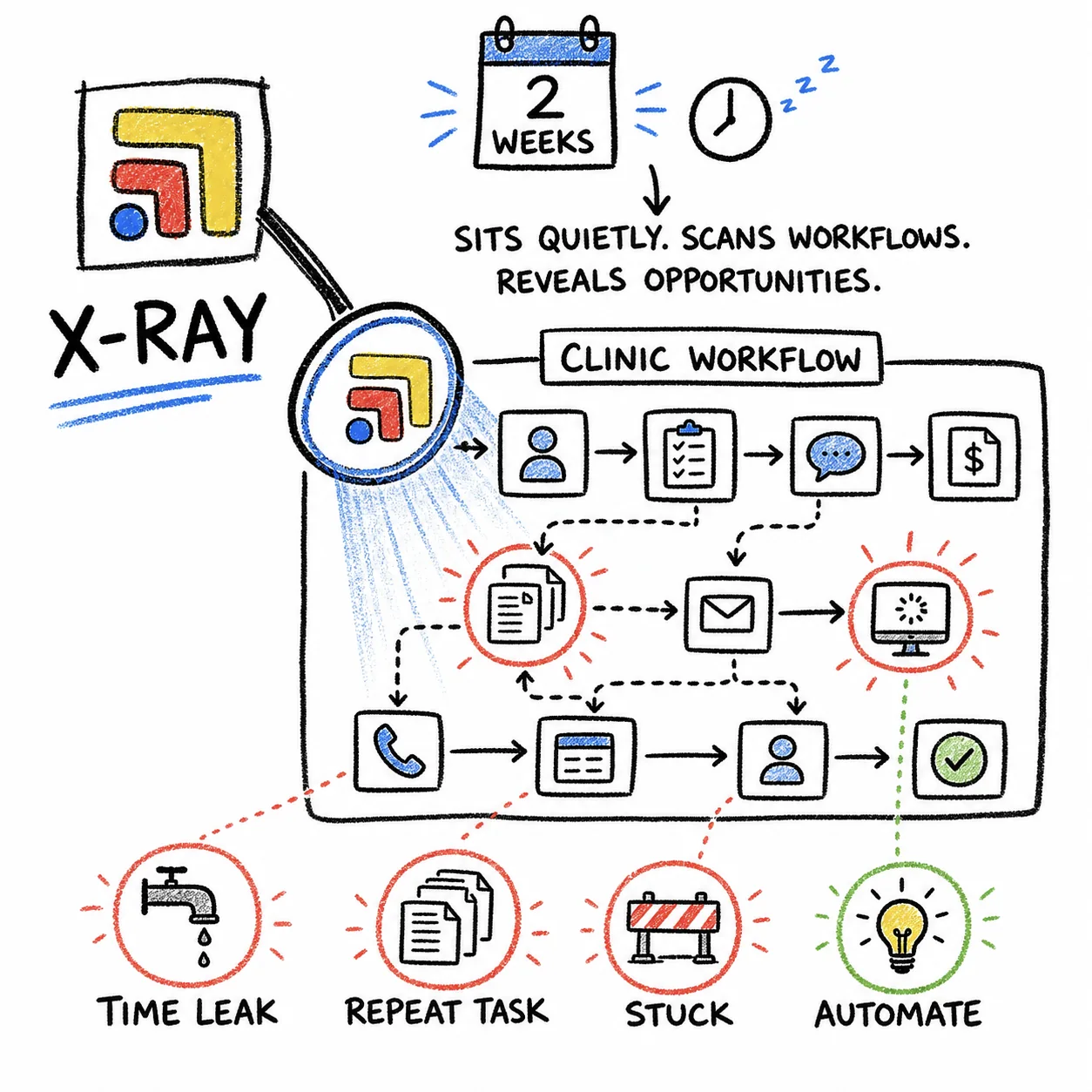
The hybrid also answers the question solo doctors ask most, which is how much to trust it. You can start with the AI step only suggesting, watch what it gets right for a few weeks, and widen what it handles once it has earned it.
HIPAA and BAAs for AI Agents and Workflows
The HIPAA question is the same for agents and for fixed workflows. HHS guidance on cloud computing says that when a covered entity uses a cloud service to create, receive, maintain or transmit electronic protected health information on its behalf, that service is a business associate and needs a business associate agreement (BAA), even if it only stores encrypted data. That applies to the automation platform and to any AI model it sends patient information to.
Keragon's agents page says it is HIPAA compliant and includes a BAA on every paid plan. For Google Workspace Studio, check with Google that it is covered under your Google Workspace BAA before any patient information goes through it. A consumer AI chat app with no BAA is not a safe place for patient messages, no matter how good its answers are. Tabflows' BAA applies to every healthcare customer at sign-in, and our page on safe and responsible AI walks through what an AI tool can reach, what it remembers and who has agreed to protect your patients' data.
How a Solo DPC Can Decide
- Pick Keragon if you want a platform that builds and runs automations you describe in plain English, across your EHR and tools. Where it wins: automations across hundreds of healthcare tools, described in plain English.
- Pick Tabflows over Keragon if you want a dedicated team that learns your clinic and keeps improving the work.
- List the five tasks that eat the most time each week. Be specific, like "answering scheduling texts" rather than "admin."
- Mark each one as predictable or judgment. If you could write the rule on an index card, it is predictable. If you would need to read the message to know what to do, it needs judgment.
- Automate one predictable task with a fixed workflow first. It builds trust and shows where your tools connect and where they don't.
- Add one AI step to one judgment task, with a person approving. Message triage is a common first choice.
- Decide who keeps it running. Rules drift as the practice grows, tools change their APIs, and edge cases show up. Someone has to own that, whether it is you, a staff member or an outside team.
The fifth step is where most solo practices get stuck. Keragon and Workspace Studio are both built so a non-coder can start, but every hour spent tuning automations is an hour not spent with members or growing the panel.
Where Tabflows Fits
Keragon and Google Workspace Studio are tools you build in. Tabflows is different in kind. It is a dedicated tech team and admin layer for DPC, concierge and private clinics that sets up and runs the automations for you, in the tools you already use, such as Elation, Hint and Spruce. It is not an EHR, a billing system or a messaging replacement, and it never replaces your staff or clinical judgment.
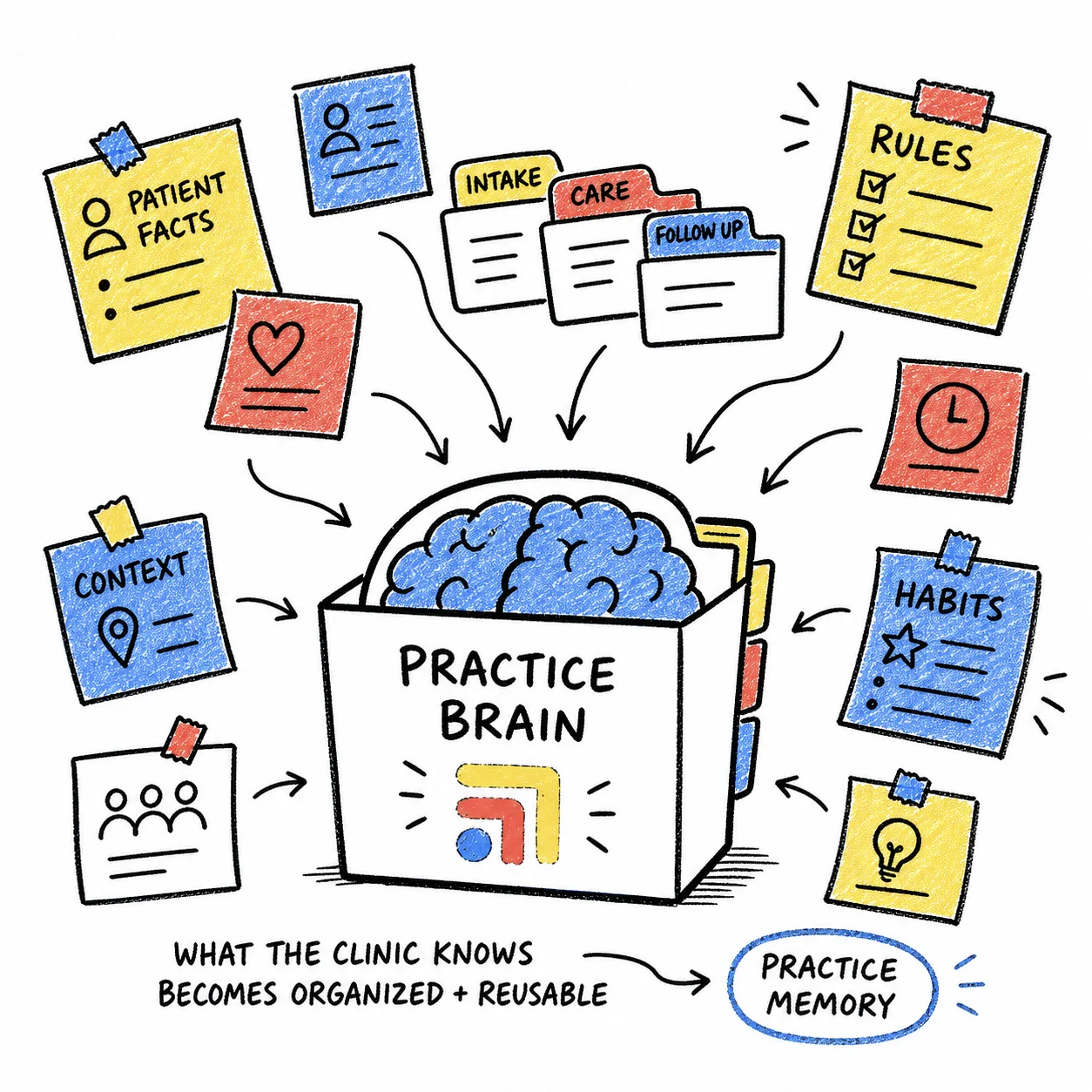
The team uses fixed rules where the steps are predictable and AI only at the steps that need reading or drafting. Spruce Inbox Triage sorts unread Spruce messages by urgency and type, Patient Inbox Drafts drafts replies in your clinic's voice and shows staff why each draft was written so they can approve or edit it, and Scheduling Requests catches "can I get in Tuesday?" messages and proposes times. Your clinic's rules are written down once in Practice Brain, so every automation follows the way your team already works. Sidekick, the assistant inside Tabflows, takes plain-English requests like finding this week's declined payments.
You can browse everything the team runs or builds in the workflow automations directory, and see how pricing works on the pricing page. If you'd like a recommendation for your own practice, tell us how your clinic runs and we'll point you to what fits.
Sources
Checked on November 5, 2026: keragon.com. Spot a wrong fact? Email a correction.
FAQs
Are AI agents better than fixed workflows for clinic automation?
Not across the board. Fixed if-this-then-that workflows are better when the steps never change, such as sending a welcome message when a new member books, because they run the same way every time. AI agents are better when a step needs judgment, such as reading a free-text message and deciding whether it is urgent. Most clinic automations work best as a fixed workflow with one AI step inside it and a person approving the result.
What is the difference between Keragon Workflows and Keragon Agents?
Keragon's help center says Workflows are automations you design step by step that run the same way every time, with branches, delays and Continue if checks. Agents are AI teammates you brief in plain English, give tools and rules, and let decide which steps to take, which suits tasks that need judgment or where inputs vary run to run. Keragon also offers MCP, a bridge that lets AI tools like Claude Desktop or ChatGPT act on connected healthcare apps.
What are Gemini workflows in Google Workspace?
Google announced the general availability of Google Workspace Studio on December 3, 2025, describing it as the place to design, manage and share AI agents in Workspace, built on Gemini 3. Google says the agents can reason through problems and handle tasks like sentiment analysis, prioritization and smart notifications without coding.
Is it HIPAA compliant to use AI agents in a clinic?
It can be, as long as every service that touches patient information signs a business associate agreement (BAA). HHS guidance on cloud computing says a cloud service that creates, receives, maintains or transmits electronic protected health information for a covered entity is a business associate. Keragon's agents page says a BAA comes with every paid plan. For Google Workspace Studio, confirm with Google that it is covered under your Workspace BAA before any patient information goes through it.
Should a solo DPC doctor build automations in Keragon or Workspace Studio themselves?
You can, and both are built so a non-coder can start. The harder part is the ongoing work of writing the rules, testing edge cases, watching for failures and changing automations as the practice grows, which is time a solo doctor usually wants back. That is where a dedicated tech team that builds and runs the automations for you can make more sense.
Where does Tabflows fit compared with Keragon or Google Workspace Studio?
Keragon and Workspace Studio are tools you build in. Tabflows is a dedicated tech team and admin layer that sets up and runs the automations for your clinic in the tools you already use, such as Elation, Hint and Spruce, using fixed rules where the steps are predictable and AI only at the steps that need reading or drafting. A person on your team approves the result.