
What Is Patient Onboarding Software for a DPC Practice?
Patient onboarding software is the set of tools that takes a new member from "I want to join" to a first visit on the calendar, with the membership agreement signed, payment on file, intake forms and consents complete, and their old records on the way. For most direct primary care and concierge practices, the best place to start is the onboarding already built into the membership platform or EHR, such as Hint, Atlas.md, Elation, Akute, Cerbo or Charm. A standalone HIPAA intake tool like IntakeQ or a Jotform plan with HIPAA features fills the gaps, and every tool that touches health information needs a signed business associate agreement (BAA).
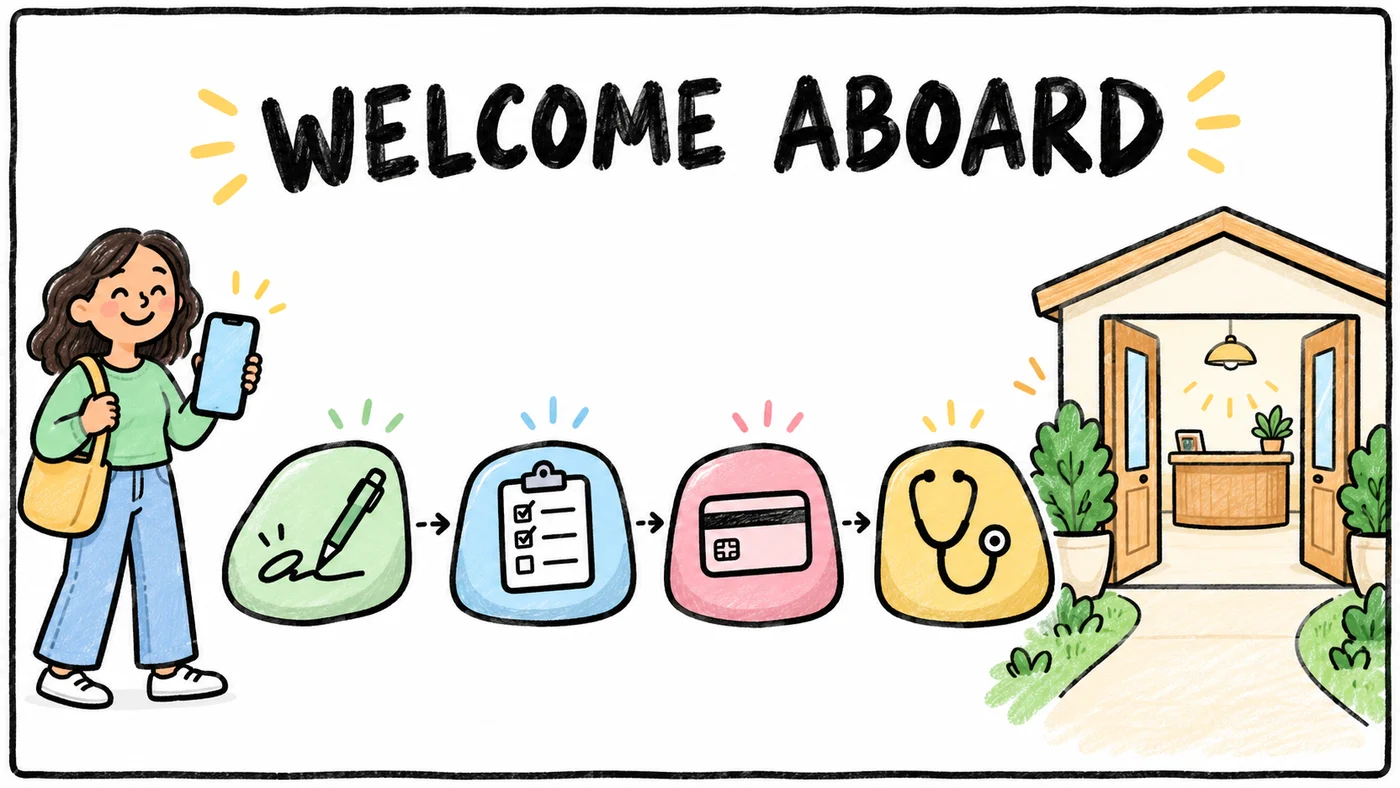
Onboarding matters more in a membership practice than in a fee-for-service clinic because the member is paying before they have met you. The first two weeks are when they decide whether the practice feels as personal as the website promised. If you already have a checklist of what to collect, our new member onboarding checklist for DPC covers the content. This guide covers the software that carries it.
Every vendor price below comes from the vendor's own website, and the Sources line at the end says when each page was last checked. Every BAA statement was checked on the vendor's own website on October 29, 2026, or in the sibling guides linked here during the same week. Vendors change plans often, so confirm on a demo call before you sign.
The Onboarding Job, Step by Step
A membership practice's onboarding has more steps than a typical new-patient packet, and each step tends to live in a different screen. Here is the whole job, in the order a new member usually experiences it.
Sign-up and the membership agreement
The member picks a plan, enters household details and signs the membership agreement. The agreement is a contract, so you want a real e-signature with a timestamp and a stored copy, not a checkbox buried in a web form. Most DPC platforms collect this during online enrollment. If yours doesn't, an e-signature tool with a BAA covers it, and we compare those below.
Payment setup
The card or bank account goes on file before the first visit so recurring billing starts cleanly. Doing this inside your membership billing platform keeps the payment method on the same record as the membership, which matters later when a card declines. Our DPC membership billing software guide compares how Hint, Atlas.md, Elation, Akute, Cerbo and Charm handle recurring charges and processing fees.
Intake forms and health history
This is the longest step for the member, so it should be the easiest to finish on a phone. Good digital intake forms for a medical practice save progress, let the member upload a medication list or a photo of a pill bottle, and write answers straight into the chart instead of into a PDF someone has to retype.
Consent forms (texting consent and the HIPAA notice)
At minimum you'll want an acknowledgment of your Notice of Privacy Practices and a communication consent that covers how you'll reach the member. Texting consent deserves its own clear line, especially if members will text the practice directly. Our guide to HIPAA-compliant texting for DPC walks through what to ask for and which messaging tools sign a BAA.
Insurance card capture, for practices that need it
Many DPC practices don't bill insurance, but most still record the member's coverage for outside labs, imaging, referrals and specialist care. Hybrid and concierge practices that bill insurance for some services need the card up front. Any form tool that accepts attachments can collect a front and back photo. The question to ask on a demo is whether that photo lands in the chart or in a separate inbox.
Records request from the prior doctor
Ask for the member's prior doctor and a signed authorization during intake, then send the request on day one. Outside records are the step most likely to take weeks, so starting early matters. Our guide on how DPC practices get outside records covers HIEs, fax and patient-directed requests, and medical records request tracking covers following up until they arrive.
Welcome visit scheduling
The welcome visit is the moment the membership becomes real. Let the member book it themselves from the last screen of onboarding, ideally once forms are done so you walk in prepared. Our DPC online booking software guide compares the scheduling built into DPC platforms with standalone tools and their BAA status.
Reminders when someone stalls
Some members sign and pay on a Sunday night, then never finish the health history. Most tools can send a form reminder. Fewer can tell your team that a member has paid but has no welcome visit booked and no records request sent, because those facts live in different systems.
Built-In Onboarding in DPC Platforms
If your membership platform or EHR already does most of the job, use it first. One record means one login for the member and nothing to reconcile for your team.
- Hint lists member onboarding, membership management, self-scheduling and automated billing on its Launch plan, and its clinical side lists intake forms and a member portal on the same record as billing, according to Hint's pricing page. Hint also offers a billing-only option for practices that keep a different EHR.
- Atlas.md lists card and bank payments managed inside Atlas.md, unlimited patients and the Atlas.md Patient App on its pricing page, with a free 30-day trial before launch. Ask on the demo how the enrollment form, agreement signature and intake questionnaire are set up.
- Elation describes patient self-enrollment, recurring and one-time membership charges and payment-due notices in its Membership Management help article. Elation lists per-provider prices in its product guide and also quotes by practice.
- Akute lists online intake forms, appointment reminders and a patient self-scheduling portal, and its pricing page lists Hint Core billing as an add-on for practices that want Hint's membership billing alongside it.
- Cerbo publishes per-provider pricing on its pricing page and includes portal messaging on every plan we saw. Its subscription billing is documented in Cerbo's help center. Ask how intake forms and consents flow into the chart.
- Charm documents recurring payments for memberships. Ask how its patient portal handles intake forms and signed consents.
For the full feature and price picture across these platforms, see Best DPC Software for 2027 and the DPC EHR comparison.
Standalone Intake and E-Signature Tools (and Their BAAs)
Standalone tools earn their place when your platform's forms are too rigid, when you're running a hybrid or concierge model that needs extra documents, or when you want onboarding that stays put if you ever change EHRs.
IntakeQ
IntakeQ's pricing page lists a HIPAA BAA, client and provider e-signatures, form reminders, attachments and secure document sharing on its Forms Only plans. Its Practice Management plans add appointment management, a booking widget, automated intake, a client portal, payments and recurring payments.
IntakeQ Forms Only is $54.90 per month, with $20 per additional practitioner. Practice Management is $84.90 per month, with $30 per additional practitioner. Low-volume plans are $29.90 per month (Forms Only, 10 submissions a month) and $59.90 per month (Practice Management, 25 appointments and 25 form submissions per practitioner per 30 days).
Jotform
Jotform is a general form builder with strong design options, payment fields and e-signatures. Its pricing page says HIPAA-enabled features are unavailable on the Starter, Bronze and Silver plans and available on Gold. Jotform's HIPAA page says covered entity customers who enable HIPAA features receive a signed BAA.
Jotform Gold is listed at $129 per month billed monthly, or $99 per month billed yearly, with 10,000 monthly submissions and 1,000 signed documents.
IntakeQ vs Jotform for HIPAA intake
IntakeQ is built for health practices and puts the BAA on its entry plans, so a small practice that only needs forms and signatures usually pays less there. Jotform makes sense if you already use it for other work, want more control over form design, or need high submission volume. Either way, sign the BAA and turn on the HIPAA settings before the first real patient submits a form.
Dropbox Sign and Docusign for the membership agreement
If the only gap is a signed agreement, an e-signature tool may be enough. Dropbox Sign's help center says HIPAA support requires an annual Standard or Premium plan, a signed BAA and a minimum contract value, arranged through its sales team, and that some features such as CC on signature requests and emailed PDF copies are turned off once HIPAA is enabled. Docusign says it acts as a business associate when a provider uses eSignature for documents containing PHI and can be configured for HIPAA. We could not find a published price for a HIPAA-configured Docusign account, so ask sales.
Phreesia, for larger groups
Phreesia covers online registration, medical history, demographics and consents customized by appointment type, sending forms to the practice management system or EHR. It's sold by quote and is built for larger multi-provider groups, so most solo DPC practices will find platform-built onboarding or IntakeQ a better fit. We left Formsort out because it targets high-volume consumer health companies rather than small practices.
Onboarding Tools Compared
Published prices, from each vendor's own page:
| Hint | Atlas.md | Elation | |
|---|---|---|---|
| Starting price | $290 per month with 1 clinician and unlimited members | $300 per registered provider per month | $375 per DPC provider per month |
| Works with Tabflows | Hint integration | Atlas.md integration | Elation integration |
| Checked | hint.com/pricing, November 4, 2026 | atlas.md/pricing, November 4, 2026 | elationhealth.com/ehr-product-guide, November 4, 2026 |
| Akute | Cerbo | |
|---|---|---|
| Plan | $300 per month with 1 clinician and 100 patients | $281 per full-time prescribing provider per month |
| Higher plan | $550 per month with 2 clinicians and 300 patients | |
| Plan on some visits | Shown on some visits: $100 per month on Launch, with the first 50 patients | |
| Works with Tabflows | Akute integration | Cerbo integration |
| Checked | akutehealth.com/pricing, November 4, 2026 | cer.bo/pricing, November 4, 2026 |
| PracticeQ (IntakeQ) | Jotform | |
|---|---|---|
| Forms plan | $54.90 per month on Forms Only | $129 per month on Gold, billed monthly |
| Same plan, billed yearly | $99 per month on Gold, billed annually | |
| Low-volume forms plan | $29.90 per month on low-volume Forms Only, 10 form submissions a month | |
| Practice Management | $84.90 per month on Practice Management | |
| Low-volume Practice Management | $59.90 per month on low-volume Practice Management | |
| Checked | intakeq.com/pricing, November 4, 2026 | jotform.com/pricing, November 4, 2026 |
BAA, e-signature and payments, tool by tool:
- Hint (Launch), Atlas.md, Elation, Akute (Essentials) and Cerbo. Neither the BAA nor e-signature is on the public page, so ask on a demo. Payments: built-in membership billing on Hint, card and bank payments on Atlas.md, membership payments on Elation, Hint Core billing as an add-on on Akute, and subscription billing on Cerbo. Elation also quotes by practice.
- IntakeQ Forms Only. A BAA listed on the pricing page, with forms and signatures. Payments need Practice Management.
- IntakeQ Practice Management. A BAA listed on the pricing page, forms and signatures, and payments, recurring ones included.
- Jotform Gold. A BAA once HIPAA features are turned on, signature fields and payment fields on forms.
- Dropbox Sign. A BAA on annual Standard or Premium plans, through sales, with a minimum contract. It is an e-signature tool, with no payments.
- Docusign. A BAA when configured for HIPAA, through Docusign sales. It is an e-signature tool; payments aren't compared in this guide.
- Phreesia. E-signature for consents. Ask Phreesia sales about the BAA and payments; it is priced by quote for larger groups.
"Not on the public page" for the DPC platforms means we did not find the BAA spelled out on the page we checked, not that one isn't offered. EHR and membership vendors that store PHI routinely sign BAAs, so request it in writing before launch.
A Practical First 14 Days for a New Member
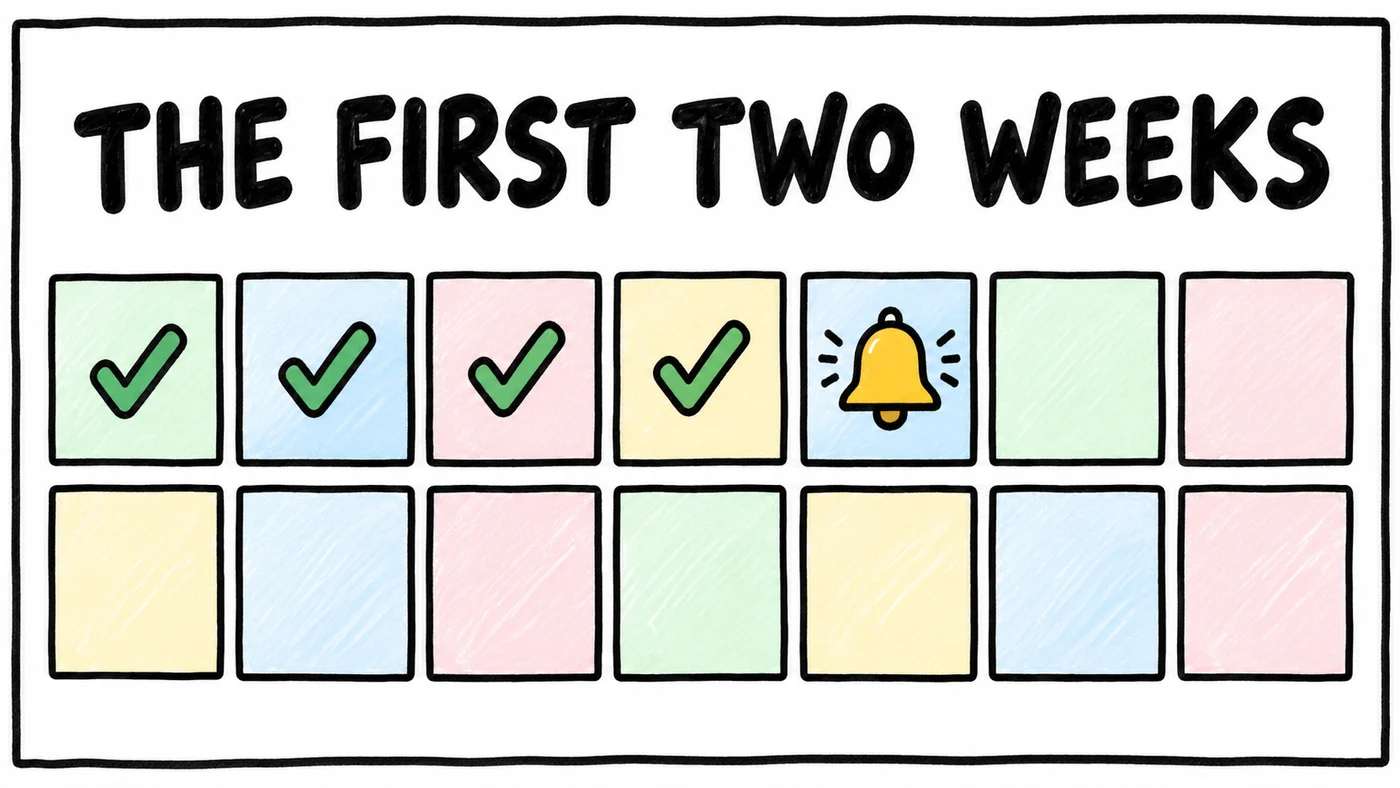
A simple sequence keeps onboarding warm without overwhelming the member. Adjust the days to your practice, but keep the order.
- Day 0, sign-up. The member chooses a plan, signs the membership agreement, puts a payment method on file and receives a welcome message from a real person on your team.
- Day 0 to 1, forms. Intake and health history, the Notice of Privacy Practices acknowledgment, texting and communication consent, the records authorization and, if you need it, insurance card photos.
- Day 1, records request. Send the request to the prior doctor the same day the authorization is signed.
- Day 2 to 3, welcome visit booked. If the member hasn't booked, send a personal note with two or three suggested times.
- Day 3, gentle form nudge. If intake is still open, remind them once, and offer to finish the history together at the visit.
- Day 7, records check. If nothing has arrived from the prior office, follow up by phone or fax.
- Day 7 to 10, welcome visit. Review history, medications and goals, and confirm how the member prefers to reach you.
- Day 14, check-in. A short message asking how the first two weeks went, plus a final look at anything still open.
What to Do When Onboarding Stalls
Stalls are rarely about the member's interest. They usually happen because each tool tracks only its own step, so the form tool knows intake is unfinished, the billing tool knows payment cleared and the scheduler knows nothing is booked, but nobody sees all three at once. The fix is a short list, reviewed daily, of every new member and which step they're on.
Most practices start with a spreadsheet or a saved report in the EHR, which works well at low volume. As sign-ups grow, or when the agreement, forms and records live in different tools, it helps to have those steps turn into tasks automatically. That's the kind of work Tabflows takes on. Tabflows is a dedicated tech team that connects the EHR, billing and messaging tools a practice already uses, so a member who paid but hasn't booked, or whose records haven't arrived after a week, shows up as a follow-up for the right person, with the patient context in one place. Tabflows is not an EHR, an intake tool or a billing system, and it doesn't replace any of them.
How to Choose
- Pick Jotform if you want HIPAA-enabled forms you build yourself. Where it wins: HIPAA-enabled forms from intake to consent.
- Pick PracticeQ (IntakeQ) if you only need intake forms and signatures, or want booking and payments added on one plan. Where it wins: a HIPAA BAA listed on its forms plan; booking and payments on its practice management plan.
- Pick Phreesia if you are a larger multi-provider group with insured patients to check in. Where it wins: registration, consents and insurance checks at check-in.
- Pick Dropbox Sign if you are on its annual Standard or Premium plan with a signed BAA, meet its minimum contract value and want e-signatures on their own.
- Pick Docusign if you need e-signatures configured for HIPAA across a healthcare organization.
Start with what your membership platform or EHR already includes, and run a test enrollment as if you were a new member, on your phone, from the website button to the booked welcome visit. Note every place you had to switch screens or retype something. If the gaps are forms or signatures, add IntakeQ, a Jotform plan with HIPAA features or a HIPAA-configured e-signature tool, and sign each BAA before the first real member goes through. If the gaps are between tools, connect them rather than replacing tools that already do their own job well.
For the bigger picture on choosing a stack by stage, see DPC software stack by stage and our guide to HIPAA-compliant workflow tools.
Sources
Checked on November 5, 2026: jotform.com/hipaa, phreesia.com/patient-intake, help.dropbox.com/security/dropbox-sign-hipaa-compliance and docusign.com/blog/electronic-signature-hipaa-forms. Checked on November 4, 2026: intakeq.com/pricing, jotform.com/pricing, hint.com/pricing, atlas.md/pricing, elationhealth.com/ehr-product-guide, akutehealth.com/pricing and cer.bo/pricing. Spot a wrong fact? Email a correction.
FAQs
What is the best patient onboarding software for a DPC practice?
For most direct primary care and concierge practices, the best onboarding software is the one already built into the membership platform or EHR, because sign-up, payment, intake forms and the chart then live on one record. Hint lists member onboarding and intake forms on its Launch plan, Akute lists online intake forms, and Elation describes patient self-enrollment for memberships. A standalone intake tool such as IntakeQ or a Jotform plan with HIPAA features makes sense when your platform's forms can't do what you need.
Is IntakeQ HIPAA compliant and does it sign a BAA?
IntakeQ's pricing page lists a HIPAA BAA on its Forms Only plans, along with client and provider e-signatures, form reminders and attachments. Payments and recurring payments are on the Practice Management plans.
Which Jotform plan is HIPAA compliant?
On Jotform's pricing page, the Starter, Bronze and Silver plans say HIPAA-enabled features are unavailable, and the Gold plan says HIPAA-enabled features are available. Jotform's HIPAA page says covered entity customers who enable HIPAA features receive a signed Business Associate Agreement.
IntakeQ vs Jotform for HIPAA intake forms, which is better?
IntakeQ is built for health practices, lists a HIPAA BAA on its entry plans and adds booking, payments and recurring payments on its Practice Management plan. Jotform is a general form builder with strong form design and payment fields, and its HIPAA features start on the Gold plan. A small practice that only needs forms often pays less with IntakeQ, while a practice already using Jotform for other work may prefer to stay on one tool.
Can I use DocuSign or Dropbox Sign for a DPC membership agreement?
Yes, if the agreement or the envelope contains health information you need a BAA. Docusign says it is a business associate when a provider uses eSignature for documents containing PHI and that it can be configured for HIPAA. Dropbox Sign's help center says HIPAA support requires an annual Standard or Premium plan, a signed BAA and a minimum contract value, arranged through sales. Many DPC platforms also collect the membership agreement signature during online enrollment, which avoids a separate tool.
How long should DPC patient onboarding take?
A practical target is to have a new member signed, paid, consented, through intake and booked for a welcome visit within 14 days of signing up. The first two days cover the agreement, payment and forms, the first week covers the records request and the welcome visit, and the second week catches anything that stalled with a friendly reminder.
Do DPC practices need to collect insurance cards at onboarding?
Many DPC practices don't bill insurance, but they still often record a member's insurance for outside labs, imaging, referrals and specialist care. Hybrid and concierge practices that bill insurance for some services need the card at onboarding. A form tool that accepts photo attachments, or an intake form built into your EHR, handles this.