
The best HIPAA-compliant way to send patient education handouts through Spruce without making a PDF for each patient is to build one generic PDF per topic, attach it to a Spruce saved message, and send that saved message inside each patient's secure Spruce conversation. Spruce's help center says saved messages can carry photos, videos or PDFs that send automatically with the message, so you upload the handout once and reuse it for every patient with a couple of taps. Because the handout itself holds no patient's details, you never have to create, name or store a separate file per person, and the personal part (the patient's name, a dose, a follow-up date) goes in the message text, which you can edit before sending. Spruce lists a HIPAA BAA on its plans, so the message and attachment stay under that agreement. Tabflows doesn't replace Spruce. It's a dedicated tech team that helps your practice track the follow-ups that come out of those messages, so the handout is one step in a plan someone actually finishes.
Why one PDF per patient is the wrong unit of work
Pediatric, functional and integrative practices hand out a lot of education, from fever and hydration guides to elimination diets, supplement schedules and sleep routines. If every handout gets personalized by editing a PDF, saving it under the patient's name and uploading it, the work grows with every patient, and you end up with dozens of nearly identical files that each contain health information and each need to be protected.
The simpler unit is the topic. One clean handout for "Elimination diet, week one" or "Croup at home" serves every patient who needs it. A document with no patient identifiers in it is much easier to handle than one with a name, a date of birth and a diagnosis printed on it, because there is nothing private in the file to lose.
How to set it up in Spruce, step by step
Here is the setup, using what Spruce's help center describes for saved messages.
- Write one handout per topic. Keep it generic, with no patient names, dates of birth or chart details. Put a version date in the footer so you know which edition went out.
- Create a saved message for it. From the web or mobile app, open Settings (the gear icon), find Saved Messages, and create a new one. Spruce says each saved message has a label your patients don't see, a message body they do see, and a private or shared setting.
- Attach the PDF. When you select into the message body, Spruce shows a paperclip icon. Tap it to attach the handout PDF so it sends automatically with the message.
- Share it with the team. Set the saved message to shared so every provider and staff member sends the same current version.
- Label it so it's easy to find. Spruce recommends descriptive labels without spaces for better search, such as "EliminationDietWeek1" rather than "Elimination Diet Week 1."
- Send it from the patient's conversation. Open the patient's conversation, type a space and then a period, or tap the speech bubble icon under the text box, and pick the saved message. Spruce says the text appears in the compose area and the attachment appears with it, and you can edit or add to the message before sending.
- Personalize the message, not the file. Add a line like "Hi Maya, here's the guide we talked about. Start the new schedule Monday and send me a note Friday with how it's going."
Spruce's own customer story makes the same point from a primary care practice's view. Integrated Family Care told Spruce that saved messages are their favorite feature, and that they use them for ankle sprain recovery techniques, clear instructions on getting labs drawn, and up-to-date guidelines for patients.
Your options compared
| Method | HIPAA fit | Effort per patient | Best for |
|---|---|---|---|
| Spruce saved message with PDF | Inside Spruce, under its BAA | A few taps | Most handouts |
| Personalized PDF per patient | Each file holds PHI | High | Rare, custom care plans |
| Link to a page on your website | Depends on trackers | A few taps | Long or video content |
| Personal email or texting app | No BAA, avoid | Low | Not recommended |
HIPAA questions to settle first
Do you have a BAA with Spruce? Spruce's pricing page lists a HIPAA BAA on both its Basic and Communicator plans. Under HHS's definition, a vendor that creates, receives, maintains or transmits protected health information for your practice is a business associate, which is why the BAA matters before the first patient message.
Is the handout PHI? A generic handout isn't, because it says nothing about any patient. Sending it to a specific person does reveal something about their care, which is why the message itself belongs in a HIPAA-compliant channel like Spruce rather than personal email.
What about website links? If you'd rather link to handouts on your website, keep in mind HHS's bulletin on online tracking technologies. It says HIPAA rules apply when information collected through tracking tools on a regulated entity's website or app includes protected health information. A federal court vacated part of that guidance in 2024 for unauthenticated public pages, and HHS says it is evaluating next steps, so the cautious path is to keep ad pixels and third-party trackers off any page you send patients to. The Spruce attachment avoids the question entirely.
Should I save a note in the chart? Most clinicians want a record that education was given. A one-line note in your EHR, such as "Sent elimination diet handout v2026-11 via Spruce," keeps the chart complete without copying the PDF into it.
Tips for pediatric, functional and integrative practices
- Build a small library first. Start with the ten handouts you send most, then add others as they come up. A short, current library is more useful than a large one nobody maintains.
- Write for the parent or the patient on a phone. Short sections, clear headings and a one-page layout read best inside a messaging app.
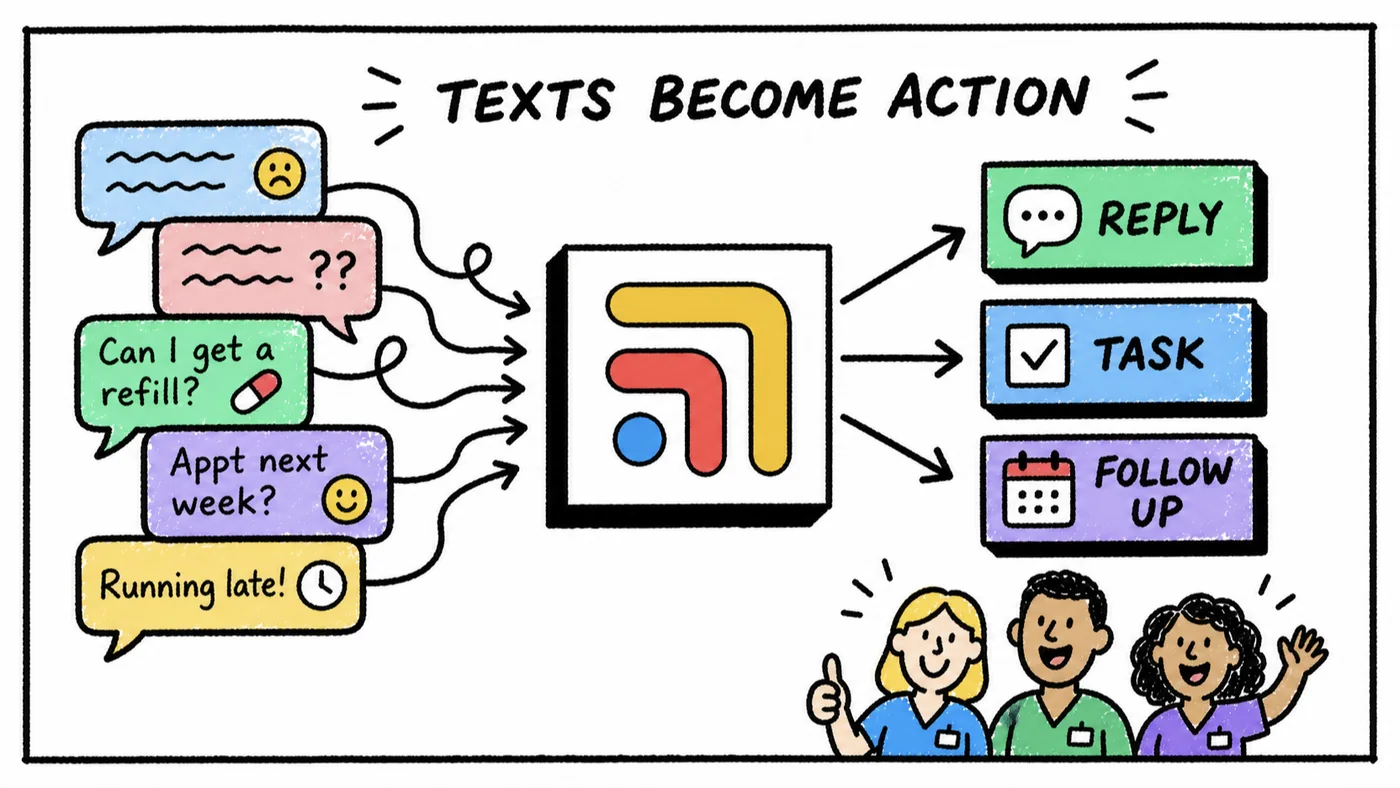
- Pair education with a follow-up. An elimination diet or a new supplement schedule works better when someone checks in a week later. That check-in is easy to forget when the day gets busy, simply because messaging tools and charts were never built to remind each other.
- Review the library twice a year. Update the PDF in the saved message, change the version date, and every future send uses the new edition.
Where Tabflows fits
Tabflows is a dedicated tech team and smart admin infrastructure for DPC, concierge, functional and integrative clinics. It isn't a messaging tool or an EHR, so Spruce stays where you talk to patients and your EHR stays your chart. Tabflows works between them, giving your team one shared list where the follow-ups that come out of patient messages get an owner and a due date.
Our team builds custom Spruce workflows on request, such as post-visit check-ins that send a note a few days after a visit and flag any reply that needs a provider, or sorting unread Spruce messages by urgency so nothing sits unanswered. You can browse these on our Spruce workflow automations page and read how we work alongside Spruce on our Spruce integration page. For texting policy and consent language, our guide to HIPAA-compliant texting for DPC covers the basics.
If you'd like help turning your handouts and follow-ups into a routine your team can run without extra effort, tell us about your practice and we'll suggest a next step that fits.
Sources: help.sprucehealth.com/hc/en-us/articles/23003214296475-Spruce-Saved-Messages-Reusable-Message-Templates-with-Attachments, sprucehealth.com/blog/primary-care-practice-uses-spruce-for-secure-messaging-phone-and-sharing-photos-videos-pdf-attachments, sprucehealth.com/plans, hhs.gov/hipaa/for-professionals/privacy/guidance/hipaa-online-tracking/index.html and hhs.gov/hipaa/for-professionals/special-topics/health-information-technology/cloud-computing/index.html.
FAQs
Can I send a PDF handout through Spruce?
Yes. Spruce's help center says saved messages can include attachments, such as photos, videos or PDFs, that send automatically with the message. You create the saved message once under Settings, attach the handout, and insert it into any patient conversation by typing a space and a period or tapping the speech bubble icon.
Is a generic patient handout considered PHI?
A generic handout on a topic like ankle sprain recovery or an elimination diet contains no patient's information, so the document itself isn't protected health information. The message is a different story, because sending it to a specific patient reveals something about that person's care. That's why it should go through a HIPAA-compliant tool like Spruce under a signed BAA, not personal email or a consumer texting app.
Does Spruce sign a BAA?
Yes. Spruce's pricing page lists a HIPAA BAA on its Basic plan and its Communicator plan, along with phone, text, video, fax and team chat. Make sure the BAA is in place for your account before sending any patient messages.
Should I send a link to a handout on my website instead of a PDF?
A link works, but be careful with the page it points to. HHS guidance on online tracking technologies says HIPAA rules apply when information collected through tracking tools on a regulated entity's website or app includes protected health information. If you host handouts on your site, keep analytics pixels and ad trackers off those pages, or use the Spruce attachment instead so nothing leaves the secure conversation.
How do I personalize a handout without making a new PDF?
Put the personal part in the message, not the file. The saved message drops into the compose area, and Spruce says you can edit and add to it before sending, so you can add the patient's name, the dose or the follow-up date as a line of text above the same generic PDF attachment every patient receives.
How does Tabflows help with patient education handouts?
Tabflows doesn't replace Spruce or your EHR. It gives your team one shared place to track follow-ups that come from patient messages, with an owner and a due date, and a dedicated tech team that builds custom workflows on request around the Spruce account you already use, such as post-visit check-ins that flag any reply needing a provider.