How do I switch EHRs without losing patient data?
You switch EHRs without losing patient data by asking your current vendor for a full Electronic Health Information (EHI) export, not just a stack of summary documents, and by keeping read-only access to the old system for as long as your state requires you to keep records. Federal rules require certified EHRs to offer that full export, and they bar a certified vendor from charging a fee for it when you are switching systems. Plan the move around a test import, a short double-check of active patients, and a clean cutover date.
Small practices switch EHRs for ordinary reasons. A clinic converts to direct primary care and wants membership billing built in, a solo physician outgrows a starter system, or a group wants charting that fits how they actually work. Whether you are moving from Elation to Hint, from a legacy fee-for-service EHR to Atlas.md, or anything in between, the steps below are the same. If you are still choosing where to land, our DPC EHR comparison for 2027 and guide to choosing an EHR for a DPC practice cover the options.
Can my EHR hold my data hostage when I switch?
For a certified EHR, the short answer is no. The 21st Century Cures Act created the information blocking rule, now codified at 45 CFR Part 171. It defines an "actor" as a health care provider, a health IT developer of certified health IT, or a health information network or exchange (45 CFR 171.102). That means your EHR vendor, if it has any certified product, is directly covered.
An actor that interferes with access to, exchange of, or use of electronic health information has to fit one of the rule's exceptions, such as privacy, security, infeasibility or reasonable fees. The fees exception is where switching practices get real protection. Under 45 CFR 171.302, the exception does not cover "a fee to perform an export of electronic health information via the capability of health IT certified to § 170.315(b)(10) ... for the purposes of switching health IT or to provide patients their electronic health information." It also does not cover a fee to export or convert data from an EHR "that was not agreed to in writing at the time the technology was acquired."
The penalty is meaningful. HHS's Office of Inspector General finalized information blocking penalties in 2023, and the OIG information blocking page explains that an individual or entity it finds has committed information blocking can be penalized for each violation. OIG says that penalty can reach 1 million dollars per violation.
Two caveats are worth knowing. First, these protections apply to certified health IT, and some smaller DPC-focused systems are not certified. Second, a vendor can still charge for work you agreed to in writing when you signed, like a custom data conversion service, so the contract you signed years ago still matters.
What is an EHI export, and does my EHR have to offer one?
The EHI export is a federal certification criterion, 45 CFR 170.315(b)(10). According to the Office of the National Coordinator for Health IT (ONC), every certified Health IT Module that is part of a product storing electronic health information had to certify to it and make the function available to users by December 31, 2023.
ONC describes two parts. A single-patient export must be available "at any time the user chooses without developer assistance," must include all available EHI for that patient, and must be in an electronic, computable format. A patient population export must include all available EHI for the whole practice in a computable format. In both cases the export must include a publicly accessible link describing the format, so your new vendor can read the documentation and map the data.
"All EHI" is broad. ONC ties it to the HIPAA designated record set, meaning the same information a patient has a right to request. Psychotherapy notes and material compiled for legal proceedings are excluded.
Did the 2026 HTI-5 rule remove EHI export?
No. On October 26, 2026, HHS released the HTI-5 final rule, which cut back the certification program. ONC's fact sheet on removals and revisions lists 14 criteria removed and seven revised, and 170.315(b)(10) EHI export is not on that list. HHS also said comments on HTI-5's information blocking proposals "remain under consideration," so watch for further changes in 2027, but as of October 2026 the export requirement and the switching fee carve-out both stand.
How do I check if my EHR is certified?
Search your vendor on the Certified Health IT Product List (CHPL), the public registry ONC maintains. Each listing shows the product version and every criterion it is certified to. You are looking for "170.315(b)(10) Electronic Health Information (EHI) Export."
If your product is listed with (b)(10), you can ask for the export by name and point to the rule if there is friction. If your product is not certified at all, the information blocking rule may not reach the vendor as a developer, and your contract and your HIPAA business associate agreement become your main tools.
CCDA vs full EHI export vs PDF, which do I need?
Vendors often offer three kinds of "export," and they are not the same thing. Knowing the difference before you ask saves weeks.
| Export type | What it contains | Good for | Weak spot |
|---|---|---|---|
| CCDA (Consolidated CDA) summary | A standard XML summary per patient, built around common data like problems, meds, allergies, immunizations, results and recent encounters | Importing core structured data into almost any certified EHR | Leaves out a lot of the chart, often including older notes, attachments and messages |
| Full EHI export (170.315(b)(10)) | All EHI the product stores, for one patient or the whole practice, with a public format document | Making sure nothing is left behind, and mapping data into the new system | Format is vendor-specific, so the new vendor has to map it, and files can be large |
| PDF chart printouts | A readable copy of each chart | Legal record copies, archives and quick human review | Not computable, so nothing imports as usable chart data |
The best plan for most small practices uses all three. Ask for the full EHI export as the record of everything, use CCDA or structured files for the clean import of core clinical data, and keep PDFs or the old system's read-only view for anyone who needs to read the original chart.
What patient data migrates cleanly, and what doesn't?
Structured data moves well because both systems store it as coded fields. Unstructured data moves as documents, which keeps the information but loses the ability to search, trend or reconcile it inside the new chart.
| Data | How it usually moves | What to plan for |
|---|---|---|
| Demographics and contact details | Clean, as structured fields | Spot-check phone numbers, emails and preferred names |
| Problem list | Mostly clean, with coded diagnoses | Free-text problems may need recoding |
| Medications | Mostly clean | Reconcile active meds for every active patient at their next visit |
| Allergies | Mostly clean | Verify severe allergies before go-live |
| Immunizations | Mostly clean | Confirm dates and lot numbers on a sample |
| Lab results | Often clean if coded | Older or hand-entered results may arrive as documents |
| Visit notes | Usually as documents or PDFs | Readable, not editable or searchable as chart data |
| Scanned files and faxes | As attachments | Check that file names and categories survive |
| Patient portal messages | Often as documents, sometimes not at all | Ask about messages specifically, and archive them if they won't move |
| Custom templates, flowsheets and memberships | Rarely move | Rebuild templates, and move membership billing as its own project |
For a DPC practice, membership and billing data deserve their own line on the plan. Payment methods stored with a processor usually cannot be exported in raw form, so ask both vendors early how card and bank details will move, or whether members will need to re-enter them.
What should I check in my EHR contract before switching?
Read the contract and business associate agreement before you give notice. These are the terms that tend to decide how smooth the move is.
- Data export fees. Look for any fee for exporting or converting data. Under 45 CFR 171.302, a fee to export or convert data that was not agreed in writing when you bought the system is not protected, and a fee for a (b)(10) export used for switching is not protected either.
- Termination notice and auto-renewal. Note the notice window and renewal date so you are not billed for a year you don't need.
- Termination assistance. See whether the vendor commits to help with transition, how long it lasts, and what it costs.
- Post-termination access. Check how long you keep login access after the contract ends, and whether a read-only or archive tier exists.
- Return or destruction of data. HIPAA requires business associate contracts to provide for return or destruction of patient information at termination where feasible (45 CFR 164.504(e)). Make sure you get the full export before anything is destroyed.
- Format and delivery. Confirm the export comes with its format documentation and is delivered securely.
When you sign with your new EHR, add the same protections now. It is far easier to agree on export terms when you are a new customer than when you are leaving.
How long do I have to keep my old EHR records?
Record retention is set by state law, and switching EHRs does not restart or shorten the clock. Two examples show how much states differ.
- Texas requires physicians to keep records "at least seven years from the date of last treatment," and for minors "until the patient reaches age 21 years old or seven years from the date of last treatment, whichever is longer" (22 Tex. Admin. Code 163.2).
- Florida requires physicians to keep records "for a period of at least five years from the last patient contact" (Fla. Admin. Code R. 64B8-10.002).
Other laws, payer contracts and malpractice carriers can require longer, so check with your state board and your carrier. In practice, this is why read-only access to the old system matters so much.
Should I keep read-only access to the old EHR?
Yes, if you can get it at a reasonable cost. Even a careful migration leaves some data as documents, and the day a records request, an audit or a malpractice question arrives, you want to see the chart exactly as it looked when the care happened.
If the old vendor does not offer a read-only tier, a full EHI export plus PDF charts for every patient is the fallback. Store them somewhere secure, backed up and covered by a business associate agreement, and make sure someone on the team can actually open and search them. Our post on tracking medical records requests covers how to keep release requests moving while records live in two places.
Step-by-step EHR migration plan for a small practice
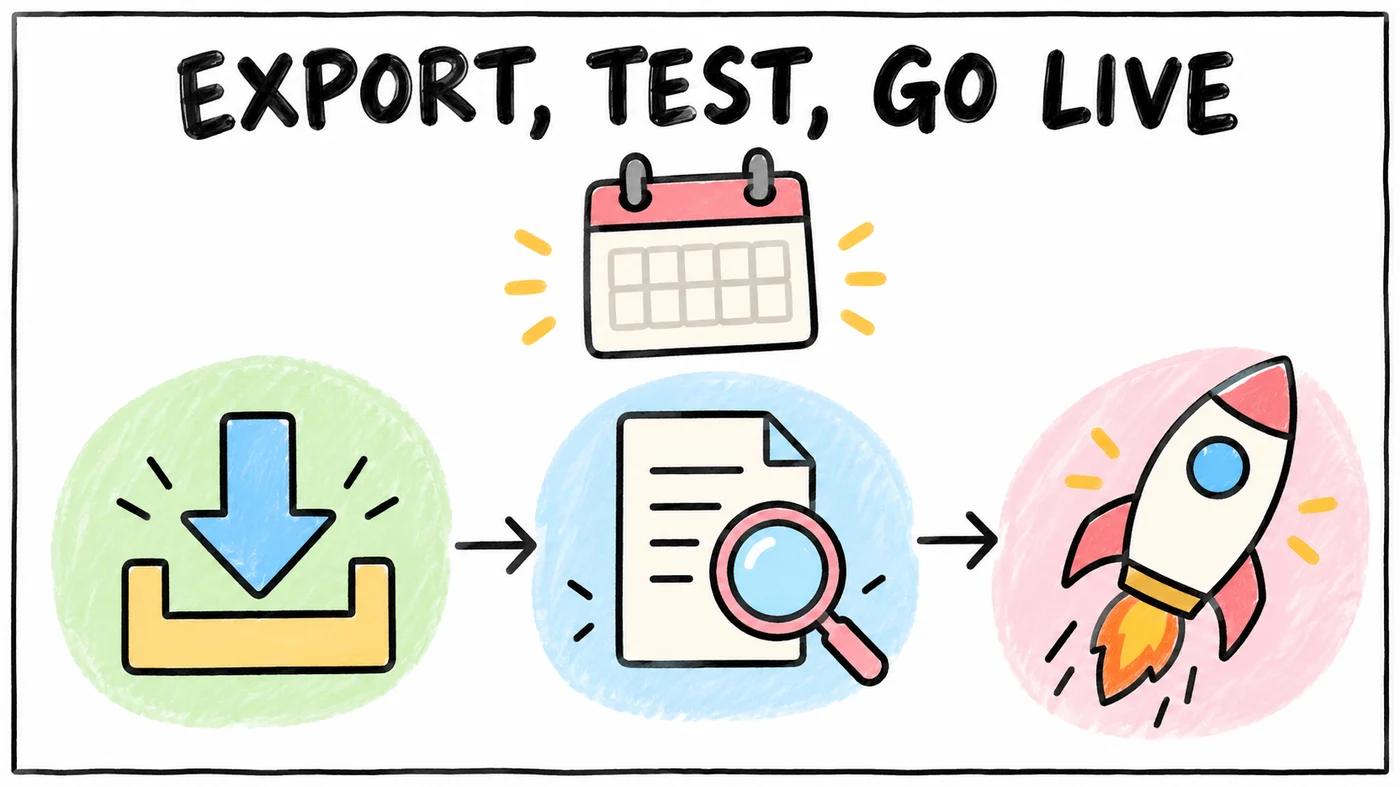
Here is a realistic sequence for a solo or small DPC practice. Timelines vary with your vendors and how much data you have, so treat the weeks as a planning guide rather than a promise.
| When | Step | What done looks like |
|---|---|---|
| Weeks 1 to 2 | Check CHPL for (b)(10), read both contracts, note notice dates and fees | You know what export you're entitled to and what it costs |
| Weeks 1 to 2 | Ask the old vendor for a sample single-patient EHI export and its format link | The new vendor confirms they can map it |
| Weeks 2 to 4 | Agree on a data map with the new vendor (what imports as fields, what as documents) | A written list of every data type and where it lands |
| Weeks 3 to 5 | Request the full patient population export and PDF charts | Files received, checked for patient count and completeness |
| Weeks 4 to 6 | Test import into the new system | You and a staff member review 10 to 20 real charts side by side |
| Weeks 5 to 7 | Fix mapping issues, rebuild templates, set up memberships and billing | Templates and membership plans ready, test patients billed correctly |
| Weeks 7 to 8 | Train the team and pick a cutover date with a light schedule | Everyone has logged in and run a mock visit |
| Cutover week | Final delta export of anything new since the test, then go live | New visits and messages happen only in the new system |
| Weeks 1 to 8 after | Reconcile meds, allergies and problems for active patients at each visit | Every active patient has a reviewed chart |
| Ongoing | Keep read-only access or a searchable archive for your state's retention period | Old charts are reachable when a request comes in |
To turn this into a plan with your own dates, the free DPC EMR switch kit builds a migration timeline and checklist, and compares the yearly cost of each EMR at your size.
A few habits make the plan go smoother. Tell patients about the switch a few weeks ahead, especially if the portal or app is changing, and give them a clear date when the old portal stops working. Keep one person responsible for the migration checklist so questions don't scatter across email threads. And schedule lighter clinic days around cutover, because the first week always takes longer than expected.
If you are converting from a fee-for-service practice to DPC at the same time, the EHR switch is one piece of a bigger move. Our guide to converting your practice to direct primary care covers the rest, and how to start a DPC practice walks through the whole 2027 launch.
What gets lost even when the data moves?
Charts are only part of a practice's memory. The open follow-ups, the patient who needs a callback after a lab result, the referral waiting on outside records and the note about who prefers texts all tend to live in a mix of the EHR, the phone system and people's heads. Migrations are good at moving charts and bad at moving that in-flight work.
Before cutover, make a list of everything still open, such as pending labs, unsigned results, outstanding referrals, outside records requests and patient messages still waiting on a reply. Close what you can in the old system and carry the rest over deliberately.
This is where Tabflows can help. Tabflows is a dedicated tech team that connects the tools a clinic already uses, like the EHR, membership billing and patient messaging, so follow-ups, tasks and patient context sit in one place. Because that work lives outside any single EHR, it doesn't have to be rebuilt from memory when you change systems.
The bottom line
Switching EHRs in 2027 is far less risky than it was a few years ago, because certified EHRs must offer a full EHI export and cannot charge you to use it when you leave. The practices that move cleanly are the ones that ask for the right export early, test the import on real charts, read their contracts before giving notice, and keep the old records reachable for as long as their state requires.
FAQs
Can my EHR vendor hold my patient data hostage when I switch?
A certified EHR vendor is an actor under the federal information blocking rule in 45 CFR Part 171, so it cannot interfere with your access to or export of electronic health information without fitting a recognized exception. Since December 31, 2023, certified EHRs that store patient data must offer an Electronic Health Information (EHI) export under 45 CFR 170.315(b)(10), and the fee exception in 45 CFR 171.302 does not cover a fee to run that export for the purpose of switching health IT. OIG can fine developers that commit information blocking up to 1 million dollars per violation.
What is an EHI export?
An EHI export is a federal certification requirement, 45 CFR 170.315(b)(10), that requires certified EHRs to export all the electronic health information the product stores, for one patient or the whole patient population, in an electronic and computable format with a public link describing the format. Developers had to make it available to users by December 31, 2023. The HTI-5 final rule released October 26, 2026 removed or revised 21 certification criteria but did not touch EHI export.
What patient data usually migrates cleanly to a new EHR?
Structured data moves best. Demographics, problem lists, medication lists, allergies, immunizations and often lab results with standard codes usually import as real, usable fields. Clinical notes, scanned documents, faxes, patient messages and custom templates usually arrive as attached documents or PDFs rather than editable chart data, so plan to review them by hand for active patients.
How long do I have to keep the old EHR records after switching?
It depends on your state. Texas requires physicians to keep adult records at least seven years from the last treatment, and minors' records until age 21 or seven years after last treatment, whichever is longer (22 Tex. Admin. Code 163.2). Florida requires at least five years from the last patient contact (Fla. Admin. Code R. 64B8-10.002). Keep read-only access to the old system or a complete export you can open for the full retention period.
How do I check if my EHR is certified?
Search your vendor and product on the Certified Health IT Product List (CHPL) at chpl.healthit.gov. The listing shows each certified criterion. Look for 170.315(b)(10) Electronic Health Information export. If your EHR is not certified, the EHI export requirement does not apply to it, and your contract terms matter even more.
How long does an EHR migration take for a small practice?
For a solo or small direct primary care practice, plan on roughly two to three months from signing with the new vendor to go-live, with read-only access to the old system kept for years afterward. The biggest variables are how quickly your old vendor delivers the full export and how much unstructured data, like scanned documents and notes, needs to be mapped or reviewed.