
How Does Faxing Work in Elation EHR?
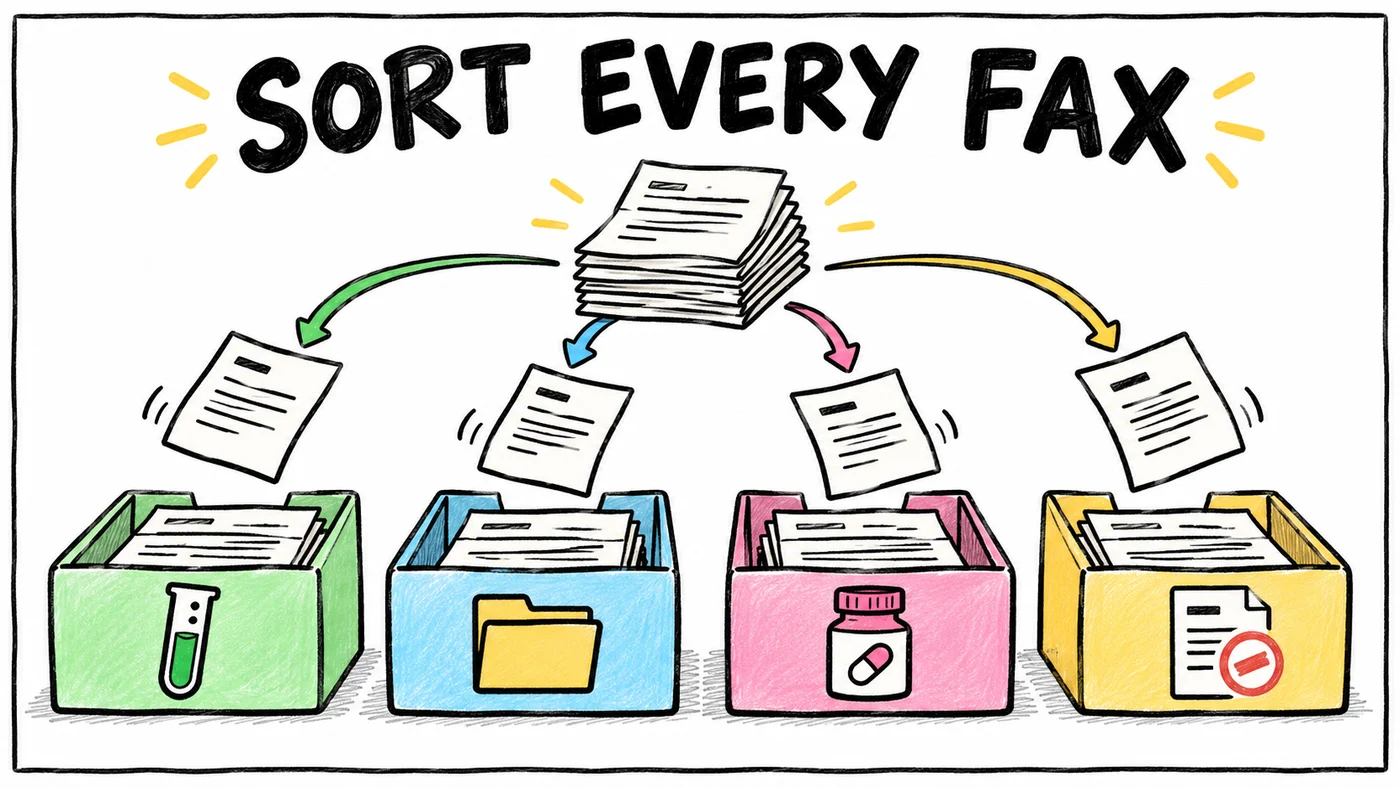
Faxing in Elation EHR is built in, so you send and receive electronic faxes inside the EHR without a separate fax machine or fax service. Every practice gets its own electronic Elation fax number, and every fax sent to that number lands in the Fax Inbox on Practice Home, where staff open it, queue the pages and file them into the right patient's chart. Outbound faxes go out from a patient's chart through the Provider Letter and Referral features, up to 40 pages per fax, and they are sent from Elation-owned numbers with California area codes rather than your practice's fax number. Each full-time prescribing provider includes 1,500 free fax pages a month, and pages above the practice's total cost $0.07 each on the next invoice. What Elation does not do on its own is read each fax, decide what it is and route it, so practices with a busy inbox add a fax triage tool like Honey Health or a dedicated tech team like Tabflows that runs fax triage around Elation.
Everything about Elation below was checked on Elation's own help center on November 2, 2026. Help articles change over time, so if a number matters for a decision, confirm it in your account's Settings or with Elation Support.
How Does Receiving a Fax Work in Elation EHR?
Receiving is the half of faxing that takes up most of a front desk's day, so it helps to know exactly how the pieces fit together.
Your Elation fax number
Elation gives each practice a unique electronic fax number when it starts using Elation EHR. It is either a brand new number that Elation gets from its fax provider or a number you already owned that Elation ports over with your authorization. If you asked for a new number, Elation says to watch for an email within 10 days of signing up telling you which number has been assigned. Elation's fax vendor provisions the number, so you can't change it yourself inside the EHR, and a different number has to be requested through I need help, then Contact Elation Support.
Keeping the fax number you already have
Most clinics have spent years putting a fax number on referral forms, lab requisitions and pharmacy records, so keeping it matters. Elation describes two ways to do that. You can port the number to Elation so it becomes your Elation fax number, or you can keep owning it and forward everything it receives to your new Elation number. Forwarding only works from a landline fax number, so if your old number came from an electronic fax service, Elation recommends porting it instead.
Where incoming faxes show up
Incoming faxes appear in the Fax Inbox on Practice Home. The inbox has a tab for each of your Elation fax lines, which matters if your practice has more than one, and a tab called Unfiled Images (non-fax) that holds reports removed from a patient's chart and waiting to be filed again. You can also upload documents from your computer into any of these tabs, which is handy when a patient brings paper records to a visit.
How a fax gets from the inbox into the chart
Filing a fax is a short manual routine, and Elation's filing guide walks through it in this order.
- Click the document's name to open a preview of its pages.
- Select the pages that belong together, one at a time or with Select all.
- Click Add to Queue. The pages move to the Queue panel on the right and turn gray, which also locks them so a coworker doesn't file the same pages at the same moment.
- Click File, choose the patient and describe the document so the chart stays searchable later.
- If a provider or teammate needs to see it, route it for review. Elation's filing guide has a section on reviewing assigned documents for this step.
That routine works well at low volume. The trouble starts when dozens of faxes arrive a day, because each one still needs a person to read it, find the right patient and decide who should see it next. The tools were never built to do that reading for you.
When a fax doesn't arrive
Elation's troubleshooting guide starts with a short checklist. First, confirm the sender has your Elation fax number, which is the 10-digit number at the top of the Fax Inbox. Then check you are looking at the right fax line tab if you have several, and look in the Unfiled Images tab in case the document was moved there. If you forward from an old landline number, check the forwarding is still on with your phone carrier.
How Does Sending a Fax Work in Elation EHR?
Elation sends faxes from inside a patient's chart, through the Provider Letter and Referral features, rather than from a standalone fax screen. That keeps every outbound fax tied to the patient it was about.
Step by step
- Create a new Provider Letter or Referral from the patient's chart.
- In the To field, pick a Contact who has a fax number, or type a 10-digit fax number directly.
- Fill in the rest of the letter or referral.
- Add or adjust attachments, keeping the total under 40 pages.
- Read the yellow banner at the bottom. It tells you whether the letter and attachments will be faxed, or whether a copy will be faxed with a link to view the attachments online.
- Click Sign & Send. Elation also offers options to send and print a patient copy, or to sign and print with attachments.
Contacts versus typed fax numbers
If you fax the same specialist or imaging center often, Elation recommends creating a Contact for them from the Elation Directory or as a custom contact, and you can edit a Contact's fax number with Edit Contact. When you fax a Contact, Elation includes instructions for setting up an Elation Connect account so the recipient can view documents digitally. When you type a number by hand for one-time use, those Connect instructions are not sent. If the Contact is also an Elation user, they receive the letter or referral inside their own Elation account instead of by fax, even when a fax number is on file.
The 40-page limit and the California number
Each outbound fax carries up to 40 pages of patient records. A larger packet has to be split across several Provider Letters or Referrals, or downloaded with Sign & Download PDF and sent from a fax machine outside Elation. Outbound faxes are sent from Elation-owned numbers with California area codes, not your practice's number, so tell recipients which number to reply to. That small detail saves a surprising number of "we never got it" calls.
How Much Does Faxing in Elation EHR Cost?
Faxing is included with Elation EHR up to a monthly page allotment, and Elation's help center lays out the rules plainly.
| Item | What Elation's help center says |
|---|---|
| Free pages | 1,500 pages a month per Regular (full-time, prescribing) Provider Level User |
| Other user types | No free pages added |
| Example | 2 eligible providers get 3,000 free pages a month |
| What counts | Inbound to your Elation number and outbound from Letters or Referrals |
| Failed faxes | Not counted |
| Overage | $0.07 per page, billed on the next month's invoice |
| Where to check | Settings, then Fax Usage & Settings, in real time |
On Premium EHR, a setting can limit the Fax Usage & Settings page to Admin Level Users, which Elation Support turns on for you. Elation's own tip for staying under the allotment is to fax attachments less often and point recipients to Elation Connect, where they can open the attachments on demand. Elation's EHR product guide lists per-provider prices for the EHR itself, and Elation also offers a personalized quote if you are still choosing.
What Is Fax Triage for Elation EHR?
Fax triage is the work that happens between a fax landing in the Fax Inbox and someone acting on it. Someone has to open it, work out whether it is a lab result, a referral response, a records request or a refill request, find the right patient, decide how urgent it is and get it to the right person. Elation gives you the inbox and the filing tools, and your team supplies the reading and the judgment.
Honey Health, one of the vendors that sells fax triage for Elation, describes it on its own site as four automated steps. The system extracts the text from each fax, classifies the document, matches it to a patient, and then files it or creates a task, with only the uncertain documents going to a person. That describes the category well, whichever vendor you choose.
- Elation Fax Inbox alone. What it does: Receive, queue and file by hand, route for review. Best for: Low fax volume, one trained person.
- Honey Health. What it does: Automated fax triage that works alongside Elation. Best for: Practices buying a fax product.
- Tabflows Fax Triage. What it does: A dedicated tech team sets up and runs fax triage around Elation. Best for: Practices wanting fax plus the rest of the admin work handled.
- Separate fax service. What it does: Faxing outside the EHR. Best for: Practices not on Elation's fax line.
For a wider look at fax tools outside Elation, our HIPAA-compliant fax software guide compares them. If your question is whether Elation can read the text inside scanned PDFs, see can Elation read PDFs and scanned documents. Whatever you add, make sure any outside tool that reads your faxes signs a business associate agreement (BAA) with your practice first.
Where Tabflows Fits
Tabflows is a dedicated tech team for DPC, concierge and private clinics, and it works around the tools you already use, including Elation. It is not an EHR and not a fax service, so your Elation fax number, Fax Inbox and Provider Letters stay exactly where they are.
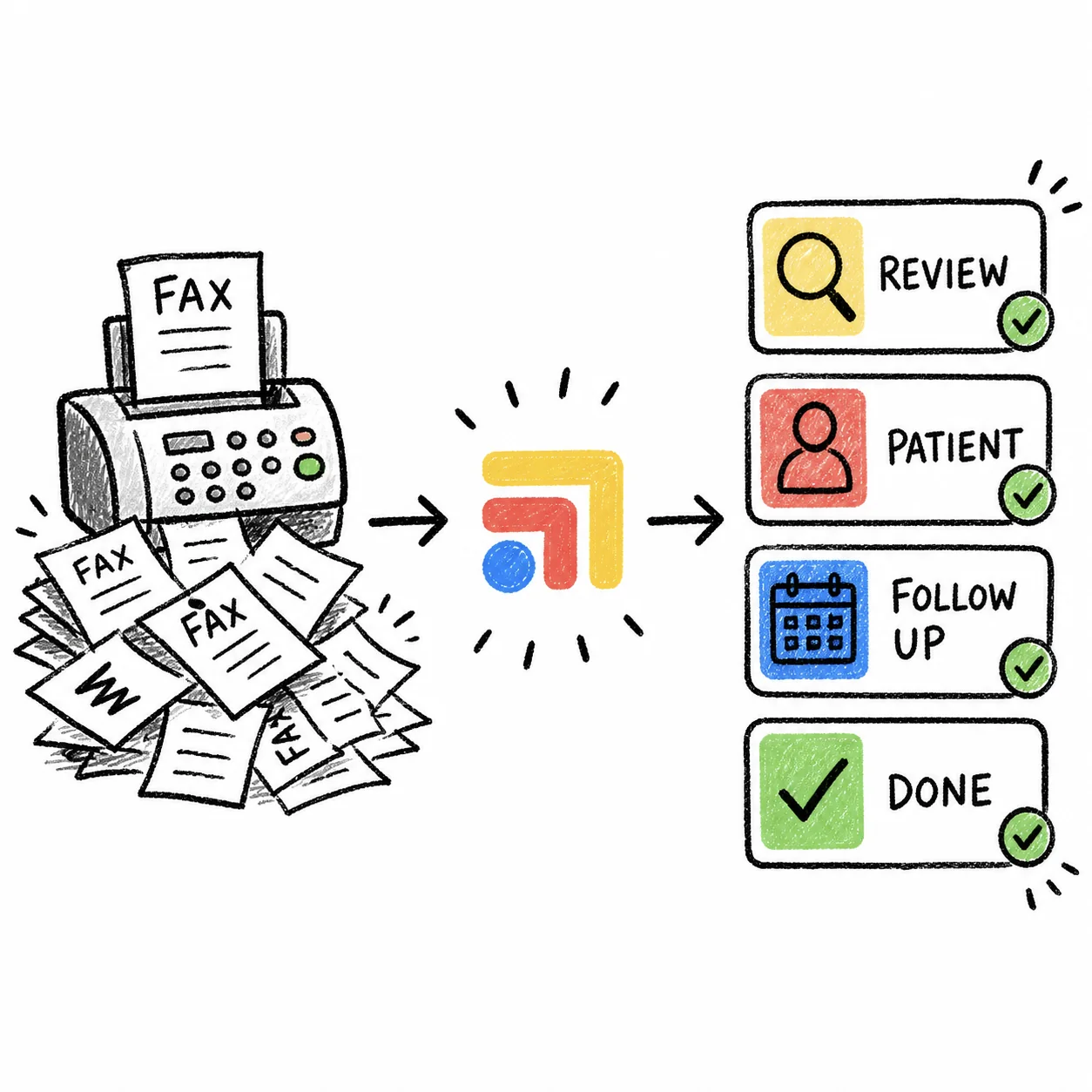
The Fax Triage automation reads incoming faxes, identifies the patient and document type, files each one to the chart and routes it to the right reviewer, and the team sets it up and keeps it running for you. For practices with more specific needs, the team also builds fax inbox clearing for a backlog, fax-to-order matching that attaches results to the open order, and refill fax routing on request. Your staff still make every clinical call. They just spend their mornings on patients instead of sorting paper, which is usually where a growing practice feels the time come back first.
If you want to see how this would look in your own Elation setup, the Elation integration page shows what connects, and you can get matched with a Tabflows team to talk it through.
Sources
Checked on November 4, 2026: help.elationhealth.com/articles/fax-usage. Spot a wrong fact? Email a correction.
FAQs
How many free fax pages does Elation EHR include?
Elation's help center says each Regular Provider Level User, meaning a full-time prescribing provider, gets 1,500 free fax pages each month, and other user types don't add free pages. A practice with two eligible providers gets 3,000 free pages a month. Inbound and outbound pages both count, and failed faxes don't.
How much does Elation charge for fax overages?
Elation charges a per-page fee for fax use above your practice's free monthly allotment, and the charge appears on the next month's invoice. You can watch usage in real time on the Fax Usage & Settings page under Settings. The overage fee is $0.07 per page.
Can I keep my existing fax number when I switch to Elation?
Yes. Elation's help center describes two options. You can port your existing number to Elation so it becomes your Elation fax number, or keep owning it and forward faxes to the new Elation number. Forwarding only works with landline fax numbers, so if you used an electronic fax service before, Elation recommends porting.
Why do my outbound Elation faxes show a California number?
Elation sends outbound faxes from Elation-owned fax numbers with California area codes, not from the electronic fax number assigned to your practice. If a recipient needs to fax you back, give them your practice's Elation fax number, which you can see at the top of the Fax Inbox on Practice Home.
What is the page limit for sending a fax from Elation?
Each outbound fax from Elation is limited to 40 pages of attachments. For a larger packet, split it across several Provider Letters or Referrals, or use Sign & Download PDF and send the full packet from a fax machine outside Elation.
Does Elation automatically sort and file incoming faxes?
Elation's Fax Inbox is where incoming faxes arrive, and a staff member opens each document, queues its pages and files it to the right patient's chart. Practices that want the reading, patient matching and routing done for them add a fax triage service on top, such as Honey Health or the Fax Triage automation a Tabflows tech team sets up and runs.