
Can You Export Years of Spruce Messages and Make Them Answerable by AI?
Yes. If you have nine years of patient messages in Spruce, you can export them with Spruce's CSV Data Export, which delivers files like conversations.csv and messages.csv on a daily or weekly schedule, or a developer can pull every conversation through the Spruce API. To turn that export into something AI can answer questions from, you load it into a private search index on a HIPAA-eligible cloud such as Microsoft Azure AI Search and connect a language model using a pattern called retrieval-augmented generation (RAG), so every answer is grounded in your actual messages. Every company that stores or processes those messages must sign a business associate agreement (BAA) with your practice, which Spruce does at signup and Microsoft offers for its enterprise cloud services. If what you really want is for your team to ask questions about a patient's history while they work, Tabflows can skip the export project entirely, because it works inside the Spruce account you already use and its Sidekick answers questions from connected systems like Spruce, Hint and Elation under the Tabflows BAA.
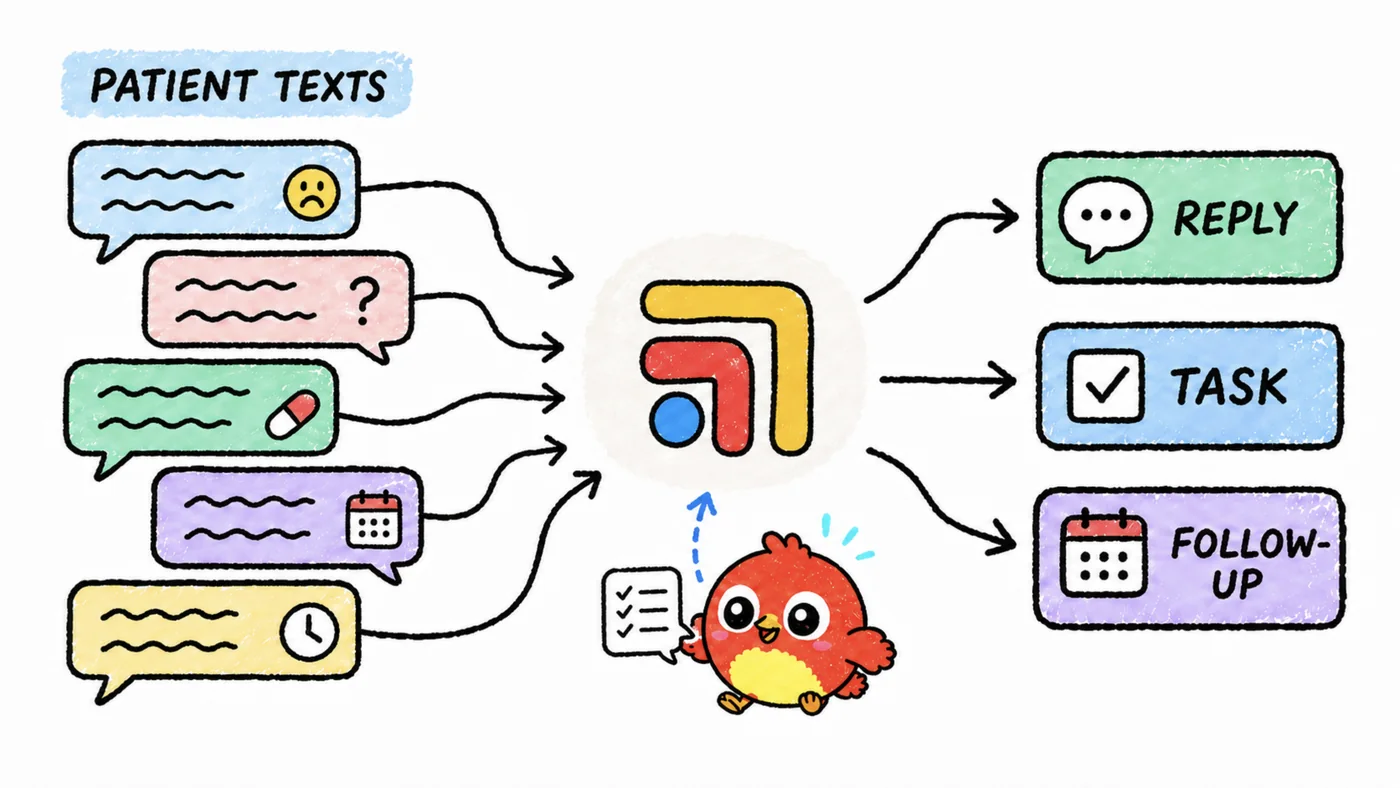
Nine years of messages is one of the most valuable things a DPC or concierge practice owns. It holds the story of every member, the questions they asked at 10 p.m., the refill that went sideways in 2019, and the way your clinic actually answers people. The trouble is that it sits in a messaging tool built for the conversation happening today, and messaging tools were never built to act as a research library. The rest of this guide walks through both export routes, the AI setup that works on top of them, what HIPAA asks of you, and where a dedicated tech team like Tabflows fits.
Every Spruce and Microsoft fact below was checked on the vendor's own pages on November 2, 2026, and every HIPAA statement comes from hhs.gov. Vendors change plans and prices often, so confirm with them before you sign up for anything.
What Are Your Options for Exporting Spruce Messages?
Spruce documents two ways to get message data out in bulk. They suit different practices, and many owners end up using the export for reporting and the API for anything live.
| Route | What you get | Who it suits | Effort |
|---|---|---|---|
| Spruce CSV Data Export | Fixed set of CSV files | Owners without a developer | Low |
| Spruce API | Every conversation and item, on demand | Practices with a developer or partner | Medium to high |
| Tabflows Sidekick | Answers in context, no export | Teams who want answers while working | Low |
Option 1, the Spruce CSV Data Export
Spruce's help center describes the CSV Data Export as a scheduled delivery of raw usage data for teams that "don't have the resources to build against the Spruce API." Once it is set up, admins can download the exports in Spruce settings under Data Exports, and Spruce's developer documentation also describes delivery as a zipped folder to an SFTP server you provide. The help center lists it as a $100 per month add-on on any Spruce plan, enabled when an admin messages Team Spruce from inside the Spruce account. The developer page still says eligibility is decided case by case, so ask Spruce directly when you request it.
The export holds more than message text. According to Spruce's data export documentation, the zipped folder includes these files:
- entities.csv lists providers, patients, user groups and external contacts, with names, date of birth and whether an invite is pending.
- patient_id_mappings.csv maps each Spruce patient to the external ID in a connected system such as Elation or Hint, which is what lets you join messages back to the chart.
- conversations.csv lists each conversation with its type (team, standard or secure), message count, last activity and who it is assigned to.
- messages.csv holds each message with its timestamp, whether it was internal or to the patient, the author, the message body and its type (sent by a user, triggered, scheduled or an event).
- transcriptions.csv holds AI transcriptions of voicemails and call recordings.
- conversation_tags.csv, conversation_events.csv and pages.csv add tags, archive and assignment history, and @Pages.
There is one detail that matters a lot for nine years of history. Spruce's documentation says that in a periodic export, the conversations and messages files only contain items exchanged during that period, so each delivery is incremental rather than a full archive. When you request the add-on, ask Spruce how you can receive your complete history in the first delivery. If they can't, the API is the way to backfill older years. Spruce also says the export structure is fixed and can't be customized.
Option 2, the Spruce API
Spruce's API overview says the API manages contacts and conversations, that access is requested through Spruce Support, and that an admin then creates credentials under API Access in settings. Spruce's help center places API access on the Communicator plan. For an archive, the two calls that matter are listing conversations and listing the items inside each conversation. The list conversations endpoint returns up to 200 conversations per page, can be ordered by creation or last message, and accepts a start date, which is how a developer pulls only what changed since the last run. Spruce also publishes webhooks for new and updated conversation items, so a properly built archive can stay current without polling.
The API route gives you full control, including your complete history, but someone has to write the code, store the credentials safely, respect Spruce's per-organization rate limits and keep it running. For a solo or small DPC, that someone is usually a contractor or a partner rather than the owner.
How Do You Turn Exported Messages Into Something AI Can Answer Questions From?
Once the messages are out of Spruce, the goal is to let you ask a question like "which members asked about switching thyroid medication last year" or "what did we tell this member about her knee in 2021" and get a short answer with the messages it came from. The proven way to do this is retrieval-augmented generation, usually shortened to RAG.
Microsoft's Azure AI Search documentation describes RAG as a pattern that grounds a language model's answers in your own content. A search index finds the most relevant passages for each question, and only those passages go to the model, which keeps answers tied to what was actually written and avoids sending your whole archive on every question. Microsoft lists the hard parts plainly, such as understanding vague questions, staying within the model's input limits, answering in seconds, and making sure people only retrieve content they're allowed to see. That last point matters in a clinic, where a front desk login and a physician login may need different access.
Here is what the build looks like in practice.
- Clean the export. Join
messages.csvtoconversations.csvandentities.csvso each message carries the patient, the date and the author. Drop event rows and internal-only notes you don't want searchable, and decide whether voicemail transcriptions belong in the index. - Group messages into passages. Single texts like "ok thanks" are noise on their own. Group each conversation into short time windows so a passage reads like one exchange.
- Load a private search index. Azure AI Search, which Microsoft says supports hybrid keyword and vector search with semantic ranking, is one example. Store the patient ID mapping with each passage so results can link back to the chart.
- Connect a language model through RAG. Microsoft offers a managed version of this pattern it calls agentic retrieval, along with a classic hybrid search approach.
- Lock down access and logging. Use role-based access so staff only see what their role allows, and keep an audit trail of who asked what.
- Keep it fresh. Point the daily or weekly Spruce export, or the API, at the same index so new messages flow in.
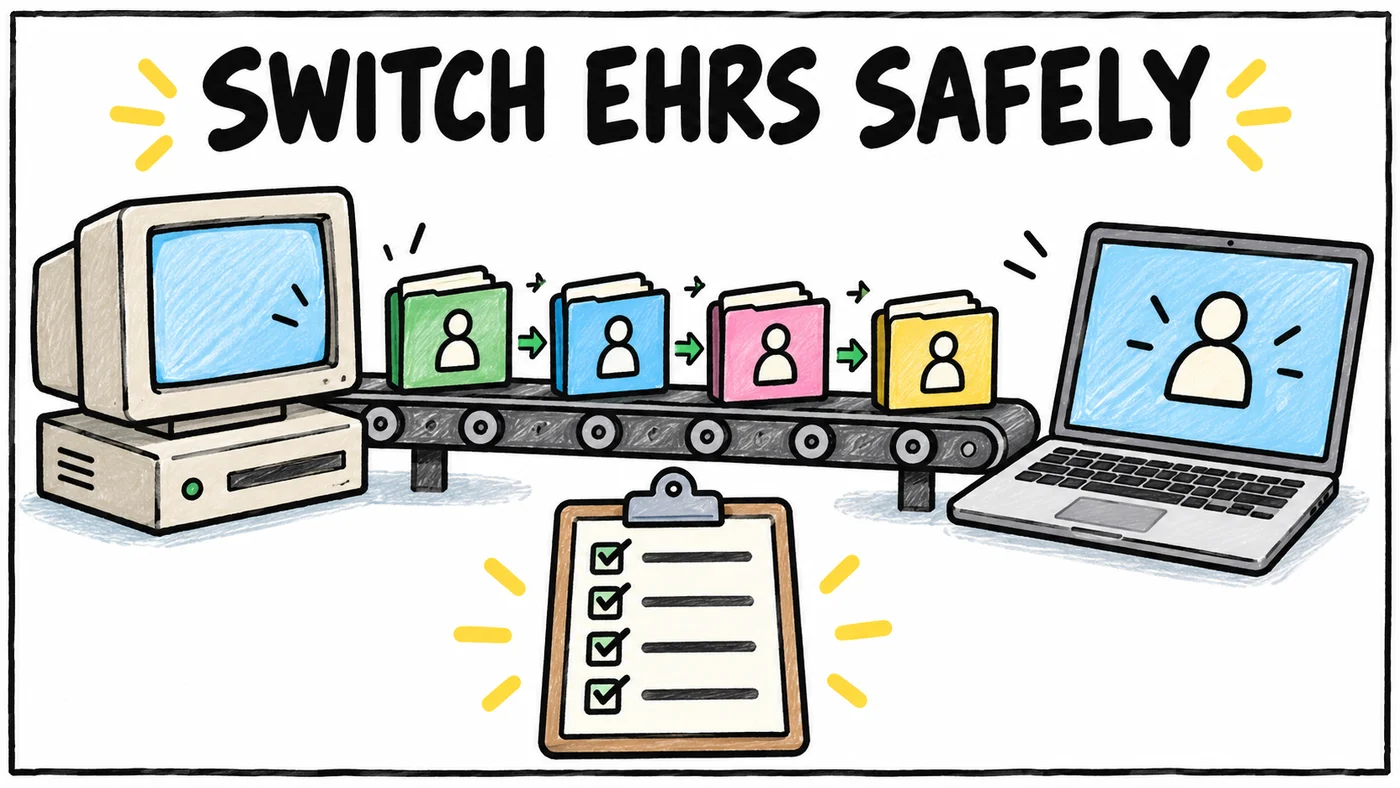
This is a real software project. It is worth it when you want the archive itself, for example to study patterns across your panel, to answer legal or records requests faster, or to keep a searchable copy if you ever leave Spruce. It is more than most practices need if the goal is simply to have context at hand while answering today's messages.
What Does HIPAA Require Before You Put Patient Messages Into AI?
HHS guidance on cloud computing says that when a covered entity uses a cloud service provider to create, receive, maintain or transmit ePHI on its behalf, that provider is a business associate. The same guidance notes that cloud services range from simple data storage to complete software solutions, so a storage bucket counts just as much as an AI tool. In plain terms, every service in the chain needs a signed BAA with your practice, including the SFTP server or storage that receives the export, the search index, the language model and any contractor who handles the files.
- Spruce says every eligible organization agrees to a BAA as part of its terms of service at signup, with no separate agreement or fee.
- Microsoft says it enters into Business Associate Agreements with covered entity and business associate customers for its enterprise cloud services, and that services covered under the BAA are audited for ISO/IEC 27001 and HITRUST CSF.
- Any other AI or storage vendor needs the same answer in writing before patient messages reach it. Ask what the BAA covers, because it may cover the model and not the chat app, the memory or the logs around it.
Pasting an export into a consumer AI chat without a BAA puts the practice at risk, no matter how good the answers look. Our safe and responsible AI guide walks through the questions to ask any vendor.
Do You Actually Need to Export, or Do You Need Answers?
It helps to be honest about the question behind the question. Most physician owners who ask about exporting nine years of Spruce messages want one of two things, and they lead to different tools.
| What you want | Best route |
|---|---|
| A permanent, searchable copy of every message | CSV export or API, plus a RAG build on a HIPAA-eligible cloud |
| Reporting on volume, response times or tags | CSV export into a spreadsheet or BI tool |
| Answers about a patient while you work | Tabflows Sidekick with Spruce connected |
| Find an old conversation fast | Tabflows historical Spruce search |
If you need the archive, build it properly with a BAA at every step. If you need answers in the moment, an export is a long way around.
Where Tabflows Fits
Tabflows is a dedicated tech team and smart admin infrastructure for DPC, concierge and private clinics. It is not a messaging replacement, so Spruce stays exactly where it is, and Tabflows works between Spruce, Hint, Elation and the other tools your clinic already uses.
For this question, three pieces matter. Sidekick lets someone on your team open a patient, ask a question and get a response that uses available information from connected systems such as Elation, Hint and Spruce, without copying a patient's history into another AI tool. The historical Spruce search automation searches past Spruce conversations and helps triage Pages, inside the Spruce account you already have. And your clinic can add its own knowledge, such as pricing sheets, referral lists and standard operating procedures, so answers reflect how your practice works.
Signing in to Tabflows puts your clinic under the Tabflows BAA. Patient data is encrypted at rest and in transit, kept separate for each clinic, and never used to train general or cross-customer AI models. Your team still reviews every answer and decides what to do with it, which matters most when a nine-year-old message touches a medication or a diagnosis.
If you also want a full export for your records, our team can help you plan it alongside the day-to-day setup, so the archive and the answers come from the same source. More on how Tabflows works with Spruce is on the Spruce integration page, and our guide to turning a Spruce conversation into a chart update shows the same tools at work on today's messages.
A Practical Next Step
Start by deciding which of the two jobs you are solving. If it is the archive, message Team Spruce about the CSV Data Export and ask specifically how to get your full history, then line up a HIPAA-eligible cloud and a developer with a BAA. If it is answers in the middle of a busy day, connect Spruce to Tabflows and let your team try Sidekick on real patients first. Years of messages took a lot of care to write, and they should keep working for your members. When you're ready to see which setup fits your clinic, tell us about your practice and we'll point you in the right direction.
Sources
Checked on November 4, 2026: help.sprucehealth.com/hc/en-us/articles/38367590327835-Spruce-CSV-Data-Export-Export-Contacts-and-Conversation-Data. Spot a wrong fact? Email a correction.
FAQs
Can I export all my patient messages from Spruce?
Yes, in two ways that Spruce documents. The Spruce CSV Data Export delivers files that include conversations.csv and messages.csv on a daily or weekly schedule, and Spruce's help center lists it as a paid monthly add-on available on any plan, enabled by an admin messaging Team Spruce. The Spruce API, which Spruce's help center places on the Communicator plan, lets a developer list every conversation and every conversation item. Because the scheduled export is incremental, ask Spruce how to get your full history on the first delivery, or use the API to backfill older years.
Is it HIPAA compliant to put patient messages into an AI tool?
It can be, if every company that stores or processes the messages signs a business associate agreement (BAA) with your practice and you secure the data properly. HHS guidance says a cloud service provider that creates, receives, maintains or transmits ePHI for a covered entity is a business associate. A consumer chat app with no BAA is not a place for nine years of patient messages.
What is RAG and why does it matter for my old Spruce messages?
RAG stands for retrieval-augmented generation. Instead of training a model on your messages, a search index finds the few passages that match a question and hands only those to the language model, which then writes an answer grounded in them. Microsoft describes this pattern in its Azure AI Search documentation, and it is the usual way to make a large archive of messages answerable without exposing all of it on every question.
How much does the Spruce CSV Data Export cost?
Spruce's help center says the CSV Data Export is a paid monthly add-on available on the Basic or Communicator plan. The export structure is fixed and cannot be customized. Confirm the current price with Spruce before you buy, since add-on pricing changes. The add-on is $100 per month.
Do I need to build my own AI system to search my Spruce history?
Not necessarily. If you want a private, searchable archive of every message for research, reporting or legal holds, a custom build on a HIPAA-eligible cloud such as Microsoft Azure is the most flexible route, and it needs a developer to maintain it. If what you really want is for your team to ask questions about a patient's history while they work, Tabflows connects to the Spruce account you already use, and Sidekick answers questions using available information from connected systems like Spruce, Hint and Elation, under the Tabflows BAA.