
The Short Answer
Elation can read some scanned documents, but not every kind, at least based on what Elation publishes today. Elation's Smart Intake extracts data from scanned, completed intake forms into discrete chart fields, and its Clinical Insights feature, powered by Anthropic's Claude, summarizes problem lists, medications, visit notes, labs and vitals with citations back to the chart. The Elation pages we read on November 2, 2026 do not say Clinical Insights reads the text inside uploaded PDFs, faxed consult notes or scanned outside records, so searching and summarizing those documents still usually takes a separate tool or a team doing it by hand. Guava, a patient-facing app, imports uploaded PDFs and images from Elation and shows AI highlights in its Provider Dashboard. Tabflows fits as a dedicated tech team that works inside your existing Elation account to search multi-page documents, triage faxes and pull key results into review notes for your staff to check.
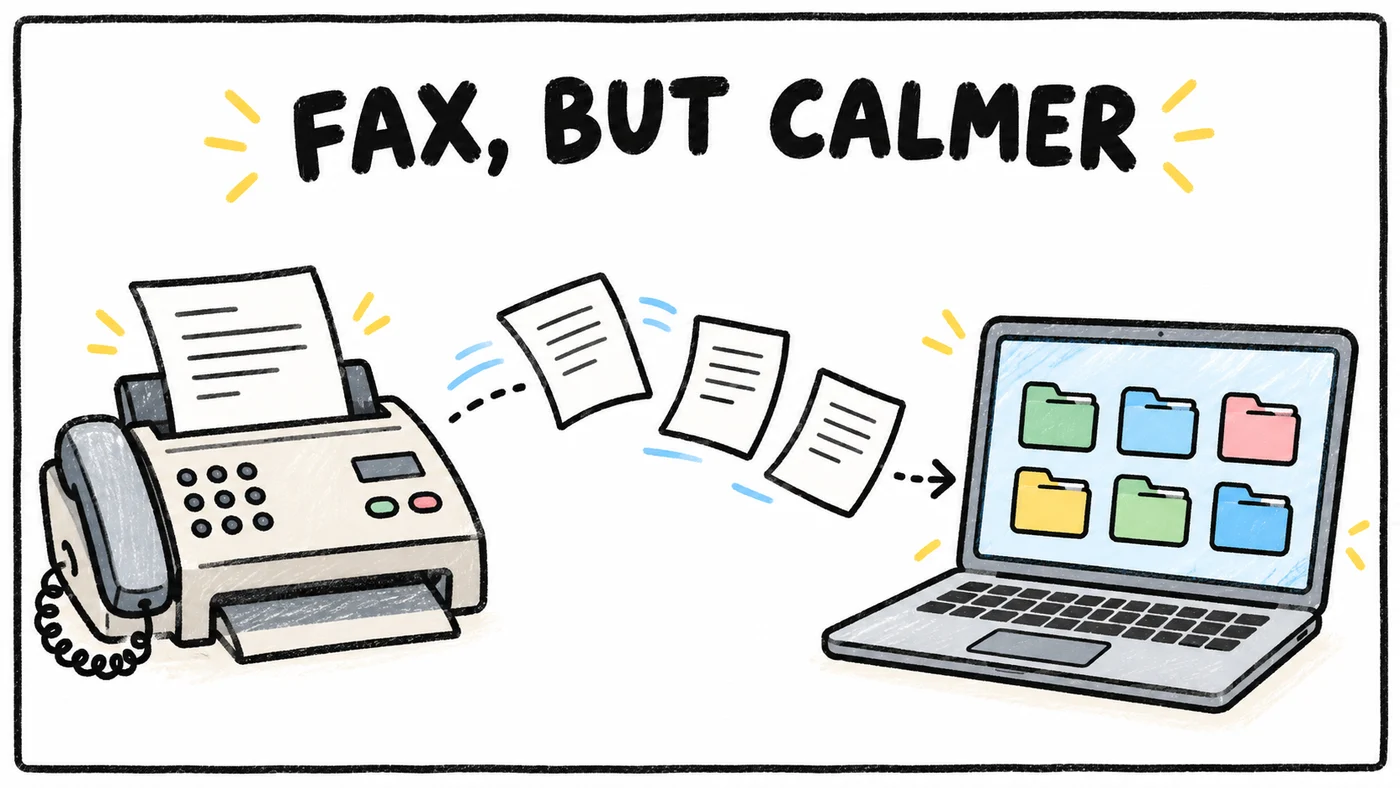
For a growing DPC practice this matters because the documents that change care, like a cardiology consult, an outside imaging report or ten years of records from a new member's old practice, rarely arrive as tidy data. They arrive as a stack of scanned pages, and every page has to be read, matched to the right patient and filed before anyone can act on it. Every Elation, Guava and Claude fact below comes from the vendor's own page, read on November 2, 2026.
What Elation's Built-In AI Covers
Elation launched what it calls a clinical-first AI platform in August 2025, and its page says the Unified EHR includes these AI-native tools free for every user.
- Smart Intake. Turns old form templates (including images of them) into digital forms, and extracts data from scanned, completed forms to populate discrete fields in the EHR. This is the clearest case of Elation reading a scanned document.
- Clinical Insights. Summarizes the patient's health story so clinicians skip long chart reviews. Since January 2026 it runs on Claude and, in Elation's words, synthesizes problem lists, medications, visit notes, labs and vitals into concise summaries with citations back to the chart.
- Intelligent Documentation. Visit workflows paired with Note Assist, Elation's AI scribing tool.
- Wordsmith. Drafts letters and referrals from chart details, with settings for tone and structure.
- Elation Analyst. Lets you explore practice data with plain-language questions instead of waiting on a report.
The numbers Elation and Anthropic published
Anthropic's case study on claude.com gives the clearest data on how Clinical Insights performs. Elation reported a 61% reduction in median time to first insight for chart review, from a median of 26 seconds with its earlier model provider, and twice the adoption of Clinical Insights after moving to Claude. A small engineering group had Claude running in internal builds in three days, and Elation rolled it out to 100% of users over about two weeks. The same page describes Elation as serving more than 46,000 clinical users caring for 24 million patients across 50 states. Elation's January 12, 2026 press release says Clinical Insights became the fastest-adopted AI feature on its platform.
Where Elation's AI Stops, Based on Its Own Pages
Clinical Insights is described as working from structured chart data, the problem list, medications, notes, labs and vitals. Smart Intake is described as reading scanned intake forms. Neither page says Elation's AI reads the free text inside a 30-page scanned hospital discharge packet, a faxed specialist letter or an outside PDF in the documents section, and then summarizes or searches it.
That may change, and Elation may already do more than its marketing pages say. The honest move is to bring three of your own messiest scanned documents to an Elation demo and ask to see them searched and summarized. Until you see it work, plan for the gap.
Your Options for Reading PDFs and Scanned Documents in Elation
- Elation Smart Intake. What it reads: Scanned intake forms. Who it serves: Staff. Best for: Moving paper intake into chart fields.
- Elation Clinical Insights. What it reads: Structured chart data. Who it serves: Clinicians. Best for: Fast, cited visit prep.
- Guava. What it reads: Imported PDFs, images, labs, notes. Who it serves: Patients and clinicians. Best for: Between-visit context and wearables.
- Tabflows. What it reads: Multi-page documents and faxes. Who it serves: Front desk, nurse, MA. Best for: Search, triage and filing with staff review.
- Staff reading by hand. What it reads: Everything. Who it serves: Whoever has time. Best for: Low volume only.
Guava is a patient-facing app with a Provider Dashboard. Guava says core clinical data flows from Elation into Guava, including lab results, visit notes, uploaded PDFs and images, conditions, medications and vitals, and that documents sync both ways so summaries from Guava can be saved back to the Elation chart. It fits practices that want patients engaged between visits, with wearable data and symptom logs next to AI highlights, more than practices whose main pain is the fax inbox.
Tabflows is built for the staff side of the same problem, the documents that arrive and have to be read, matched and filed before a clinician ever sees them.
HIPAA and BAA Questions to Ask Any Document AI Tool
Any outside tool that reads charts or documents on your behalf is a business associate under HIPAA, so it needs a signed business associate agreement before it touches patient information. Ask each vendor four things before you connect it to Elation.
- Will you sign a BAA, and does it cover the AI processing, not only storage?
- Where are documents processed, and are they used to train models?
- Does a person on my team review results before anything is filed or sent?
- Can I turn the tool off and keep every document where it was?
Elation's own AI tools run inside the EHR you already have an agreement with, which is part of their appeal. Our safe and responsible AI page explains how Tabflows handles the same questions.
Where Tabflows Fits
Tabflows is a dedicated tech team for DPC, concierge and private clinics. It is not an EHR, and Elation stays your chart. Tabflows works with the Elation account you already use and sets up workflows around the documents that pile up between tools that were never built to talk to each other.
- Multi-page document search searches open multi-page Elation documents for the specific information someone needs.
- Fax triage reads incoming faxes, identifies the patient and document type, files each one to the chart and routes it to the right reviewer.
- Document key results pulls key results from incoming documents and adds review notes.
- Fax-to-order matching attaches incoming fax results to the matching open order.
- Fax inbox clearing works through a backlog until the inbox is cleared.
Each one follows your clinic's own rules and lands ready for the right person to check, approve or file, so the clinic stays in charge of every decision. That keeps clinicians looking at what changed instead of hunting for it, which is time you can give back to members or to a growing panel.
Next Step
If scanned records and faxes are where your team's day goes, see how Tabflows works with Elation, or tell us about your clinic and we will point you to the few document workflows worth setting up first.
Sources: elationhealth.com/practice-success/technology/clinical-first-ai, elationhealth.com/resources/blogs/elation-health-and-anthropic-team-to-power-clinical-insights-for-primary-care, claude.com/customers/elation-health and guavahealth.com/article/how-guava-integrates-into-your-elation-practice.
FAQs
Does Elation Clinical Insights read scanned documents?
Elation says Clinical Insights, powered by Anthropic's Claude since January 2026, synthesizes problem lists, medications, visit notes, labs and vitals into short summaries with citations back to the chart. The Elation pages we read on November 2, 2026 do not say it reads the text inside scanned outside records or uploaded PDFs, so ask Elation to show it on your own scanned documents during a demo.
Can Elation pull data out of a scanned intake form?
Yes. Elation describes Smart Intake as turning form template images into structured digital forms and extracting data from scanned, completed forms to populate discrete fields in the EHR. That covers intake paperwork. It is a different job from reading a 40-page outside record or a specialist's faxed consult note.
Do Elation's AI tools cost extra?
Elation's clinical-first AI page says its Unified EHR includes AI-native tools for free, for every user. Confirm which tools are included on your plan with Elation, since plans and packaging change.
What is Guava and how does it work with Elation?
Guava is a patient-facing health app with a Provider Dashboard. Guava says core clinical data flows from Elation into Guava, including lab results, visit notes, uploaded PDFs and images, conditions, medications and vitals, and that documents sync both ways so summaries from Guava can be saved back to the Elation chart. Its Provider Dashboard shows AI highlights alongside labs, wearable data and symptom logs.
Is it HIPAA compliant to use a separate AI tool on Elation documents?
Any outside tool that reads protected health information on your behalf is a business associate under HIPAA, so it needs a signed business associate agreement (BAA) before it touches charts. Ask each vendor for its BAA, where documents are processed, and whether staff review results before anything is filed. Elation's own AI tools run inside the EHR you already have an agreement with.
How does Tabflows help with scanned documents in Elation?
Tabflows is a dedicated tech team that works with the Elation account a clinic already uses. Its workflows search open multi-page Elation documents for specific information, read incoming faxes to identify the patient and document type, file and route them, pull key results into review notes and attach fax results to the matching open order. Staff review everything before it moves on, and the clinic keeps every clinical decision.