
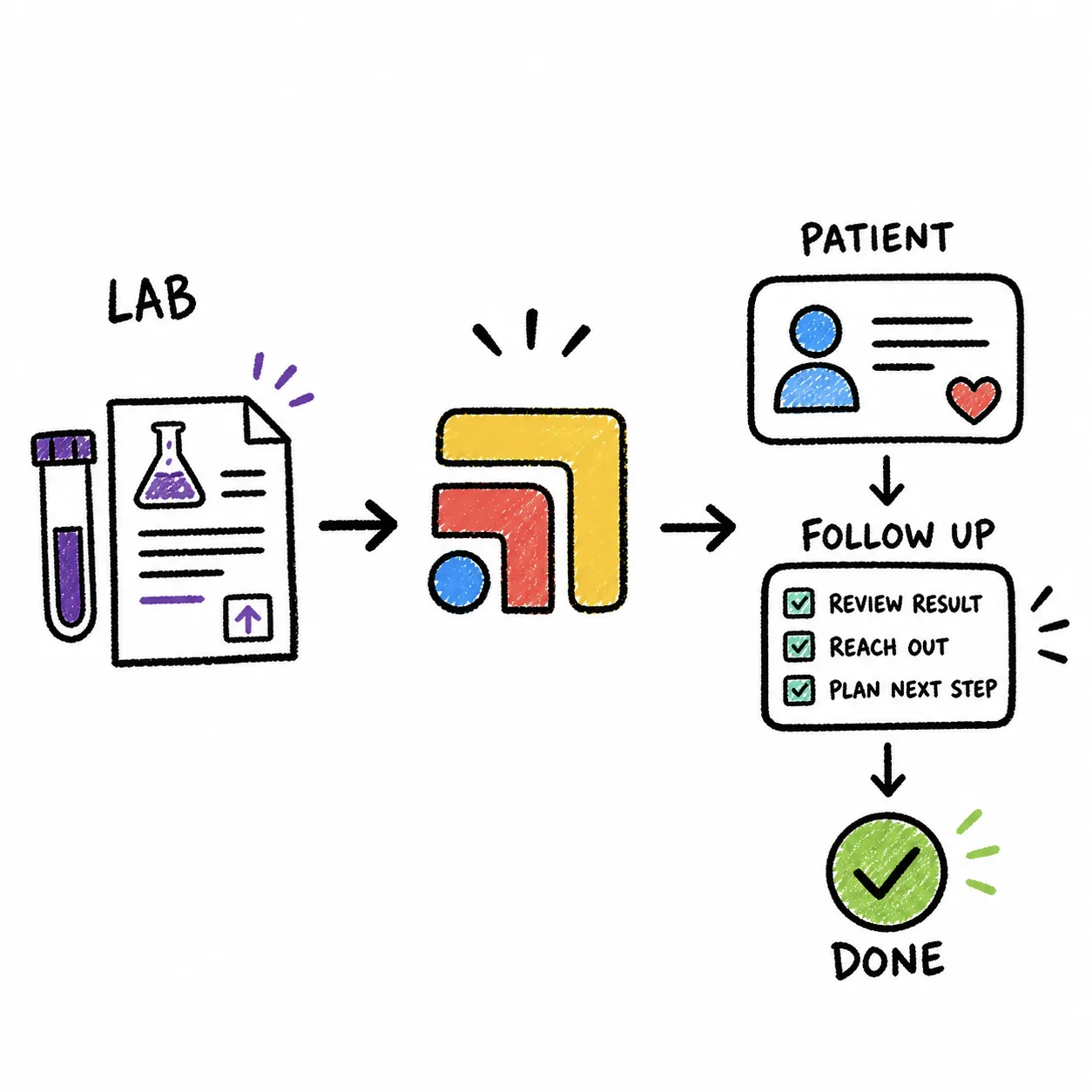
When you order a lab in Elation, the invoice is not created automatically in Hint, because the standard Hint and Elation integration syncs patients, providers, membership tags and insurance details, but not lab orders, charges or invoices. Hint does create a lab invoice automatically when the lab is ordered inside Hint itself, and it adds that charge to the patient's draft invoice or the employer's invoice based on your coverage plan rules. To get an Elation lab order onto a Hint invoice, practices either post the charge in Hint by hand, build a connection with Elation's paid Core Developer API and Hint's Create Charge API, use a no-code connector such as Keragon, or let a team like Tabflows set up the charge step for them. Tabflows is a dedicated tech team that works across Elation and Hint, and with Sidekick a staff member can create the Hint charges for a lab order, review them on one card and approve, so nothing is billed without a person seeing it first. The lab tests still get ordered in Elation, the invoice still lives in Hint, and the gap between the two stops depending on someone's memory.
This guide is written for the practice manager or front desk lead who sees both screens every day. Every vendor fact below comes from Hint's or Elation's own help center, developer docs or the connector's own page, read on November 2, 2026. Vendors change their integrations often, so confirm the details with your account rep before you change a billing process.
What the Hint and Elation Integration Syncs Today
Hint's support article on the Elation integration is clear about scope. Once Elation enables the integration and you link your Hint providers to Elation, patient records sync both ways and stay current when contact or demographic details change in either system. A chart created in Hint is created in Elation, and the reverse is also true, unless you switch off the setting that lets Elation create patients in Hint.
Here is what crosses between the two systems, according to Hint:
- Both directions. First, middle and last name, sex, date of birth, email, mailing address, the first two phone numbers and the provider assignment.
- Hint to Elation, as tags. Membership status, membership plan name, the patient's balance, employer name, network sponsor name and employer eligibility status.
- Elation to Hint only. Insurance payer name, member ID and group ID.
Hint says updates are pushed when a patient record changes rather than on a fixed schedule, and should appear in the other system within minutes. That is helpful for the front desk, because the Elation chart shows whether someone is an active member and whether they have a balance. What the list does not include is anything from the order side of the chart. A lab order, an in-office procedure or a dispensed medication in Elation does not create a charge in Hint, and so it never reaches a Hint invoice on its own.
How Hint Creates Lab Invoices Automatically
The automatic invoice that practices hear about is real, and it happens when the lab is ordered from the Hint chart. Hint's article on ordering patient labs walks through the steps, which are roughly these:
- Open the patient's chart in Hint, click +Interaction and choose Lab.
- Pick the lab facility and location, then search your contracted lab tests by name or code. Selecting a test fills in the Hint charge item with the lab name, test code, facility and price.
- Match the test in the order search, add any details and set Bill To to Client (Our Account) so the lab is billed to the patient through Hint.
- Print or fax the requisition, or submit it electronically, then click Submit.
- Hint creates an invoice for the lab charge in Hint Core. If the patient already has a draft invoice, the charge is added to it. If not, a new invoice is created. If coverage plan rules say the employer pays, the charge goes onto the draft employer invoice.
Hint also notes that a lab order cannot be cancelled or changed once it is sent, and that its lab interaction is built mainly for labs ordered through Health Gorilla. That matters for an Elation practice, because your clinicians are probably ordering from Elation's own Lab Order Form, where Elation sends electronic orders to lab vendors that have a live bidirectional interface with your account and files results back into the chart.
Why an Elation Lab Order Doesn't Reach the Hint Invoice
The short reason is that the two tools were never built to share orders and charges with each other. Elation is the clinical chart and it has its own billing features, including a billing form for each encounter and patient invoicing, which Elation's billing FAQ lists for practices that bill from Elation. Hint is the membership and billing system for most direct primary care practices that pair it with Elation. The integration between them was designed around the patient record and the membership, so the moment a clinician signs a lab order in Elation, the only place that knows about the charge is the chart.
In a busy week, that leaves the charge to whoever remembers. Someone has to notice the order, find the matching Hint charge item, post it on the right patient with the right date and make sure it lands on the right invoice before the billing run. When it slips, the practice pays the lab and the patient is never billed, which is money a membership practice can't easily get back months later.
Your Options for Billing Elation Lab Orders in Hint
There are five realistic ways to close the gap. They differ mostly in who does the work, how much it costs to set up and whether a person checks each charge before it reaches an invoice.
- Post charges by hand. How it works: Staff add each lab charge in Hint. Setup: None. Who checks charges: Staff, every time.
- Order labs in Hint. How it works: Hint creates the invoice on submit. Setup: Lab setup in Hint. Who checks charges: Hint rules.
- Custom API build. How it works: Elation webhooks call Hint Create Charge. Setup: Core Developer plus a developer. Who checks charges: Your code.
- No-code connector. How it works: A tool like Keragon links the two. Setup: Connector account and rules. Who checks charges: Your rules.
- Tabflows. How it works: Sidekick prepares charges, staff approve. Setup: Done by the Tabflows team. Who checks charges: Staff, on one card.
Post the charges by hand
This is where most practices start. After the order is signed, someone opens Hint, finds the patient and adds the lab charge item. It works well at low volume and costs nothing extra. The weak spot is that it depends on a daily habit, and the orders that are easiest to miss are the ones placed late in the day or by a covering clinician.
Order labs in Hint instead of Elation
If automatic invoices matter more than where the order lives, you can move ordering into Hint for the tests you bill. Hint then prices the test from your lab charge items and creates or updates the invoice on submit. The cost is a split workflow, because the order and result sit in Hint's lab interaction while the rest of the chart lives in Elation, and many clinicians would rather keep everything in one chart.
Build it with the Elation and Hint APIs
A developer can connect the two. Elation's Core Developer add-on includes the REST API 2.0, webhooks across 39 data models and a Hosted Database, and Elation lists keeping an external billing system in sync as one of the things practices build with it. On the Hint side, the developer docs describe a Create Charge endpoint that matches a charge item by its Hint ID or your own code, applies coverage plan rules and routes the charge to the right patient or sponsor invoice. Hint also accepts a labs category when an exact item match isn't possible.
Core Developer is a paid add-on to a Standard or Premium Elation EHR subscription, priced per provider with a one-time implementation fee, and Elation quotes it when you share your provider count. Elation says building on it takes someone comfortable writing code against an API, whether that's your own engineer, a consultant or an AI coding assistant. We cover the API cost question in more detail in Does Elation charge a practice for API access?.
Use a no-code connector
Keragon has an Elation and Hint integration page that describes building HIPAA-compliant automations between the two without code, with a free trial. Before you rely on any connector for billing, ask which Elation event it listens for (a signed lab order, a result, a bill), whether it needs API access on your Elation account, how it matches your Hint charge items and what happens when a match fails.
Let Tabflows set up the charge step
Tabflows is a dedicated tech team that works across the tools you already use, and it is not an EHR or a billing system. Your clinicians keep ordering in Elation and your invoices stay in Hint. With Sidekick, a staff member with the patient selected can ask, in plain words, for the Hint charges for a lab order, such as a CBC, a comprehensive metabolic panel and a lipid panel. Sidekick finds the matching items in your synced Hint charge catalog, puts every line on one card with the date, provider, quantities, amounts and total, and creates only the lines the staff member approves. The step-by-step version is in our guide on how to use Sidekick to create Hint charges.
Setting Up a Reliable Lab Charge Step
Whichever option you choose, the same five decisions make lab billing dependable. It helps to settle them before you change any tool.
- Clean up your Hint lab charge items. Make sure each test you bill has a charge item with the lab's test code and the price you charge. Hint's lab ordering and its API both match on those codes, and so does Sidekick.
- Decide which orders get billed. Some labs are included in the membership and some are billed at cost. Write the rule down so the person posting charges, or the automation, doesn't have to guess.
- Pick one moment for the charge. The cleanest trigger is the signed order, because the result can take days. Billing at the order also matches Hint's own lab flow.
- Check before the billing run. Compare the week's Elation lab orders with the lab charges in Hint before invoices go out. Tabflows can build this as an open lab order and charge check, much like the charge audit it builds for Cerbo and Hint practices.
- Name an owner. One person should own the weekly check, with a backup when they're out, so the step doesn't quietly stop during a busy month.
HIPAA and Approvals
Lab orders and charges are protected health information, so every tool that touches them needs a signed business associate agreement with your practice. For a connector, a consultant or a custom build, confirm the BAA before any real patient data moves, and keep test work in the free Elation sandbox, which Elation designates as PHI-free.
Billing also deserves a human check. Any automation that retries after an unclear result can post the same charge twice, which is why the Tabflows guide asks staff to check the patient's charges in Hint before retrying an unconfirmed result. A single approval card per order keeps your billing person in charge of what reaches the invoice, and Sidekick never charges a card or sends the invoice on its own.
Where Tabflows Fits
Tabflows sits between Elation and Hint rather than replacing either one. Elation stays your chart and the place clinicians order labs. Hint stays your membership and billing system and the place invoices are built. Tabflows is the dedicated tech team that sets up and runs the work between them, so the lab charge, the result follow-up and the patient message each become a tracked step with an owner instead of a sticky note.
For lab billing that means a staff member can turn an Elation lab order into approved Hint charges in one pass, and a weekly check can catch any order that still has no charge before the billing run. Tabflows also builds open lab order tracking for practices that want to know which orders are still waiting on a result. You can see how it connects on our Elation and Hint integration pages, and the monthly price is on /pricing.
If lab billing is one of several places where work slips between your tools, tell us how your clinic runs and we'll show you what we would set up first.
Sources: support.hint.com/en/articles/7143771-order-patient-labs, developers.hint.com/docs/creating-charges-and-invoices, support.hint.com/en/articles/5708819-elation-patient-sync, help.elationhealth.com/articles/Electronic-Lab-Order-Form, help.elationhealth.com/articles/Billing-Guide-Frequently-Asked-Questions, help.elationhealth.com/core-developer, help.elationhealth.com/core-developer-pricing and keragon.com/integration/elation-hint.
FAQs
Does the Hint and Elation integration sync lab orders or charges?
No. Hint's own guide to the Elation integration lists what syncs, which is patient demographics and contact details, the provider assignment, Hint membership data written into Elation as tags (membership status, plan name, balance, employer and network sponsor, and employer eligibility status) and insurance details pushed from Elation to Hint. Lab orders, lab charges and invoices are not on that list, so an order placed in Elation does not create anything on the Hint invoice by itself.
Where does Hint create a lab invoice automatically?
Hint creates the invoice automatically when the lab is ordered inside Hint. Its support article on ordering patient labs says that after you submit the order with Bill To set to Client (Our Account), an invoice for the lab charge is created in Hint Core. The charge goes onto the patient's draft invoice if one exists, onto a new invoice if not, or onto the draft employer invoice when coverage plan rules say the employer pays.
Can a developer connect Elation lab orders to Hint invoices through the APIs?
Yes, it can be built. Elation's Core Developer add-on includes a REST API and webhooks, and Hint's developer docs describe a Create Charge endpoint that prices each charge and routes it to the right patient or sponsor invoice. Core Developer is a paid add-on to a Standard or Premium Elation subscription, priced per provider with a one-time implementation fee, so the practice pays Elation for that access and someone has to build and maintain the connection.
Is there a no-code tool that connects Elation and Hint?
Keragon has an Elation and Hint integration page that describes building HIPAA-compliant automations between the two without code. Ask any connector vendor which Elation event it can listen for, whether it needs API access on your Elation account, and whether it can match your Hint charge items by code before you rely on it for billing.
How does Tabflows help with Elation lab orders and Hint charges?
Tabflows is a dedicated tech team that works across the tools a clinic already uses, including Elation and Hint. Inside Tabflows, a staff member can ask Sidekick to create the Hint charges for a lab order, review every line and the total on one card, and approve. Sidekick writes only the approved charge lines to Hint, and it does not charge a card or send the invoice, so your billing person stays in control of when the patient is billed.
Should we just order labs in Hint instead of Elation?
Some practices do, because Hint then creates the lab invoice for them. The trade-off is that the order and the result live in Hint's lab interaction rather than in the Elation chart where your clinicians document, and Hint notes that its lab interaction is built mainly for labs ordered through Health Gorilla. If your clinicians want orders and results in Elation, keeping ordering there and adding a reliable charge step is usually the smoother choice.