
Do You Have to Pay for an Extra Elation Seat for an AI Agent?
If an AI agent needs its own user in Elation to do work for your practice, the extra seat is usually not where the cost or the risk sits. Elation's EHR product guide lists office staff as included on its Standard and Premium plans, and Elation's service agreement bases subscription fees on Provider Users, the clinicians who can sign off on visit notes and orders, so a staff-level login does not normally add a provider fee. The real question is whether a non-human user is allowed at all, because the Elation Service Agreement says each Authorized User registers an account in their own name and it prohibits using a robot or other automatic program to access the service. For a solo DPC, the safest path is to use Elation's own routes for software (the Developer Platform or the built-in Elation AI add-on) or a tool that works inside a real staff member's own session, and to get anything else approved by Elation in writing. Tabflows fits on that last path, as a dedicated tech team whose workflows are started by a named person on your team, run inside that person's own signed-in session and never need an Elation seat of their own.
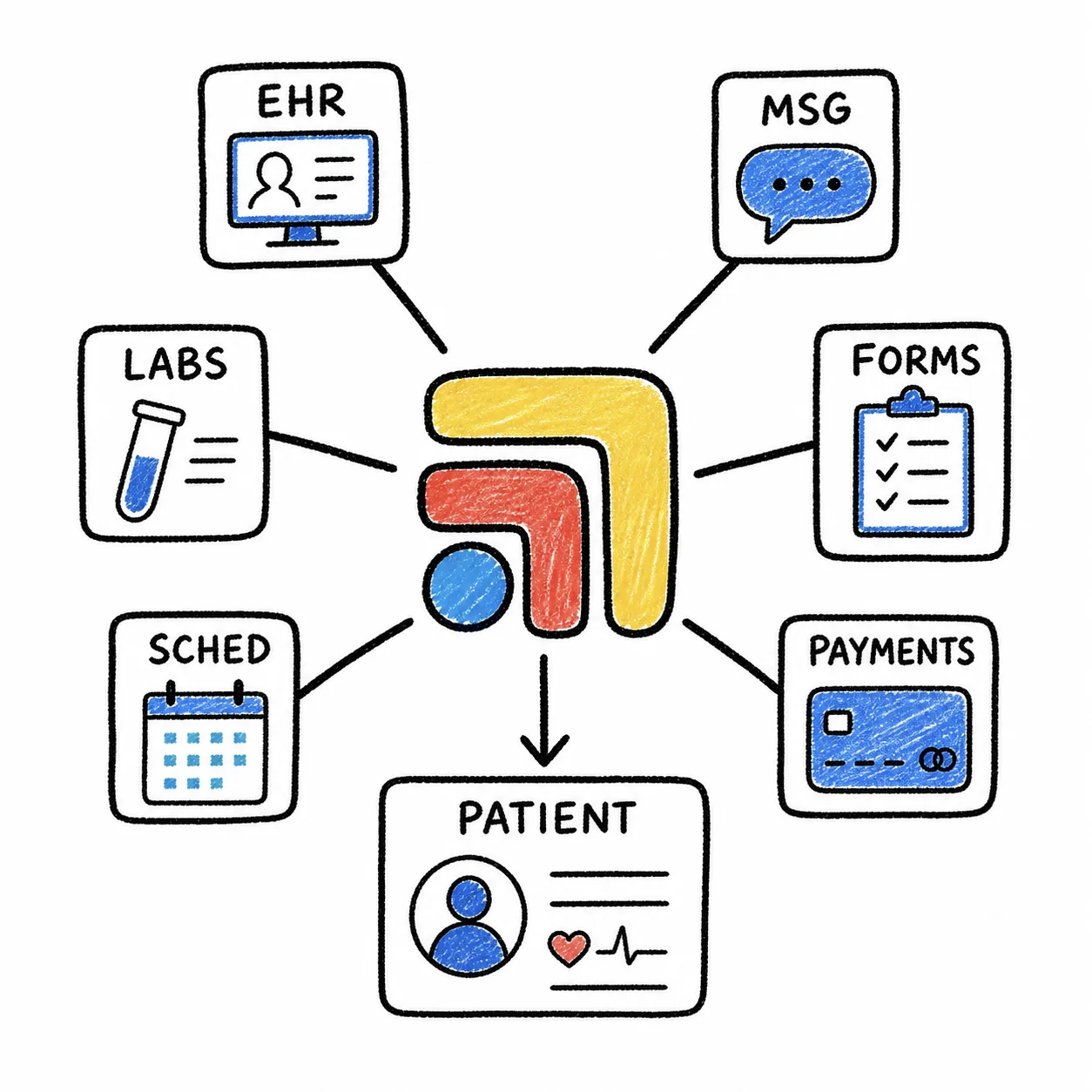
This guide walks through what Elation's own documents say, what each option costs on Elation's published price list, and how to decide which route fits a one-doctor practice. Every Elation fact below comes from Elation's service agreement, payment policy and EHR product guide as published on November 2, 2026. It is a plain reading for practice owners, not legal advice, and your signed order form and Elation's answer in writing always win.
What the Elation Service Agreement Says About User Accounts
Elation's agreement is written around people. Section 1.1 says use of the service on your behalf is only permitted by an employee or agent of the practice who has been designated by you and has registered with Elation to open an account, and it calls each of those people an Authorized User. It lists who that usually means, which is physicians, physician assistants, nurse practitioners, non-physician staff members and on-call or covering physicians.
Section 2.1 then describes how an account is opened. Each Authorized User registers with Elation to open an account in their own name, and the practice gives Elation the names, email addresses and professional credentialing information for each one, along with the permissions they should have, such as read-only or editor. Elation then emails each person with registration instructions, and each person agrees to Elation's Authorized User Terms of Use.
Section 2.2 makes the practice responsible for everything done with its users' accounts and credentials, and it says an Authorized User is strictly prohibited from using any other Authorized User's account at any time and for any reason. Section 1.7(b) adds that the practice shall not use any deep-link, page-scrape, robot, spider or other automatic device, program, algorithm or methodology to access, acquire, copy or monitor any portion of the service.
Read together, those sections explain why "just give the AI its own login" is harder than it sounds. An account is meant to belong to a named, credentialed person who agreed to Elation's user terms, and automated access is limited unless Elation offers it or agrees to it. None of this is a judgment about your practice. It reflects how EHR agreements were written, for people clicking through charts, long before clinics had software that could do some of that clicking.
What an Extra Elation User Costs
The good news for a solo DPC is that Elation does not charge for every login. Section 4 of the service agreement says subscription fees are based on the number of Provider Users on your order form or the number actually active, whichever is greater, and it defines Provider Users as the clinicians permitted to sign off on visit notes and orders. Elation's payment policy defines the provider user types (prescribing, non-prescribing, limited use and on-call), and the product guide lists office staff as included.
Here is what Elation's EHR product guide lists.
| Elation | |
|---|---|
| Standard DPC Provider, a prescribing DPC clinician | $375 per DPC provider per month |
| Standard Provider, a prescribing clinician | $425 per provider per month |
| Standard Non-Prescribing Provider, such as an RN, health coach or dietitian | $215 per non-prescribing provider per month |
| Premium Provider, a prescribing clinician with Premium features | $500 per provider per month |
| Office Staff, for non-provider staff accounts | Office staff included |
| Elation AI, its built-in scribing and note automation | $199 per provider per month |
| Developer Platform Core, for software integrations | $150 per provider per month |
| Works with Tabflows | Elation integration |
| Checked | elationhealth.com/ehr-product-guide, November 4, 2026 |
Elation's pricing page also invites practices to request personalized pricing from a practice specialist, and the agreement says your order form takes precedence, so treat the table as the published starting point rather than your bill. If you are comparing EHRs more broadly, our DPC EHR comparison lays out Elation next to Hint, Atlas.md, Akute, Cerbo and Charm.
So, in plain terms, a staff-level user should not add a provider fee under Elation's published model. What Elation's documents do not say is how they would treat a staff-level account that is not a person at all, and that is the question to put to your Elation Customer Success Manager before you create one.
Your Options When You Want Software to Do Elation Work
There are five realistic ways a solo DPC can get software to help with work that lives in Elation. They differ less on price than on who is accountable and whether Elation has signed off.
- Share your own login with a tool. Elation seat cost: none. Fits the agreement as written? No, sharing accounts is prohibited. Best for: not recommended.
- Create a dedicated "AI" user. Elation seat cost: likely none at staff level. Fits the agreement as written? Only with Elation's written OK. Best for: ask Elation first.
- Elation Developer Platform. Elation seat cost: $150 per provider per month for Core. Fits the agreement as written? Yes, it is Elation's route. Best for: integrations built by a vendor.
- Elation AI add-on. Elation seat cost: $199 per provider per month. Fits the agreement as written? Yes, it is Elation's product. Best for: scribing and notes in the encounter.
- Tool started by a named user in their own session. Elation seat cost: none extra. Fits the agreement as written? Depends on the tool, so ask how it works. Best for: admin work between tools.
Sharing your own login
This is the most common shortcut and the one Elation's agreement is clearest about. Section 2.2 prohibits any Authorized User from using another's account, and the practice is responsible for every action taken with its credentials. Beyond the contract, a shared login means your chart's history shows you doing work you did not do, which makes it harder to answer a patient or an auditor later.
A dedicated user account for the agent
A separate account at least keeps the agent's actions apart from yours, which is better for your audit trail. The trouble is that Elation's account process expects a named person with credentialing information who accepts the user terms, and Section 1.7(b) limits automatic programs. If an AI vendor asks you to create a user for its agent, ask the vendor to show you Elation's written approval or to use the Developer Platform instead.
Elation's Developer Platform
The Developer Platform is the route Elation sells for software that works with your data, listed at $150 per provider per month for Core. For a solo practice that is one provider, so the add-on cost is predictable. It suits vendors that have already built on Elation's platform, and it is the cleanest answer when a tool needs to read or write chart data without a person in the loop.
Elation AI
If what you want is help with notes, Elation's own AI add-on covers scribing and note automation inside the encounter workflow, listed at $199 per provider per month. Elation's pricing page says its native AI tools are now included free, so ask which of them your plan covers before you add Elation AI. It does not need a separate user because it runs as part of Elation for the clinician who is charting.
A tool that works inside a real person's session
The last option avoids the seat question entirely. The software never logs in on its own. A named person on your team starts each workflow from their own signed-in session, the tool does the busywork between screens, and the activity stays tied to that person. Ask any vendor in this category three things, which are whether it stores your Elation password, whether it ever acts without a person starting it, and whether it trains models on your patients' data.
HIPAA and the BAA Question
Seats are only half of the picture. Any vendor whose software creates, receives, maintains or transmits patient information on your behalf is generally a business associate under HIPAA, and you need a signed business associate agreement (BAA) with them before patient data flows. Elation's service agreement includes its own BAA for Elation's part. An outside AI tool needs its own BAA with you, separate from Elation's, whichever access route it uses. Our guide to HIPAA-compliant workflow tools goes deeper on what to ask.
How to Decide, Step by Step
- Write down the work. List the jobs you want help with, such as sorting inbound faxes, drafting refill replies, preparing pre-visit summaries or chasing outside records. Most of this work sits between Elation and your other tools, not only inside the chart.
- Ask the vendor how it reaches Elation. A clear answer is one of three things, which are Elation's Developer Platform, Elation's own add-on, or a named person's own session. "We'll need a login" is the answer that needs more questions.
- Get Elation's view in writing. If the plan involves a new user that is not a person, email your Elation Customer Success Manager and ask how they classify and bill it and whether it is allowed under Sections 1.7 and 2.1.
- Sign the BAA. Make sure the AI or automation vendor signs a BAA with your practice before any patient data moves.
- Check the audit trail. Whichever route you pick, you should be able to see who started each action and when.
Where Tabflows Fits
Tabflows is a dedicated tech team and smart admin infrastructure for DPC, concierge and private clinics. It is not an EHR and does not replace Elation. It works across the tools you already use, such as Elation, Hint, Spruce and Google Workspace, and turns the work between them into tracked tasks and automations that the team sets up and runs for you.
On the seat question specifically, Tabflows does not ask for an Elation login of its own. Its workflows are initiated by an authorized person on your team and run inside that person's own signed-in Elation session, Tabflows does not store Elation or other EHR credentials, it does not independently start access to Elation, and every action stays tied to the named person who started it. Tabflows also does not train AI models on patient data, and the full list of product facts is on our user-initiated EHR workflow page. That is a description of how the product works, not a reading of your contract, so review your own Elation agreement with counsel if you have questions.
Tabflows pricing has no per-person fee and no seat count, so adding your MA or a part-time health coach does not change it. Current figures are on the pricing page, and you can see how the Elation connection works on the Elation integration page.
A Natural Next Step
If you are a solo DPC weighing an AI tool against your Elation agreement, the simplest move is to start with the work, not the login. List the three jobs that eat the most of your week, then tell us about your practice and we will show you which of them can be handled without a new seat, a shared password or a contract question you have to answer alone.
Sources
Checked on November 4, 2026: elationhealth.com/ehr-product-guide. Spot a wrong fact? Email a correction.
FAQs
Do I have to pay for an extra Elation seat if an AI agent needs its own user?
Usually the seat price is not the real issue. Elation's EHR product guide lists office staff as included on both Standard and Premium plans, and the service agreement bases subscription fees on Provider Users, the people permitted to sign off on visit notes and orders. The bigger question is whether a non-human login is allowed at all, because the Elation Service Agreement says each Authorized User registers an account in their own name and prohibits using a robot or other automatic program to access the service. Ask Elation in writing before you set one up.
What does Elation charge per provider for a DPC practice?
Elation's EHR product guide lists a separate monthly price per provider for a Standard DPC Provider, a Standard Provider, a Standard Non-Prescribing Provider and a Premium Provider, with office staff included. Elation's pricing page also offers personalized quotes, and your order form is what you actually pay. The guide lists a Standard DPC Provider at $375 per provider per month, a Standard Provider at $425, a Standard Non-Prescribing Provider at $215 and a Premium Provider at $500.
Can I give my AI tool my own Elation login instead?
Elation's service agreement says an Authorized User is strictly prohibited from using any other Authorized User's account, and that the customer is responsible for every action taken with its users' accounts and credentials. Handing your password to a tool or a third party is the kind of credential sharing the agreement is written to prevent, and it also blurs who did what in your audit trail.
Does Elation have an official way for software to work with my chart?
Yes. Elation's product guide lists a Developer Platform Core add-on, priced per provider per month, which is the route Elation offers for software that reads and writes data through its platform. Elation also sells Note Assist, listed as the Elation AI add-on, for scribing and note automation inside the encounter, while its pricing page says its native AI tools are now included free. Developer Platform Core is listed at $150 per provider per month and Elation AI at $199 per provider per month.
Does Tabflows need its own Elation seat?
No. Tabflows does not ask for an Elation login of its own. Its workflows are started by a named person on your team and run inside that person's own signed-in session, Tabflows does not store Elation credentials, and the activity stays tied to the person who started it. Tabflows pricing has no per-person fee and no seat count either.