
Which EHR integrates with Rupa Health?
Rupa Health lists six EHRs and practice platforms with full ordering and resulting integrations, which means you can place a Rupa order from inside the chart and the results come straight back. Those six are BodySite, Cerbo, Healthie, Kalix, Practice Better and PracticeQ (IntakeQ's practice platform). Three more have results-only integrations, where you order on Rupa and the results land in your EHR, and those are Elation Health, OptimalDx and OptiMantra. Rupa Health has also joined Fullscript, and Rupa accounts are moving to labs on Fullscript in phases through 2026, so the integration you rely on today is worth confirming before your move. Tabflows is not an EHR or a lab company. It is a dedicated tech team that works across Rupa, Fullscript and your EHR to make sure every specialty kit is tracked from order to reviewed result, whichever EHR you use.
The list comes from Rupa Health's help center article "What EMR / EHR systems do you integrate with?", dated March 5, 2026, which we read on November 2, 2026. Rupa says it is actively adding EHRs, so check the article again if your system is missing.
Rupa Health EHR integrations at a glance
- Ordering and resulting. Order from the chart, and results come back into it: Cerbo, Healthie, Practice Better, PracticeQ (IntakeQ), BodySite and Kalix (US only).
- Results only. Results come back into the chart, and orders are placed in Rupa: Elation Health, OptimalDx and OptiMantra.
What "ordering and resulting" vs "results only" means
Rupa Health describes two kinds of integration. With ordering and resulting, you place an order directly in your EHR through a Rupa pop-up, and results go straight into your EHR too. With results only, you place the order on Rupa and get the results inside your EHR.
For a functional or integrative practice the difference shows up in the visit. Ordering from the chart keeps the doctor in one place while they review history and pick a panel. Results-only still saves the most error-prone step, which is matching a returned PDF to the right patient, but someone still has to start the order in a second window.
Which EHR integrates with Rupa Health for functional and integrative medicine?
Most of the full integrations are with platforms built for functional, integrative and wellness practices. Here is what we could confirm about each one from vendor pages today.
Cerbo and Rupa Health
Cerbo is an EHR used by many functional medicine and DPC practices, and Rupa lists it as an ordering and resulting integration. Cerbo's own help article on the Rupa integration would not load for us today, so ask Cerbo support for setup steps. If you run Cerbo, our Cerbo integration page shows how Tabflows works alongside it.
Healthie and Rupa Health
Healthie's help center has the most detail of any vendor page. It says the Healthie and Rupa integration lets mutual customers draft lab orders, receive lab results and share results with clients directly within Healthie. It is available on Healthie's Plus plan and above at no additional cost from Healthie, and an account admin turns it on under Settings, then Integrations, by choosing Rupa Health and clicking Connect Account. Team members with e-labs permissions can also enable it from the Labs tab. Healthie's article notes that Rupa supports 35+ specialty lab companies, including Genova, Dutch and Boston Heart, and that kits are drop-shipped to patients with collection instructions and phlebotomy options.
Practice Better and PracticeQ
Both are listed by Rupa as full ordering and resulting integrations, and both are common with nutrition, wellness and integrative practitioners. Rupa links to each platform's own setup article from its help center. See our Practice Better integration page if that is your system.
Elation Health and Rupa Health
Elation is the most common EHR in direct primary care, and Rupa lists it as results only. You order in Rupa, and the results come back into the Elation chart. For a DPC practice that also orders conventional labs through Quest or Labcorp, this means two ordering paths and one results inbox, which is workable as long as someone owns the open orders. Our Elation integration page covers how Tabflows fits there.
BodySite, Kalix, OptimalDx and OptiMantra
BodySite and Kalix (US only) are listed as ordering and resulting integrations. OptimalDx and OptiMantra are listed as results only, and Rupa's help center notes OptiMantra was its first EHR partnership.
EHRs that do not integrate with Rupa Health
If your EHR is not on the list above, Rupa does not list a direct integration for it as of the March 2026 article. That includes several systems common in direct primary care, such as Atlas.md, Hint, Akute and Charm. Practices on those systems can still use Rupa on its own and bring results into the chart by hand. Rupa invites practitioners to tell it which EHR they use through its EHR waitlist, which helps decide what it builds next.
How to set up a Rupa Health EHR integration
The exact clicks differ by EHR, but the pattern is similar across the vendor pages we read.
- Create a Rupa Health account. Healthie's article says sign-up is free for practitioners with no membership or subscription fees.
- Confirm your EHR plan includes it. Healthie, for example, requires its Plus plan or above.
- Connect the accounts. In Healthie this is under Settings and Integrations. Rupa's help center also links a Connect Your EHR option in Rupa's clinic settings.
- Place a test order. Check that it appears in the chart and that a result routes back to the right patient.
- Decide who owns open orders. The integration moves data, but someone still has to notice a kit that was never returned or a result that was never reviewed.
What changes now that Rupa Health has joined Fullscript
Rupa Health has joined Fullscript, and both Rupa's help center and Healthie's article say Rupa accounts are moving to labs on Fullscript. Fullscript's move page says practices are invited in phases starting in spring 2026, and only once the specific tests, features and integrations a practice relies on are live on Fullscript. When your window opens you have two weeks to move. Fullscript says your order history, patients, panels and bundles transfer automatically, multi-provider teams move overnight between 1 and 4am ET, and after the move or once the window closes your Rupa account becomes view-only with history preserved.
Fullscript also says it charges a 3% service fee on specialty tests only, compared with Rupa's 7% service fee across all labs, and that unpaid and in-progress orders continue through Rupa. Before you accept your invitation, ask Fullscript whether the lab integration with your specific EHR is already live on Fullscript, and plan for a short period where some open orders sit in Rupa while new ones start in Fullscript. Our Fullscript integration page covers how Tabflows works with Fullscript.
Where Tabflows fits
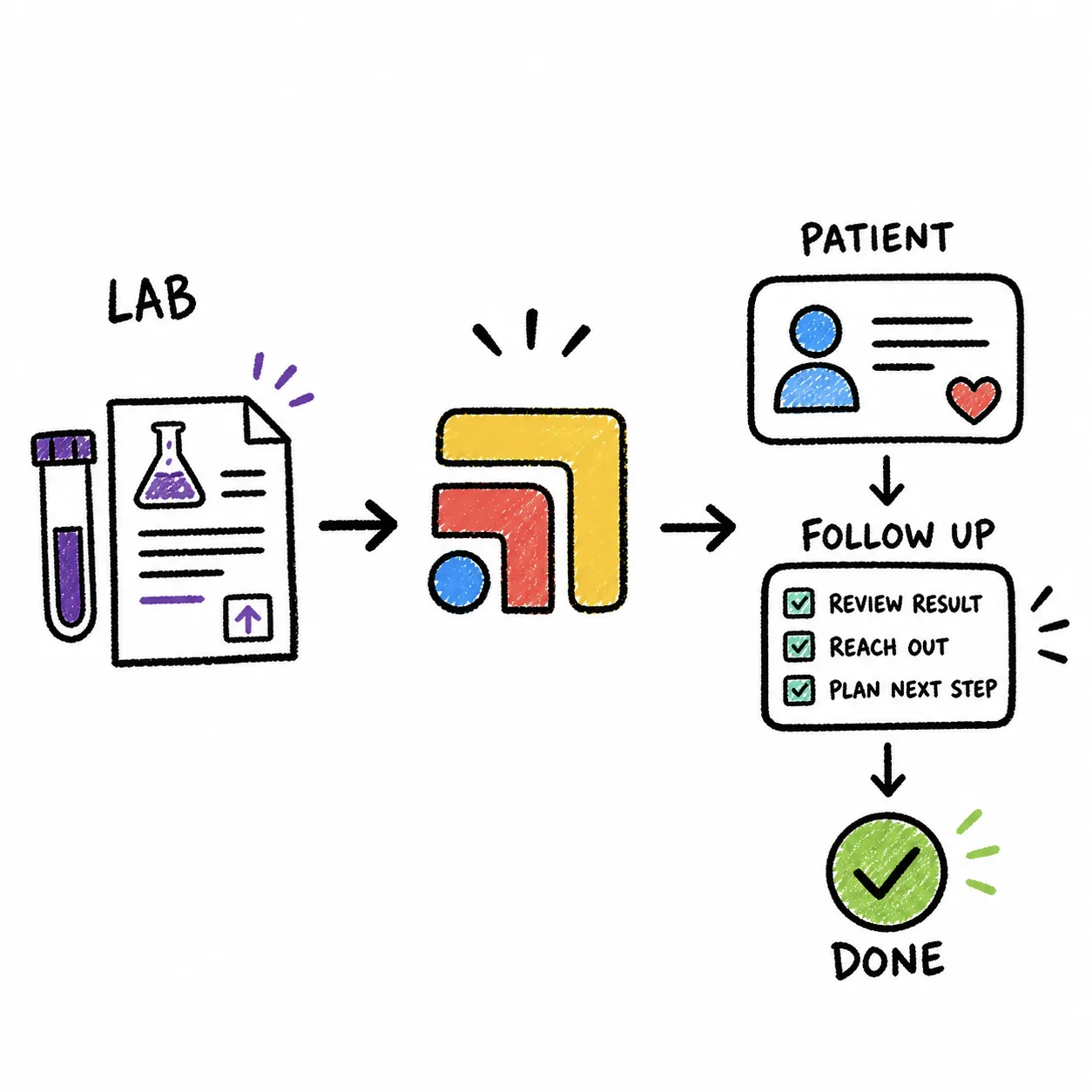
An integration moves an order or a result between two systems. It does not make sure a patient actually mailed the kit back, that the result was reviewed, or that the patient heard from you. That gap is bigger for specialty labs, where kits ship to the patient's home and can sit on a counter for weeks, and bigger still during a move from Rupa to Fullscript, when open orders live in two places.
Tabflows is a dedicated tech team that sets up and runs that follow-through across the tools you already use. Our automation catalog includes Rupa Health order tracking, which tracks specialty lab kits from shipped to resulted, alongside lab result routing for Quest and Labcorp. See the Rupa Health integration page for what connects today. Tabflows does not replace your EHR, Rupa or Fullscript, and it never makes clinical decisions. It keeps the work between them from slipping, so your team spends less time chasing kits and more time on the patients who ordered them.
If you want to see how this would work with your EHR, tell us about your practice. Pricing is on our pricing page.
Sources: help.rupahealth.com/en/articles/6131521-what-emr-ehr-systems-do-you-integrate-with, help.rupahealth.com/en, help.gethealthie.com/article/1009-rupa-health-and-healthie and fullscript.com/lp/rupa-move.
FAQs
Does Elation integrate with Rupa Health?
Yes, as a results-only integration. Rupa Health's help center lists Elation Health under results-only integrations, which means you place the order on Rupa and the results come back inside Elation. Ordering from inside the Elation chart through a Rupa pop-up is listed for other EHRs such as Cerbo and Healthie, not Elation.
Does Cerbo integrate with Rupa Health?
Yes. Rupa Health lists Cerbo as an ordering and resulting integration, so you can place a Rupa order from inside Cerbo through a Rupa pop-up and the results go back into Cerbo.
Does Healthie's Rupa integration cost extra?
Healthie's help center says the Rupa Health integration is available to all members on its Plus plan and above at no additional cost from Healthie. The same article says signing up for Rupa is free for practitioners with no membership or subscription fees, and that lab test pricing questions go to Rupa directly.
What happens to my Rupa EHR integration when Rupa moves to Fullscript?
Fullscript says Rupa practices will be invited to move in phases starting in spring 2026, and only once the tests, features and integrations a practice relies on are fully supported on Fullscript. When your window opens you have two weeks to move, your order history, patients, panels and bundles transfer, and afterward the Rupa account becomes view-only. Ask Fullscript whether your EHR's lab integration is live on Fullscript before you accept the invitation.
My EHR is not on Rupa's list. Can I still use Rupa Health?
Yes. Rupa works on its own, so you can order in Rupa and download or upload results to your chart by hand. Rupa also invites practitioners to request their EHR through its waitlist. The manual step is where kits and results tend to get lost, so it helps to track every open order until the result is reviewed.
Is Atlas.md or Hint integrated with Rupa Health?
Neither appears on Rupa Health's list of EMR and EHR integrations, last updated March 5, 2026. Practices on those systems order in Rupa and bring results into the chart themselves.