
How Well Does Cerbo EHR Handle Specialty Lab Workflows?
Cerbo handles specialty lab workflows well, and it is one of the stronger EHRs for this job in functional, integrative and pediatric practices. Cerbo says it integrates with more than 50 labs, naming Genova, Vibrant and Rupa, and its help center describes two-way integrations that send the order electronically and bring structured, graphable results back into the chart. Through the Rupa Health integration you can order from 35+ specialty lab companies in one place and have results come directly into your Cerbo account. Cerbo also tracks lab kits in its inventory, lets you build lab panels as Chart Parts and sends results to patients through its HIPAA compliant portal. Where it still takes work is the space between tools, the kits that ship and never come back, the labs without an interface, and the result that needs a plan and a patient conversation, and that is where Tabflows fits as a dedicated tech team working alongside Cerbo.
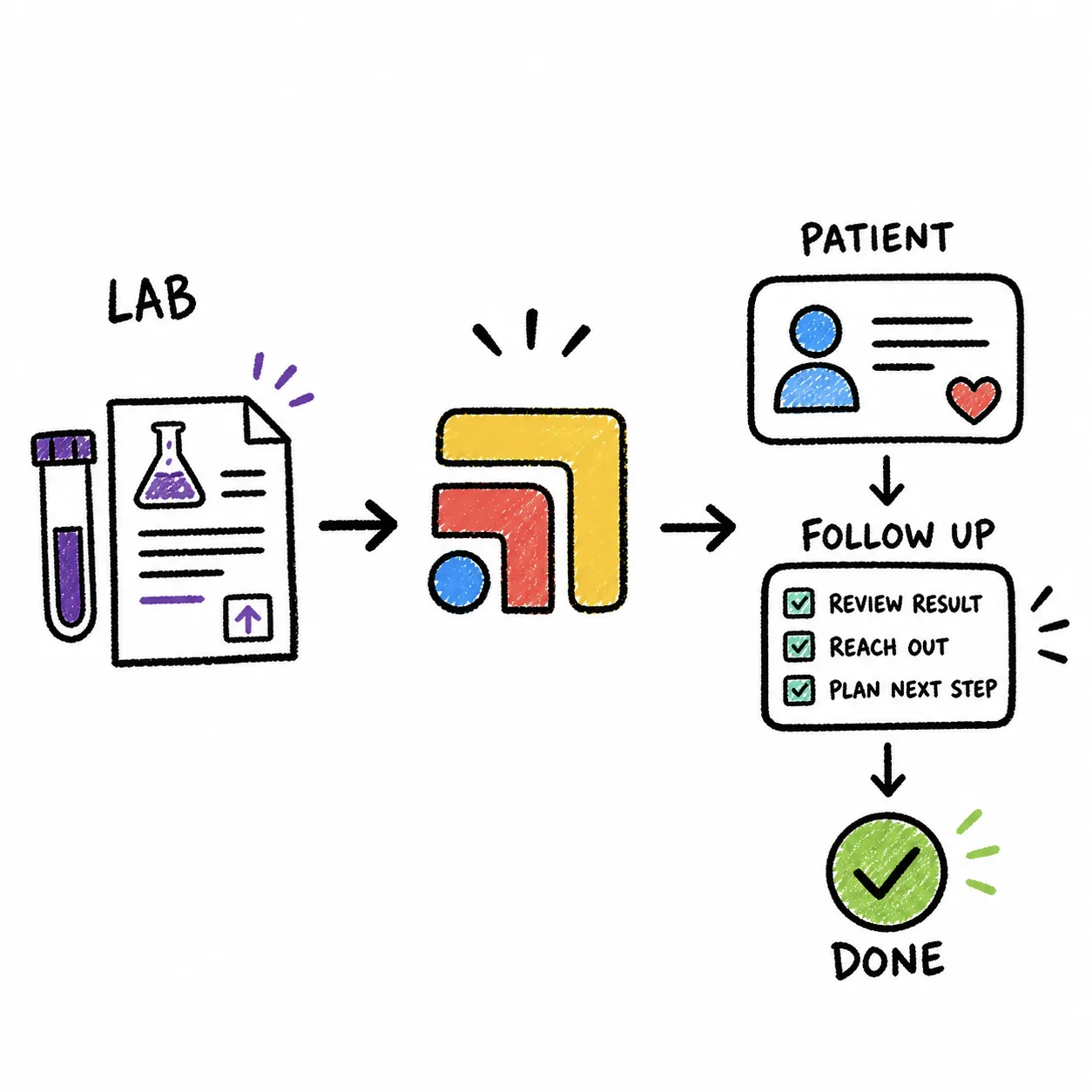
This guide is for owners of functional, integrative, pediatric and specialty DPC practices who are comparing EHRs, or who already run Cerbo and want to know how far it will carry their lab work. Every Cerbo and Rupa Health fact below comes from their own pages, read on November 2, 2026. Lab interfaces change often, so confirm the specific labs you order from on a Cerbo demo.
What Counts as a Specialty Lab Workflow?
In a conventional primary care clinic, most labs go to Quest or Labcorp and come back the next day. A functional or integrative practice orders a different mix, the kind that includes stool analysis, hormone panels such as DUTCH, food sensitivity, environmental toxins and advanced cardiovascular markers. Many of those tests are kits that ship to the patient's home, wait for a collection day and travel back to a lab that may sit outside the usual national networks.
That makes the full workflow longer than a single order. It runs from choosing the test, to placing the order, to the patient paying for and collecting the kit, to the result arriving, to the clinician interpreting it, and finally to a visit or message that turns the result into a plan. A good EHR has to cover the order and the result well. The steps in the middle, and the follow-through at the end, usually involve more than one tool.
How Cerbo Connects to Labs, Two-Way vs Results-Only
Cerbo's help center sorts its electronic lab connections into two types, and knowing which one each of your labs uses tells you how much manual work to expect.
| Integration type | How you order | How results arrive |
|---|---|---|
| Two-way | Electronic ordering interface in Cerbo | HL7 feed into Imported Lab Results, usually matched to the patient |
| Results-only | E-fax or paper requisition | HL7 feed into Imported Lab Results |
| Rupa Health | Rupa, with 35+ lab companies | Directly into your Cerbo account, per Rupa |
| Non-integrated lab | Order form you fax, print or share via portal | PDF, fax or portal download someone files |
Cerbo's two-way list in its help center includes labs that functional and integrative clinicians use often, among them Genova, Boston Heart, Access Medical Labs and Evexia Diagnostics, along with LabCorp, BioReference and many regional labs. Cerbo also notes that its electronic lab integrations include structured result data that can be graphed and tracked, unless a lab is noted otherwise. That structured data is what makes it possible to compare a patient's markers across a six-month protocol instead of flipping between PDFs.
Ordering Specialty Labs Through Rupa Health in Cerbo
Rupa Health is the other half of the answer for most functional practices. Rupa's Cerbo page says the two companies partner so you can order from 35+ lab companies in one place and get patient results directly into your Cerbo account. The labs Rupa shows on that page include Genova Diagnostics, Doctor's Data, Precision Analytical (DUTCH), Mosaic Diagnostics (formerly Great Plains), Cyrex Laboratories, Boston Heart Diagnostics, Diagnostic Solutions and Access Medical Labs.
For a practice that orders from many specialty labs, this matters because it replaces a handful of separate lab portals with one ordering screen, and it brings results back into the chart that already holds the patient's history. If you already use Rupa, see our Rupa Health integration page for how it sits alongside your other tools.
What Cerbo Does Well for Specialty Labs
Cerbo's own pages and help center point to a set of features that cover most of the specialty lab job inside the EHR.
- Broad lab coverage. Cerbo lists more than 50 lab integrations, naming Genova, Vibrant and Rupa on its functional and integrative medicine page.
- Structured, graphable results. Results from integrated labs land in the Imported Lab Results block with structured data you can graph and track over time.
- Lab panels as Chart Parts. Cerbo's help center covers creating panel orders for labs with ordering interfaces and adding lab panels with Chart Parts, so your most common functional panels become a click.
- Lab kit inventory. Cerbo's inventory management covers supplements, products and lab kits, which helps a clinic that keeps kits on the shelf and dispenses them at the visit.
- Results to patients. Cerbo's patient portal sends secure messages, lab results and summaries, and Cerbo describes the portal as HIPAA compliant.
- Specialty-friendly billing. Cerbo says it is built for cash-based, membership and direct-pay billing, which matches how most functional labs are paid for.
Where Specialty Lab Workflows Still Get Stuck
Even with a strong EHR, specialty labs create work that no single system owns. That is not anyone's fault. Lab companies, ordering platforms and EHRs were never built to agree on who watches a kit after it leaves the clinic.
The gaps tend to look like this. A kit ships to the patient and sits in a drawer for three weeks, and nobody notices until the follow-up visit. A lab without an interface sends a PDF by fax or email, and it has to be found, matched to the right patient and filed. A result arrives in the Imported Lab Results block, the clinician reviews it, and the next step, a supplement change, a retest date or a results visit, lives in someone's memory. For pediatric practices, the same pattern shows up with parents who need reminders and results explained in plain language.
Each of these is small on its own. Together they decide whether a patient feels looked after between visits, and whether a protocol that depends on a retest actually gets one, which is also where a lot of a functional practice's revenue and retention comes from.
Is Cerbo a Good Fit for Your Practice's Lab Work?
Cerbo is a strong fit if you run a functional, integrative, pediatric or specialty DPC practice that orders many specialty labs, keeps kits and supplements in stock and bills cash or membership. Its lab integrations, Rupa connection, graphable results and inventory cover most of what those practices need from an EHR.
It may be a weaker fit if most of your labs come from a regional lab that has no Cerbo interface and is not available through Rupa, because those results will stay manual. It is also worth a careful demo if your practice bills insurance heavily, since Cerbo describes itself as optimized for cash-based, membership and direct-pay models. If you are comparing Cerbo against other EHRs, our DPC EHR comparison for 2027 covers Elation, Hint, Atlas.md, Akute and Charm side by side.
HIPAA, BAAs and Lab Data
Cerbo says it is HIPAA compliant, keeps detailed audit trails and encrypts all patient data. Any vendor that stores or moves patient health information for your practice should sign a business associate agreement with you, so ask Cerbo, Rupa Health and each lab platform you use for a signed BAA before you go live, and keep copies together. Results that arrive outside the EHR, such as emailed PDFs, deserve the same care, because they are often the documents that end up in a personal inbox.
What It Costs
Cerbo's pricing page lists $281 per month for a full-time prescribing provider. Lab interfaces, Rupa Health and the specialty labs themselves are separate, and lab fees are usually paid by the patient or passed through by the clinic, so ask each vendor how billing works for your model. We have not listed Rupa or lab prices here because we could not confirm them on the vendors' own pages today.
How to Set Up a Specialty Lab Workflow in Cerbo
- List the labs you actually order from. Pull the last few months of orders and rank labs by volume, so you set up the ones that matter first.
- Check each lab's integration type. Use Cerbo's Lab Integrations article to see whether each lab is two-way, results-only or not integrated.
- Request the interfaces you need. Cerbo's help center has a section on requesting and setting up lab integrations, so start that conversation early in your rollout.
- Connect Rupa Health for the long tail. Route specialty labs without a direct interface through Rupa, if Rupa carries them, so results still land in Cerbo.
- Build your common panels as Chart Parts. Turn the panels you order every week into one-click orders.
- Decide who owns each step after the order. Name who watches open kits, who files non-integrated results, who reviews and who contacts the patient.
- Write down the follow-up rule. Decide how many days a kit can stay open before someone reaches out, and how quickly a reviewed result becomes a message or a visit.
Where Tabflows Fits
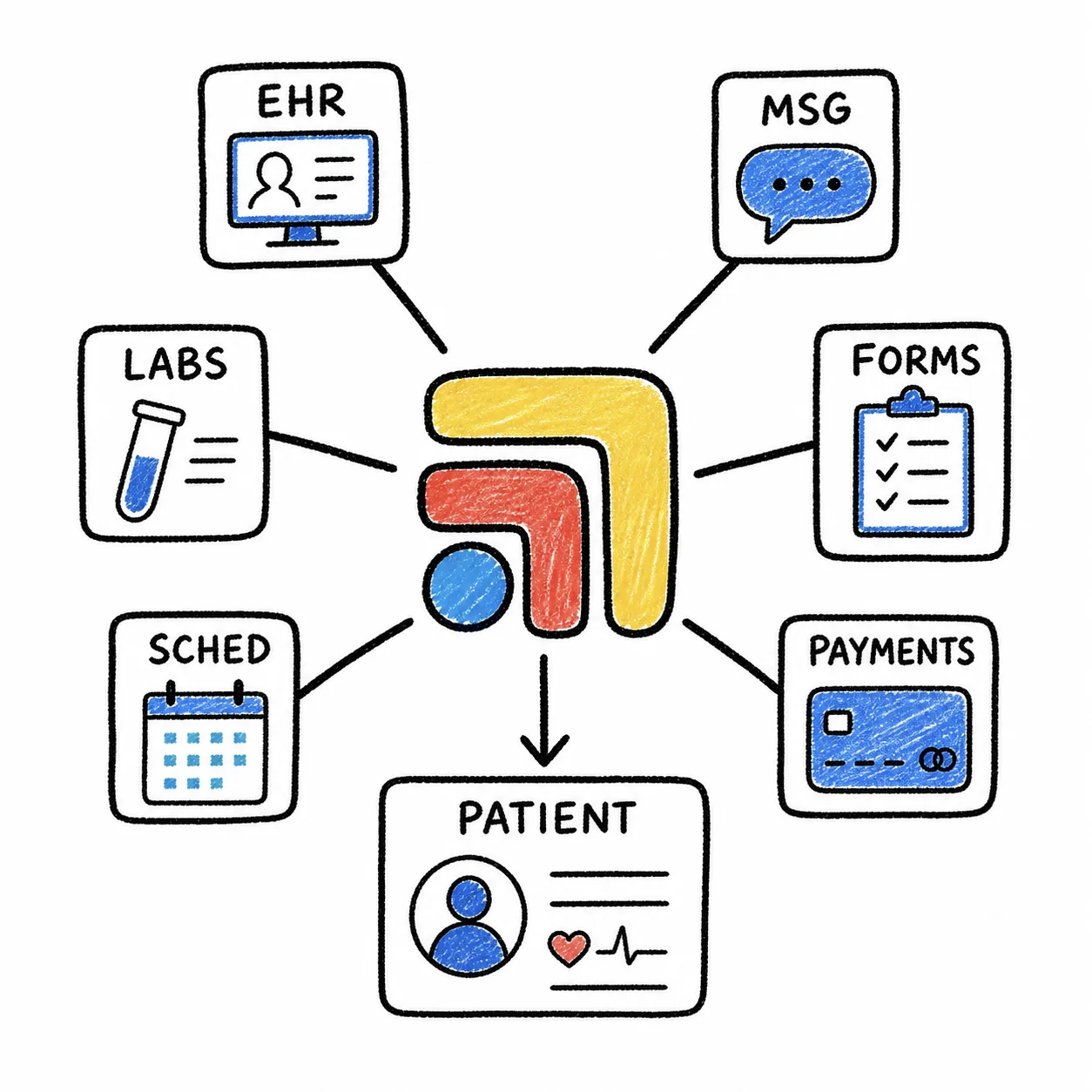
Tabflows is not an EHR and it does not replace Cerbo, Rupa Health or your staff. It is a dedicated tech team and smart admin infrastructure that works alongside the tools you already use and turns the work between them into tracked tasks and automations. On our Cerbo integration page you can see how Cerbo charts, labs, supplements and messaging sit together for a team.
For lab work specifically, the Pre-Visit Summary builds a chart prep brief from Cerbo before each visit, so recent results are in front of the clinician. Fax Triage reads incoming faxes, identifies the patient and document type and routes each one to the right reviewer, and it works with Cerbo as well as Elation, which helps with results from labs that still fax. Rupa Health order tracking, which tracks specialty kits from shipped to resulted, is something our team builds on request for clinics that want it. The broader lab result follow-through workflow makes sure every result ends with an owner and a next step.
If you are weighing Cerbo for a specialty practice, or already on it and want the lab follow-up to stop living in people's heads, tell us about your clinic and we will show you what this looks like around your own stack.
Sources
Checked on November 4, 2026: cer.bo/pricing. Spot a wrong fact? Email a correction.
FAQs
Does Cerbo integrate with specialty labs like Genova, Vibrant and Rupa Health?
Yes. Cerbo's functional and integrative medicine page lists integrations with more than 50 labs, naming Genova, Vibrant and Rupa, along with longitudinal tracking for integrated results. Cerbo's help center lists Genova among its two-way integrations, and Rupa Health's Cerbo page says you can order from 35+ lab companies in one place and get patient results directly into your Cerbo account.
What is the difference between a two-way and a results-only lab integration in Cerbo?
Cerbo's help center describes two kinds. A two-way, or bi-directional, integration lets you send the order through an electronic ordering interface in Cerbo and receive results through an HL7 feed into the Imported Lab Results block, usually already matched to the patient. A results-only integration means you order by e-fax or paper requisition, and results still arrive electronically in the Imported Lab Results block.
Can Cerbo graph and track specialty lab results over time?
Cerbo's help center says its electronic lab integrations include structured lab result data that can be graphed and tracked, unless the article notes otherwise for a specific lab. Its functional medicine page also lists longitudinal tracking for integrated results, which is what most functional and integrative clinicians want when they compare panels across a treatment plan.
What happens with a specialty lab Cerbo doesn't integrate with?
Cerbo's help center has a section on working with non-integrated labs, and it lets you generate order forms to fax, print or share through the patient portal. In practice the result for a non-integrated lab arrives as a PDF, fax or portal download that someone on the team has to file to the right chart. Ordering that lab through Rupa Health, if Rupa carries it, is one way to bring the result into Cerbo instead.
How much does Cerbo cost?
Cerbo's pricing page lists one monthly price for a full-time prescribing provider. Rupa Health and the specialty labs themselves bill separately, so ask each one how lab fees and patient payments are handled before you build your workflow. Cerbo lists $281 per month for a full-time prescribing provider.
Does Tabflows replace Cerbo for lab workflows?
No. Tabflows is not an EHR and Cerbo stays your chart. Tabflows is a dedicated tech team that works alongside Cerbo and tools like Rupa Health, turning the work between them, such as kits that were shipped but never resulted or results that still need a plan, into tracked tasks with an owner.