
Admin & Settings · 1 of 25
Sign up your clinic
On this page
Create your account
You will need a work email, the correct clinic name, Google Chrome, and a short list of the systems your clinic uses most.
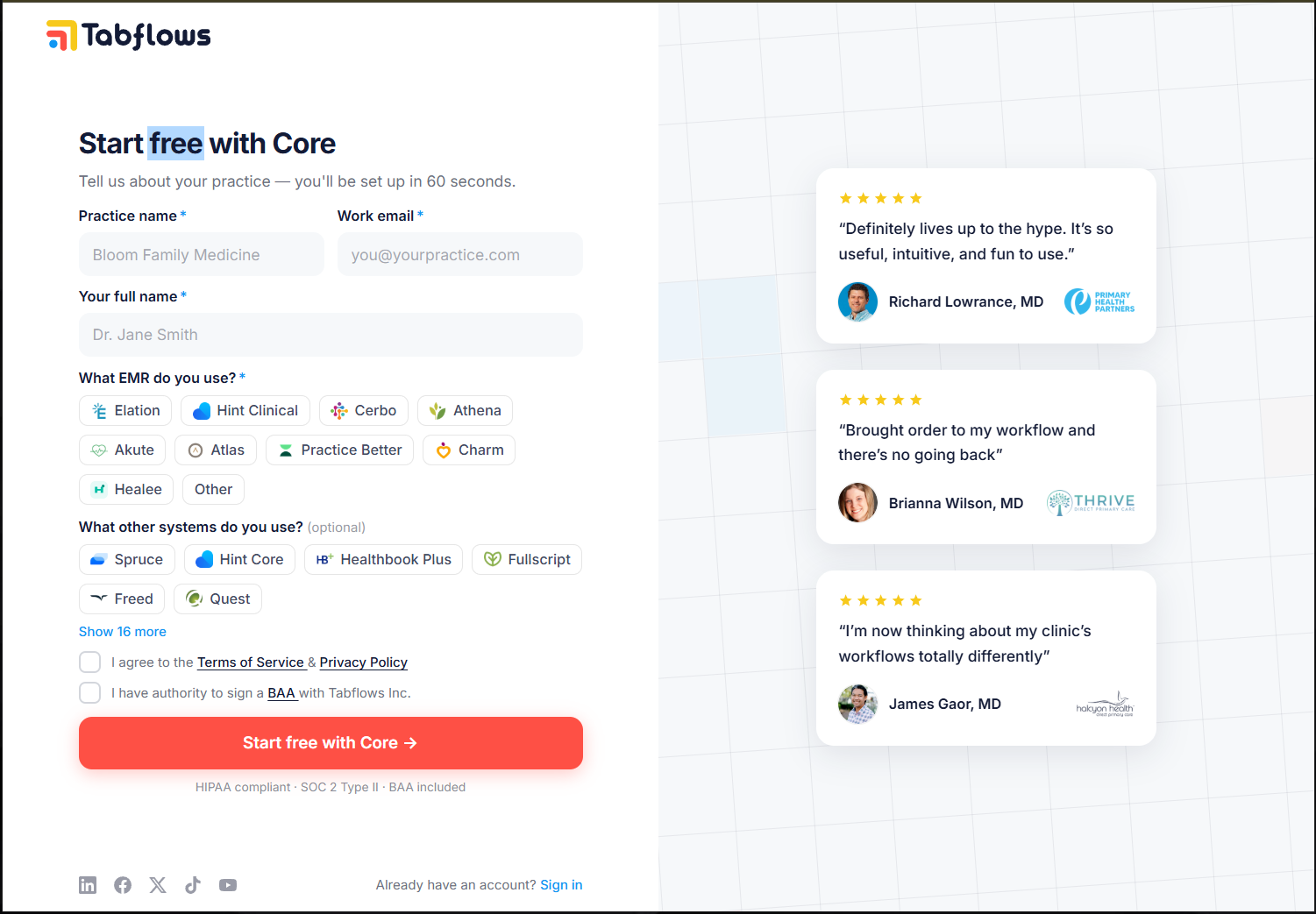
- Go to app.tabflows.com/sign-up
- Enter your work email and clinic information
- Create the clinic workspace
- Install the Tabflows extension
- Add one or two supported systems
- Open one familiar patient workflow and explore the connected experience
For the full step-by-step, see 👉 Sign up: Clinic account setup.
How fast is setup?
Most practices are fully set up the same day they sign up:
- Account created: ~ 45 seconds
- Extension installed: ~60 seconds
- Systems added to sidebar: ~2 minutes
- First patient linked: first time you open a patient
Next: Add Tabflows to Chrome
Your account is set up. Next, install the Chrome extension so Tabflows can appear alongside the systems you already use.
Want a guided walkthrough first?
We'll walk through your clinic's setup and answer any questions along the way.
