Your Current "Setup" Is Costing You Every Day
Most DPC docs don't have a workflow setup. They have a collection of bookmarks, muscle memory, and browser tabs that they open in roughly the same order every morning. Elation first, then Spruce, then the lab portal, then the billing dashboard — each one a separate tab in a growing row of tiny icons. By the time you're ready for your first patient, you've already spent five minutes just getting your tools arranged.
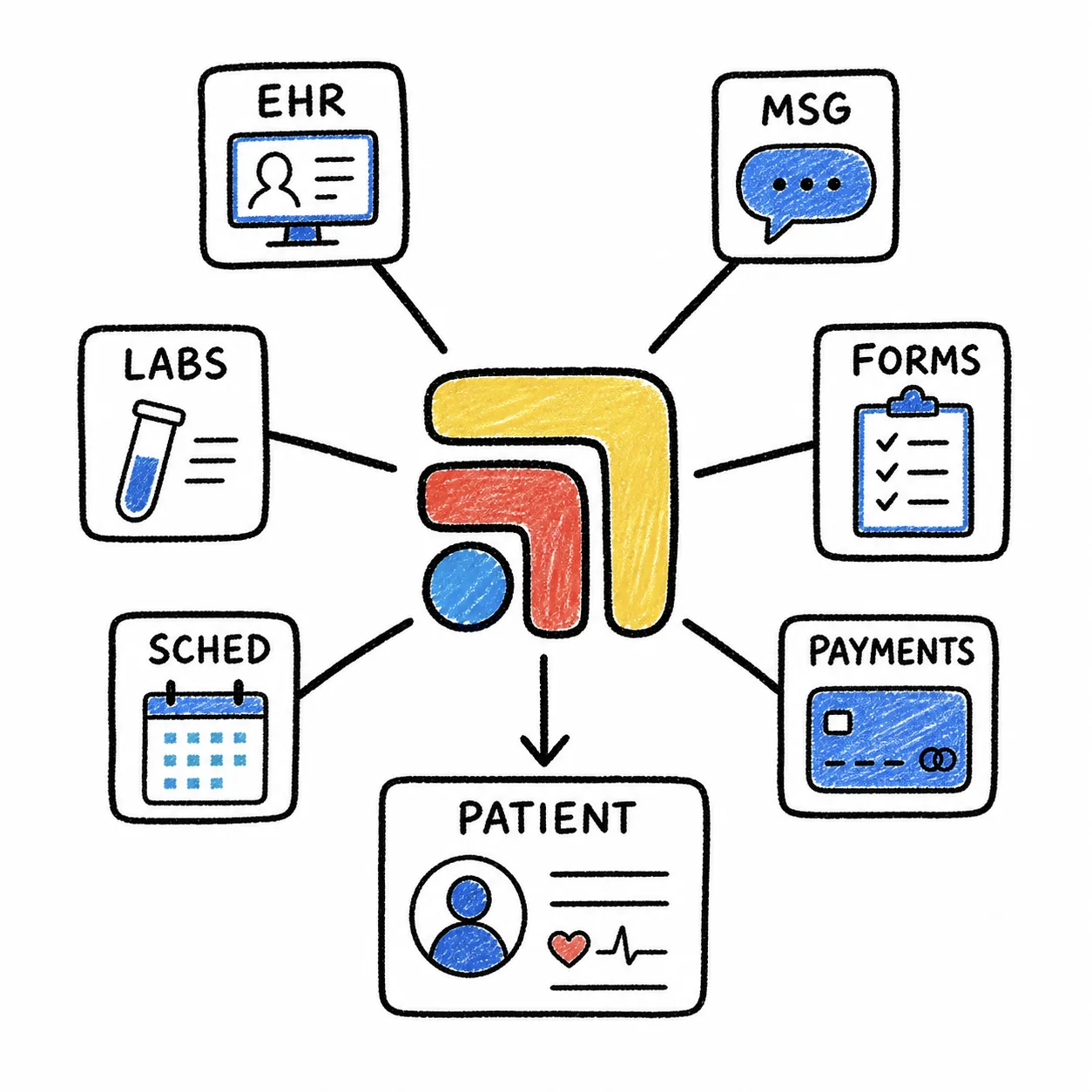
The thing is, you repeat this ritual every single day. And every time a browser crashes, an update hits, or you switch computers, you start from scratch. That's not a workflow — that's a workaround. And it silently eats into the time you could be spending with patients or, honestly, just drinking your coffee while it's still hot.
Step 1: Start With a Clinic Tech Checkup
Book a demo or sign up free. We start with a clinic tech checkup: your tools, your biggest workflow headaches, and the places work falls through the cracks. Then we set up your first workspace with you — a clean canvas where your entire clinical day is about to live. The Tabflows Chrome extension is one way in: its icon in your browser toolbar opens that workspace.
Think of a workspace as a purpose-built screen for a specific workflow. Most DPC clinics start with one workspace for patient visits and add more later for admin tasks, lab review, or end-of-day reconciliation. But for now, one workspace is all you need to feel the difference.
Step 2: Add Your Core Tools
Your EHR Goes Front and Center
Open your EHR — whether that's Elation, Cerbo, Hint, Atlas.md, or whatever you're running — and add it to your workspace. This is your anchor. Everything else will be arranged around it, so give it the most screen real estate.
Still choosing your system? Start with our best EHR for direct primary care clinics guide, then come back here to design the workspace around it.
Labs, Messaging, and Rx on the Sides
Now add the tools you reach for most during a patient visit. For most DPC practices, that's a lab portal (Quest, Labcorp, or Rupa Health), a messaging platform (Spruce, Klara, or Weave), and an e-prescribing tool (ProficientRx). Place them where they make visual sense — labs next to the chart, messaging in a sidebar, Rx tools within easy reach.
Need help deciding which tools to include? See our full DPC tech stack breakdown. The goal isn't to cram everything onto one screen. It's to eliminate the tab bar entirely for your most common workflows. If you only use your supplement dispensary twice a day, it doesn't need to be in your primary workspace. Keep it focused.
Step 3: Save, Reuse, and Share
One Setup, Every Morning
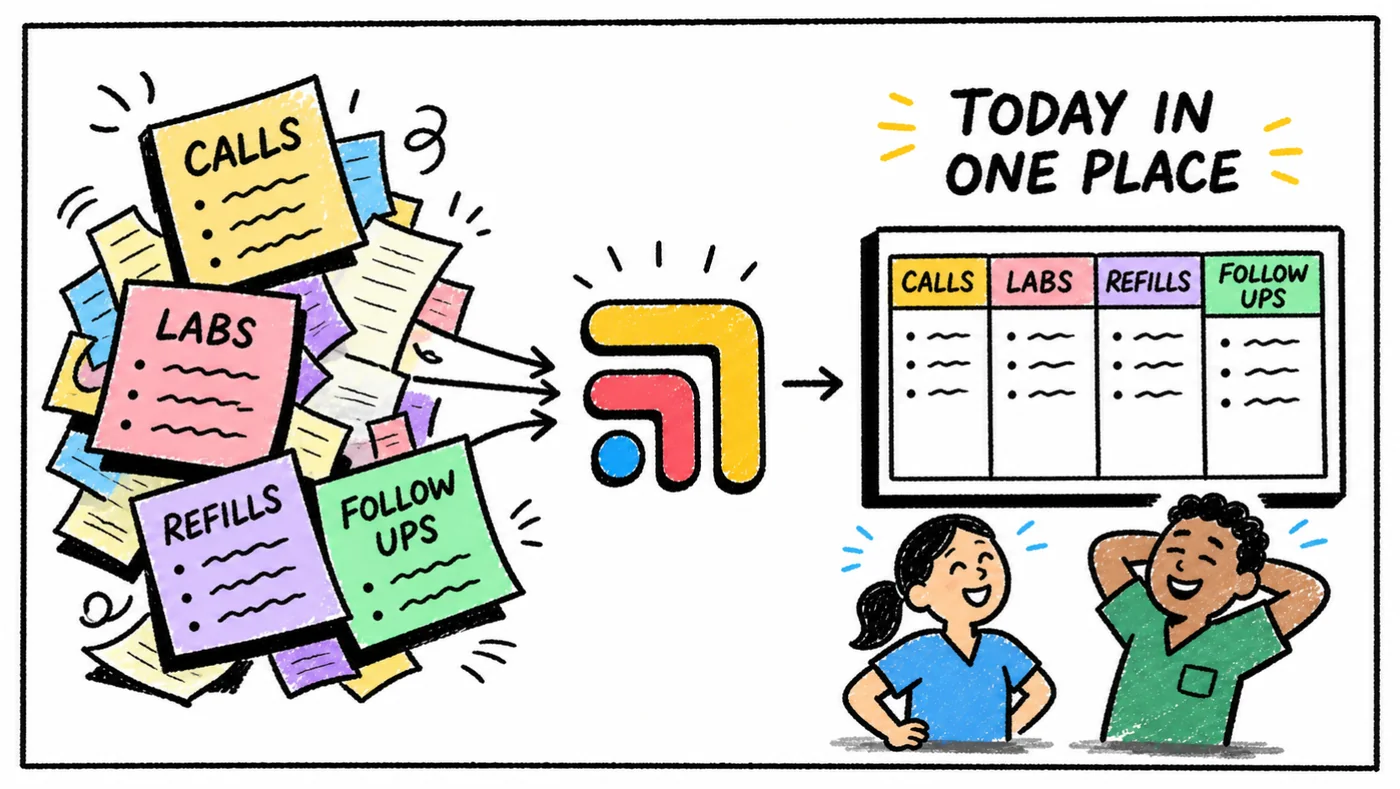
Once your workspace looks right, save it. Tomorrow morning, instead of opening eight tabs and arranging them by hand, you open one workspace and everything is exactly where you left it. Same layout, same tools, same calm starting point — every single day.
Share With Your Team
If you have staff, this is where Tabflows really pays off. Instead of training each new hire on your personal tab-opening ritual, you share the workspace layout. Everyone starts from the same organized screen, which means fewer mistakes, faster onboarding, and a front desk that actually knows where to find things on day one.
Pro Tips From Clinics Already Using Tabflows
Build a separate workspace for lab review days. Your Tuesday lab review workflow looks nothing like your Thursday clinic day. Give each one its own workspace with only the tools that matter for that task.
Put your most-used tool in the biggest panel. It sounds obvious, but most people default to equal-sized panels. Your EHR deserves 60% of the screen. Give it that space.
Revisit your layout after two weeks. You'll discover that some tools you thought you needed visible all the time are actually only used a few times a day. Move them to a secondary workspace and reclaim that screen real estate for the tools that matter most.
Stop Tab-Switching. Start Practicing.
One setup can save you five minutes every morning — and that's before you count the context switches you remove throughout the day. Your workflow should work for you, not the other way around. Try Tabflows and see what a real setup feels like.