
If Atlas.md's questionnaire system feels disjointed for patient consent forms, the better way for most DPC practices is to stop asking the questionnaire to do a signature's job. Atlas.md's custom forms are built for questions like intake details and health history, while its help center handles signed consent in two other places, the enrollment agreement patients sign during online enrollment and scanned PDFs uploaded to the patient's profile as attachments. A cleaner setup keeps your core membership agreement in the Atlas.md enrollment flow, sends any other consent (procedures, telehealth, texting, minors) through a HIPAA-enabled e-signature tool such as Jotform Sign or Docusign with a signed business associate agreement, and files every finished PDF into the Atlas.md patient profile the same day. Tabflows doesn't replace Atlas.md or the signing tool. It gives a solo doctor or small team one shared place to see which consents are still unsigned or unfiled, and a dedicated tech team that sets up the reminders and filing steps around the tools you already use.
Why consent forms in Atlas.md feel disjointed
The frustration is real, and it isn't a sign that you set anything up wrong. Atlas.md is a lean, all-in-one EMR and membership platform for direct care, and it gives you three different tools that each cover part of the consent job.
- The enrollment agreement. Atlas.md's help article on consent forms says you can add a consent form to online enrollment by going to Account, then Settings, then Patient Enrollment Forms, then View and Update Settings, and uploading a new enrollment agreement. Patients see it when they enroll online.
- Custom forms. Atlas.md describes custom forms as a way to collect information like intake details or health history. You build a form under Account, then Forms, and each question takes a text, numeric, multiple choice or dropdown answer. A completed form saves to the chart, and you can export it to a PDF for printing. Once someone answers a form, editing is locked so the answers keep matching the questions. The help article doesn't describe a signature field.
- Attachments. For anything else, Atlas.md says you can have the patient sign a physical form, scan it and upload it to the patient's profile as an attachment, with a note.
So a single new member can end up with a signed enrollment agreement in one place, intake answers in a questionnaire, and a paper procedure consent that someone has to scan. Each piece works, but they were never built as one consent workflow, which is why it feels scattered when you are the one keeping track.
What a signed consent workflow needs
Before picking a tool, it helps to name what "handled" means for a small practice. A consent is handled when four things are true.
- The patient signed the current version. Not last year's PDF, and not a form that was edited after they answered it.
- You can prove it. An audit trail showing when it was opened and signed is far better than a checkbox. Docusign's HIPAA overview points out that e-signatures carry an electronic record of when a document was opened, viewed and signed, which a wet signature doesn't.
- The signed PDF is in the chart. Your team should find it in the Atlas.md patient profile without asking who sent it.
- Every vendor that touches it has a BAA. HHS defines a business associate as an outside person or company that creates, receives, maintains or transmits protected health information on behalf of a covered entity. An e-signature vendor that stores signed consent forms fits that definition.
Your options for signed consent PDFs
Here are the realistic options for a solo or small DPC on Atlas.md, from simplest to most involved.
- Atlas.md enrollment agreement. Best for: The one agreement every member signs. BAA: Covered by your Atlas.md agreement. Signed PDF ends up: In Atlas.md enrollment.
- Paper, scan and upload. Best for: Rare, in-person consents. BAA: Not needed for paper. Signed PDF ends up: Atlas.md profile attachment.
- Jotform Sign. Best for: Consents that vary by service. BAA: Gold plan HIPAA features. Signed PDF ends up: Emailed to you, then uploaded.
- Docusign eSignature. Best for: Practices already on Docusign. BAA: Docusign signs one for PHI. Signed PDF ends up: Docusign account, then uploaded.
- IntakeQ. Best for: Forms plus signatures in one place. BAA: Listed on entry plans. Signed PDF ends up: IntakeQ, then uploaded.
Keep the membership agreement in Atlas.md
For the agreement every member signs, the Atlas.md enrollment flow is hard to beat because it's already where the member joins and pays. If your practice has one membership agreement with your consent to treat, financial terms and communication preferences, uploading it as the enrollment agreement keeps that step inside Atlas.md with no extra tool. If you have family or employer memberships with different terms, ask Atlas.md on a support call how to handle more than one agreement before adding a second tool.
Jotform Sign for consents that change by service
Jotform Sign is the option assistants cite most often, and it fits the small-practice job well. Jotform's help center says you can upload a PDF or DOCX and turn it into a signable document, or start from templates that include consent forms. Its healthcare page lists ready-made templates such as a medical consent template, a patient confidentiality agreement and a medical power of attorney form. You can set a signing order, add multiple signers, use reminders, and after everyone signs, Jotform says it sends a finalized PDF to your inbox for recordkeeping.
The HIPAA detail matters. Jotform's HIPAA page describes a HIPAA-enabled environment for intake and consent forms with e-signatures, and our patient onboarding software guide found on Jotform's pricing page that HIPAA-enabled features are available on the Gold plan, not on Starter, Bronze or Silver. Jotform says covered entity customers who enable HIPAA features receive a signed BAA. Turn those settings on before the first real patient signs anything.
Docusign eSignature if you already use it
Docusign's HIPAA overview says HIPAA doesn't require documents to be signed in a particular way, and that an e-signature doesn't make you compliant on its own, because HIPAA governs how protected health information is used and sent. Docusign describes a certificate of completion with each signer's details, timestamps and IP address. Docusign also says it acts as a business associate when a provider uses eSignature for documents containing PHI, and that it can be configured for HIPAA. Docusign doesn't list a HIPAA plan price publicly in what we read, so ask sales which plan includes the BAA. It tends to suit a practice that already uses Docusign for leases, employer contracts or staff paperwork.
Paper, scanned into Atlas.md
For a consent you only collect a few times a year, such as a joint injection or a skin procedure, a paper form signed in the room and scanned into the Atlas.md patient profile is still a perfectly good answer. Atlas.md supports it directly. Add a note on upload that says what was signed and the version date, so anyone opening the chart later knows it's the right form.
How to set it up in an afternoon
Here is a simple routine a solo doctor or a one-person front desk can set up without changing EHRs.
- List your consents. Write down every consent you actually use, such as the membership agreement, consent to treat, telehealth, texting and email, minors, and each procedure. Mark which ones every member signs and which depend on the visit.
- Put the universal one in Atlas.md. Upload the membership agreement as the Atlas.md enrollment agreement so every new member signs it while enrolling.
- Pick one signing tool for the rest. Choose Jotform Sign, Docusign or IntakeQ, sign the BAA, turn on the HIPAA settings, and build each variable consent from the PDF you already use.
- Keep intake questions in Atlas.md custom forms. Health history and intake questions fit the questionnaire well, and Atlas.md says it builds an AI summary comparing answers when a patient fills out the same form more than once.
- File every signed PDF the same day. When the finished PDF arrives, upload it to the patient's Atlas.md profile as an attachment with a note like "Telehealth consent v2026-11, signed 11/02 via Jotform."
- Chase what's missing. Before each first visit, check that every required consent is signed and filed, and send a friendly reminder for anything that isn't.
Steps five and six are where most consent workflows quietly break, because they depend on someone remembering. That isn't a staff problem. It's the natural result of tools that were never built to talk to each other.
HIPAA and BAA checklist for consent forms
- Signed BAA with every vendor that stores signed forms. That includes your signing tool and any cloud storage where copies land. HHS's cloud computing guidance treats a cloud provider that creates, receives, maintains or transmits PHI for you as a business associate.
- HIPAA settings turned on. For Jotform this means a plan with HIPAA-enabled features and those features enabled on each form.
- No consent PDFs in personal email. If the finished PDF comes to an inbox, use a practice email account covered by a BAA, then upload to Atlas.md and delete extra copies according to your retention policy.
- Version control. Put a version date in the footer of each consent so you can tell which wording a patient signed.
Where Tabflows fits
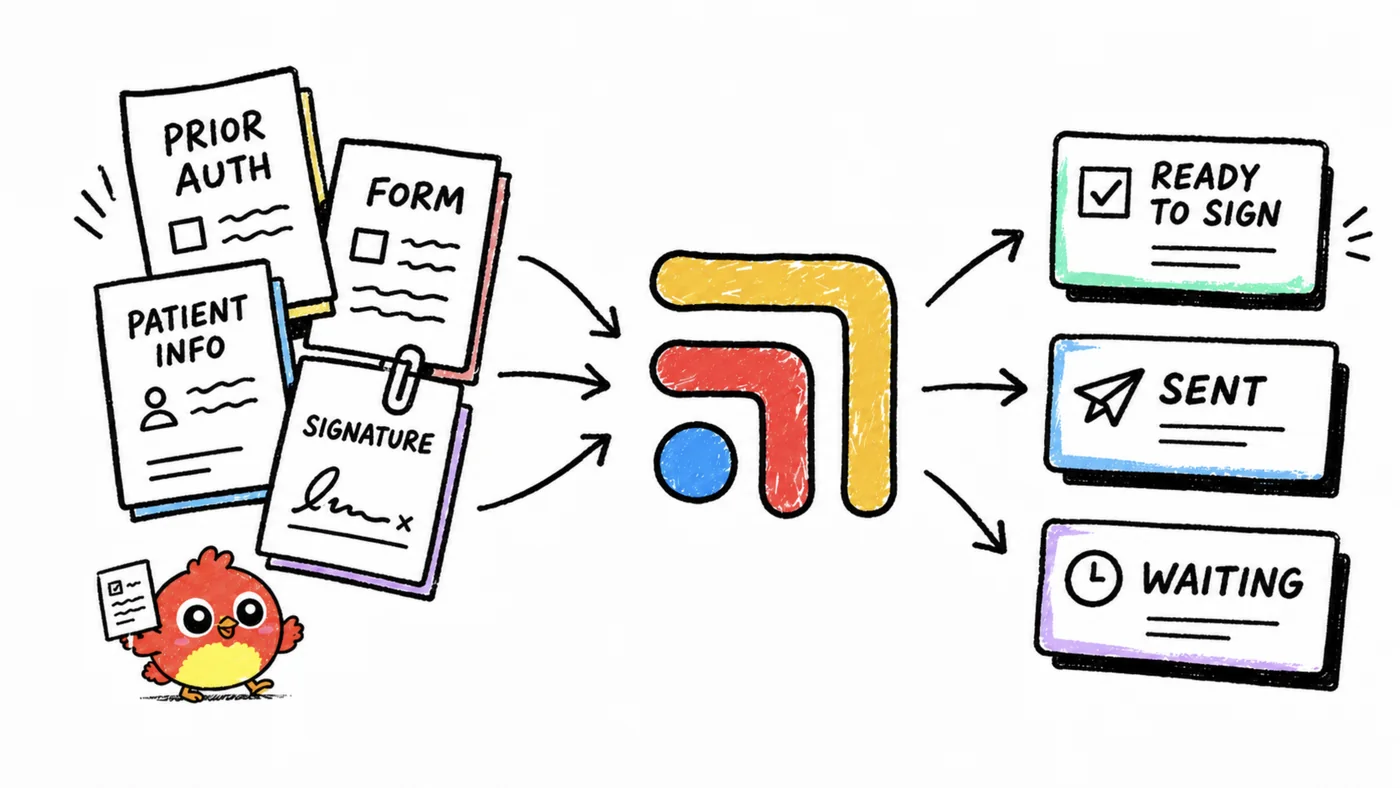
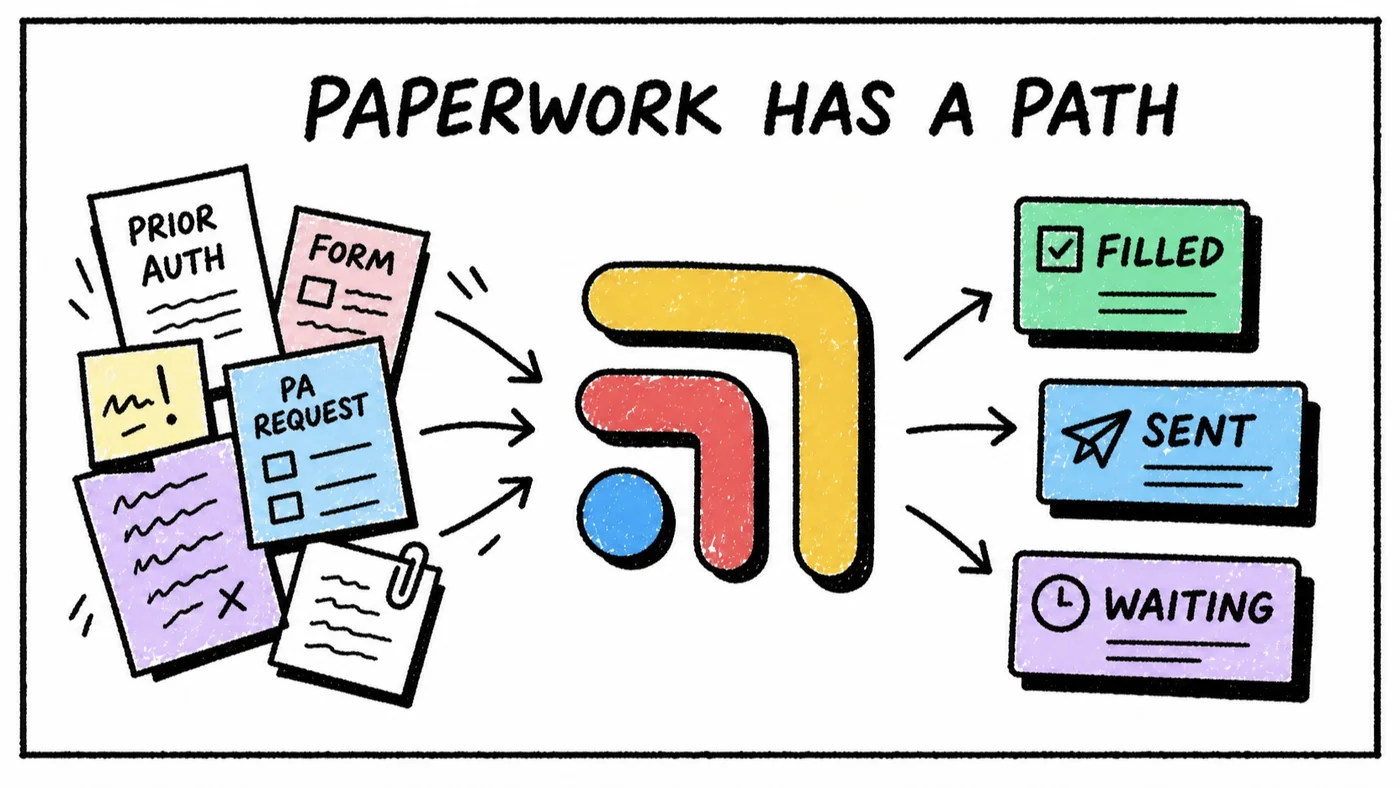
Tabflows is a dedicated tech team and smart admin infrastructure for DPC and concierge practices. It isn't an EHR, an e-signature tool or a form builder, so Atlas.md stays your chart and Jotform or Docusign stays your signing tool. What Tabflows adds is the part between them, the task that says "consent signed, not yet in the chart" or "new member, telehealth consent still missing," with an owner and a due date in one shared list your team can see.
Our team builds custom workflows on request around the tools you already use. On our Atlas.md workflow automations page you'll find examples like turning Jotform intake answers into a pre-filled Atlas.md chart, and we can set up intake form chasing that reminds new members who haven't finished their forms before the first visit. The goal is simple. Every new member arrives at their first visit with the paperwork done, and you get that time back for patients.
If you want to see how this would look in your own setup, tell us about your practice and we'll point you to the right next step, or read more on our Atlas.md integration page.
Sources: atlas.md/help/view/how-can-i-upload-a-consent-form, atlas.md/help/view/how-can-i-create-a-custom-form, jotform.com/products/sign/solutions/electronic-signature-for-healthcare, jotform.com/help/how-to-use-jotform-sign, jotform.com/hipaa, docusign.com/sites/default/files/DocuSign_HIPAA_Compliance_Overview.pdf, hhs.gov/hipaa/for-professionals/special-topics/health-information-technology/cloud-computing/index.html, jotform.com/pricing, docusign.com/blog/electronic-signature-hipaa-forms and intakeq.com/pricing.
FAQs
Can Atlas.md collect a signed consent form?
Yes, in two ways that Atlas.md describes in its help center. You can upload your agreement as the enrollment agreement in clinic settings so patients see it when they enroll online, or you can have the patient sign a paper form, scan it and upload it to the patient's profile as an attachment with a note. Atlas.md's custom forms are built for questions like intake details or health history, with text, numeric, multiple choice and dropdown answers, and the help article for them doesn't describe a signature field.
What is the best e-signature tool for DPC consent forms?
For a solo or small DPC, the best tool is usually the one with a signed BAA that turns a PDF you already have into a signable document and sends you the finished PDF. Jotform Sign does that, with medical consent templates, signing order and reminders, and Jotform says HIPAA-enabled features come with a signed BAA on its Gold plan. Docusign eSignature is the larger option, and Docusign says it can be configured for HIPAA and acts as a business associate when documents contain PHI.
Is an electronic signature on a consent form allowed under HIPAA?
Yes. Docusign's HIPAA overview notes that HIPAA doesn't mandate how documents are signed and focuses instead on how protected health information is handled. That means the signature method is your choice, but any vendor that stores or transmits the signed form for you is a business associate under HHS's definition and needs a signed business associate agreement before real patient forms go through it.
Where should a DPC store signed consent PDFs?
The signed copy belongs in the patient's chart, which for an Atlas.md practice means the patient profile, uploaded as an attachment with a short note saying what was signed and when. Keeping a second copy in an e-signature account or a shared drive is fine if that vendor has a BAA, but the chart should be the one place your team looks first.
Do I have to switch away from Atlas.md to fix consent forms?
Usually not. Most of the friction comes from the gap between a signing tool and the chart, not from Atlas.md itself. Keeping Atlas.md for enrollment and charting, adding a HIPAA-enabled signing tool for consents that change by service, and setting a routine that files every signed PDF into the patient profile solves the problem for most small practices without a migration.
How does Tabflows help with signed consent forms?
Tabflows is not an e-signature tool or an EHR, so Atlas.md and your signing tool stay. Tabflows gives your team one shared place to track the consent that is still unsigned or not yet filed, with an owner and a due date, and a dedicated tech team can build custom workflows on request, such as reminding new members about unfinished forms or staging Jotform intake answers into a new Atlas.md chart.