Refill workflow software moves each refill request from the inbox to a prescriber's decision, a patient reply and a chart note. Tabflows prepares that work around the EHR, messaging and prescribing tools your practice already uses, and your team approves every message, note and prescription.
One refill touches the inbox, the chart, the prescribing tool and the patient. Software that covers only one of them leaves the rest to your team. Below are the six stages refill workflow software has to cover, and what Tabflows does at each.
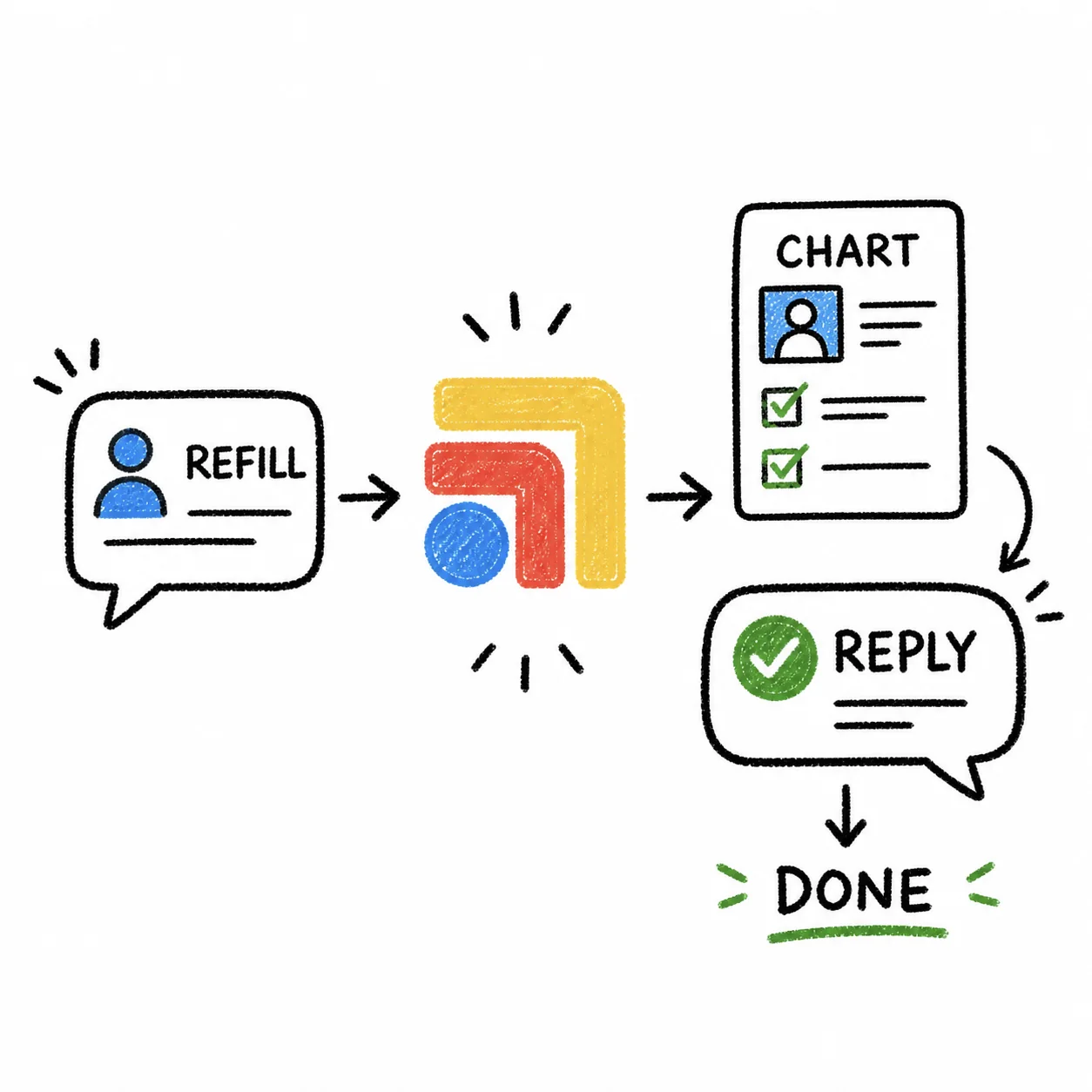
What refill workflow software has to cover
| Stage | What has to happen | What Tabflows does |
|---|---|---|
| Request intake | Requests arrive as patient messages and as refill requests in the EHR's queue, and each one has to be found. | Tags refill threads in Spruce and sorts refill requests out of the Elation practice queue, with the medication, quantity and directions. |
| Chart context | The prescriber needs the patient's history with the request. | Reads the patient's Elation chart, including medications and allergies, so nobody hunts for it in another tab. |
| Triage | Routine renewals, controlled substances and requests that need labs or a visit each need different handling. | Groups refill requests apart from scheduling, labs and urgent clinical work, and reads Elation's controlled-substance flag with each one. |
| Prescriber decision | The prescriber approves, changes or declines the refill and e-prescribes it from the EHR or prescribing tool. | Leaves the decision and the prescription to the prescriber. Tabflows never issues a prescription on its own. |
| Patient reply | The patient hears what happens next. | Drafts the reply in Spruce. It goes to the patient only after someone on the team approves it. |
| Chart note and follow-up | The refill is documented, and anything still waiting has an owner. | Prepares the chart note for approval. A refill that waits on labs, a visit or a callback can become a patient-linked task with an owner and a due date, and a repeating task covers a monthly refill review. |
How the refill workflow runs in Tabflows
The refill coordination workflow shows each step for a practice on Spruce and Elation. An authorized clinic user starts it from a refill request, and it runs in that user's active browser session. Tabflows does not store EHR credentials and does not independently initiate EHR access.
Refills that wait on something can become patient-linked tasks with an owner and a due date. For a simple way to sort the queue by hand, see the refill triage board. For controlled substances, the PDMP check workflow shows how to log each check where the prescribing happens.
FAQs
Is refill workflow software the same as e-prescribing?
No. An e-prescribing tool, such as DoseSpot or the prescribing built into your EHR, transmits the prescription to the pharmacy. Refill workflow software covers the work around that step: sorting requests, chart context, the prescriber's decision, the patient reply and the follow-up. Tabflows works beside the e-prescribing tool you already use.
Does Tabflows approve refills on its own?
No. Tabflows prepares the work and a person decides. The prescriber approves and signs every prescription, and patient replies go out only after someone on the team approves them. Tabflows does not store EHR credentials and does not independently initiate EHR access.
How does it handle controlled substances?
Tabflows never approves or issues a prescription, controlled or not. When it sorts the Elation queue, it reads Elation's controlled-substance flag with each refill request, and the prescriber reviews and signs every one.
Which EHRs and tools does it work with?
The refill workflow runs on Spruce for patient messages and Elation for the chart and the refill queue. Tabflows also connects to Cerbo, AkuteHealth, Atlas.md, athenahealth, Hint and other systems, and the integrations page lists them all.
Do we have to replace our EHR or messaging tool?
No. Tabflows is not an EHR, an e-prescribing tool or a messaging app. The chart stays in your EHR and prescriptions stay in your prescribing tool. Tabflows is the workflow layer around them.
How is patient data protected?
Signing in puts your clinic under our standard BAA. In our systems, patient data is encrypted at rest and in transit, kept separate for each clinic, and handled as PHI under our BAA. We don't use your patients' data to train general or cross-customer AI models.
Which practices is it built for?
Direct primary care, concierge and functional medicine practices that want to keep their EHR, messaging and prescribing tools and stop losing refill work between them.