A phone message is not a follow-up system
Patient call follow-up breaks down when a clinic treats the phone message as the workflow.
Someone called. Someone wrote it down. Someone forwarded the message. That feels like progress, but the patient still needs an answer, a task, a review, a callback, a schedule change, a refill update, or a next step.
The message is only evidence that work exists. It is not the work getting done.
The follow-up has to become visible
Small clinics often rely on trustworthy people to keep phone follow-up moving. That works until the day gets full.
The front desk remembers three callbacks. The MA remembers a refill question. The doctor remembers a lab call. Someone leaves a voicemail. Someone else thinks the message was handled. A patient calls again, and suddenly the clinic is reconstructing the story from memory.
That is not a people problem. It is a visibility problem.
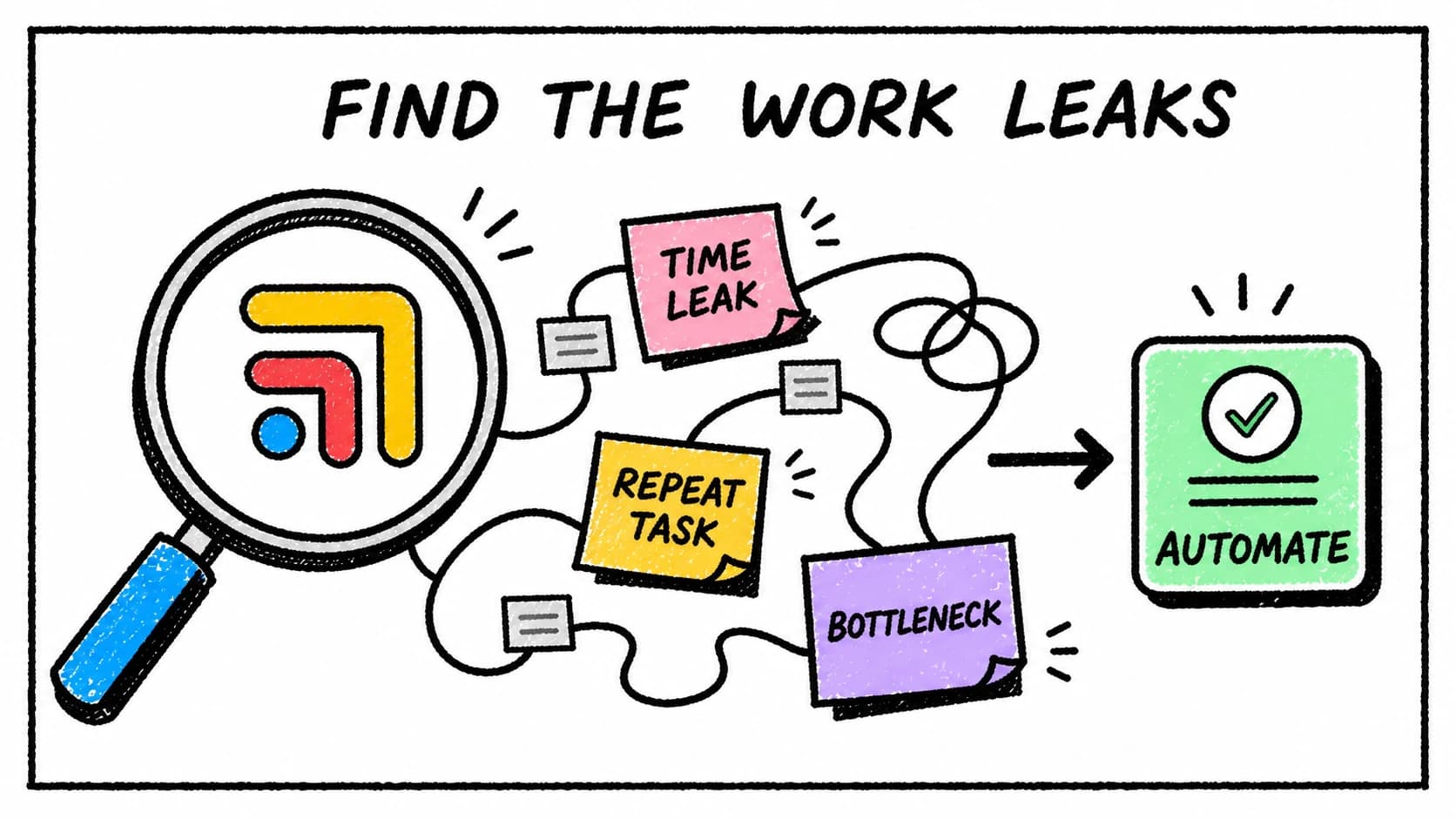
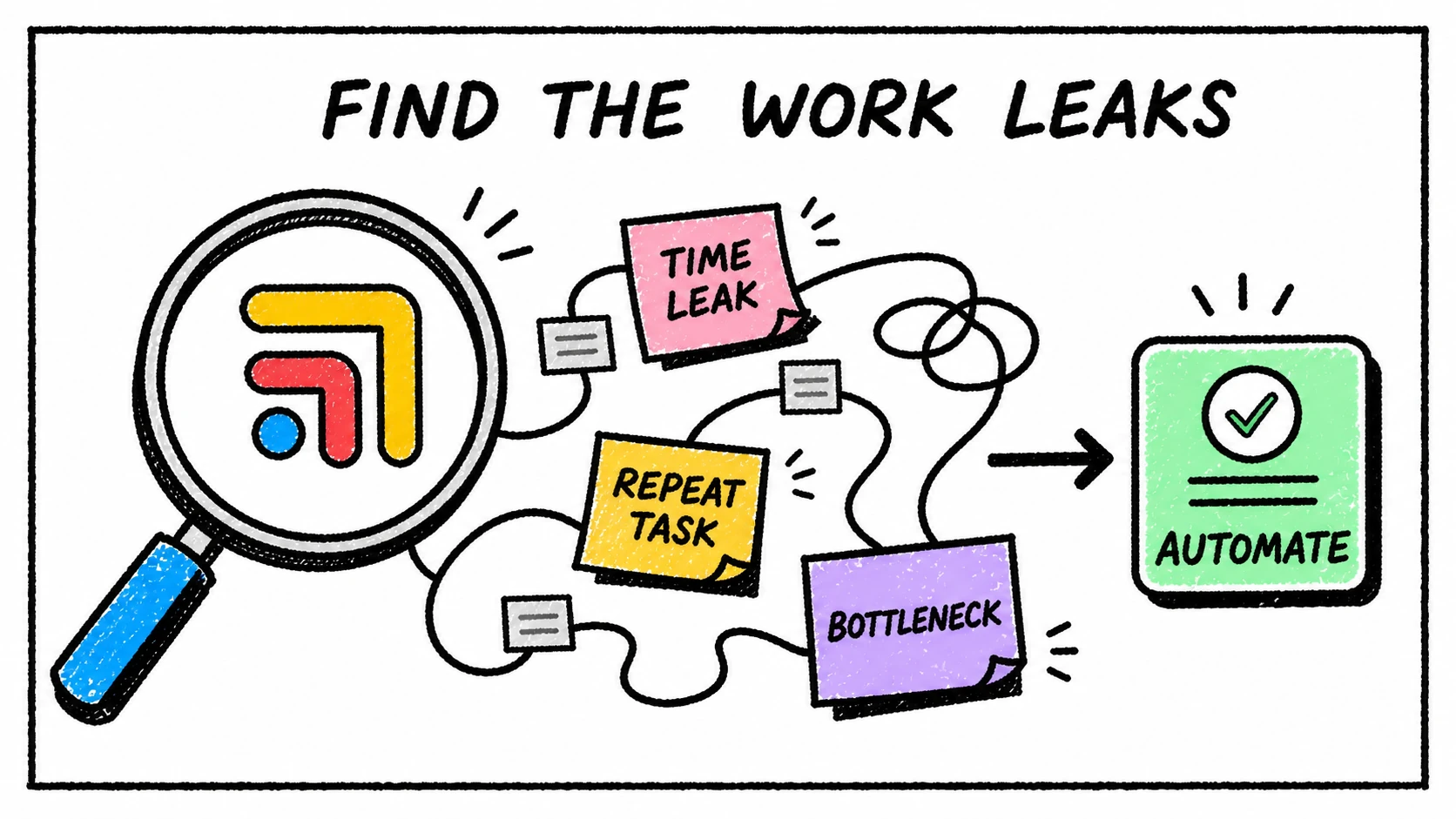
Every call that creates work should have a patient, an owner, a due date, a status, and enough context for the next person to act. Otherwise the clinic is asking the team to be the operating system.
The simplest phone follow-up workflow
Start with four buckets.
Administrative calls go to the person who can answer or schedule. Clinical questions route for provider review. Refill calls become refill tasks with chart context. Unclear calls become triage items with enough detail to decide what happens next.
The important part is not the exact buckets. It is that every call lands somewhere visible and patient-linked. "Jane called" is not enough. "Jane asked about her lab follow-up, needs provider review, callback due today, owner Alex" is much closer to real work.
Where Tabflows fits
Tabflows gives phone follow-up one place to land.
The team can connect call-related work to the patient, see context from the broader workflow, assign the next step, track status, and keep follow-up from living in voicemail, sticky notes, or side threads.
That helps whether calls come through the in-office phone, a virtual receptionist, an answering service, a patient messaging tool, or a mix of all of them. The channel matters less than the follow-through.
For phone coverage planning, read Before You Hire a Medical Answering Service, Fix the Work Behind the Call. For task structure, read Clinical Task Management Guide.
FAQ
How should clinics track patient call follow-up?
Clinics should track patient call follow-up as patient-linked tasks with owners, due dates, context, status, and escalation paths, not as loose call notes.
Why do patient call follow-ups get missed?
Call follow-ups get missed when the message is captured separately from the patient record, task list, calendar, and provider review workflow.
How does Tabflows help with call follow-up?
Tabflows helps clinics turn patient calls into visible work tied to the patient, owner, due date, context, and next step.
Try Tabflows free and make every call follow-up visible until it is done.
FAQs
How should clinics track patient call follow-up?
Clinics should track patient call follow-up as patient-linked tasks with owners, due dates, context, status, and escalation paths, not as loose call notes.
Why do patient call follow-ups get missed?
Call follow-ups get missed when the message is captured separately from the patient record, task list, calendar, and provider review workflow.
How does Tabflows help with call follow-up?
Tabflows helps clinics turn patient calls into visible work tied to the patient, owner, due date, context, and next step.