Build the workflow before the hire starts
A DPC virtual assistant workflow has to protect the patient, the provider, the VA, and the rest of the team. That sounds heavier than it is, because the practical goal is simple: when a patient request comes in, everyone should know where the work goes, who owns it, what context is needed, what needs review, and how the team will know it is done. Without that structure, the VA becomes another person trying to remember a clinic day that already has too many moving parts.
Start with one patient request
Most VA workflows should begin with the same question: what kind of work did this patient request create?
A scheduling question creates one workflow. A refill request creates another. A lab question may need chart review before anyone responds. A billing issue might look administrative, but it can still affect how the clinic communicates with the patient.
The trap is treating every message like a simple inbox item, when in real life one message may touch the chart, calendar, task list, billing system, patient inbox, and follow-up plan. If those steps are not connected, the team will either over-ask the provider or under-document the work.
A clean DPC VA workflow
A simple workflow can look like this:
- The patient request is captured in the clinic's inbox or intake channel.
- The VA identifies the patient and checks the minimum context needed for the task.
- The work is assigned with a clear owner, due date, source, and next step.
- Anything requiring clinical judgment is routed to the provider before the patient receives a final answer.
- The reply, scheduling action, refill step, form request, or follow-up task is completed in the right system.
- The final status is visible to the clinic so the same question does not get reopened later.
That is the useful part of the workflow: not more ceremony, just less ambiguity.
The review path is the most important part
The best VA workflows are clear about where the VA stops.
A VA may be able to gather context, prepare a draft, queue a scheduling step, organize labs, or make sure a form is ready. The provider still owns the clinical decision, and the workflow should make that boundary easy to follow, especially in high-trust clinics where speed matters but casual shortcuts can create risk. "Draft for review" is a very different workflow than "send this to the patient," and the system should support that difference without making the team explain it from scratch each time.
Where Tabflows fits
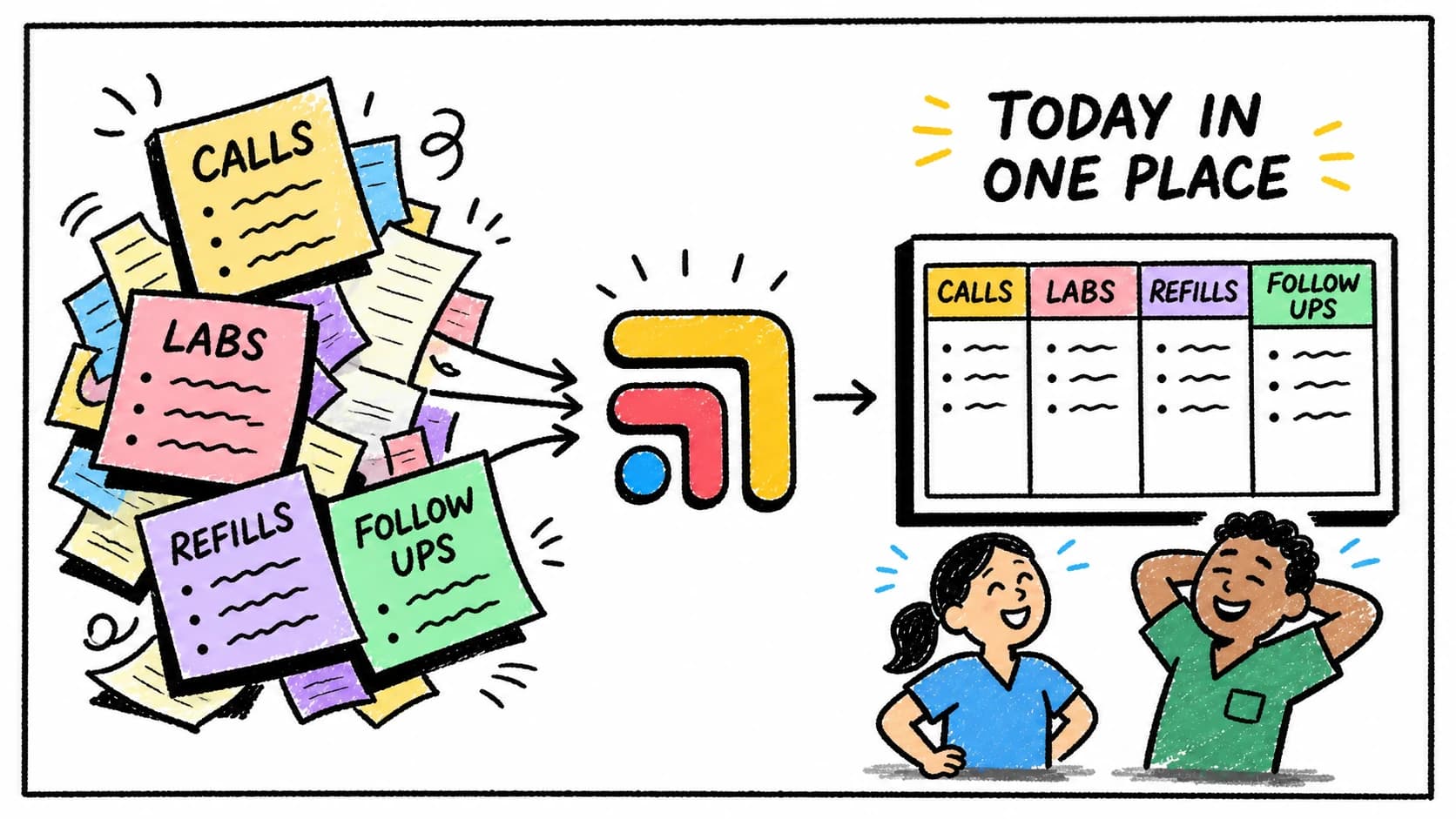
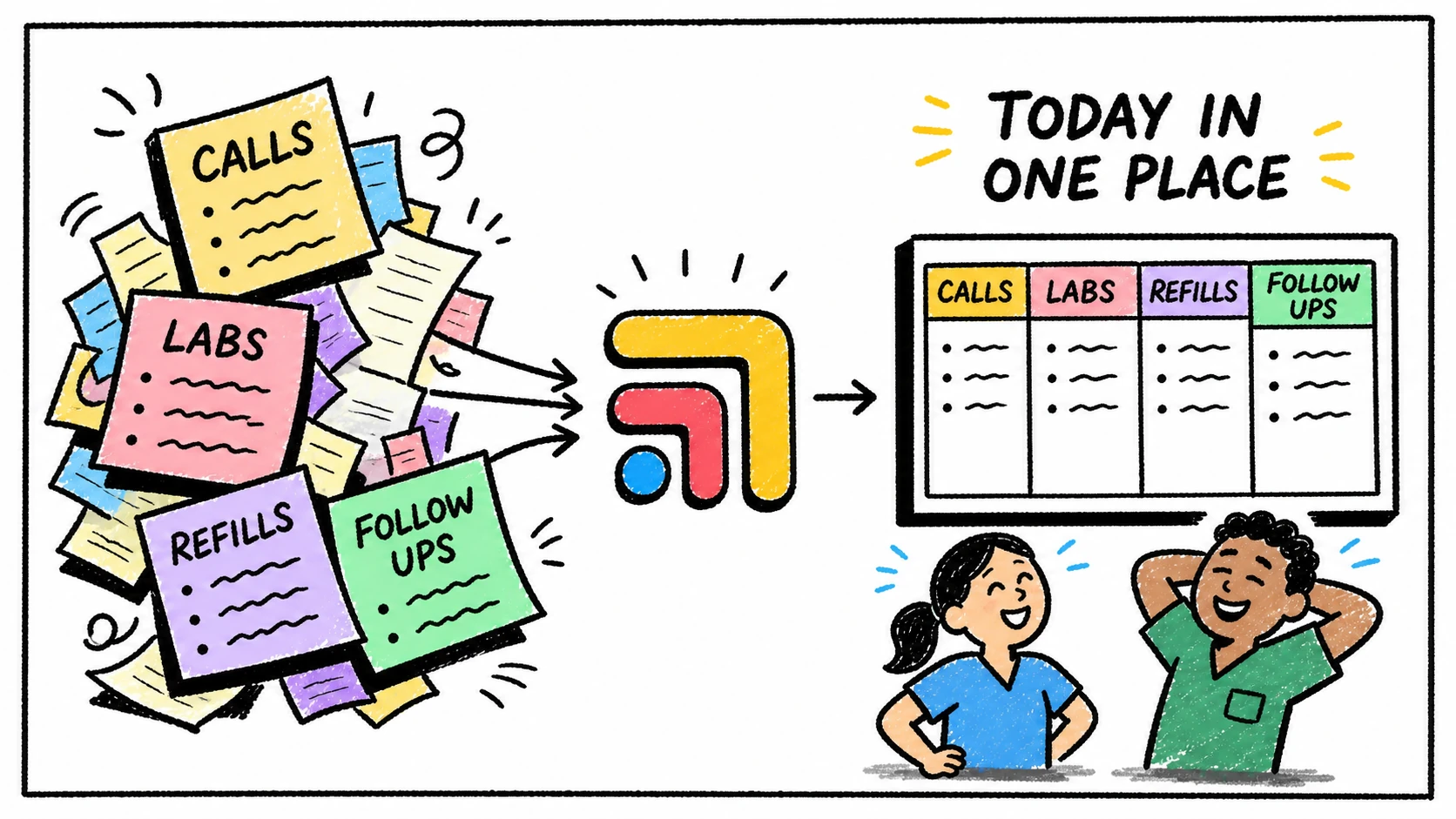
Tabflows gives DPC clinics one shared workflow layer for patient work around the tools they already use.
Instead of asking the VA to keep separate notes about what is in Spruce, what is in the chart, what belongs on the calendar, and what needs a later check-in, Tabflows keeps patient context, tasks, ownership, and follow-up status close together.
That lets the VA move faster while giving the provider and operator more visibility into what is actually happening. The point is not to make the clinic more mechanical; the point is to make the work easier to trust.
For a broader staffing decision, read Before You Hire a Medical VA, Fix the Work They Would Be Chasing. For task-specific structure, read Medical VA SOP Template for Patient Follow-Up.
FAQ
What is a good DPC virtual assistant workflow?
A good DPC virtual assistant workflow captures the patient request, connects it to context, assigns the next step, routes clinical decisions to the provider, and tracks the follow-up until it is complete.
What should a DPC clinic not delegate to a VA?
A clinic should not delegate clinical judgment beyond the VA's role and training. Medical decisions, diagnosis, treatment changes, and messages requiring clinical interpretation should route back to the provider.
How can Tabflows help a DPC clinic manage VA work?
Tabflows helps the clinic keep VA tasks, patient context, due dates, owners, review paths, and follow-ups visible in one workflow layer around the existing clinic tools.
Try Tabflows free and give your VA workflow a shared place to run.
FAQs
What is a good DPC virtual assistant workflow?
A good DPC virtual assistant workflow captures the patient request, connects it to context, assigns the next step, routes clinical decisions to the provider, and tracks the follow-up until it is complete.
What should a DPC clinic not delegate to a VA?
A clinic should not delegate clinical judgment beyond the VA's role and training. Medical decisions, diagnosis, treatment changes, and messages requiring clinical interpretation should route back to the provider.
How can Tabflows help a DPC clinic manage VA work?
Tabflows helps the clinic keep VA tasks, patient context, due dates, owners, review paths, and follow-ups visible in one workflow layer around the existing clinic tools.