
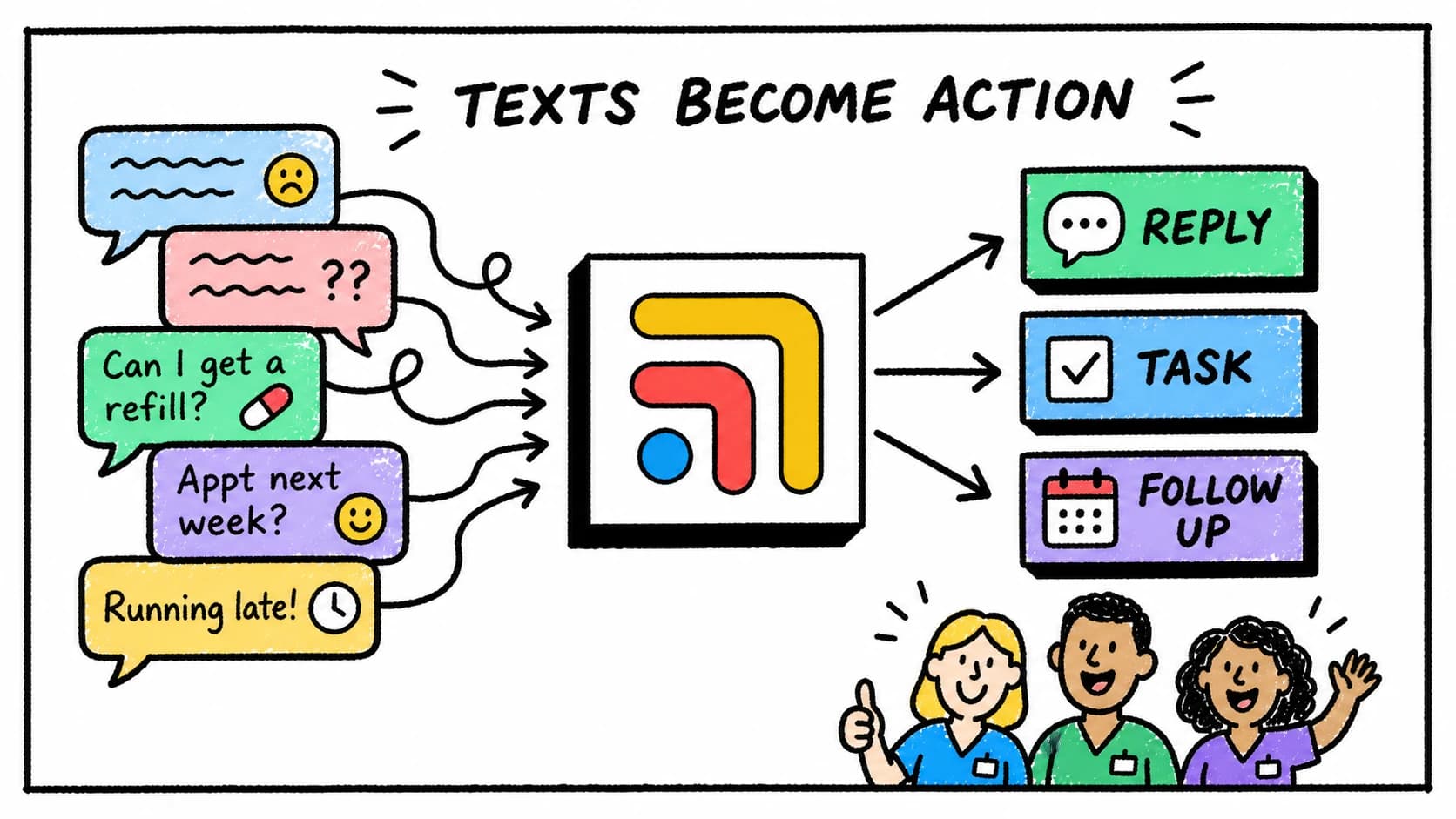
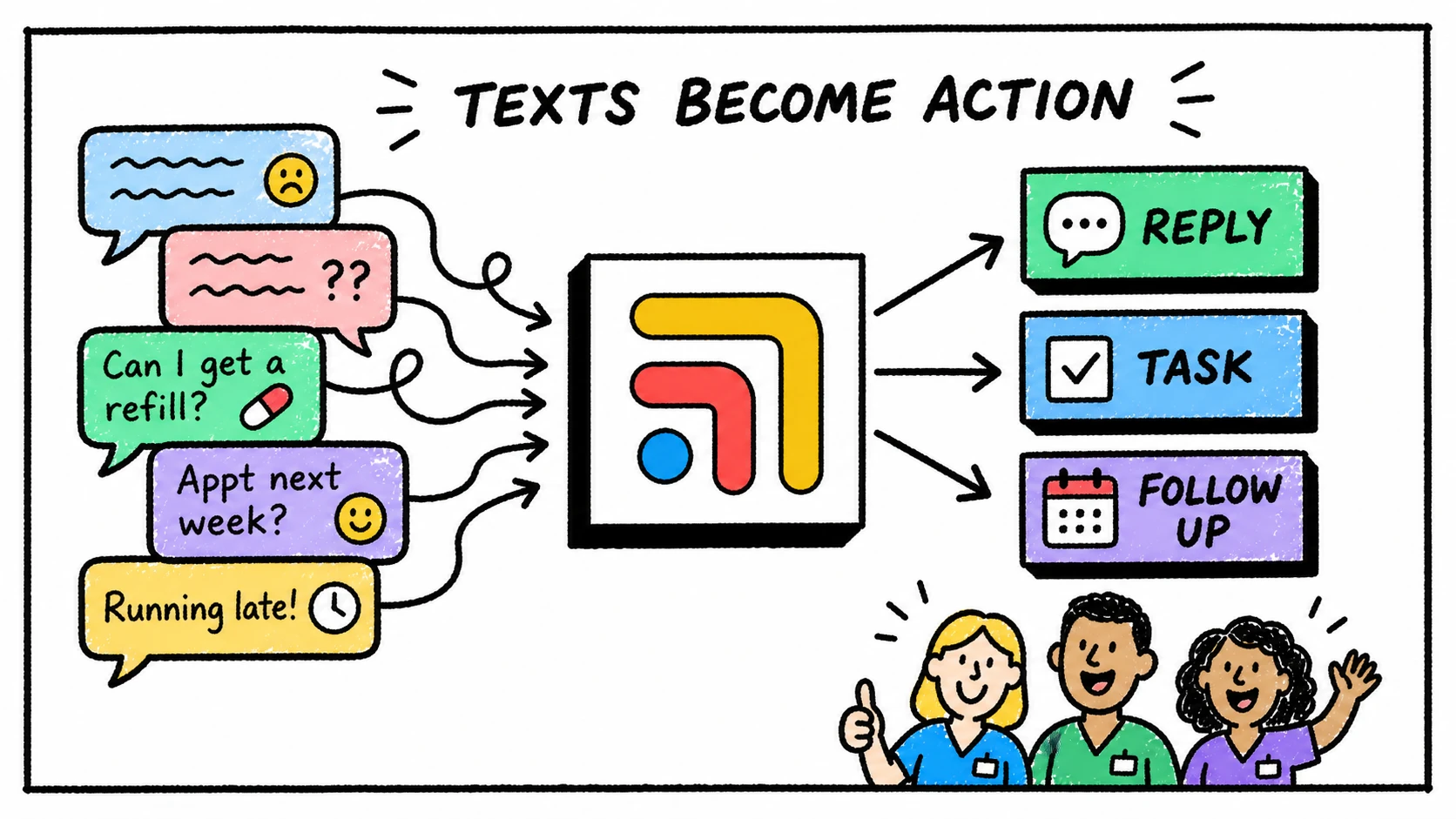
Spruce can start the conversation. The clinic still has to finish the work.
Spruce is often the front door for modern DPC communication. Patients call, text, ask questions, request refills, send forms, and follow up on things that matter to them.
That access is valuable. It is also why the workflow behind the message matters.
A call or message might begin in Spruce, but the answer may require the chart, the calendar, the billing tool, a lab portal, a refill protocol, a task list, or provider review. If those systems do not connect operationally, the team has to connect them by hand.
The problem is not the inbox
The inbox may be working exactly as intended. The patient reached the clinic.
The hard part is what the request becomes. A refill message becomes a chart check, a pharmacy task, a provider review, and a patient reply. A scheduling question becomes calendar context and follow-up. A lab question becomes result review and documentation. A membership question becomes billing context and maybe a task for the owner.
If each request has to be rebuilt across tabs, the team starts carrying the workflow in memory.
Build the route after the message
The strongest Spruce workflow defines the path after the message lands.
Which requests can be answered directly? Which should become tasks? Which need provider review? Which need scheduling options? Which require a callback? Which belong in billing? Which should never be handled without clinical escalation?
Those answers should not live in one person's head. They should show up in the workflow.
Where Tabflows fits
Tabflows helps clinics finish what Spruce starts.
It gives the team one place to connect patient communication to context, tasks, owners, follow-ups, and provider review around the rest of the clinic stack. Spruce can remain the patient communication tool. Tabflows gives the work created by the communication a shared operating layer.
For message-specific workflow, read Spruce helps patients reach you. Tabflows helps your team finish what those messages start.. For staffing help around Spruce, read Hiring a Medical VA for Your Spruce Inbox.
FAQ
How should DPC clinics manage Spruce phone and message workflows?
Clinics should define how Spruce calls and messages become patient-linked work, including task ownership, provider review, scheduling steps, refill routing, and follow-up status.
What is hard about Spruce workflows?
Spruce helps patients reach the clinic, but many requests create work outside the inbox, such as chart review, scheduling, refills, billing context, lab follow-up, and future tasks.
How does Tabflows help with Spruce phone workflows?
Tabflows helps connect Spruce communication to patient context, tasks, owners, follow-ups, and provider review around the rest of the clinic stack.
Try Tabflows free and give Spruce work a place to land after the call or message arrives.
FAQs
How should DPC clinics manage Spruce phone and message workflows?
Clinics should define how Spruce calls and messages become patient-linked work, including task ownership, provider review, scheduling steps, refill routing, and follow-up status.
What is hard about Spruce workflows?
Spruce helps patients reach the clinic, but many requests create work outside the inbox, such as chart review, scheduling, refills, billing context, lab follow-up, and future tasks.
How does Tabflows help with Spruce phone workflows?
Tabflows helps connect Spruce communication to patient context, tasks, owners, follow-ups, and provider review around the rest of the clinic stack.