The Real Problem Isn't Software
Before you go shopping for another tool, let's take a step back. Because here's what we've seen over and over again.
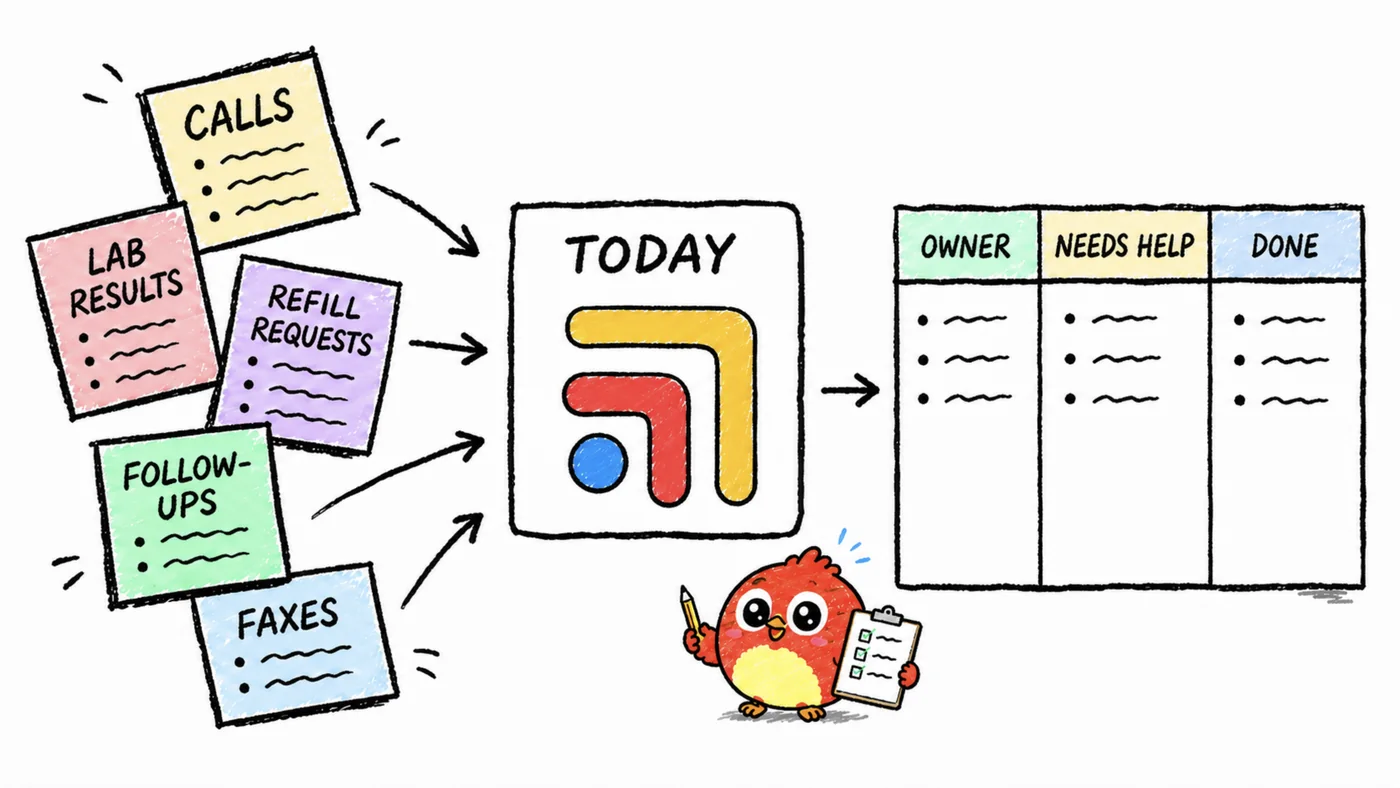
Tasks aren't getting dropped because you don't have an app. They're getting dropped because there's no system. No agreed-upon place where tasks live, no clear ownership, and no way to verify something got done without walking over and asking someone.
The good news? You can fix a surprising amount of this without buying anything. Get the clinical workflow task management system right first, then the right tool makes it ten times better. But the system has to come first. Always.
Step 1: Audit Where Tasks Live Right Now
Grab a notepad. Walk through one full clinic day and write down every place a task gets created, stored, or communicated. Be honest with yourself. You'll probably find:
- Sticky notes on monitors
- A notebook at the front desk
- Verbal handoffs between rooms
- EHR "task" features nobody checks
- Text messages between staff
- Mental notes (the most dangerous kind)
- Email threads
- Voicemail
Count them up. Most practices land at seven or more separate places where tasks live. That's not a clinical task management system. That's a scavenger hunt. And nobody signed up for a scavenger hunt.
Step 2: Define the Task Lifecycle
Every clinical task follows the same lifecycle, whether it's a prior auth or a patient callback. It really helps to spell it out:
Created. Something happens that generates a task. A lab comes in. A patient calls. A provider makes a decision during a visit.
Assigned. Someone specific owns it. Not "the front desk" — a name. If nobody owns it, it doesn't really exist.
Due. Every task gets a deadline. Even if the deadline is "end of day" or "before Thursday." Tasks without deadlines are just wishes.
Completed. The action was taken and documented. Not "I think I did that" — there's an actual record.
Verified. For high-stakes tasks (referrals, prior auths, abnormal labs), someone confirms the loop is closed.
Write this lifecycle on a whiteboard in your break room. Make sure everyone on your team knows it by heart. This is your operating system for clinical workflow task management. Everything else is just hardware.
Step 3: Pick One Place for Tasks
This is the hardest step, and it's not a technology problem — it's a discipline problem.
Pick one place where all tasks go. One. Not "labs go in the EHR and front desk stuff goes in the notebook." One place.
If you're not ready for software, a shared Google Sheet honestly works. Columns: task, patient (if applicable), assigned to, due date, status. It's ugly. And it works. It's infinitely better than seven different surfaces competing for attention.
If you have two or more people on your team, the place needs to be shared and visible. A personal to-do list is not clinical task management — it's a diary.
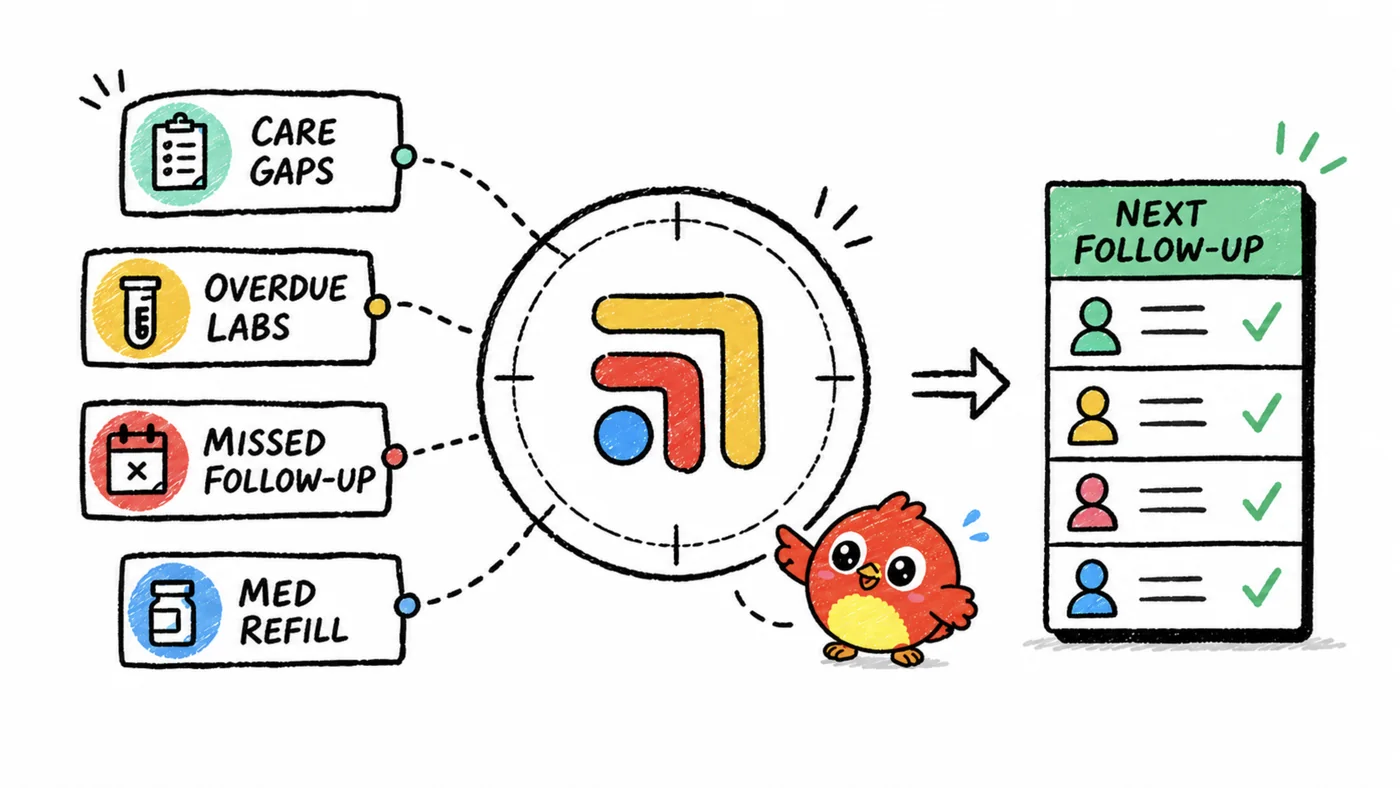
Step 4: Build a Daily Checkpoint
Here's the thing about tasks without accountability: they decay. Within two weeks, people stop updating the sheet. Within a month, you're back to sticky notes. We've seen it happen dozens of times.
The fix is a daily checkpoint. Three minutes, every morning. Some people call it a huddle.
Three questions per person:
- What's overdue?
- What's due today?
- What's blocked?
That's the whole thing. No status updates on every task. No round-robin storytelling. Just: overdue, today, blocked. Three minutes. Done.
If your task system doesn't make this checkpoint easy — if you have to dig around to find what's overdue — the system is letting you down. Good healthcare task management tools make this checkpoint nearly automatic.
Step 5: Track the Failure Modes
After a week of running the system, you'll start to notice patterns. Certain types of tasks always slip. Certain handoff points always break. Certain times of day are danger zones.
Write them down. These are your failure modes. The common ones in DPC practices probably look familiar:
- End-of-day tasks created after 4 PM (nobody picks them up until morning, and by then they're forgotten)
- Tasks that require calling insurance companies (they get pushed to tomorrow, then tomorrow again, then next week — we've all done it)
- Tasks created during patient encounters (provider is focused on the patient and forgets to log the task afterward)
- Multi-step tasks where the second step depends on an external response (referral acknowledgments, prior auth decisions)
Once you see the patterns, you can build guardrails. A rule that says "all tasks created after 4 PM automatically show up at the top of tomorrow's list." A rule that says "insurance call tasks get a 48-hour maximum deadline." Simple stuff, but it makes a real difference. And once you've mapped these failure modes, AI-powered task management can start catching them automatically.
When You're Ready for Software
If you've built the system — lifecycle defined, one place for tasks, daily checkpoint, failure modes identified — you're ready for DPC workflow tools that make it all faster.
That's where Tabflows comes in. Not as a replacement for the system, but as clinical task management software that accelerates it. Tasks get created in context, from whatever tool you're already working in. They carry patient information automatically. They route to the right person. The daily view is your morning huddle, ready to go before you walk in.
The practices that get the most out of Tabflows aren't the ones looking for a magic fix. They're the ones who already know what their clinical workflow task management system should look like — and just want it to run without the duct tape. See how Tabflows fits into the full DPC practice management stack to understand where it plugs in.