Set up the workflow before the hire
Medical virtual assistant software is not just a place to store tasks. In a clinic, the task is rarely separate from the patient context that makes it safe to complete.
A VA may be helping with scheduling, refills, forms, inbox triage, lab coordination, referral follow-up, billing questions, or visit prep. Each of those jobs depends on knowing what the patient asked, what the provider needs to review, which tool holds the source information, and what the clinic considers done.
That is why the wrong software creates more work. It makes the VA copy details into a separate board, ask clarifying questions in another channel, and wait for someone to confirm the context they could not see, when good software should make the handoff boring.
What medical VA software has to handle
The first requirement is not a fancy dashboard. It is trust.
The clinic needs to know what the VA can see, what they are allowed to do, what should come back to the provider, and where the final status lives. The VA needs enough context to work confidently without pulling patient details into personal notes, screenshots, or random documents.
That means the tool should make a few things obvious: patient context, task owner, due date, source system, communication channel, review path, escalation rule, and completion state.
If any of those are missing, the clinic will still rely on memory.
Why generic task boards break down
Generic project management tools are good at normal work. They can hold a card, a comment, a due date, and a checklist.
Patient work is different because "follow up on labs" may require the lab portal, the chart, the patient inbox, a provider decision, a task owner, and a reminder if the patient does not respond. A generic board can track that a task exists, but it usually does not help the team stay connected to the systems where the work actually happens, which is how a VA ends up with a clean task list and a messy day.
What Tabflows gives the clinic
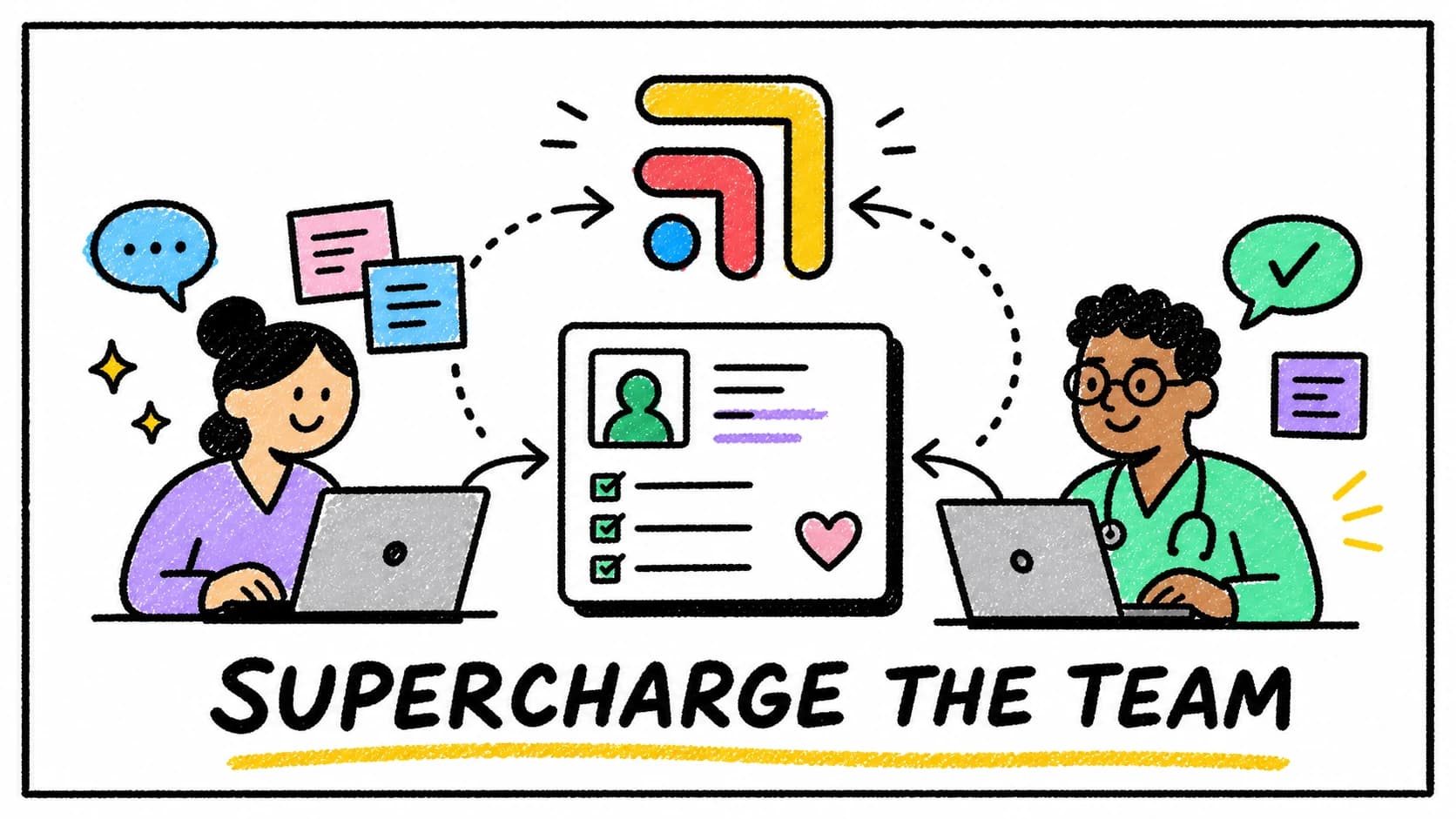
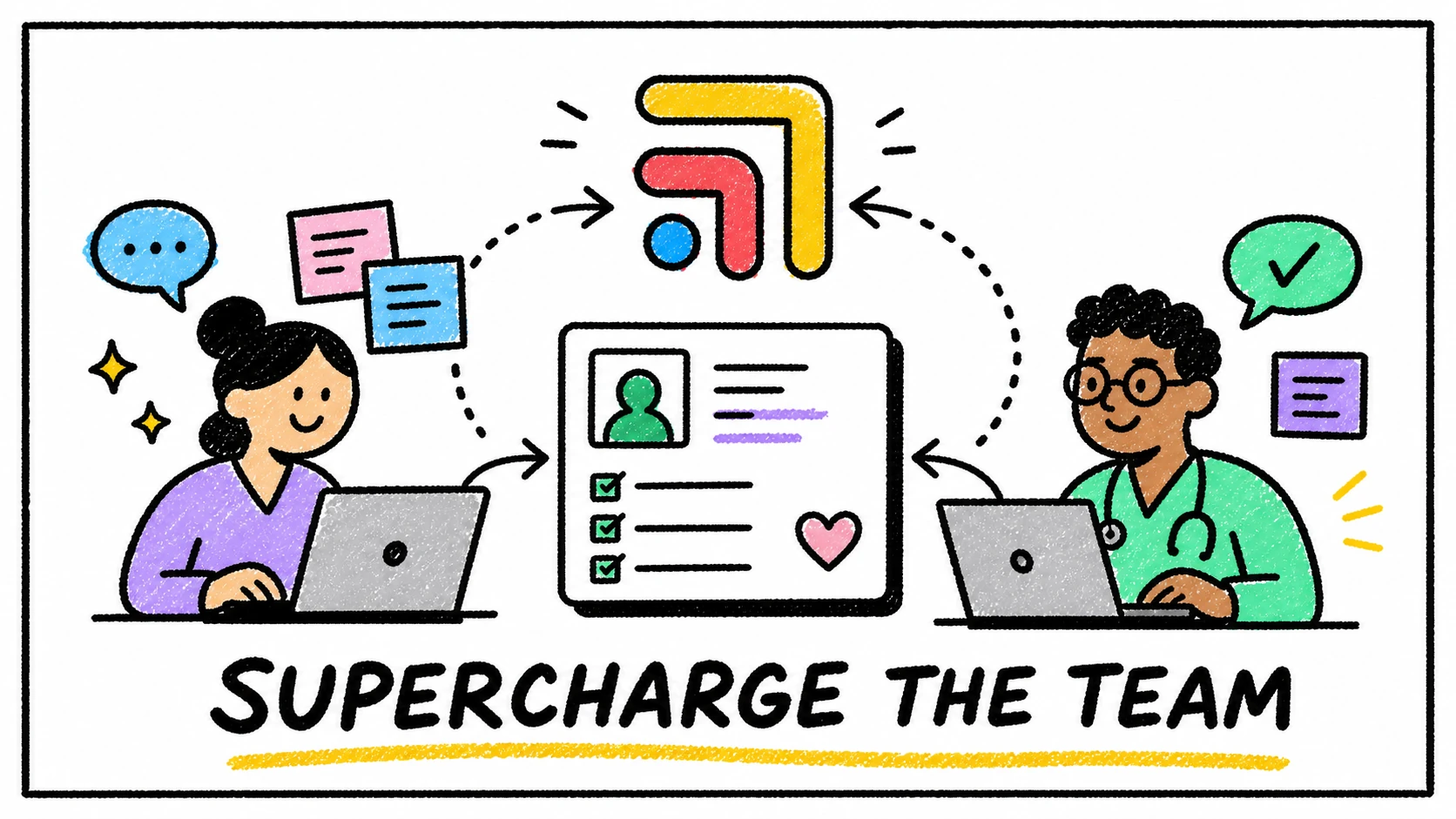
Tabflows is built as a shared workflow layer around the clinic stack.
The EHR can stay the record. The patient messaging tool can stay the inbox. The billing system can stay billing. Tabflows sits around those tools so the work that moves between them has one place to land.
For a medical VA, that can mean assigned patient work with clearer ownership, repeatable workflows for common follow-ups, draft replies for provider review, and a shared view of what is waiting, blocked, or done. For the clinic owner, it means the VA is not operating out of a black box, and the team can see what is moving and what needs attention without asking for a status update every hour.
A simple buying test
If you are evaluating medical virtual assistant software, do not start with the feature grid.
Start with one real patient message from last week and walk it through the system. Could a VA understand what happened, know what to do next, route the right parts back to the provider, and leave the team with a clear final status?
If the answer is yes, the software is helping.
If the answer is no, the clinic may be buying another place to put work instead of a better way to move it.
For a staffing-first version of this decision, read Before You Hire a Medical VA, Fix the Work They Would Be Chasing.
FAQ
What software does a medical virtual assistant need?
A medical virtual assistant usually needs secure access to the clinic systems required for their role, plus a workflow tool that shows assigned tasks, patient context, due dates, review paths, and follow-up status.
Is a generic task app enough for a medical VA?
Generic task apps can help with simple lists, but patient-adjacent work usually needs clearer context, ownership, access boundaries, and provider review paths than a normal project board provides.
How does Tabflows support medical virtual assistants?
Tabflows gives VAs and clinic teams one shared workflow layer for patient-linked tasks, context, follow-ups, and AI-assisted draft work around existing EHR, messaging, billing, and lab tools.
Try Tabflows free and give your VA workflow a calmer place to run.
FAQs
What software does a medical virtual assistant need?
A medical virtual assistant usually needs secure access to the clinic systems required for their role, plus a workflow tool that shows assigned tasks, patient context, due dates, review paths, and follow-up status.
Is a generic task app enough for a medical VA?
Generic task apps can help with simple lists, but patient-adjacent work usually needs clearer context, ownership, access boundaries, and provider review paths than a normal project board provides.
How does Tabflows support medical virtual assistants?
Tabflows gives VAs and clinic teams one shared workflow layer for patient-linked tasks, context, follow-ups, and AI-assisted draft work around existing EHR, messaging, billing, and lab tools.