
Does a Discovery Call Booked on Your DPC Website Add the Patient to Akute Automatically?
It depends on where your website's scheduling link points. If the link is Akute's own self-scheduling page and you have allowed unregistered patients to self-schedule, then yes, Akute automatically creates a new chart for the prospective patient with their name, date of birth, birth sex, email and phone number the moment they book the discovery call. If the link goes to a separate tool such as Calendly, Acuity or a Google Calendar booking page, then no, the booking stays in that tool and nothing is added to Akute until someone or something moves it over. Akute needs the unregistered-patient setting turned on in two places, once for the whole organization and once on the discovery call appointment type, or prospects will not be able to book at all. Tabflows is not a scheduler or an EHR, so it does not replace either one, but its dedicated tech team can build the handoff between your booking tool and Akute and make sure every discovery call ends in a tracked follow-up.

The discovery call (some practices call it a meet-and-greet) is often the first real conversation a prospective member has with your practice, which makes it one of the most valuable appointments on the calendar. When the booking quietly lands in one tool and the chart lives in another, the follow-up after a good call is the part most likely to slip, and that is a gap between tools that were never built to talk to each other, not anything your team is doing wrong. The rest of this guide covers both setups, the exact Akute settings and the options for connecting an outside booking tool.
Two Setups, Two Different Answers
Most solo DPC owners land in one of two setups, and the answer to "does it go into Akute" is different for each.
| Your website's scheduling link | Does Akute create the patient? | What you still do by hand |
|---|---|---|
| Akute self-scheduling page, unregistered patients allowed | Yes, a new chart at booking | Follow up after the call |
| Akute self-scheduling page, setting off | No, prospects can't book | Turn the setting on |
| Calendly or another booking tool | No | Create the chart, track the follow-up |
| Contact form or email | No | Reply, book and create the chart |
The first row is the only one where the answer is a clean yes, and it is the setup Akute's own help center describes for practices that want prospects to book online.
How Akute Self-Scheduling Handles a New Patient
Akute describes its self-scheduling website as yours to use however you see fit, and says practices typically add it as a link or button on their website and share it with current and prospective patients by email and text. The address follows the pattern https://yourpractice.akutehealth.com/appointments, and Akute asks you to use the whole link, including https:// at the start and /appointments at the end.
When an unregistered person visits that page, Akute's help center describes the flow like this.
- The visitor enters their name and date of birth.
- Akute checks whether that person is already on your panel.
- If they are not, Akute asks whether they are new and not yet signed up.
- If they say yes, Akute asks for birth sex, phone and email.
- When they finish booking, Akute creates a new chart with name, date of birth, birth sex, email and phone number.
Akute also lets you send a custom email for each appointment type to patients who self-schedule, set under the appointment type's Patient Communication section. Akute notes that many practices link to their Akute custom forms in that email, which is a natural place to send a short pre-call questionnaire. For appointments without video, you choose whether the email goes out automatically, and for appointments with video visits the email is required and includes the video link and a calendar invite.
How to Turn On Discovery Call Booking for Unregistered Patients in Akute
Akute's help article on unregistered patients says the setting has to be enabled in two locations, and a missing check in either one is the most common reason prospects can't book.
- Go to Settings, then Organization, and scroll to the scheduling section. Check Allow Unregistered Patients to Self-Schedule, then click Save.
- Go to Settings, then Appointment Types, and open (or create) your discovery call appointment type. In the Scheduling Options section, check that unregistered patients are allowed to self-schedule for this type, then click Save.
- In the same appointment type, fill in the Custom Patient Email under Patient Communication, with what to expect on the call and a link to any short form you want back first.
- Put the full
/appointmentslink behind the booking button on your website, and test it yourself with a made-up name and date of birth to confirm a new chart appears.
Akute's organization settings also let you decide whether patients with pending memberships can self-schedule, which is worth checking if your discovery call sometimes happens after someone has started enrolling. If both boxes are checked and booking still fails, Akute's article points you to support@akutehealth.com.
When Your Scheduling Link Is Calendly or Another Booking Tool
Plenty of DPC practices book discovery calls through Calendly or a similar tool because it was on the website before the EHR was chosen, or because the owner wants prospects kept out of the chart until they join. In that case Akute does not know the booking happened. The appointment lives in the booking tool and on whatever calendar it syncs to, and the person only reaches Akute when someone creates the chart.
Akute lists a two-way Google Calendar sync among its native integrations, along with Zoom, Spruce and Hint, but its help articles describe chart creation only for bookings made on Akute's own self-scheduling page, so do not count on a calendar sync to create a patient for you. Ask Akute support how an outside booking shows up before you rely on it.
You have three honest options when the link is outside Akute.
- Move the discovery call into Akute. Create a discovery call appointment type with unregistered patients allowed and swap your website button to the Akute link. This is the simplest path to an automatic chart.
- Keep the outside tool and create charts by hand. This works at low volume, as long as each booked call becomes a task with an owner, so a good conversation doesn't end without a next step.
- Connect the two. Akute's help center describes an API key you create under Settings, Developer, and webhooks for patients, appointments, tasks and more, with custom integrations available on request. Akute notes that you contact support to upgrade to a developer plan. A connection like this needs someone to build and watch it.
One HIPAA point matters here. HHS says a vendor that creates, receives, maintains or transmits protected health information on behalf of a provider is generally a business associate, and the provider needs a business associate agreement with them. When Tabflows checked Calendly's pricing page in October 2026, it did not list a BAA on any plan, so practices using it for discovery calls usually keep the booking form to a name, email and phone number. Our DPC online booking software guide compares the booking tools in more detail.
What About Cerbo or Other EHRs?
The same question comes up with other DPC systems, and the answer is not always the same. Cerbo's FAQ, for example, says it can provide a code snippet to embed on your website for appointment requests, commonly used for prospective patients to request an exploratory call, but that those requests are not automatically added to the calendar and must be confirmed by someone at the clinic. If you are comparing systems, ask each vendor on the demo exactly what happens to a website booking from someone who is not yet a patient. Our DPC EHR comparison covers the wider differences.
What Happens After the Discovery Call
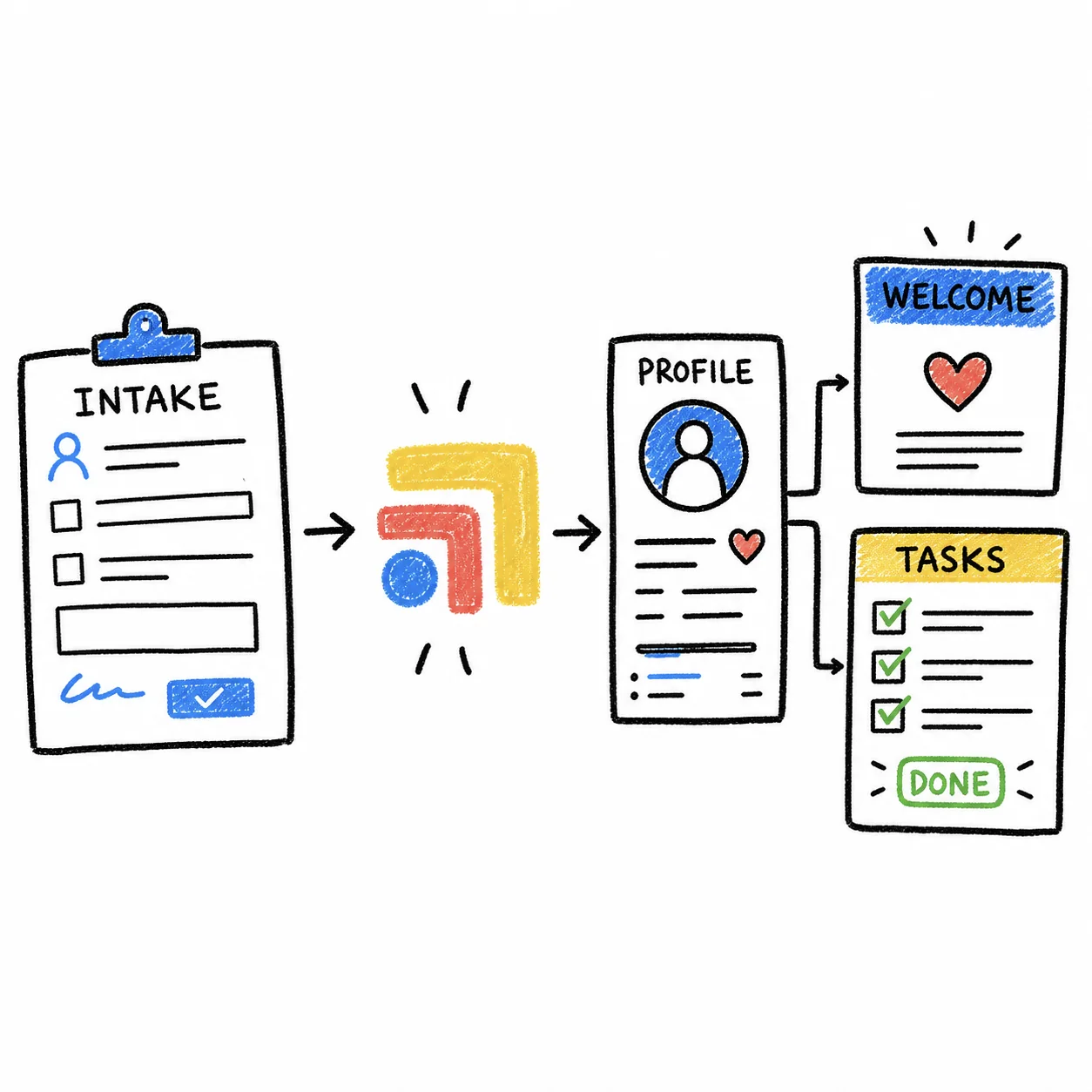
Getting the prospect into Akute is only the first half of the job. The part that turns discovery calls into members is what happens next, and it usually spans several tools. The prospect may text questions through Spruce, enroll and pay in Hint, and need their intake forms and old records before the first visit. Each step is simple on its own, but each one lives in a different inbox, and that is where interested people drift away.
A short checklist for a solo DPC keeps it steady.
- Every booked discovery call has a follow-up task with an owner and a due date, set before the call happens.
- Within a day of the call, the prospect gets the enrollment link and a personal note from the clinician.
- If they haven't enrolled within a week, someone checks in once, warmly, by text or email.
- When they enroll, the chart in Akute is updated and intake starts, so the first visit isn't spent on paperwork.
Where Tabflows Fits
Tabflows is a dedicated tech team and smart admin infrastructure for DPC practices, and it works across the tools you already use rather than replacing them. Akute stays your EHR and scheduler, Calendly stays your booking page if you keep it, Spruce stays your phone and text line, and Hint stays your membership billing. Tabflows links the same person across those tools and puts the follow-ups from all of them into one shared task list, so a discovery call never ends without a clear next step.
For practices that keep an outside booking tool, our team builds the handoff into Akute on request. Examples from our workflow library include preparing Akute chart summaries for booked Calendly visits, staging Jotform intake answers into new Akute charts and replying to new-patient inquiries from your website with times to book a meet-and-greet. These are custom builds, set up and run by our team around how your practice works. You can read more on our Akute integration page.
The Short Version
If your website's discovery call link is Akute's own self-scheduling page and unregistered patients are allowed in both settings, Akute adds the prospective patient for you with a new chart at booking. If the link goes anywhere else, Akute won't know about the booking until someone creates the chart or a connection does it for them. Either way, the call itself is only the start, and the follow-up afterward is where new members are won.
If you would like help connecting your booking link, Akute and the rest of your stack so every discovery call has a next step, tell us about your practice and we will suggest where to start.
Sources: help.akutehealth.com/article/210-self-scheduling-overview, help.akutehealth.com/article/129-allow-unregistered-patients-to-create-appointments, help.akutehealth.com/article/180-setting-up-your-api-key, help.akutehealth.com/article/212-supported-webhooks, akutehealth.com/features/seamless-integrations, cer.bo/resources/frequently-asked-questions, hhs.gov/hipaa/for-professionals/privacy/guidance/business-associates/index.html and calendly.com/pricing.
FAQs
Does Akute create a chart when a new patient self-schedules?
Yes, when the setting is turned on. Akute's help center says that once an unregistered patient completes the self-scheduling workflow, a new chart is created with their name, date of birth, birth sex, email and phone number. The patient is first asked for their name and date of birth, Akute checks that they are not already on your panel, and then asks whether they are new before collecting the rest.
Why can't prospective patients book a discovery call on my Akute scheduling page?
Akute requires the unregistered-patient setting in two places. In Settings, Organization, under scheduling, check Allow Unregistered Patients to Self-Schedule, and then open the specific appointment type under Settings, Appointment Types and check the same option there. Save both screens. If both boxes are checked and booking still fails, Akute's help article points you to support@akutehealth.com.
What is the link to my Akute self-scheduling page?
Akute's help center says your self-scheduling website follows the pattern https://yourpractice.akutehealth.com/appointments, using your own Akute subdomain. Akute asks you to use the whole link, including https:// at the start and /appointments at the end. Most practices put it behind a button on their website and also send it in emails and texts.
If I use Calendly for discovery calls, will the patient show up in Akute?
Not on its own. A Calendly booking lives in Calendly and on the calendar it is connected to, and Akute only creates a chart for bookings made through Akute's own self-scheduling page. To get the person into Akute you either move the discovery call to an Akute appointment type, create the chart by hand after the call, or have something connect the two. Akute offers an API and webhooks for custom connections, and a dedicated tech team like Tabflows can build that handoff on request.
Should a discovery call create a full chart at all?
That is a practice choice. Some DPC owners like every prospect in Akute from the first touch so the conversation history is in one place, while others prefer to keep prospects out of the chart until they enroll. If you book through Akute, the chart is created at booking. If you prefer a lighter touch, a separate booking tool plus a tracked follow-up task keeps prospects out of the EHR until they say yes.
Is my discovery call booking form covered by HIPAA?
If the booking tool collects health information on behalf of your practice, HHS treats the vendor as a business associate, and you need a business associate agreement with them. Calendly's pricing page did not list a BAA on any plan when Tabflows checked it in October 2026, so practices using Calendly for discovery calls usually keep the form to a name, email and phone number and ask no health questions.