
Is Heidi Integrated With Elation Yet?
No, Heidi is not integrated with Elation yet. As of November 2, 2026, Elation does not appear on Heidi's integrations page or in Heidi's help center integration table, and Heidi's public feature-request board still shows an open request for an Elation integration. A practice on Elation can still use Heidi, but the note is written in Heidi and then moved into the Elation chart, while Elation's own Note Assist scribe writes the note inside the chart and queues orders through its Actions feature. For most Elation practices that want the shortest path from visit to signed note, Note Assist is the safer default, and Heidi earns its place when a clinician strongly prefers its templates or note style and is happy with a copy step. Either way, Tabflows sits after the scribe as a dedicated tech team that turns the follow-ups in the note into tracked tasks, and it does not replace Heidi, Note Assist or Elation.
This guide is written for pediatric, functional, integrative and direct primary care practices on Elation that are comparing the two. Every Heidi and Elation fact below comes from the vendor's own website. Scribe products change quickly, so confirm anything that matters on a call before you decide.
What Heidi Says About Its EHR Integrations
Heidi describes two kinds of EHR integration in its help center. A Connect integration is a back-end link where Heidi pulls in your appointment schedule, syncs patient context and pushes the finished note back to the right patient record. An Embedded integration places Heidi inside your EHR as a pop-up or side panel, through a widget comparable to the Heidi Chrome Extension.
The Connect integrations Heidi lists are Best Practice, Cliniko, Athena, Veradigm, Zedmed and Genie, and the Embedded ones are Practice Q (IntakeQ), Accuro and eClinicalWorks through Vim. Heidi's integrations page also features Epic and Oracle Cerner. Elation is not on any of these lists, and the Heidi page where an Elation integration would live shows "Integration Not Found."
Heidi's help center adds two details that matter for planning. Integrating with an EHR generally requires a Practice subscription, and a Heidi profile can only be linked to one integration. Heidi's section-linking feature, which pushes parts of a note into specific EHR fields, currently lists athenahealth as the supported EHR.
On Heidi's feature-request board, the "Elation Integration" request opened in June 2024 is still open, with Elation users asking for it and comments as recent as October 2025. That tells you clinicians want it, and it does not tell you when or whether it will ship.
What Elation Note Assist Does
Note Assist is Elation's own ambient scribe, and Elation describes it as EHR-native. Because it runs inside the Elation chart, there is no second window and no copy and paste back into the record.
Elation's Note Assist page describes a few things that matter for an Elation practice:
- Built from the chart. Note Assist builds real-time documentation using the patient's existing diagnoses, so the note starts with the context Elation already holds.
- Actions. Actions listens for your clinical intent and queues up prescriptions, labs, referrals and patient messages, so you review next steps instead of re-keying them.
- Languages and templates. Elation lists support for 14 languages and templates you can make your own.
- Time. Elation says Note Assist can help physicians reclaim up to two hours every day. That is Elation's own claim, and your number will depend on your visit length and note style.
Some Heidi users on Elation have said on Heidi's request board that they prefer Heidi's notes to Note Assist. That is a fair reason to test both on your own visits rather than choosing from a feature list.
Heidi vs Elation Note Assist for an Elation Practice
- Elation integration. Heidi: not listed. Elation Note Assist: built in.
- Where the note lands. Heidi: in Heidi, then copied to Elation. Note Assist: the Elation chart.
- Orders from the visit. Heidi: you enter them in Elation. Note Assist: Actions queues them for review.
- Templates. Heidi: custom templates on the Clinician plan. Note Assist: templates you can make your own.
- New vendor and BAA. Heidi: yes. Note Assist: no, it runs inside Elation.
- Best for. Heidi: clinicians who prefer Heidi's notes. Note Assist: practices that want one system.
The published prices, with Note Assist sold as Elation AI in Elation's product guide:
| Heidi | Elation | |
|---|---|---|
| Free plan | $0 per month on Free | |
| Paid plan or add-on | $110 per user per month on Clinician, billed annually | $199 per provider per month |
| Free start | 14 days free on Clinician | |
| Works with Tabflows | Heidi integration | Elation integration |
| Checked | heidihealth.com/en-us/pricing, November 4, 2026 | elationhealth.com/ehr-product-guide, November 4, 2026 |
What Heidi and Note Assist Cost
Heidi publishes its prices. On Heidi's pricing page, the Free plan is $0 and includes unlimited ambient documentation, answers to clinical questions with citations, and HIPAA-compliant security and privacy. The Clinician plan is $110 per user per month billed annually, with a 14-day free trial, and adds routines for pre-charting and billing code support, custom templates and clinical evidence during visits. The Teams plan is custom priced and is the plan Heidi lists with EHR integration.
Elation's EHR product guide lists Note Assist as Elation AI, a paid add-on per provider, while Elation's pricing page says its native AI tools are now included free. You request a demo and a practice specialist responds with personalized pricing, so ask directly whether Note Assist and Actions are included in your plan or priced as an add-on. That one answer often settles the comparison, because a free Heidi plan plus a copy step competes very differently with an included Note Assist than with a paid one.
The product guide lists Elation AI at $199 per provider per month.
How to Decide, Step by Step
- Run both on the same week of visits. Use Heidi Free and Note Assist side by side on real visits, and have the clinician who signs the notes judge them.
- Time the whole path, not the note. Measure from the end of the visit to a signed note with orders entered. Heidi saves nothing if the copy step and manual orders eat the minutes back.
- Check your visit types. Functional and integrative intakes run long and lean on custom templates, and pediatric well visits lean on forms and anticipatory guidance. Test the visit type that costs you the most charting time.
- Ask Elation about price. Find out whether Note Assist is included or an add-on before you weigh it against Heidi's Free plan.
- Ask Heidi about Elation. Ask whether the Chrome Extension works inside Elation for your setup and whether an Elation integration is planned, and get the BAA.
- Plan for the work after the note. Whichever scribe wins, the note will hold refills, referrals, lab follow-ups and patient callbacks that someone still has to finish.
Which Practices Fit Which Scribe
- Pick Heidi if a clinician prefers its notes and templates to the scribe inside the EHR. Where it wins: a free plan to try the notes.
- Pick Elation if you put charting first and want a primary care EHR with memberships built in. Where it wins: a chart and billing platform built for primary care; some AI tools included, with Elation AI as a paid add-on.
- What Tabflows does not do: write visit notes as an AI scribe; chart visits or prescribe; bill memberships or charge cards.
Stick with Note Assist if your clinicians are happy with its notes, you want orders queued from the visit, and you would rather not add another vendor, login and BAA. For a solo or small DPC practice where the physician also runs the front desk on busy days, one system is worth a lot.
Choose Heidi if a clinician strongly prefers Heidi's notes or templates and accepts the copy step, or if your practice may move to an EHR Heidi already integrates with. Heidi's Free plan makes it cheap to keep for the clinicians who love it, even if others use Note Assist.
Use both only with a clear rule for who uses which, because two scribes means two places a note might live.
HIPAA and BAAs for AI Scribes
HHS says that when a covered entity uses a vendor to create, receive, store or process patient information, the vendor is a business associate and the practice needs a business associate agreement with it. An ambient scribe records the most sensitive part of the visit, so get Heidi's BAA before recording patients, and check where recordings are kept and for how long. Note Assist runs inside Elation, so it relies on the agreement you already have with Elation rather than adding a new one.
Where Tabflows Fits
Tabflows is not an EHR and not a scribe, and it never replaces clinical judgment. It is a dedicated tech team and smart admin infrastructure that works across the tools a clinic already uses, including Elation and Heidi, and turns the work between them into tracked tasks.
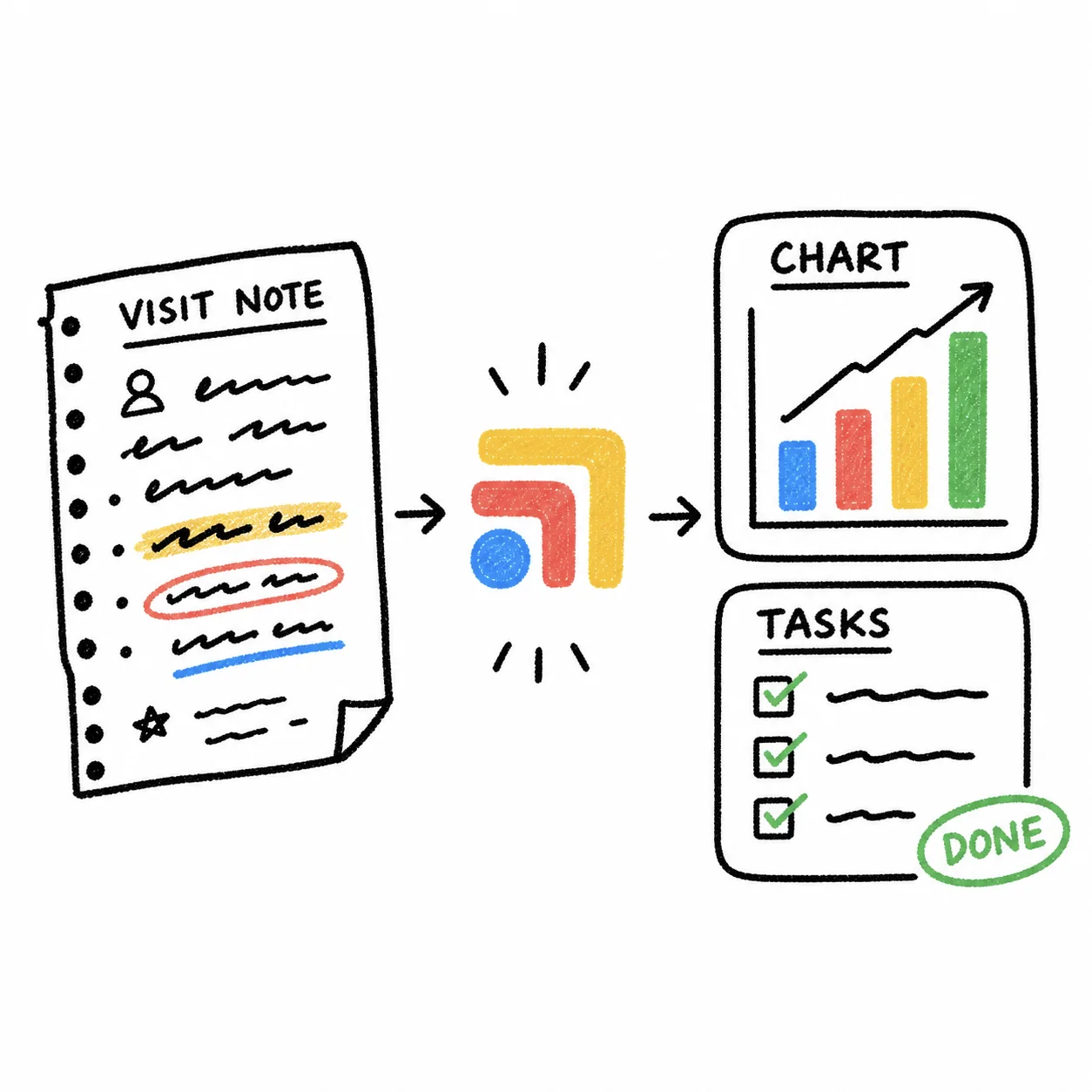
The part that matters here is what happens after the note. Our Visit Notes to Tasks workflow starts when someone on your team chooses a note that is already in the scribe. It pulls the action items out of the assessment and plan, then prepares Elation chart updates, refills, referrals and follow-up tasks for the right person to review. It runs in the clinic user's own signed-in session, does not store EHR credentials, and prepares work for review rather than acting on its own. That closes much of the gap Heidi leaves on Elation, since the follow-ups no longer depend on someone rereading the note.
Tools that were never built to talk to each other leave the follow-up work to your team, and that is the work that decides whether a member feels looked after. If you want to see how the Elation side can be set up, the Elation automations page lists what our team builds, and pricing is published.
A Natural Next Step
If you are still deciding, run Heidi Free and Note Assist on the same week of visits and keep a short list of every follow-up the notes create. When you want help making those follow-ups land in Elation without anyone rekeying them, tell us about your practice and we will show you what a dedicated tech team would set up around the scribe you choose.
Sources
Checked on November 5, 2026: heidihealth.com/en-us and elationhealth.com. Checked on November 4, 2026: heidihealth.com/en-us/pricing, elationhealth.com/ehr-product-guide, help.elationhealth.com/articles/Introduction-to-Membership-Management-with-Elation and elationhealth.com/contact-us/pricing. Spot a wrong fact? Email a correction.
FAQs
Does Heidi integrate with Elation?
Not as a listed integration as of November 2, 2026. Heidi's integrations page and its help center integration table name EHRs such as Athena, Veradigm, Best Practice, Cliniko, eClinicalWorks (through Vim), Practice Q and Accuro, and Elation is not among them. Heidi's own integration address for Elation returns an "Integration Not Found" page, and Heidi's public feature-request board still carries an open request for an Elation integration with comments from Elation users.
Can I still use Heidi if my practice is on Elation?
Yes. Heidi's Free plan gives unlimited ambient documentation, and many clinicians on EHRs without a listed integration review the note in Heidi and then copy it into the chart. Heidi also offers a Chrome Extension that appears as a panel inside the EHR window. Ask Heidi on a call how note transfer works with Elation specifically before you count on anything beyond copy and paste.
What does Elation Note Assist do that Heidi does not, for an Elation practice?
Note Assist is built into Elation, so the note is written in the chart with no copy and paste. Elation says it builds documentation from the patient's existing diagnoses, and its Actions feature listens for clinical intent and queues prescriptions, labs, referrals and patient messages for you to review. Heidi can be very strong on note quality and templates, but on Elation it sits outside the chart.
How much do Heidi and Note Assist cost?
On Heidi's pricing page, the Free plan costs nothing and includes unlimited ambient documentation, the Clinician plan is priced per user per month billed annually, and the Teams plan, which includes EHR integration, is custom priced. Elation's EHR product guide lists Note Assist as Elation AI, a paid add-on per provider, while its pricing page says its native AI tools are now included free, so ask your Elation contact which applies to your plan. Heidi's Free plan is $0 and the Clinician plan is $110 per user per month billed annually. Elation's product guide lists Elation AI at $199 per provider per month.
Is Heidi HIPAA compliant?
Heidi's pricing page lists HIPAA-compliant security and privacy on every plan, including Free. HHS says a practice that uses a vendor to create, store or process patient information needs a business associate agreement with that vendor, so ask Heidi for its BAA before you record patient visits. Note Assist runs inside Elation, so it does not add a new vendor to your list.
Can Tabflows connect Heidi notes to Elation?
Tabflows is not a scribe and does not replace Heidi or Note Assist. Its Visit Notes to Tasks workflow starts when someone on your team chooses a note that is already in the scribe, pulls the follow-ups out of the assessment and plan, and prepares Elation chart updates and team tasks for review. A dedicated tech team sets it up on the Elation and Heidi accounts your clinic already uses.