
Hire for the inbox without trapping them in the inbox
A medical VA can be very helpful inside a busy Spruce inbox, but the inbox is rarely the whole workflow.
A patient message might look simple: "Can I move my appointment?" or "Did my labs come back?" or "Can you refill this?" The first response may happen in Spruce, but the answer often depends on the chart, calendar, medication history, lab portal, billing context, or a provider decision.
That is the part a clinic should design before handing the inbox to a VA, because the goal is not just faster replies. The goal is replies that move the patient forward without losing the work the message created.
What a VA can safely prepare
Every clinic should define its own policies and review expectations, but the pattern is usually clear.
A VA can often organize the request, gather administrative context, prepare scheduling options, queue forms, identify missing information, draft a simple reply for review, or create a follow-up task for the appropriate person.
The VA should not have to guess when a message becomes clinical. If the patient is asking about symptoms, medication changes, abnormal results, treatment decisions, or anything outside the VA's role, the workflow should route the item back to the provider, and that boundary should be built into the system instead of explained once in a side note and then left to memory.
The hidden problem is after the reply
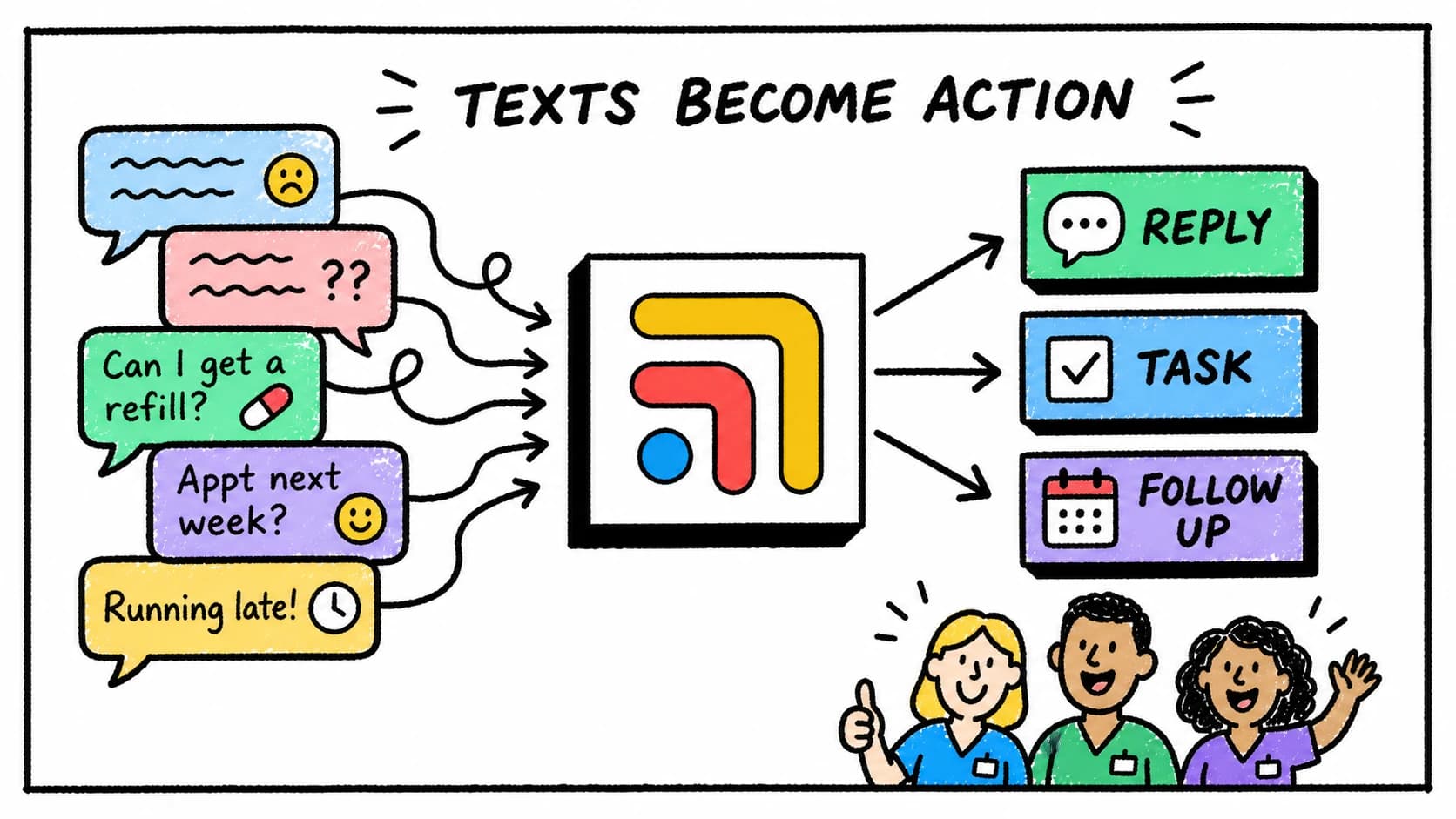
Spruce is good at helping patients reach the clinic. The next challenge is what happens after the message arrives, when someone still has to decide whether the chart needs review, whether a task should be created, whether the patient should be scheduled, whether a lab needs follow-up, whether a draft needs provider approval, and whether the final loop is actually closed. If all of that work happens in separate tabs, the VA may keep the inbox cleaner while follow-ups still scatter across the clinic, which is why inbox support and workflow support are not the same thing.
Where Tabflows fits
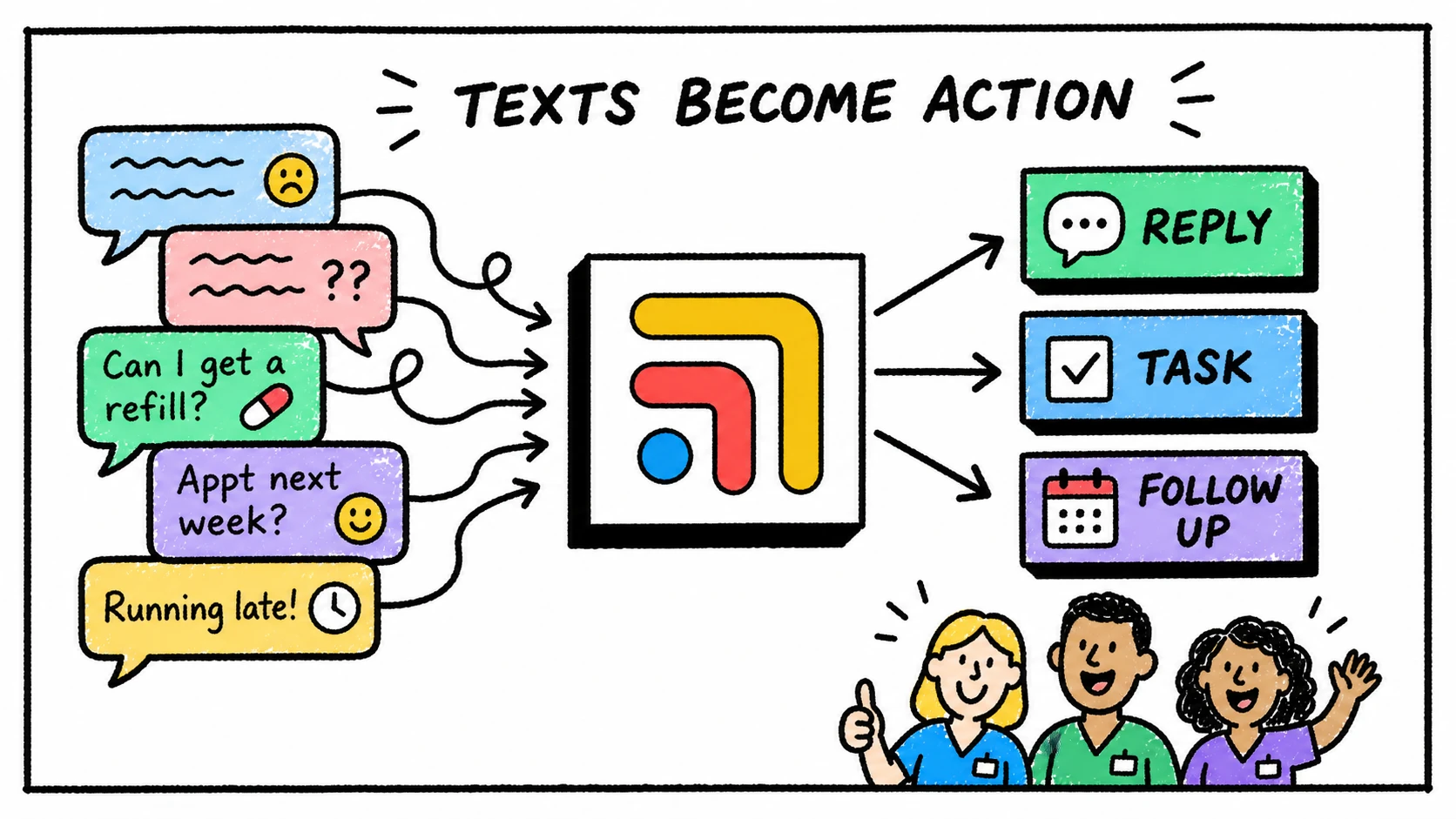
Tabflows helps teams finish what patient messages start.
It gives the clinic one workflow layer for the patient context, tasks, ownership, provider review, and follow-up status around tools like Spruce, the EHR, billing, labs, and calendars.
For a VA, that means the message is not just another item in the inbox. It can become a visible piece of patient work with a next step and a clear owner. For the provider, it means less back-and-forth and fewer vague handoffs, with a review path the team can see without digging through the inbox.
For a deeper Spruce comparison, read Spruce helps patients reach you. Tabflows helps your team finish what those messages start.
A simple workflow to start
Start with one category of inbox work, such as scheduling questions or refill requests.
Define what the VA can handle, what context they should check, when they draft instead of send, who reviews the draft, where the task lives, and how the team marks the follow-up done. Then repeat the pattern for labs, forms, onboarding, and other common requests.
That is how a clinic turns VA help into a calmer system instead of a faster version of the same scattered day.
FAQ
Can a medical VA help with a Spruce inbox?
A medical VA can help with administrative inbox work when the clinic defines access, role boundaries, provider review steps, and escalation rules for clinical questions.
What is hard about using a VA for patient messages?
The hard part is that patient messages often create work outside the inbox, including chart review, scheduling, refill routing, lab follow-up, billing context, and future tasks.
How does Tabflows work with Spruce workflows?
Tabflows helps teams connect Spruce message work to patient context, tasks, follow-ups, owners, and AI-assisted draft review around the rest of the clinic stack.
Try Tabflows free and give your Spruce inbox work a place to land after the message arrives.
FAQs
Can a medical VA help with a Spruce inbox?
A medical VA can help with administrative inbox work when the clinic defines access, role boundaries, provider review steps, and escalation rules for clinical questions.
What is hard about using a VA for patient messages?
The hard part is that patient messages often create work outside the inbox, including chart review, scheduling, refill routing, lab follow-up, billing context, and future tasks.
How does Tabflows work with Spruce workflows?
Tabflows helps teams connect Spruce message work to patient context, tasks, follow-ups, owners, and AI-assisted draft review around the rest of the clinic stack.