Overflow is a workflow signal
Front desk overflow usually shows up as a staffing problem.
The phone rings while someone is checking in a patient. A refill call lands during a visit. A new patient asks a membership question while the team is trying to close yesterday's follow-ups. A billing question interrupts a scheduling task. A form request becomes a sticky note.
At some point, it feels obvious: we need more help.
Sometimes that is true. But overflow is also a signal that the clinic's phone work may not have a strong enough workflow behind it. If every call requires a fresh hunt across the chart, inbox, calendar, billing system, and task list, adding another person may only spread the same friction across more people.
The call is not the whole job
Answering overflow calls is only the first step. The clinic still has to act on what the call created.
A patient needs a scheduling change. A provider needs to review a question. A refill request needs protocol context. A billing issue needs membership context. A form needs the right owner. A callback needs to be done by the end of the day.
If those follow-ups live in separate systems, overflow help can make the phone quieter without making the work calmer. The team still has to stitch together the patient story later.
Make overflow visible before you add people
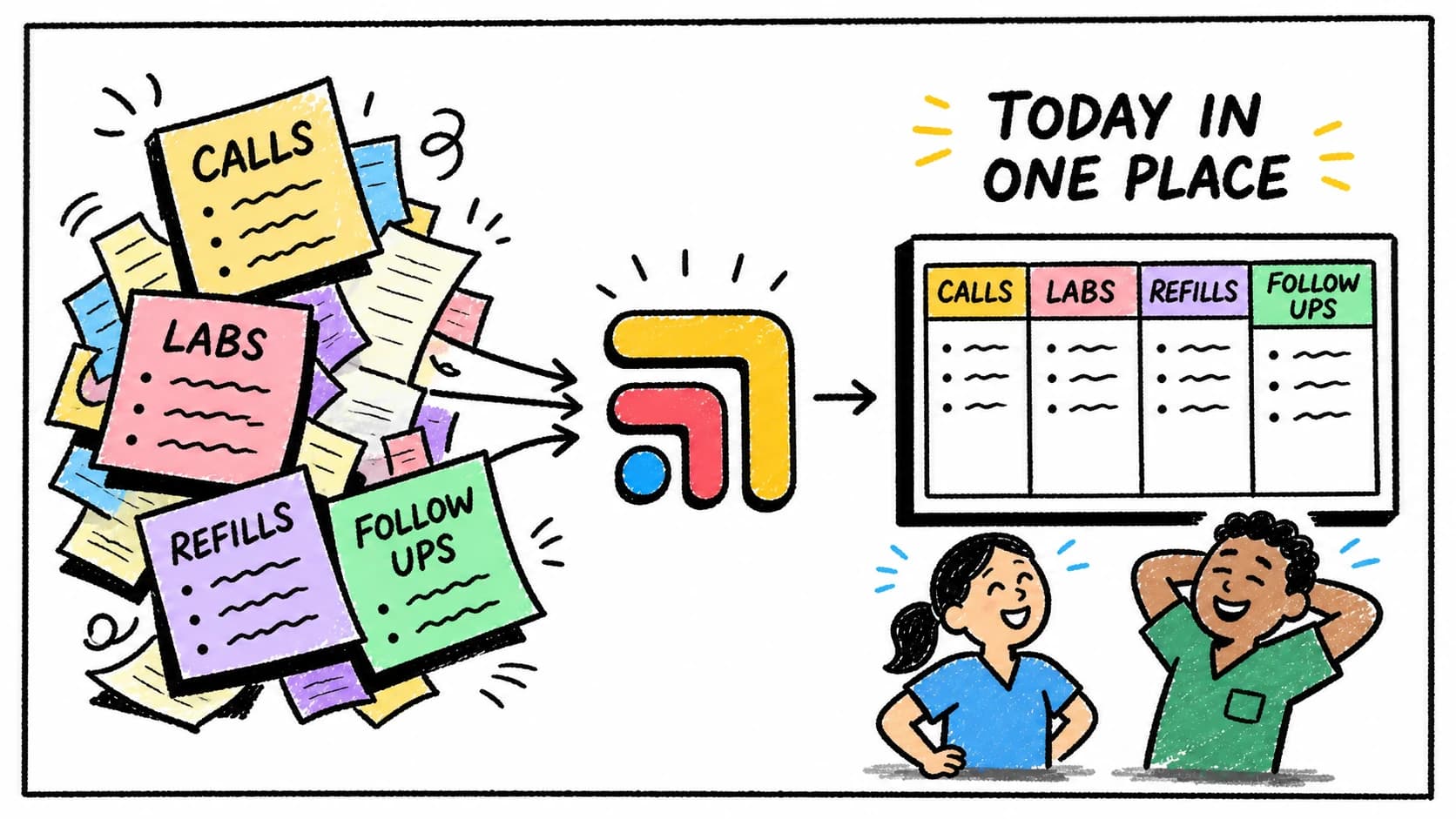
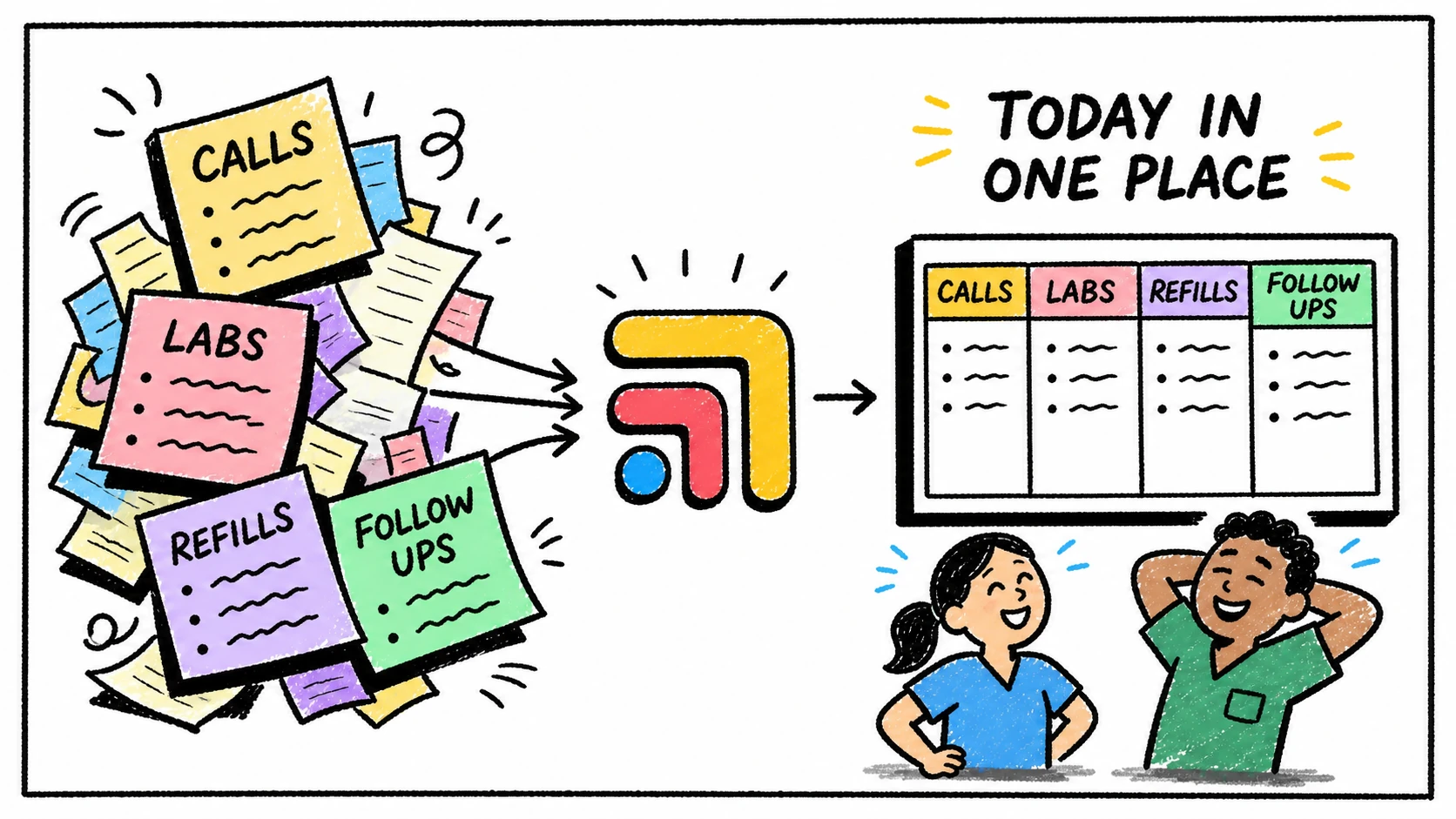
The first improvement is simple: every overflow call that creates work should become visible patient-linked work.
That means a patient, a request type, an owner, a due date, a status, and enough context for the next person to move it forward. It also means a clear path for clinical escalation, because front desk overflow should not become clinical guessing.
Once the work is visible, staffing decisions get easier. You can see whether the problem is volume, complexity, poor routing, repeated patient confusion, slow follow-up, or a missing workflow.
Where Tabflows fits
Tabflows gives front desk overflow one shared place to land.
It helps the team connect phone messages to patient context, tasks, owners, follow-ups, and provider review. That way overflow calls do not become a parallel universe of notes and reminders. They become part of the same patient work the clinic is already managing.
That matters whether overflow is handled by an in-office person, a remote receptionist, a VA, or an answering service. The channel can change. The workflow still needs to hold.
For the broader staffing question, read How to Grow a DPC Clinic Without Hiring More Staff. For outsourced phone coverage, read Medical Answering Service Alternative for DPC Clinics.
FAQ
How should clinics handle front desk overflow calls?
Clinics should define which overflow calls can be handled administratively, which need clinical review, where call-related tasks live, and who owns each follow-up.
When should a clinic add front desk help?
A clinic should consider more front desk help when call volume is consistently interrupting care, but it should first make sure calls become visible patient-linked work instead of scattered notes.
How does Tabflows help front desk overflow?
Tabflows helps overflow calls become patient-linked tasks with context, ownership, due dates, and follow-up status around the clinic's existing systems.
Try Tabflows free and make overflow calls visible before they become another hiring fire drill.
FAQs
How should clinics handle front desk overflow calls?
Clinics should define which overflow calls can be handled administratively, which need clinical review, where call-related tasks live, and who owns each follow-up.
When should a clinic add front desk help?
A clinic should consider more front desk help when call volume is consistently interrupting care, but it should first make sure calls become visible patient-linked work instead of scattered notes.
How does Tabflows help front desk overflow?
Tabflows helps overflow calls become patient-linked tasks with context, ownership, due dates, and follow-up status around the clinic's existing systems.