
Practice Brain · 12 of 16
Library: Popular Practice Brain templates
On this page
Use a template from start to finish
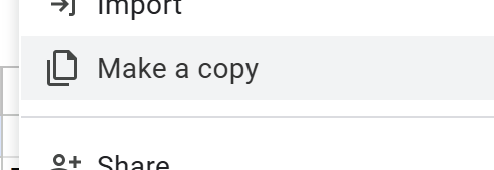
- Open the template and choose File → Make a copy.
- Save the copy in your clinic’s shared drive.
- Replace every sample value with approved clinic information.
- Have the appropriate owner review the document.
- Add the approved copy to Practice Brain.
- Ask a realistic question in Sidekick and compare the answer with the source.
- Add an owner and review date so the template stays current.
To copy these documents to your share drive, click File > Make a copy
Lab pricing template
Baseline workflow template
Draft patient education template
Care plan and pre-visit summaries
Get support 💬
Need help or have a question? Reach out to our Support team however works best for you:
- Start a chat using the Support button at the bottom right of the sidebar (side tabs)
- Email us at team@tabflows.com or