
The call is only useful if the context is close
Weave can make communication easier. Calls, texts, reminders, and patient touchpoints become easier to manage from one communication layer.
The clinic still has the same old problem: the caller's context usually lives somewhere else.
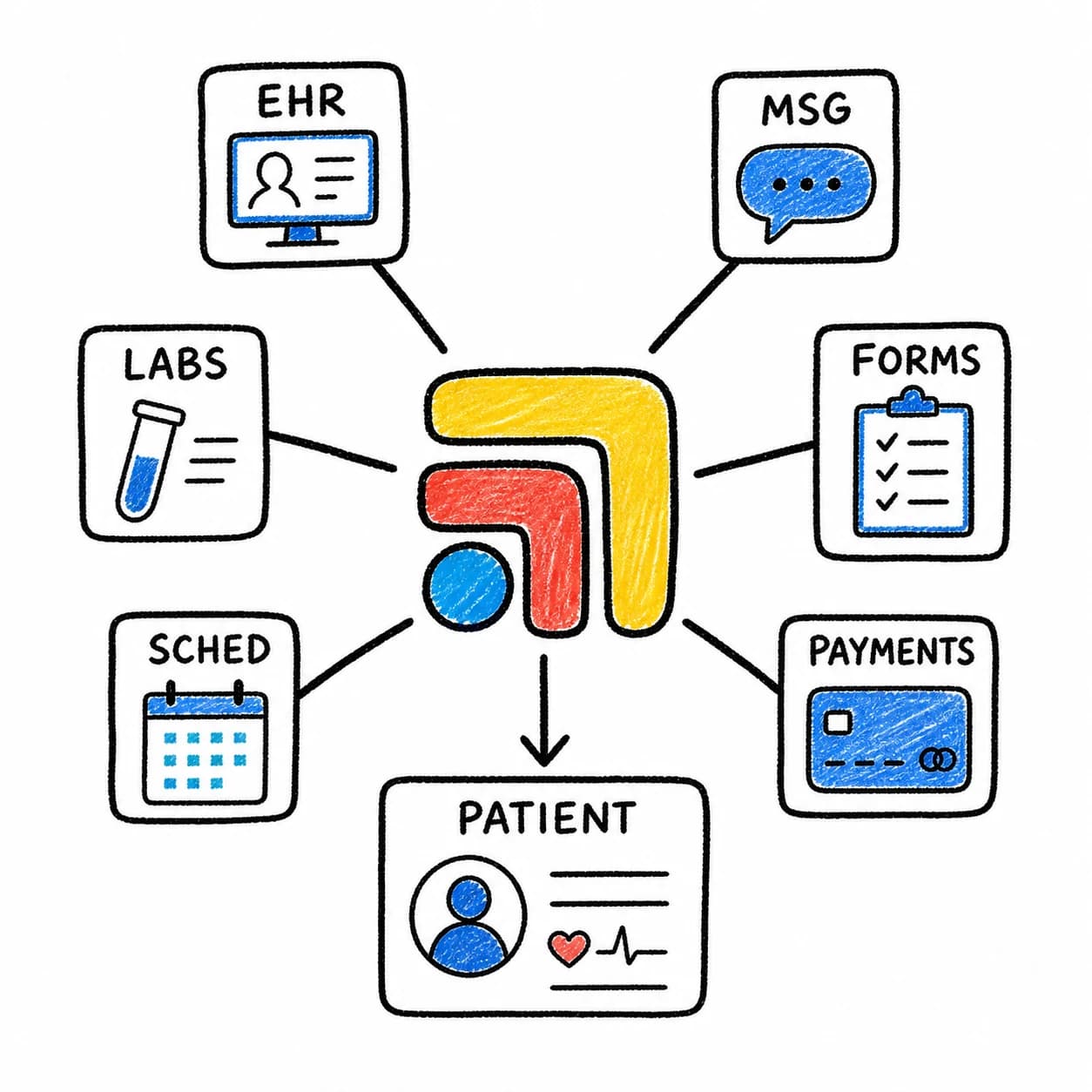
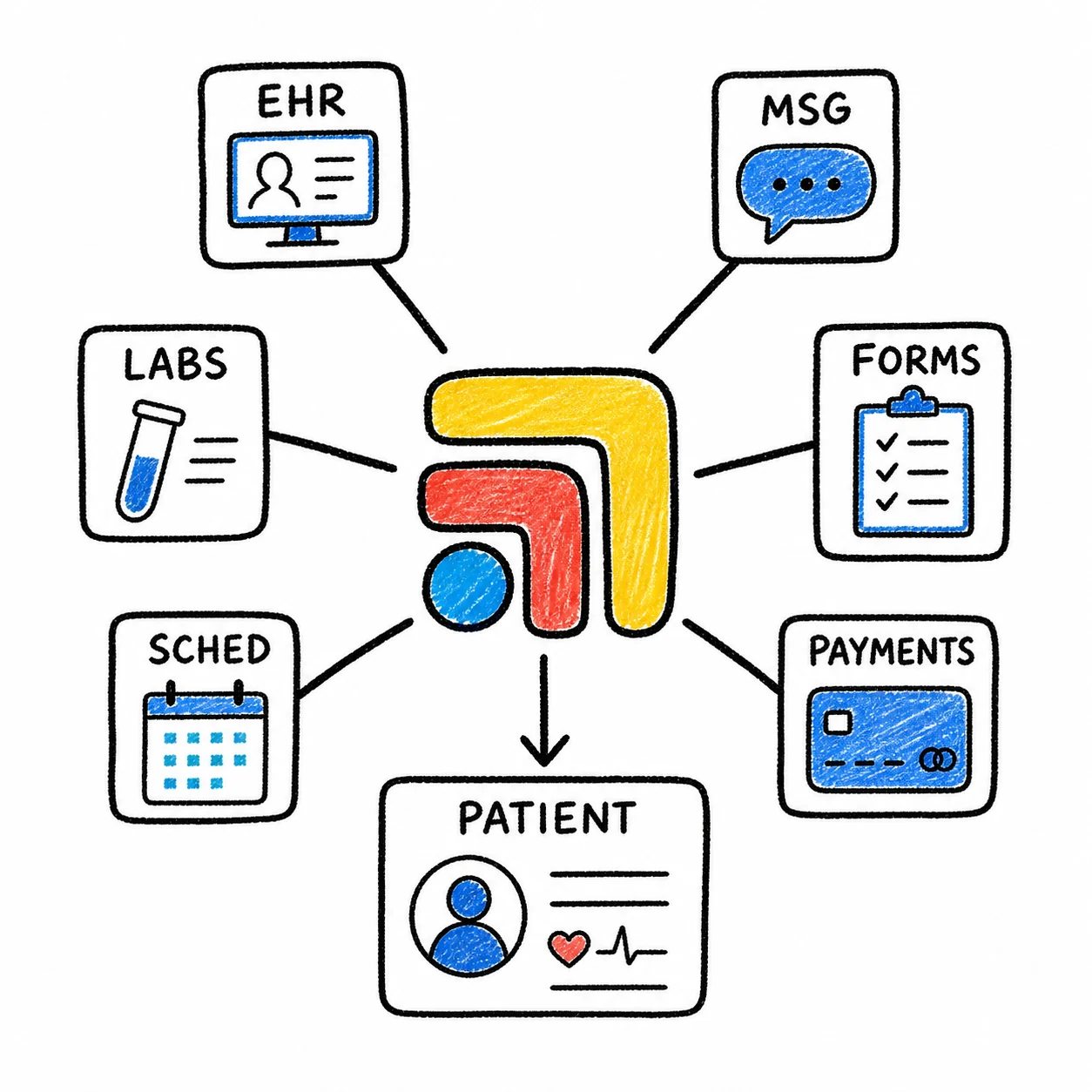
The patient may be in the EHR, calendar, billing system, task list, lab portal, or message thread. The person answering the phone has to find the right patient, understand the reason for the call, check the relevant system, and decide what happens next.
That is where phone work turns into tab work.
A good call workflow has a next step
An incoming call should not end as a loose note unless the work truly ends there.
If the patient needs a callback, the clinic needs an owner and due date. If the call is about a refill, the clinic needs chart context and review rules. If it is about scheduling, the calendar and patient context should be close. If it is about a form or billing issue, the work should be routed without disappearing into a side channel.
The phone tool can capture the conversation. The clinic still needs to manage the work the conversation creates.
The common failure pattern
The failure pattern is familiar.
A patient calls. The team answers in Weave or another communication tool. Then someone opens the chart to understand the patient, checks the calendar to answer the scheduling question, looks at a prior message to find context, creates a task somewhere else, and tries to remember whether the patient still needs a callback.
Nothing about that is dramatic. It is just slow, repeated, and easy to lose track of when the day is full.
That is why phone workflow should be designed around the patient, not around the call alone. The call is the trigger. The patient work is the thing that has to move.
What should happen after the phone rings
For routine scheduling calls, the workflow should connect the caller to the right patient and appointment context. For refill calls, it should connect the request to medication history, review rules, and the patient reply. For lab questions, it should show whether a result exists, whether it has been reviewed, and who owns the follow-up. For billing calls, it should route to the right context without turning the clinical team into a help desk.
The exact steps differ by clinic, but the principle is stable: if the call creates work, the work needs a home.
Where Tabflows fits
Tabflows sits around tools like Weave, your EHR, your calendar, your billing system, and your task workflow.
It helps the clinic connect communication to patient context and follow-through. Instead of answering a call and then manually reconstructing the patient story, the team has a shared layer for the work: task, owner, due date, status, and next step.
That is useful whether the call is handled by the in-office team, a virtual receptionist, a VA, or an answering service.
For the broader Weave workflow, read Weave Rings. You Alt-Tab. There's a Better Way.. For outsourced phone coverage, read Before You Hire a Medical Answering Service, Fix the Work Behind the Call.
FAQ
How should clinics handle calls that come through Weave?
Clinics should connect Weave calls to patient context, task ownership, scheduling workflows, provider review, and follow-up status instead of treating each call as an isolated event.
What is the problem with phone calls and separate systems?
When the phone tool, EHR, calendar, billing system, and task list are separate, the team has to manually find the patient, rebuild context, and track the follow-up.
How does Tabflows help with Weave workflows?
Tabflows helps clinics connect Weave communication to patient context, tasks, follow-ups, owners, and review paths around the rest of the clinic stack.
Try Tabflows free and answer calls with the patient work already connected.
FAQs
How should clinics handle calls that come through Weave?
Clinics should connect Weave calls to patient context, task ownership, scheduling workflows, provider review, and follow-up status instead of treating each call as an isolated event.
What is the problem with phone calls and separate systems?
When the phone tool, EHR, calendar, billing system, and task list are separate, the team has to manually find the patient, rebuild context, and track the follow-up.
How does Tabflows help with Weave workflows?
Tabflows helps clinics connect Weave communication to patient context, tasks, follow-ups, owners, and review paths around the rest of the clinic stack.