Delegate work, not uncertainty
Medical VA task management looks simple from far away. There is a list of things to do, somebody owns each item, and the clinic needs to know what is done, but inside the clinic day it is more complicated.
A task might start in a patient message, depend on chart context, require a calendar change, need provider review, and create a future reminder. If the task only says "follow up," the VA has to reconstruct the real work from memory or from several different systems, which is where normal task management starts to feel thin.
Patient context changes the task
The difference between "call patient" and "call patient after provider reviews lab scheduling question" is not cosmetic. One is a vague reminder. The other gives the VA a safer workflow.
Patient context tells the person doing the task why it exists, which system created it, what has already happened, and what should happen next. That does not mean every task should expose more information than the role requires. It means the clinic should be deliberate about the context that makes the work possible.
Without that context, even a well-organized task board can turn into a second inbox.
What task management should show
A strong medical VA task system should make a few things visible without forcing the VA to ask around.
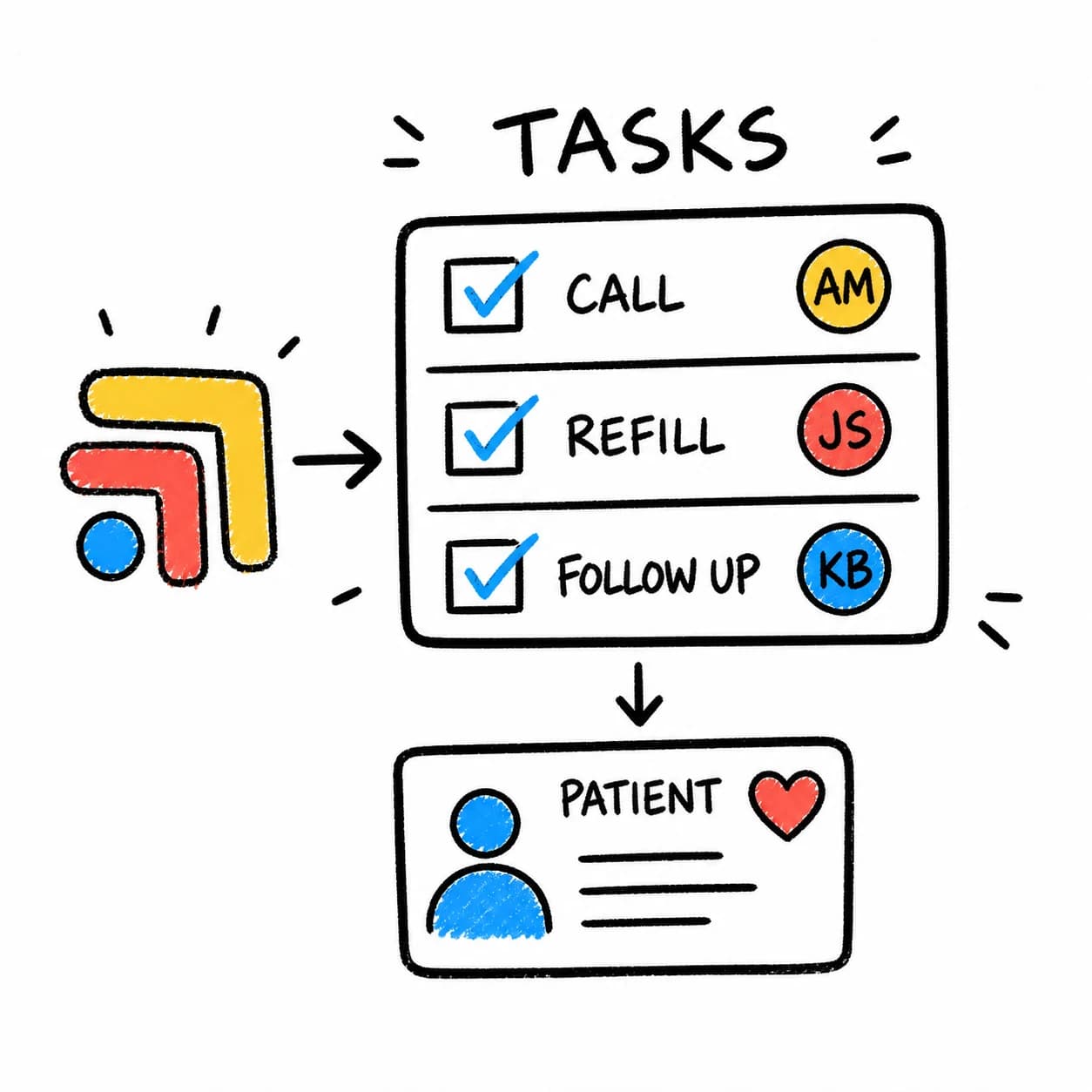
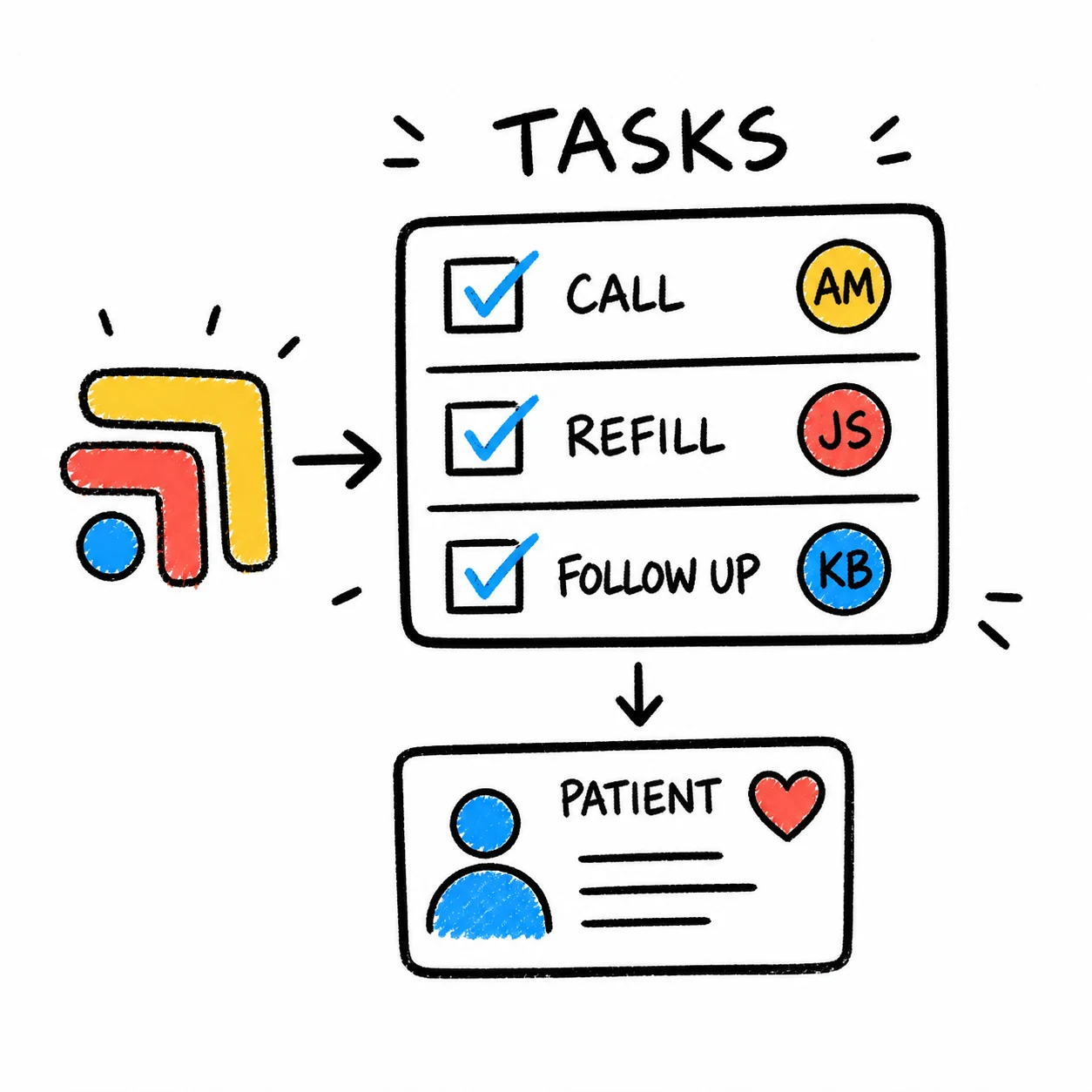
The task should show the patient workflow it belongs to, the owner, the due date, the source, the next step, the review requirement, and the final status. If something is blocked, the reason should be obvious. If something is waiting on the provider or patient, the system should preserve that state until the work moves again.
That is not about adding complexity. It is about removing the small uncertainties that slow the team down all day.
Why generic boards are not always enough
Tools like Trello, Asana, ClickUp, and spreadsheets can help a VA stay organized. For internal admin work, they may be perfectly fine.
The problem appears when patient work has to travel between the task board and the actual clinic systems. A refill task may need the chart. A lab task may need the portal. A billing question may affect the patient message. A visit prep task may need the calendar, the EHR, and a follow-up reminder.
If the task board is separate from the workflow, the VA still has to chase the work manually.
Where Tabflows fits
Tabflows gives patient-linked tasks one shared home around the tools the clinic already uses.
It is not trying to make the clinic behave like a software company with tickets and project rituals. It is built for the practical healthcare work that happens between systems: messages, labs, refills, forms, onboarding, scheduling, and follow-ups.
For a VA, that means less hunting. For the provider, it means cleaner review paths. For the operator, it means the daily work is easier to see without interrupting everyone for status updates.
If your clinic is already considering a VA because tasks keep escaping the day, read Before You Hire a Medical VA, Fix the Work They Would Be Chasing. If you already have the VA and need the workflow, start with A DPC Virtual Assistant Workflow to Build Before You Hire.
FAQ
What makes task management different for medical VAs?
Medical VA tasks are usually connected to patients, clinical context, provider review, and outside systems. A normal to-do list may track the work, but it often misses the context needed to complete it safely.
Can a medical VA use Trello, Asana, or ClickUp?
A VA can use generic task tools for simple administrative lists, but patient-adjacent clinic work usually needs clearer ownership, patient context, workflow source, access boundaries, and review paths.
What does Tabflows add beyond a task board?
Tabflows keeps patient-linked tasks close to the clinic tools, context, owners, due dates, handoffs, and follow-up workflows that make those tasks actionable.
Try Tabflows free and give patient tasks the context they need.
FAQs
What makes task management different for medical VAs?
Medical VA tasks are usually connected to patients, clinical context, provider review, and outside systems. A normal to-do list may track the work, but it often misses the context needed to complete it safely.
Can a medical VA use Trello, Asana, or ClickUp?
A VA can use generic task tools for simple administrative lists, but patient-adjacent clinic work usually needs clearer ownership, patient context, workflow source, access boundaries, and review paths.
What does Tabflows add beyond a task board?
Tabflows keeps patient-linked tasks close to the clinic tools, context, owners, due dates, handoffs, and follow-up workflows that make those tasks actionable.