The Short Version
Small tech issues in a clinic rarely get formally reported. They get mentioned, "the printer's being weird again," "the portal logged me out twice today," and then worked around, because there's usually a way to keep moving without stopping to file a report. The problem is that unresolved issues don't go away just because they're being worked around. They accumulate, and a practice running on five small daily workarounds is having a meaningfully worse day than one running on zero, even though no single issue felt worth stopping for.

Why Small Issues Never Get Formally Tracked
Reporting a tech issue takes a certain amount of activation energy: figuring out who to tell, what information they'd need, and then actually doing it instead of just working around the problem and moving on with the day. For an issue that's mildly annoying but not blocking, that activation energy often doesn't feel worth it in the moment. So the issue gets mentioned in passing to whoever's nearby, and then nobody actually follows up, because a verbal mention to a coworker isn't the same as a tracked report to whoever can actually fix it.
What Compounds Quietly
A slow EHR that everyone's just adapted to. If loading a chart takes an extra few seconds every time, across a full day of patients, that adds up to real lost time, but it rarely feels urgent enough on any single instance to report.
A printer or fax machine with an intermittent issue. "Sometimes you have to restart it" becomes institutional knowledge passed between staff rather than an actual fixed problem, and new staff waste time discovering the workaround themselves.
Portal or messaging glitches that happen occasionally. A once-a-week login issue might seem too minor to report individually, but tracked over a month, it's a clear pattern worth raising with the vendor.
None of these are dramatic on their own. Collectively, they're friction that a practice absorbs daily without ever having a clear, cumulative picture of how much it's actually costing in time and frustration.
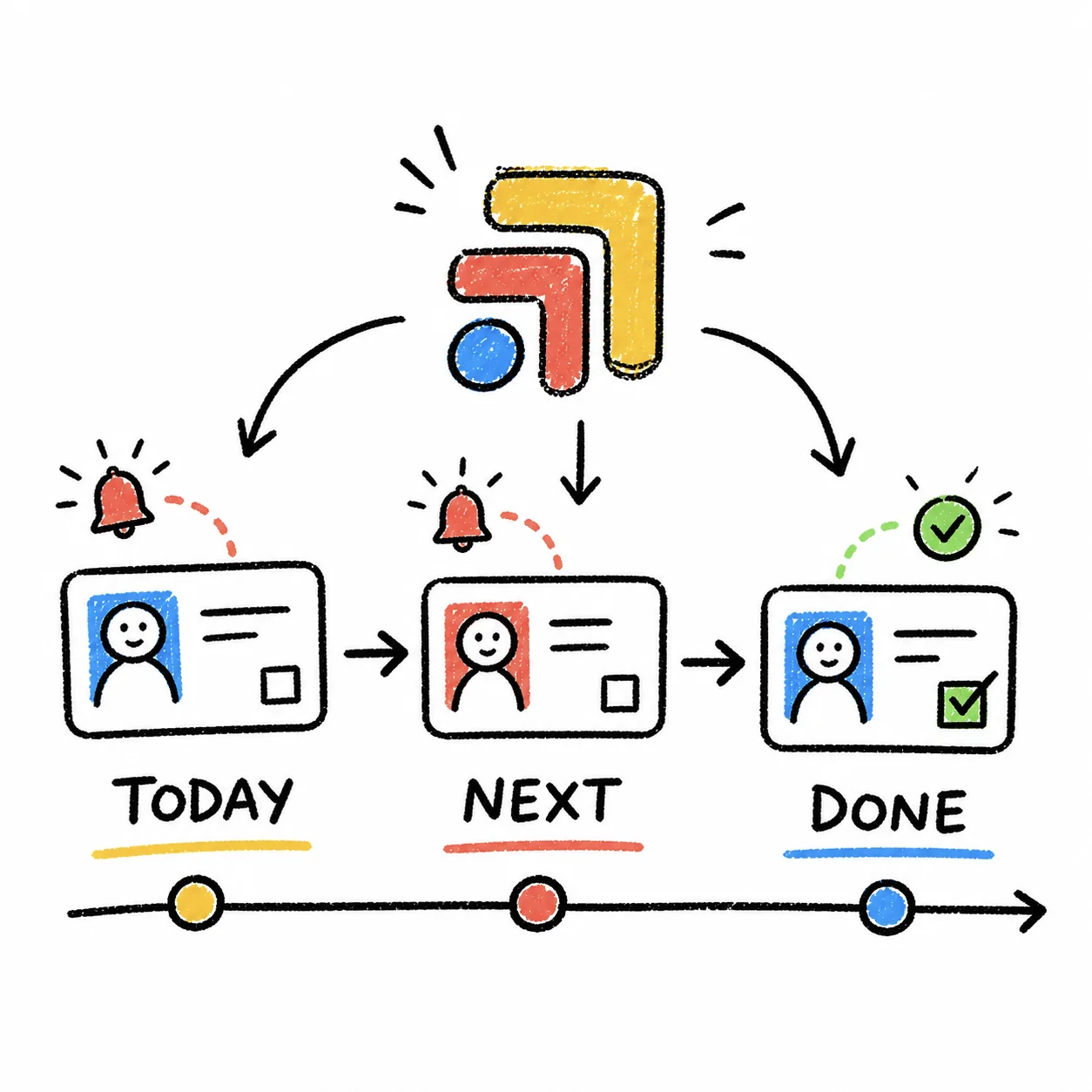
What a Working Tech Issue Tracking Workflow Looks Like
Every issue gets logged when it's noticed, even minor ones, with a quick note on what's affected and how disruptive it is. This doesn't need to be a formal ticketing system, just a consistent place issues actually get recorded rather than only mentioned verbally.
Recurring issues get flagged as patterns, not treated as isolated incidents each time. A problem that's happened five times this month is different information than five unrelated one-off glitches, and tracking makes that pattern visible.
One person owns following up, whether that means contacting a vendor, IT support, or handling it internally, rather than each staff member independently deciding whether their specific issue is worth escalating.
Resolved issues get marked resolved, with what fixed them. This builds a quick reference for the next time something similar comes up, instead of rediscovering the same workaround or fix from scratch.
The list gets reviewed periodically, not just added to. A practice manager glancing at accumulated tech issues once a month can spot patterns worth addressing, upgrading a specific piece of equipment, switching vendors, that individual issue reports wouldn't surface on their own.
Where This Actually Breaks
The common failure is that tech issues live only in verbal mentions between staff, with no actual record connecting today's complaint to last week's identical one. Without tracking, there's no way to see that a "minor" issue has actually been recurring for a month, which is exactly the pattern that would justify actually fixing it instead of continuing to work around it.
This is where Tabflows fits into IT issue tracking. Every tech problem becomes a logged task, whether it's resolved quickly or needs vendor follow-up, so patterns across time are visible instead of scattered across individual verbal mentions that nobody connects to each other.
The Standard Worth Setting
Log every issue when it's noticed, even minor ones, flag recurring patterns explicitly, and review the accumulated list periodically. That standard turns a string of small daily annoyances into visible, addressable patterns instead of an invisible tax the whole team quietly pays every day.
FAQs
How should a small clinic track tech and IT issues?
Log every issue when it's noticed, with what's affected and how urgent it is, rather than mentioning it verbally to a coworker and hoping someone follows up. A logged issue can be tracked to resolution; a mentioned one is easy to forget once the immediate moment passes.
Why do small tech issues often go unresolved for a long time?
Because they're usually workaroundable in the moment, a slow system, a printer that needs restarting, a portal that occasionally glitches, so staff adapt around them rather than stopping to report them formally. Over time, several small unresolved issues compound into a meaningfully worse day-to-day experience.
What tech issues are worth tracking versus just working around?
Anything that's recurring, even if minor, is worth logging, since a pattern is more useful information than a single one-off glitch. A one-time slow load might not need a ticket. The same slowness happening every day for two weeks does.
Who should own IT issue tracking in a small practice?
One person, often office admin or whoever handles vendor relationships, should own the tracking list and follow up with the relevant vendor or IT support, rather than leaving each staff member to individually report issues to different places inconsistently.