The Short Version
A prior authorization workflow needs three things: a single place every request lives, an owner assigned the moment it's submitted, and a follow-up date that doesn't depend on anyone remembering.
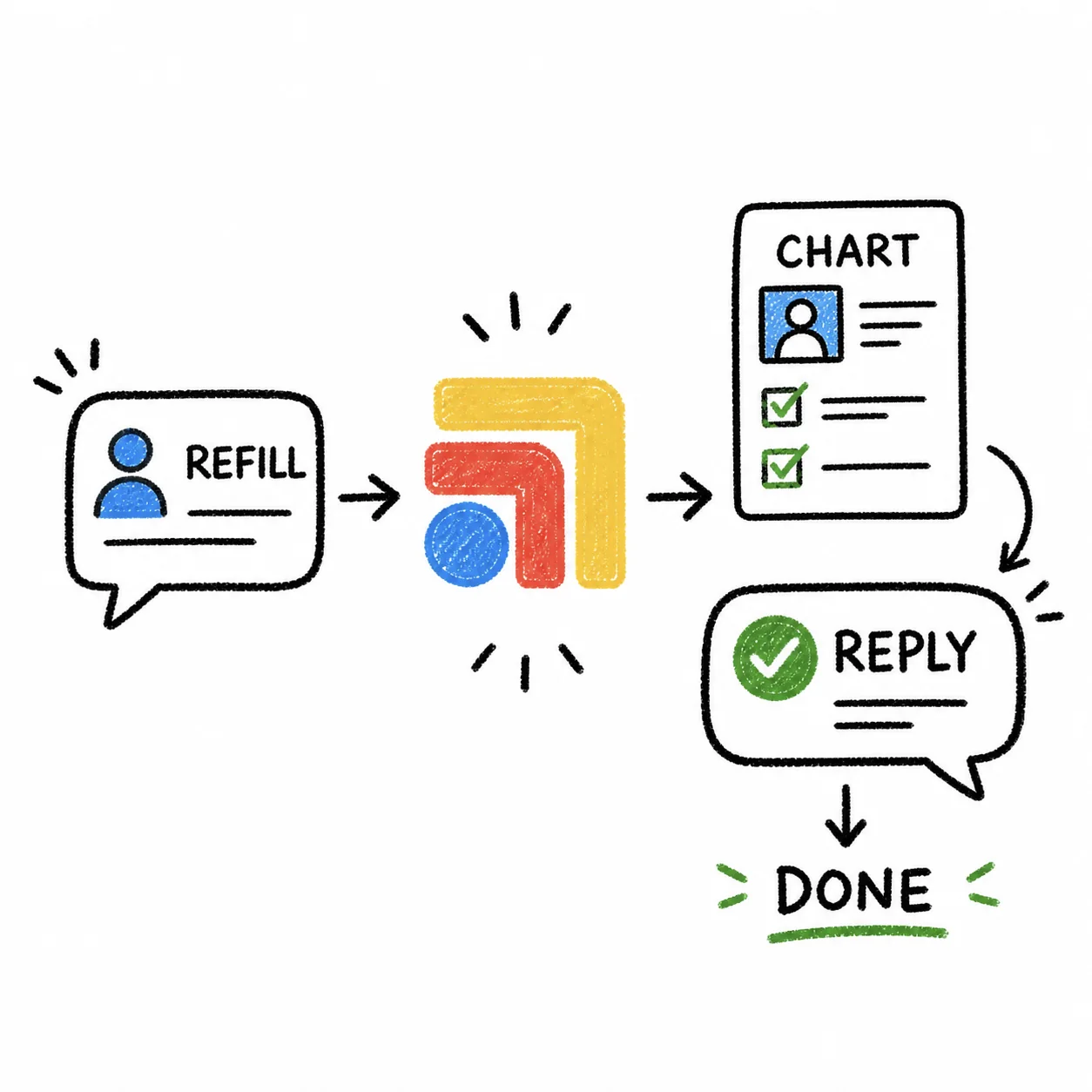
Most clinics have none of the three. Prior auths get submitted through a payer portal, a fax, or a phone call, and then the tracking happens in someone's head. It works fine until that person is out sick, or juggling four other things, and a medication authorization quietly expires while the patient calls twice asking why their pharmacy still shows a rejection.
This isn't a staffing problem. It's a visibility problem.
Why Prior Auths Are Uniquely Easy to Lose
Most clinical tasks have a natural trigger that reminds you they exist. A lab result shows up in an inbox. A patient message sits unread. A prior authorization has no such trigger once it leaves your hands.
You submit it, and then it goes quiet. The payer might respond in a day. It might take two weeks. There's no notification pushing it back into anyone's field of view, no badge count, no red flag. It just sits in a queue on someone else's system, and the only way to know its status is to go check.
That gap between "submitted" and "resolved" is where prior auths die. Not because staff are careless, but because nothing is designed to surface a request that's gone quiet for six days.
What a Working Prior Auth Workflow Actually Looks Like
The clinics that don't lose prior auths share a few habits, regardless of what software they use:
Every request gets logged the moment it's submitted. Not at the end of the day, not in a batch. The patient name, the medication or imaging ordered, the payer, the submission date, and who submitted it.
One person owns each request until it resolves. Ownership doesn't mean that person does all the work. It means if the request stalls, everyone knows exactly who to ask. Split ownership, where "whoever has time" checks on it, is how requests get missed. Two people assuming the other is watching it is functionally the same as nobody watching it.
A follow-up date gets set at submission, not after something goes wrong. If your payer's typical turnaround is five business days, the follow-up check happens on day four, not day twelve when the patient calls asking where their medication is.
Open requests are visible as a list, not buried in individual charts. A staff member should be able to look at one place and see every prior auth still in flight, sorted by how close it is to going stale. If checking status requires opening ten different patient charts, most people will only check the ones that are already loud.
Denials and expirations trigger an immediate next step, not a maybe. A denial means resubmission or a peer-to-peer call. An expiration means starting over. Both need to happen the same day they're discovered, not whenever someone notices the fax that came in three days ago.
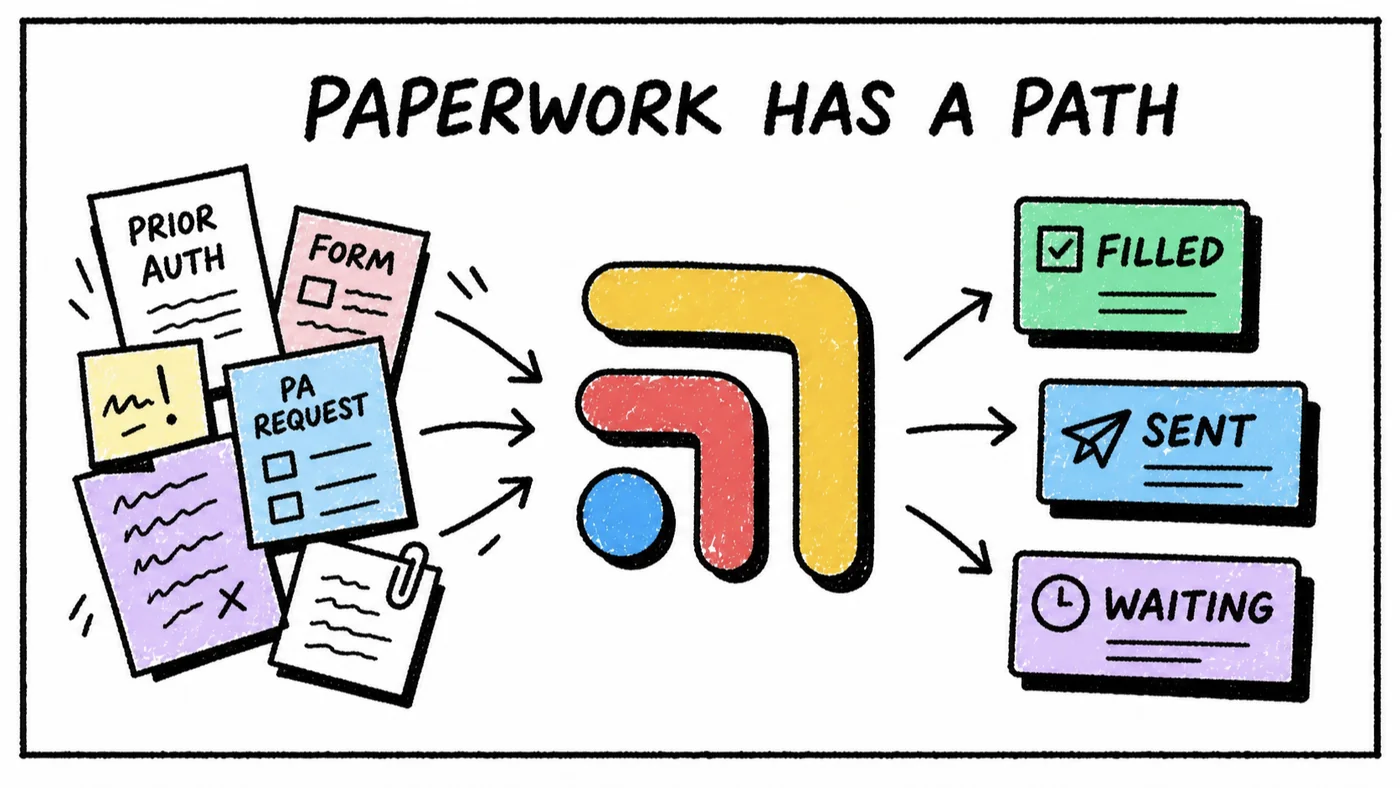
Where This Breaks in Practice
The most common failure mode isn't a missing process. It's a process that exists on paper but lives in three different places.
The CMA submits the request and notes it in the EHR. The front desk fielding the patient's follow-up call doesn't know to look there. The nurse handling refills has her own list on a sticky note. Nobody has the full picture, so the "system" only works when the one person who remembers everything happens to be at their desk.
This is the same failure pattern that shows up with refill requests and lab result follow-ups: the work is real, someone is doing it, but it lives in a place only one person can see. The fix isn't more diligence. It's giving the whole team one shared view of what's open, who owns it, and what's due.
This is where Tabflows belongs in a prior auth workflow. A prior auth becomes a task with an owner and a due date, attached to the right patient, visible to whoever on the team needs to check its status, whether that's the CMA who submitted it or the front desk person fielding the patient's call about it. Nobody has to remember to check a fax queue, because the open request is sitting on a shared list that doesn't go quiet just because one person is out for the day.
A Simple Template to Start With
If you're building this from scratch, a prior auth entry needs seven fields, no more:
- Patient name
- What's being authorized (medication, imaging, procedure)
- Payer
- Date submitted
- Owner
- Follow-up date
- Status (submitted, pending, approved, denied, expired)
That's it. The temptation is to build something more elaborate. Don't. The system fails the moment it takes longer to log a prior auth than it does to just submit it and hope.
The Real Cost of Getting This Wrong
A lost prior authorization isn't a paperwork problem. It's a patient sitting at a pharmacy counter being told their medication isn't covered, or a delayed MRI pushing back a diagnosis by another two weeks. Staff spend real time on the resubmission, the peer-to-peer call, the apologetic patient message.
None of that time was necessary. The request just needed to stay visible for the five to ten days it was in flight. That's a small ask, but it requires the system to hold the visibility, not the memory of whoever submitted it.
FAQs
How do you track prior authorizations in a small practice?
Track them as tasks with an owner, a submission date, and a follow-up date, not as items buried in a fax queue or an EHR note. Each prior auth needs someone accountable for checking its status every few days until it clears, and a visible list of everything still open so nothing sits forgotten.
Who should own prior authorizations in a clinic?
Most clinics split ownership between the CMA or nurse who submits the request and the front desk or admin who tracks payer follow-up. The important part is naming one owner per prior auth, not spreading it across whoever happens to be free, since shared ownership is how requests get missed.
How long does a prior authorization take?
Turnaround varies by payer and request type, commonly anywhere from 24 hours to two weeks. Because the range is so wide, a submission date alone tells you nothing. You need a follow-up date that triggers a check-in before the request goes stale.
What happens if a prior authorization expires?
An expired prior auth means the medication or imaging order has to be resubmitted from scratch, which delays the patient again and creates duplicate work for staff. Tracking expiration windows, not just submission dates, is what prevents this.