The SOP should protect the receptionist and the patient
A medical receptionist phone SOP is not just a training document. It is a safety rail.
It tells the receptionist what information to collect, what they can handle, what they should never guess on, when to escalate, who owns the next step, and where the work should live after the call.
That matters for in-office receptionists, virtual receptionists, medical VAs, and answering services. The person answering the phone needs enough structure to be useful without being asked to make decisions outside their role.
Start with call categories
The easiest way to write the SOP is to group calls by the kind of work they create.
Scheduling calls need patient identity, reason for visit, timing, constraints, and calendar rules. Refill calls need medication name, pharmacy, urgency, protocol boundaries, and provider review rules. Lab calls need the result context and review path. Billing calls need membership or invoice context. Symptom calls need escalation instructions, not improvisation.
Each category should end in a next step. Not "take message." A real next step.
Define the required information
Receptionists get stuck when the SOP says "collect details" without defining which details.
For every call type, write down the fields that matter: patient name, date of birth if appropriate, callback number, request type, urgency, preferred pharmacy, appointment preference, form deadline, or whatever the clinic needs to act without calling the patient back for basic information.
This is where the SOP turns phone work from vague to repeatable.
Decide where the work lands
The most important part of the SOP is the landing place.
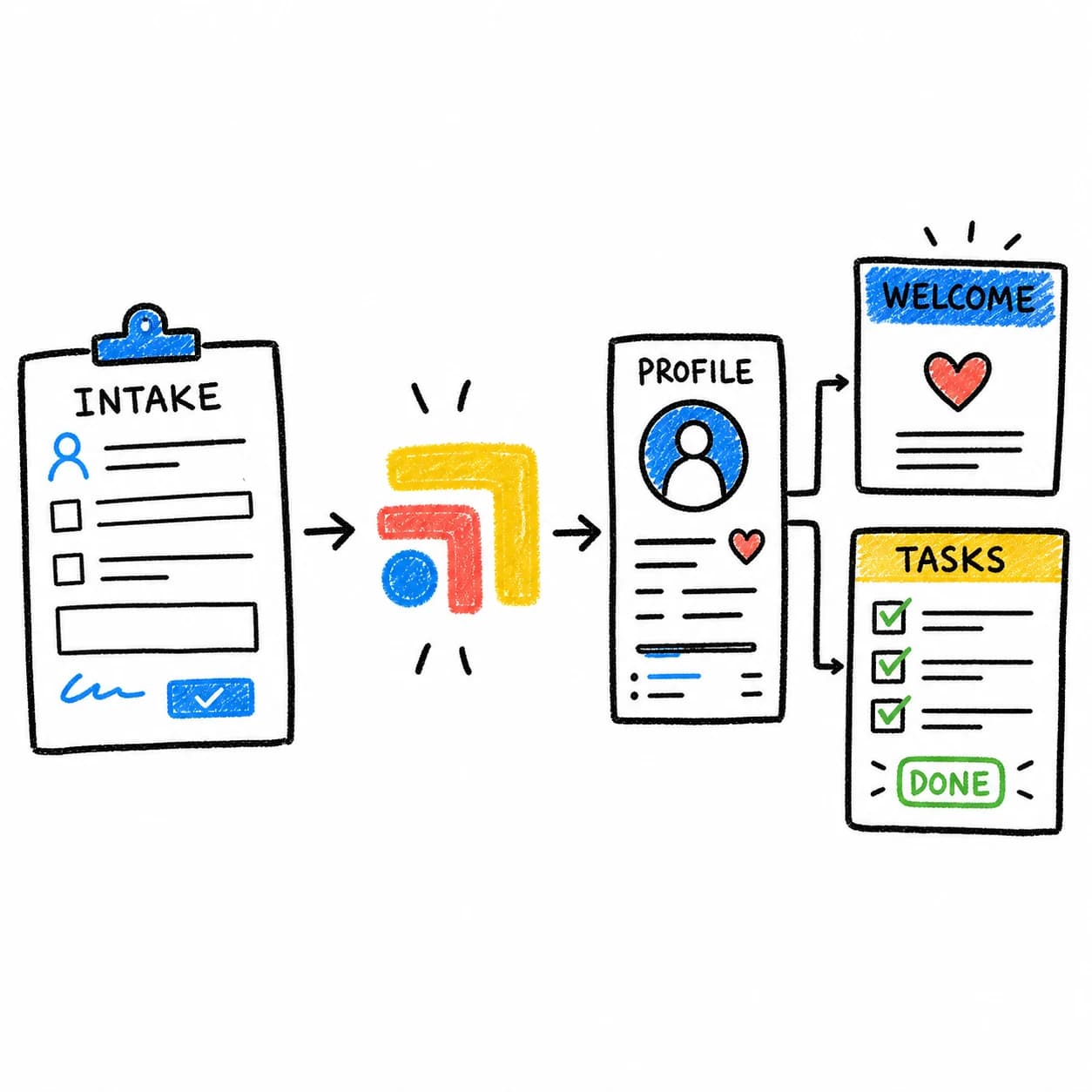
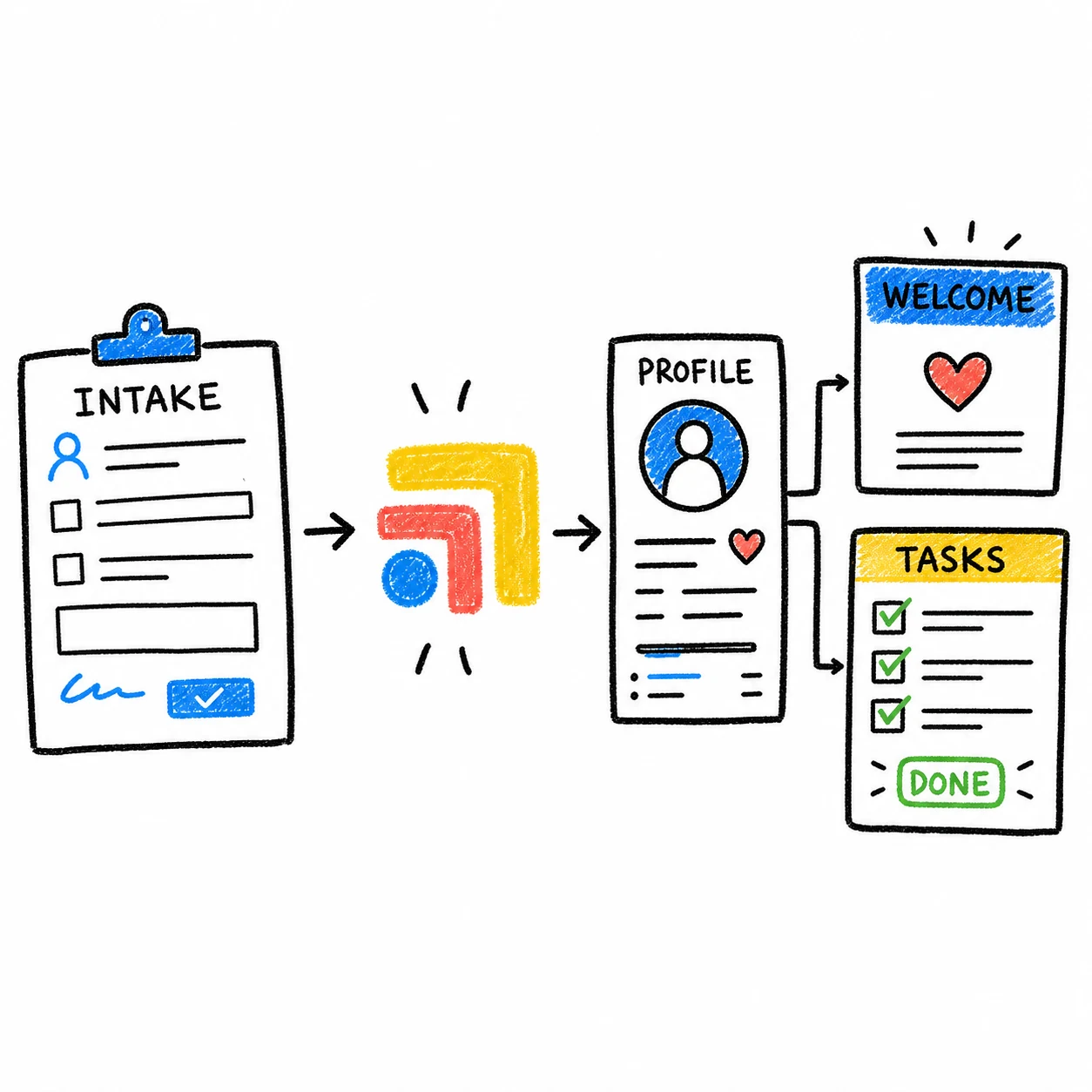
If the receptionist takes a message, where does it go? If they create a task, who owns it? If the provider needs review, how is that marked? If the patient needs a callback, when is it due? If the work is done, how does the clinic know?
Without that landing place, the SOP may improve call capture while follow-up still depends on memory.
Where Tabflows fits
Tabflows helps clinics turn phone SOPs into visible patient work.
Instead of a phone note sitting apart from the rest of the day, the call can become a patient-linked task with context, owner, due date, status, and review path. The SOP becomes easier to follow because the workflow is visible to the whole team.
That helps new staff ramp faster, virtual receptionists stay inside safe boundaries, and providers review the right items without being dragged into every phone interruption.
For related staffing workflows, read Virtual Medical Receptionist Workflow for DPC Clinics and Medical VA SOP Template for Patient Follow-Up.
FAQ
What should a medical receptionist phone SOP include?
A phone SOP should include call categories, required information, escalation rules, provider review rules, scheduling guidance, task ownership, and follow-up status.
Should receptionists triage clinical calls?
Receptionists should not make clinical decisions beyond their role. A good SOP defines which calls are administrative, which need provider review, and how clinical questions are escalated safely.
How does Tabflows support receptionist SOPs?
Tabflows helps turn SOP steps into visible patient-linked work with context, owners, due dates, status, and review paths.
Try Tabflows free and give phone SOPs a workflow your whole team can see.
FAQs
What should a medical receptionist phone SOP include?
A phone SOP should include call categories, required information, escalation rules, provider review rules, scheduling guidance, task ownership, and follow-up status.
Should receptionists triage clinical calls?
Receptionists should not make clinical decisions beyond their role. A good SOP defines which calls are administrative, which need provider review, and how clinical questions are escalated safely.
How does Tabflows support receptionist SOPs?
Tabflows helps turn SOP steps into visible patient-linked work with context, owners, due dates, status, and review paths.