
How Impact Family Wellness uses Tabflows to save time, prevent errors, and keep the whole DPC team moving from one workflow layer
“Tabflows saves me so much time. I simply do not know how to work without it.”
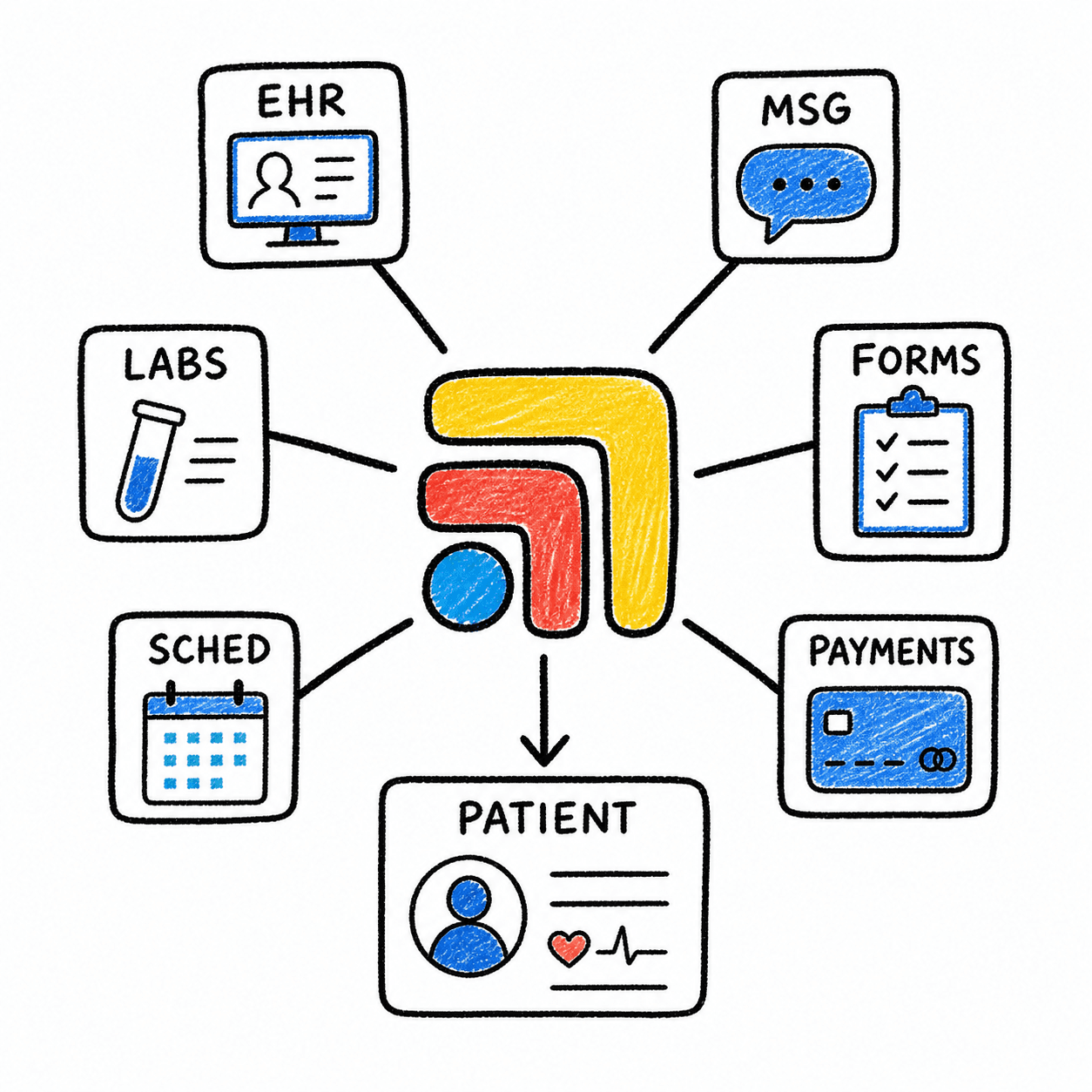
Impact Family Wellness did not need another disconnected tool. It needed a way to make the clinic stack feel connected. Tabflows became the layer that helps the team move across systems without losing track of the patient, the task, or the next step.
Impact TL;DR
- 3 Impact team members appeared as full-product users in the public Top 25 Tabflows list.
- Public customer quote says Tabflows saves time and has become hard to work without.
- Hint's Tabflows ecosystem story validates the one-screen workflow angle and the “prevents errors” value.

The problem
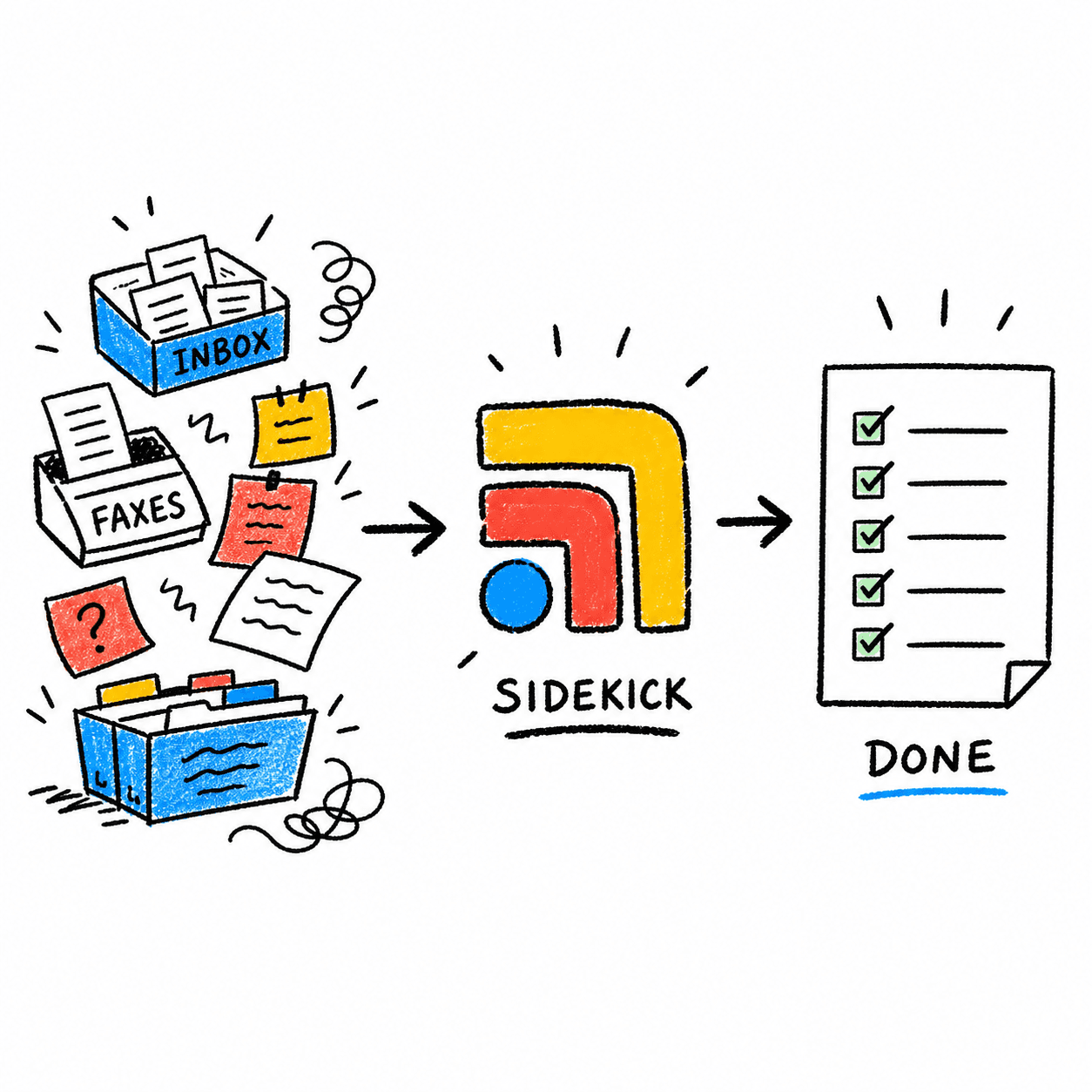
As DPC clinics grow, the work starts spreading out. A patient question comes through one system. The chart lives somewhere else. Labs are in another portal. A refill or supplement workflow may have its own tool. A teammate needs context, but the context is scattered.
“Missed follow-ups, duplicated work, and tasks that depend on one person remembering where everything lives.”
That fragmentation creates small delays all day. It also creates avoidable risk: missed follow-ups, duplicated work, and tasks that depend on one person remembering where everything lives.
Why Tabflows
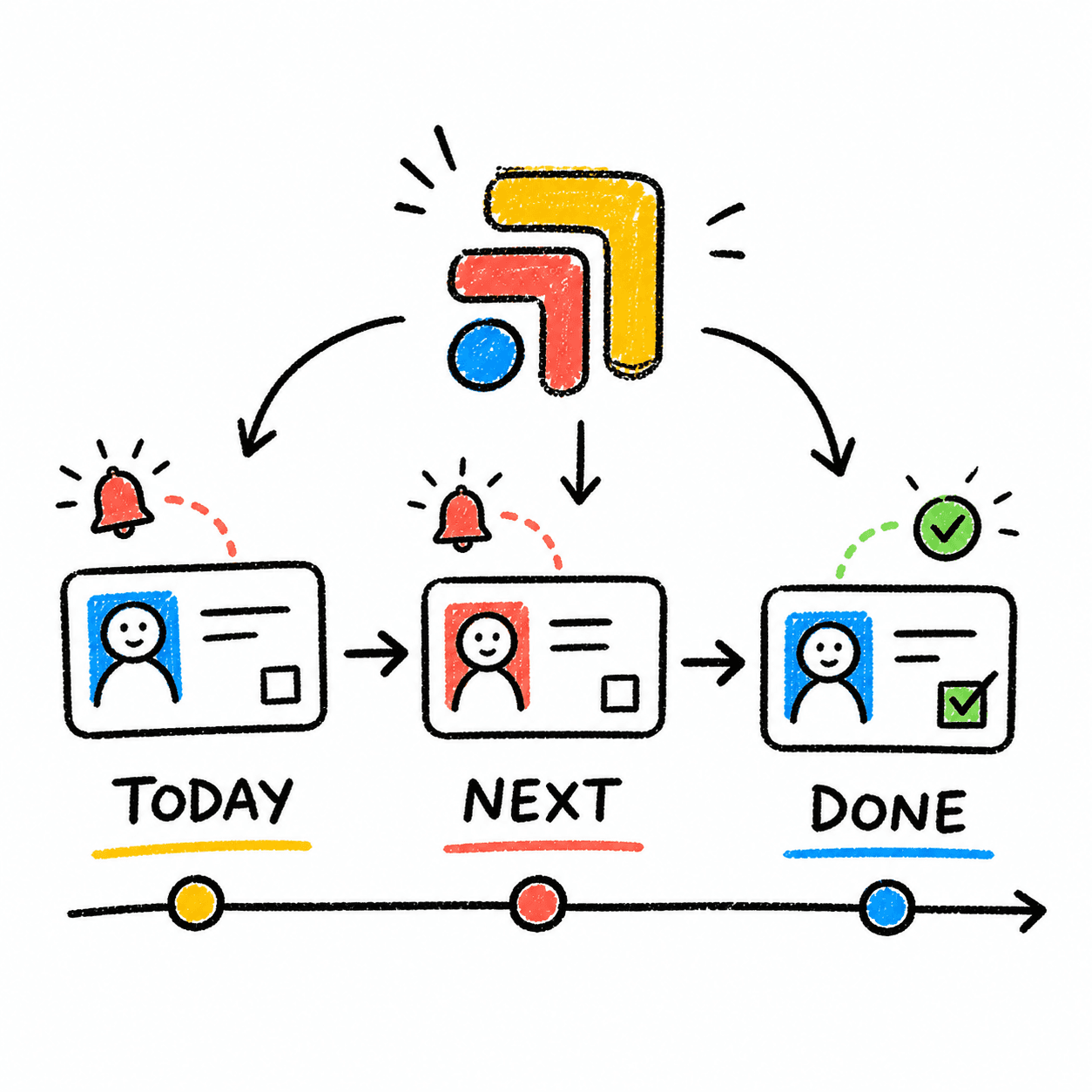
Tabflows gives Impact a single workflow layer around the tools the team already knows. Instead of forcing the clinic into a new all-in-one system, Tabflows makes the current stack easier to move through.
Courtney Paulsen's public quote gives the story its clearest hook: Tabflows saves time and has become part of how the work gets done. Monica McKitterick's quote adds the bigger product vision: DPC clinics want the benefit of an all-in-one system without losing the tools they already trust.
What changed
With Tabflows, Impact can treat the clinic day as connected work instead of separate app sessions. The team can move from patient context to the right tool, from a task to the right platform, and from one person's workflow to another's without rebuilding context from scratch.
“Tabflows is not a browser convenience feature. It is shared workflow infrastructure.”
That is the case study angle: Tabflows is not a browser convenience feature. It is shared workflow infrastructure for a growing DPC team.