The Click Tax You Don't Know You're Paying
Nobody becomes a DPC doctor because they love clicking. But if you tracked every mouse click during a typical patient encounter — every tab switch, every login, every "are you sure?" confirmation dialog — you'd be horrified. Studies on EHR usage consistently show that physicians spend more time clicking through interfaces than they do in face-to-face conversation with patients. And that's just the EHR. Add your lab portal, your messaging platform, your e-prescribing tool, and the three other tabs you open mid-visit, and the click count skyrockets.
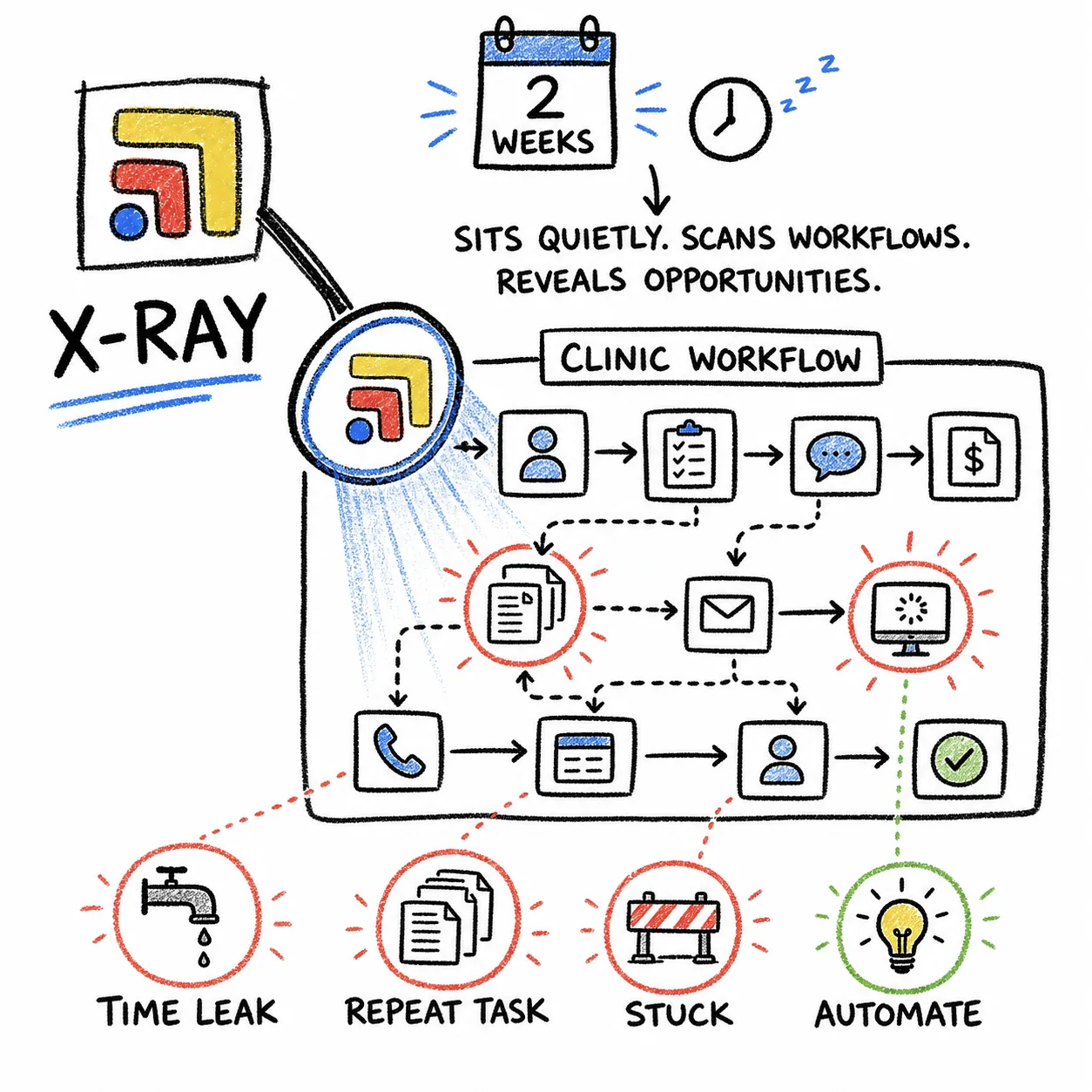
The average primary care visit generates somewhere between 150 and 300 clicks across all tools, depending on complexity. A straightforward follow-up might be on the low end. A new patient with labs to review, prescriptions to send, and a referral to place? You're clicking through multiple systems, multiple logins, and multiple workflows — and every single click is a tiny tax on your attention and your time.
Where the Clicks Actually Happen
Tab Switching (The Silent Killer)
The biggest source of unnecessary clicks isn't inside any one tool — it's between tools. Every time you switch from your EHR to your lab portal, that's a click to find the tab, a click to orient yourself, and often a click or two to navigate back to the right patient or the right screen within that tool. A single tab switch costs 3–5 clicks on average. If you switch tabs 30–40 times during a patient visit (and most DPC docs do), that's 100–200 clicks that have nothing to do with clinical care.
These are pure navigation clicks — they don't document anything, they don't order anything, they don't help the patient. They just move you from one place to another in the most inefficient way possible.
Redundant Logins and Session Timeouts
Your lab portal timed out because you were charting for eight minutes. That's a login screen, a username, a password, maybe a two-factor code, and then navigating back to where you were. Five to ten clicks, plus 30 seconds of your time, just to get back to a screen you were already using. Multiply that by the three or four session timeouts you hit during a busy clinic morning, and you've burned five minutes on authentication alone.
Re-finding the Same Patient
You looked up the patient in your EHR. Now you need to look them up in the lab portal — different search bar, different interface, same patient. Then again in your messaging platform. Then again in your billing tool. Each lookup is 3–5 clicks, and you're doing the same conceptual action — "find this patient" — four separate times in four separate systems. It's the same information, just scattered across tools that don't talk to each other.
Why Clicks Matter More Than You Think
Each Click Is a Micro-Decision
A click isn't just a physical action — it's a decision. Where do I click? Is this the right tab? Am I on the right patient? Every micro-decision draws from the same pool of cognitive energy you need for actual clinical reasoning. By the time you've navigated through 200 clicks of tab switching and tool hunting, you've burned through mental bandwidth that should have been reserved for the person sitting in front of you.
Clicks Compound Into Time
If each unnecessary click takes 1–2 seconds (including the visual search that precedes it), and you eliminate 100 unnecessary clicks per visit, that's roughly two minutes saved per patient. Over 15 patients a day, that's 30 minutes. Over a week, that's more than two hours — an entire half-day of clinic, recovered by simply not clicking between tabs.
That's not a productivity hack. That's a structural change to how your day works. (See our cost-per-click breakdown for the dollar amount those wasted clicks cost your practice.)
How to Cut Your Click Count in Half
Stop Switching Tabs — Use a Workspace
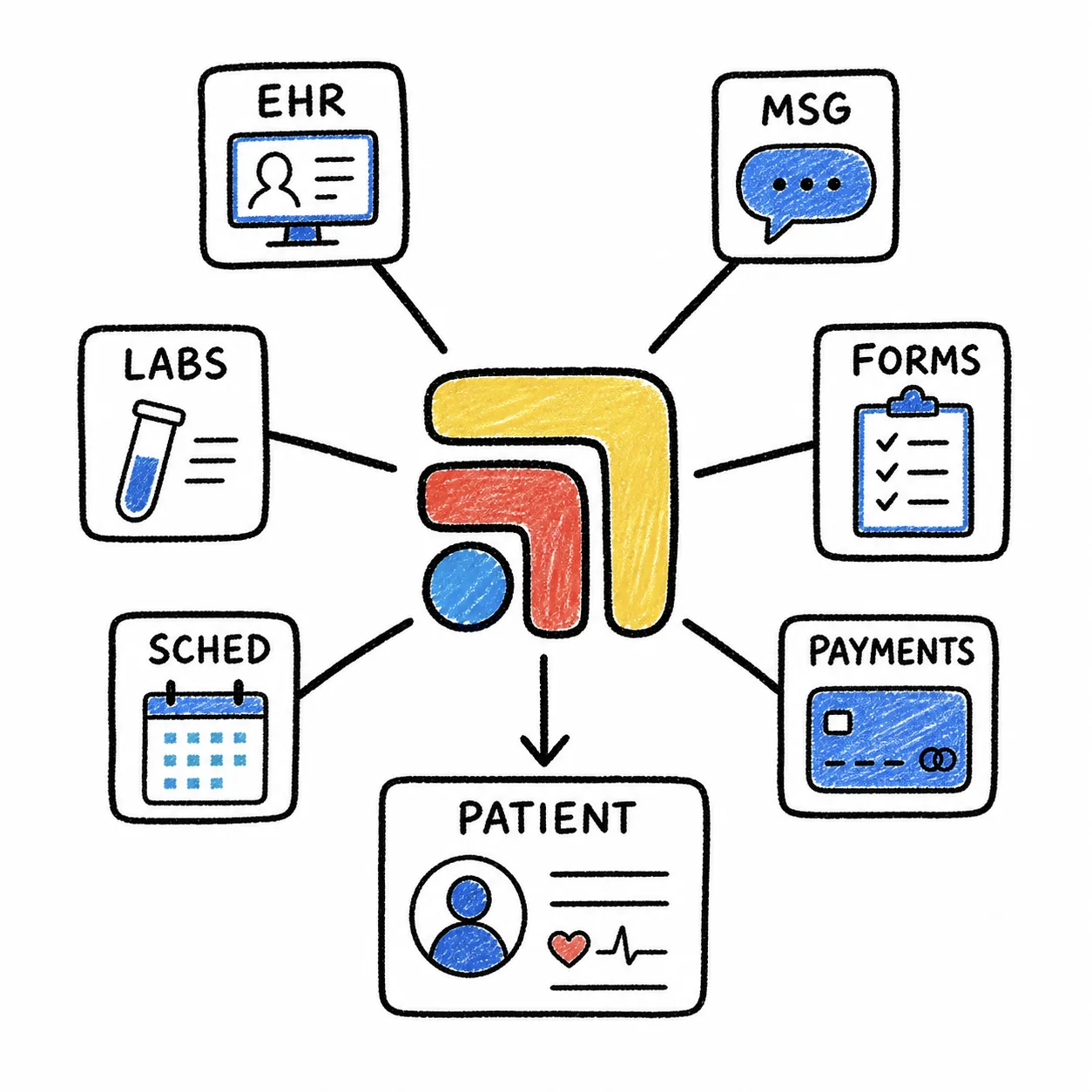
The single most effective way to reduce clicks is to stop navigating between browser tabs entirely. When your EHR, labs, messaging, and Rx tools are all visible on one screen, you eliminate the 100+ navigation clicks that come from hunting through your tab bar. You're not switching contexts — you're just moving your eyes.
Tabflows does exactly this. Instead of a row of browser tabs, you get a purpose-built workspace where every tool has its place. Your EHR sits front and center, labs are visible on the right, messaging is pinned in a sidebar. One screen, one workspace, and dramatically fewer clicks to get through each patient visit.
Design Your Layout Around Your Visit Flow
Think about the order you use your tools during a typical visit. Chart review first, then vitals, then assessment, then orders, then prescriptions, then follow-up messaging. Arrange your workspace to mirror that flow — left to right, top to bottom, whatever makes visual sense for how you work. When the layout matches the workflow, you spend less time hunting and more time doing.
Batch Similar Tasks
Instead of switching to your lab portal every time a patient mentions a result, batch your lab reviews. Set up a dedicated "lab review" workspace in Tabflows and work through all pending results in one focused session. Same for prescription refills, billing reconciliation, and message responses. Batching eliminates the per-patient overhead of switching tools and re-establishing context.
Stop Tab-Switching. Start Practicing.
Every click between tabs is a click away from your patient. Tabflows gives you back the hundreds of clicks you waste every day on navigation, hunting, and context switching — so those clicks can become minutes, and those minutes can become the unhurried, focused patient care you built your DPC practice to deliver. Try Tabflows and feel the difference by your third patient.