
The Lab Review Tab Circus
Here's what reviewing lab results looks like at most DPC clinics: Open Quest Quanum or Labcorp in one tab. Find the patient. Open the result. Now open your EHR in another tab to pull up the patient's chart and compare against their last set of labs. Now open your messaging app in a third tab to send the patient a note about the results. That's three tabs, minimum — and you haven't even documented anything yet.
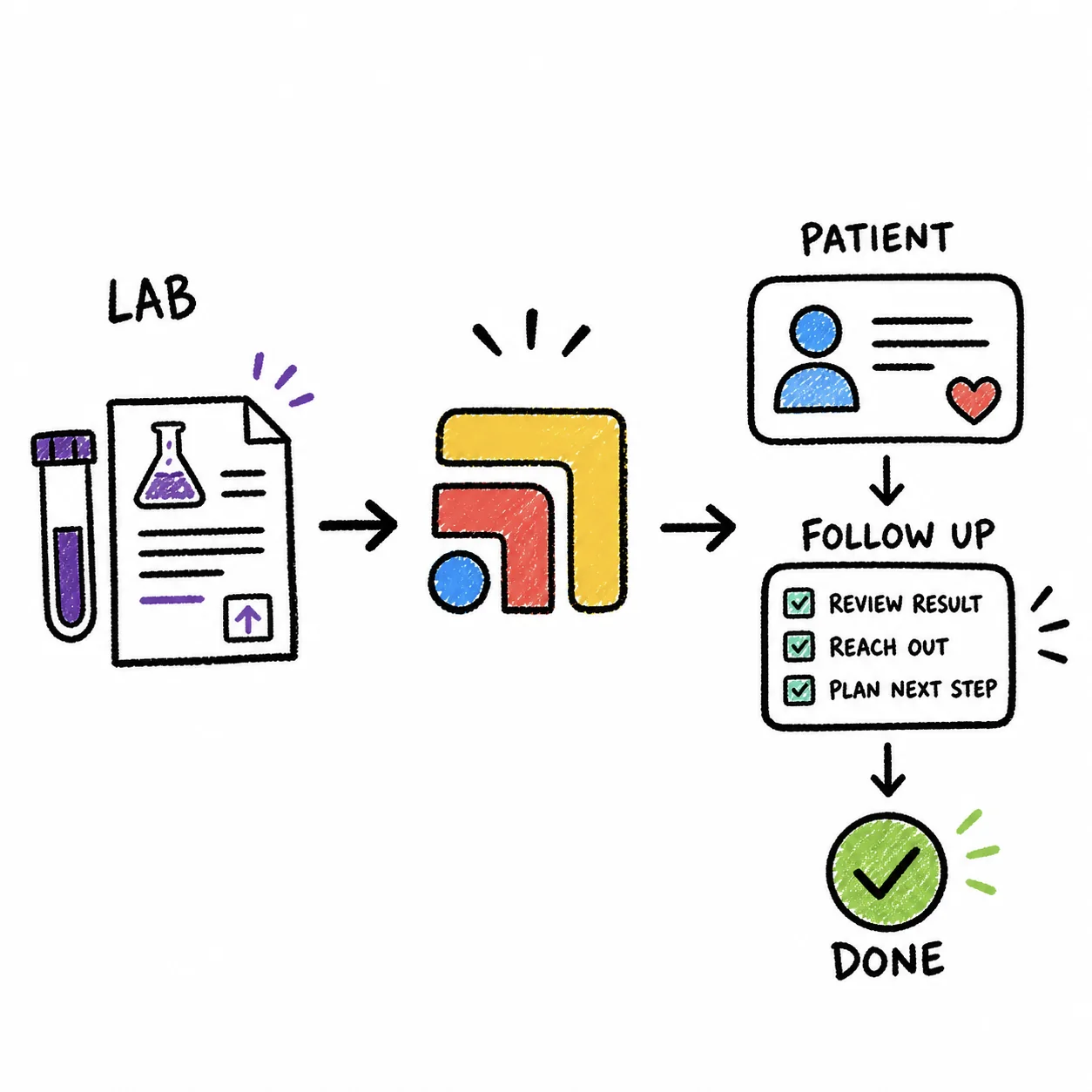
Multiply that by the 10–15 patients with results waiting on any given morning, and you've just spent 30–45 minutes on a task that should take a fraction of that. The clicks aren't the real problem, though. The real problem is the mental overhead — every time you switch tabs, you lose your place, you second-guess whether you already reviewed someone, and you burn cognitive energy on navigation instead of clinical thinking.
Lab review is one of the highest-volume, lowest-efficiency workflows in DPC. And almost nobody talks about it because everyone assumes this is just how it works.
The deeper issue is follow-through, not just clicks. Quest and Labcorp send the result, but they do not make sure anyone follows up.
The Hidden Cost of 6 Clicks
It's not just the clicks. It's the re-orientation each click demands. You look at a potassium level in Quest, then switch to the EHR to see the patient's medication list — was that potassium high because of the ACE inhibitor? By the time the EHR loads, you've half-forgotten the exact value and you're scrolling back to find the med list. Then you switch to messaging to tell the patient everything's normal, but wait — was the TSH on this patient or the last one you reviewed?
This isn't a discipline problem. It's a workflow problem. Your brain is doing clinical reasoning, and your browser is making it play whack-a-mole with tabs. Studies on task-switching show that even small interruptions — the kind that feel trivial, like clicking a tab — can take 15–25 seconds of recovery time. Across a dozen lab reviews, that's 3–5 minutes of pure cognitive waste. And that's the optimistic estimate.
One Screen. All the Context.
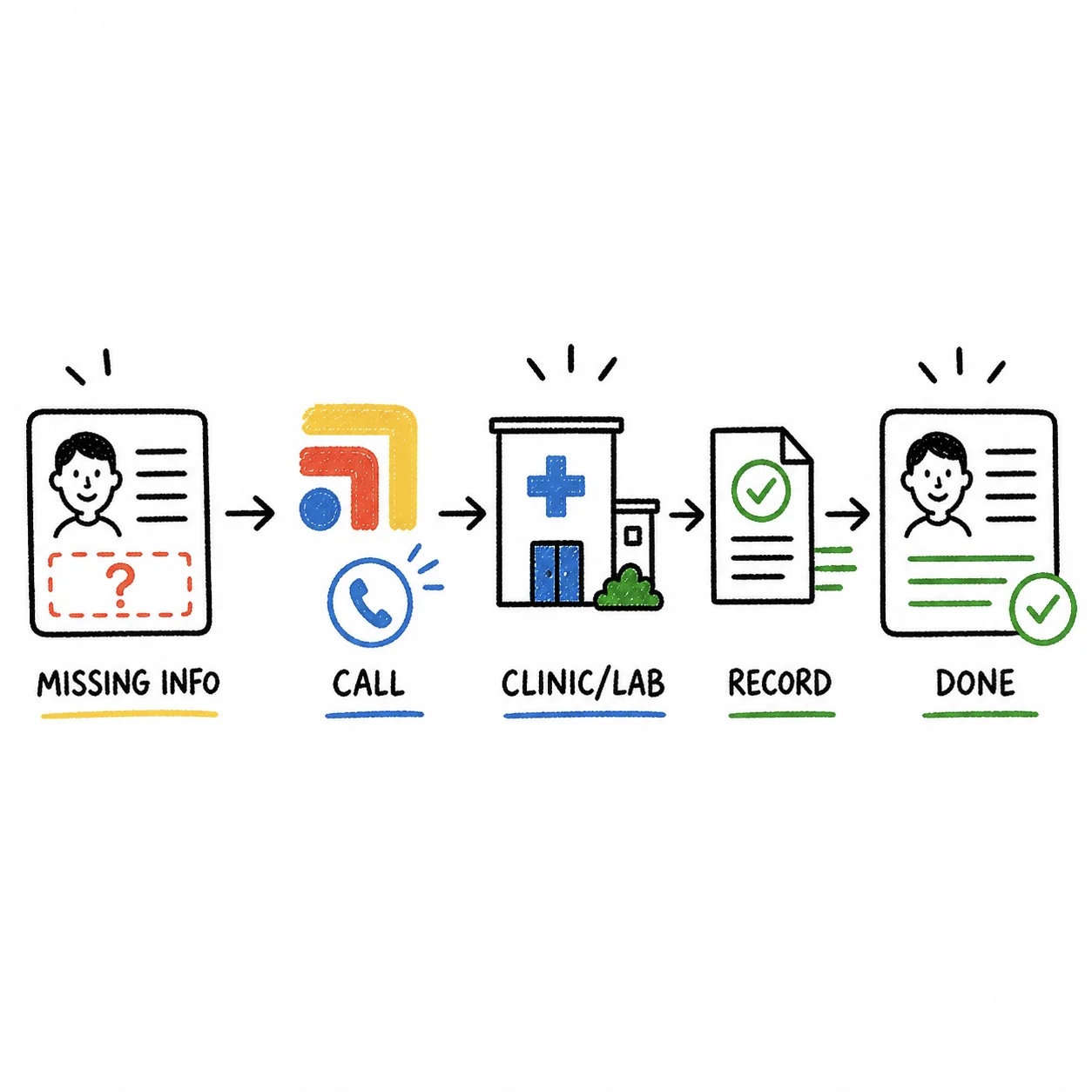
With Tabflows, your lab review workflow lives on a single screen. Quest or Labcorp results on one side, the patient's EHR chart on the other, messaging pinned in a sidebar panel. You review the result, glance at the chart for context, and fire off a message — all without switching tabs, losing your place, or re-loading a single page.
The layout stays consistent, which means your process stays consistent. You develop a rhythm: result, chart, message, next. Result, chart, message, next. That rhythm is impossible when you're juggling tabs because the order of your tools keeps changing — sometimes the lab portal is the third tab, sometimes it's the fifth, and sometimes you accidentally closed it.
Before and After
Before: You open Quest, find a patient's CBC results, then alt-tab to the EHR to check their iron supplementation history. The EHR takes a second to load the right chart. You compare numbers, decide to message the patient, and alt-tab to Spruce. You type the message, realize you need to double-check the ferritin value, alt-tab back to Quest, find it, alt-tab to Spruce to finish the message, then alt-tab to the EHR to add a chart note. Six tabs. Six context switches. One patient.
After: Quest results and the patient's EHR chart are side by side in your Tabflows workspace. You see the CBC and ferritin simultaneously. You glance at the iron supplementation history without switching anything. You open the messaging panel, send the patient a note, and add your chart documentation — all from the same screen. Total tab switches: zero.
Batch Review That Actually Flows
Most docs batch their lab reviews — knocking out a dozen results in one sitting. This is where Tabflows really shines. Instead of opening and re-opening tabs for each patient, your workspace stays locked in. You move through your results queue with the chart and messaging tools always visible. The rhythm becomes automatic, and a stack of 12 lab reviews that used to take 30 minutes drops to 10–15. If you're ordering specialty labs through Rupa Health, the same approach works — see our Rupa Health specialty lab workflow.
Stop the Tab Circus. Review Labs Like a Pro.
Lab results deserve your full clinical attention — not the leftover focus you have after wrestling with browser tabs. Tabflows keeps your lab portal, EHR, and messaging on one screen so you can review results faster, with fewer errors, and without the cognitive tax. Try Tabflows free and fix your lab workflow today.